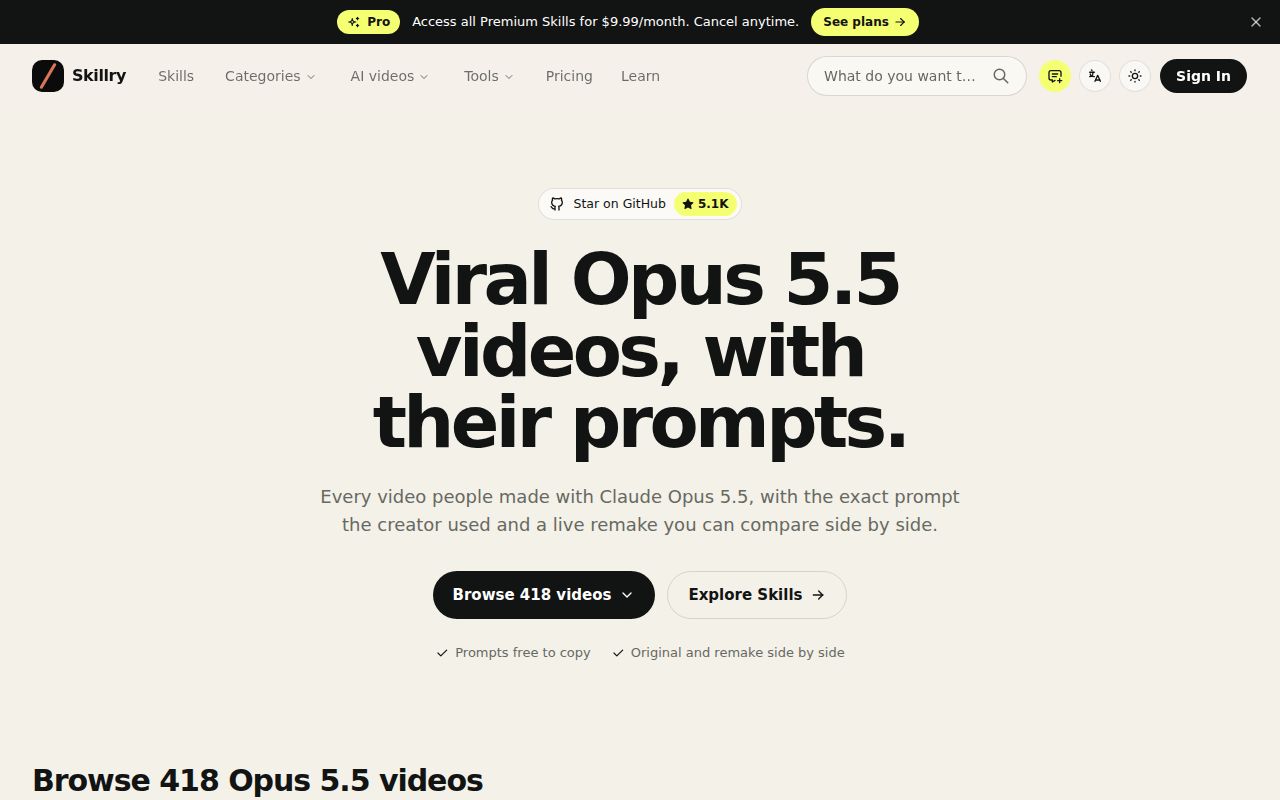
The gallery helps you find a direction before you write code
Awesome Opus 5.5 Videos collects creator posts, animation prompts, and links to browser-based remakes. Its README separates motion graphics from explainers, three-dimensional scenes, and interactive games. That organization helps when your brief is still vague: a product launch loop and a playable scene require different kinds of direction, even if a coding agent can produce both. Start by choosing the kind of result you actually need.
The entries label their remake technologies, including Canvas, SVG, GSAP, and Three.js. Those labels are more useful to a developer than a wall of thumbnails alone. A scene based on browser drawing might fit your existing page, while a shader-heavy piece could need a different rendering approach. The labels still describe the listed remake. They do not establish that the original creator used precisely the same process or that your generated version will behave identically.
What happened when we ran it
We did not run commit 92aee2f: the lab found no supported ecosystem, GitHub reported no primary language, and the repository had no Dockerfile. The October 14, 2026 sandbox had 3 CPUs and 8 GB of RAM, without secrets or elevated privileges. There are no installation, build, test, or audit results to report. Treat the repository as reading material rather than software our harness exercised.
That boundary matters because a working gallery link and a working generated animation answer different questions. Our sandbox did not replay the prompts, compare remakes with originals, or record an output video. A gallery can help you decide what to try, but it cannot establish repeatability across agent sessions. For a paid job, your own acceptance check needs to be the requested scene running correctly with your content and then surviving the recording process.
Some prompt files depend on materials you do not have
The README warns that some creators shared only part of their directions or merely described a result. A concrete example appears in the anabology prompt file: it refers to an attached source video, local reference folders, available service credentials, and generated assets. Copying that text into a fresh agent session does not supply those inputs. You would have to replace the private context with your own materials and permissions.
The moritzkremb entry poses a different problem. Its prompt leaves the agent to choose a familiar software product and find suitable assets online. That freedom can be useful for an experiment, but a company launch needs a tighter brief. Name your actual product, approved claims, and available assets before reusing the idea. Otherwise, you are evaluating the agent's choices as much as its ability to animate the scene.
A creator submission describes revisions rather than a magic prompt
Issue 2 submits a beat-synced Clawd animation and explicitly says there was no single prompt. The creator describes repeated direction in Claude Code and separates the code-based animation from the externally supplied music and thumbnail. That is useful evidence about the work behind a polished result. A short clip in a gallery can conceal a substantial amount of judgment, correction, and asset preparation.
The same distinction makes the collection better as a reference shelf than a model comparison. Creator posts have different starting assets, revision histories, and goals. Their remakes also need not preserve every detail of the original process. Read the source thread before drawing a conclusion about what a prompt accomplished alone. If the distinction matters to your purchasing decision, keep notes on which inputs your own agent actually received and what you changed after its first response.
The documented output is an HTML page you may still need to record
The usage instructions tell you to copy a prompt into the named model through Claude Code, the Claude app, or another agent, ask for a single HTML file, and record the page if you want a video. That leaves the publishing workflow with you. An interactive page can look convincing while still needing a repeatable capture route, finished audio, or an appropriate export for the place you intend to show it.
With no measured execution from our 3-CPU sandbox, I would begin with a self-contained animation that uses approved local inputs. Make the subject and visual movement specific, then check the page in the browser you intend to record. Avoid committing to an elaborate music video from a prompt that assumes unavailable assets. The repository lowers the effort of finding an idea, while production decisions still belong to the person shipping the result.
October activity shows curation, not runtime support
The last push was October 13, 2026, and GitHub reported 5,068 stars and one open issue or PR on October 15. The recent issue list included creator submissions, while the remaining open entry had no descriptive body. No latest release was available. Taken together, these are signs of recent list maintenance with little useful public troubleshooting evidence. A release tag would add little assurance for a repository whose main product is a changing set of references.
Lemo-Opuscar is the more useful alternative when you want reusable film styles accompanied by source and production guides. Product Film fits a launch video built around your own application's components. Keep this gallery bookmarked for the earlier decision: choosing a visual direction and studying how someone described it. Once you find an entry worth adapting, open its source materials and replace every assumption that your project cannot satisfy.