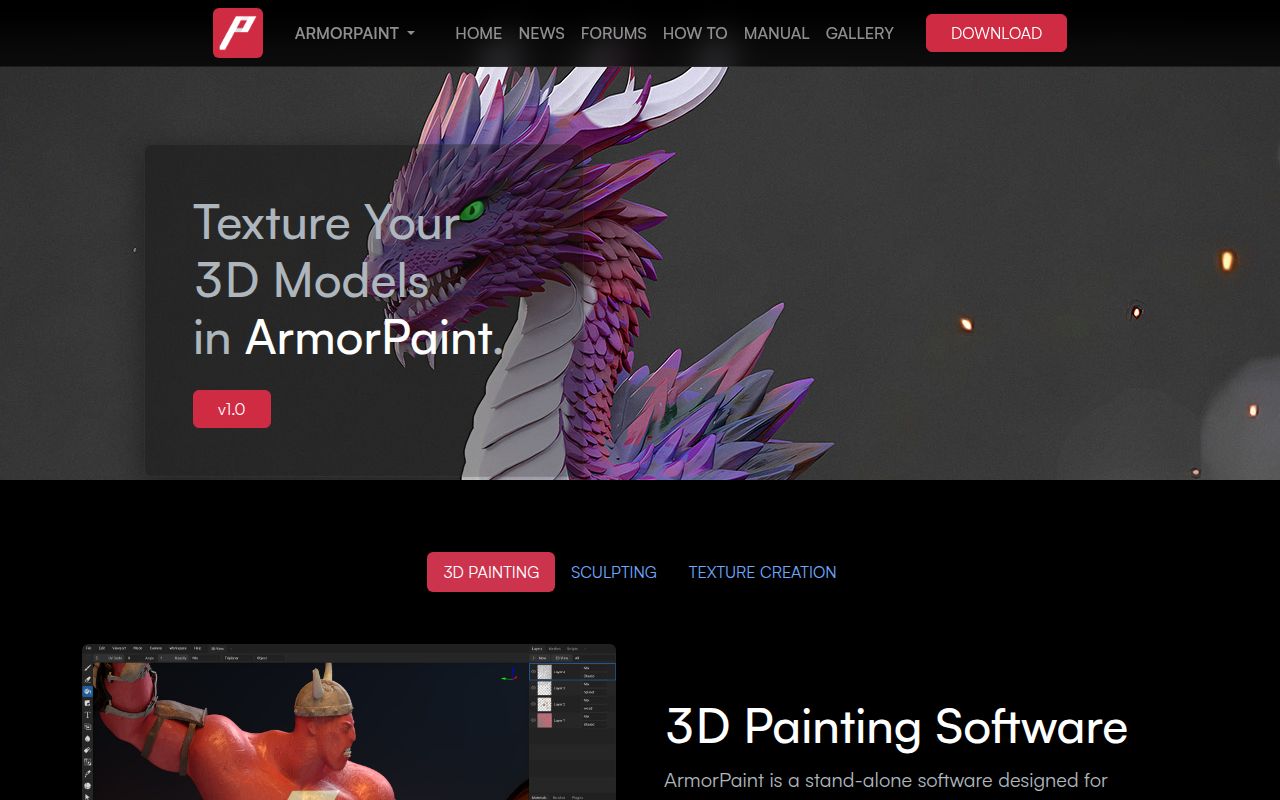
Choose the distribution route before judging setup
ArmorPaint has two different setup paths. Its README says distributed binaries are paid to help fund development, while the Git repository is aimed at developers and may not be stable. The manual describes desktop binaries as portable: unpack the archive and run the application. Building the checkout requires Git and the appropriate platform compiler.
That distinction matters for a 3D artist deciding whether to evaluate ArmorPaint. A source-build review cannot establish how smoothly the packaged application runs, and our lab did not execute either route.
What our recorded run establishes
Our recorded run inspected commit d91edb4 (d91edb475ed5ffe61cde52d07298aa843bd9b0b5) on October 16, 2026 at 02:49:49.494 UTC. The commit timestamp in the record is October 15, 2026 at 23:20:31 +02:00.
The harness marked the project not runnable because it lacked a supported ecosystem for the C project and detected no Dockerfile. The raw execution-step object is empty. There is no recorded install command, dependency download, build, test execution, dependency audit, installed-binary check or measured painting/export workload. The sandbox had 3 CPUs and 8 GB of RAM; those resources do not establish GPU capability or application performance.
This result limits our review. It does not demonstrate a broken build, failed tests, missing upstream tests or a security finding. The current README and manual extracts describe the project, but they are not a verified snapshot of that exact commit: retrieval of its commit-specific README failed.
The documented painting and export workflow
The manual describes node materials and brushes, paint and fill layers, masks, decals, clone and blur tools, and painting in a 2D texture view. Projects save meshes, layers, materials and brushes in an .arm file; the Pack Assets option includes external assets such as textures.
Documented mesh imports include OBJ, FBX, Blend, STL, glTF and GLB. OBJ import can split by UDIM tile. The mesh tools include UV unwrapping and basic modifiers. If you change UVs inside ArmorPaint, the manual says to export the modified mesh alongside the textures so they map correctly.
Texture exports support 8-bit PNG or JPEG and 16-bit or 32-bit EXR. The Unreal preset packs occlusion, roughness and metallic; the Unity preset packs metallic, occlusion and smoothness. Custom presets configure individual RGBA channels and can be imported from JSON. These documented controls make channel packing a useful part of an evaluation, but we have not checked the resulting files in an engine.
Baking includes ambient occlusion, curvature, normal and height maps, among other modes. Several modes require ray-tracing hardware. The manual also warns that its path-traced viewport favors performance over correctness. Treat that viewport as a documented preview option rather than a validated final-render reference.
Check GPU requirements and where processing happens
Painting runs on the GPU according to the manual. Its 4K minimum is Intel HD4000; its 16K recommendation is an Nvidia RTX 2080 with 8 GB or better. These figures are vendor guidance, not measured throughput or quality results from our lab.
The manual says neural nodes process locally and can operate without an internet connection after model downloads. It recommends at least 6 GB of video memory, while individual listed models range from Real-ESRGAN at 1 GB to Qwen at 16 GB. Hunyuan3D is listed as Windows-only with 12 GB required.
The console has a separate choice that affects this distinction. The manual describes local Qwen processing, but selecting claude, grok or codex sends console processing to the cloud and requires access configured on the computer. Do not assume every AI-assisted operation stays local merely because neural nodes do.
Read issue histories through their latest supplied updates
Issue 2111 no longer supports an unqualified claim that grid snapping remains broken. On September 15, 2026, the maintainer reported a fix at fe6b787 and closed the issue as completed. The same comment says the brush-rasterization concern still needs work and suggests the decal tool for a square brush. We did not test that fix or establish which packaged builds include it.
Issue 2031 was closed as completed on September 2, 2026 after follow-up by email. A September 8 comment from the reporter still describes Apple Pencil trouble on iOS 18. This is a version-specific report, not evidence that OBJ import or painting fails on every current iOS device. The manual continues to label iOS and Android builds experimental.
Issue 2052 remains open in the supplied extract after being closed and reopened on October 24, 2026. The original report concerns Blender project imports on Linux Mint 22.3, ArmorPaint v1.0 alpha 2026/04/11 at 8f273f7 and Blender 5.1.0. Later comments discuss temporary-file paths. These reports justify checking your own Blend import route; they do not establish a universal import failure.
The release page identifies version 1.0 with tag 26.09. That label alone does not verify workflow reliability. Sculpting remains marked work in progress in the manual, and live-link plugins for Unreal, Unity and Blender are described as in development.
How to use the ratings
These are editorial evidence assessments, not benchmark results. The scale is 1 for substantial documented barriers, 2 for limited support or unresolved evaluation gaps, 3 for a documented usable route with qualifications, 4 for detailed support across the reviewed needs, and 5 for comprehensive support corroborated by relevant execution evidence. Each category applies that scale to its own evidence; unknown adoption or compatibility earns no credit.
Setup receives 3/5 because the documentation provides a portable binary route and platform build instructions, although neither was executed here. Documentation receives 4/5 for its concrete workflow, format and hardware guidance. Community receives 2/5 because the supplied issue discussions show maintainer responses but do not establish adoption or representative support quality. Maturity receives 3/5 because the 1.0 release coexists with explicitly unfinished features and a reopened import report.
For a practical next step, use one asset representative of your work. Check its import path, required brushes and layers, save/reopen behavior, texture channel packing and final appearance in your target engine. If local processing matters, check the selected console model as well as neural-node settings.