One MCP server can control 4 very different interface families
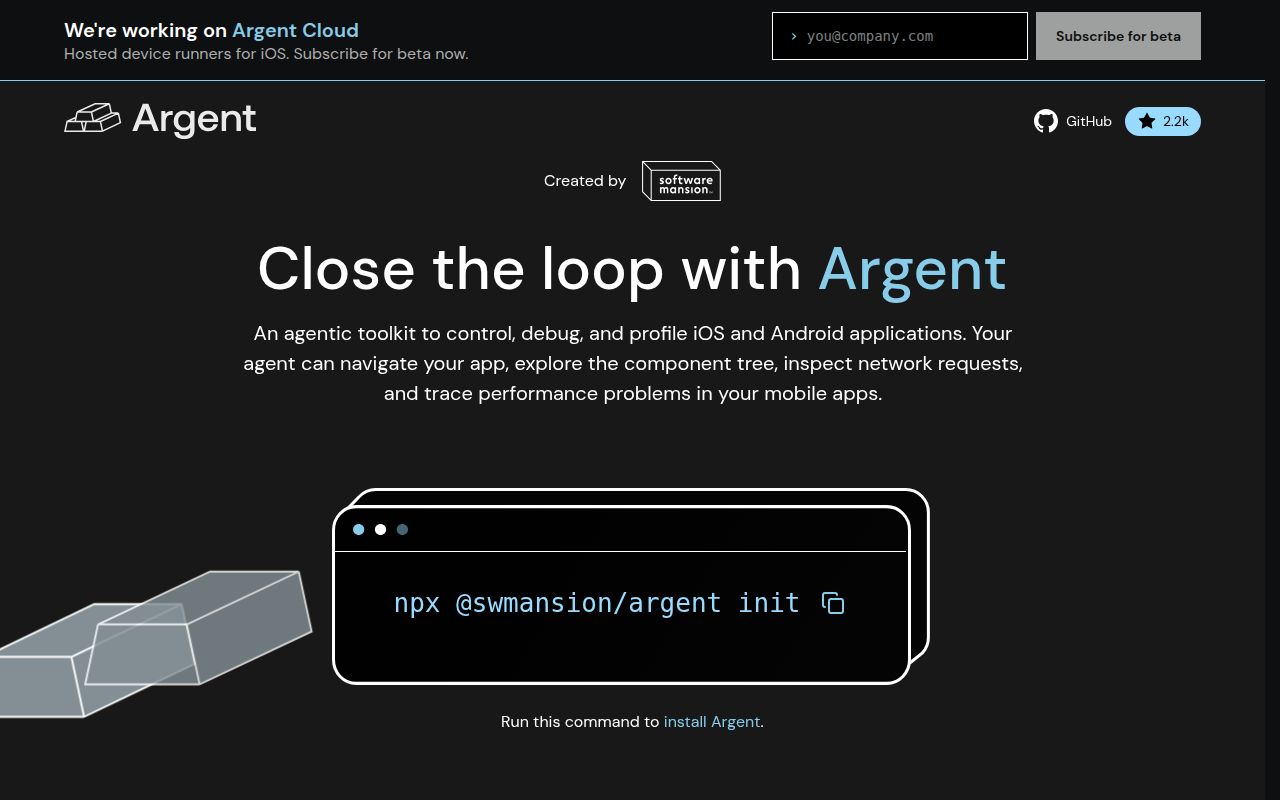
Argent gives an AI coding client a common tool surface for iOS simulators, Android emulators and physical devices, TVs, and Electron or Chromium applications. The actions change with the target: touch gestures on phones, remote buttons on TVs, and mouse or keyboard input on desktop apps. An agent can also inspect component trees, logs, network activity, cookies, storage, screenshots, and profiler output. That breadth is the reason to consider Argent. It is also a large permission grant.
The installer registers Argent as an MCP server for Claude Code, Cursor, VS Code, Windsurf, Zed, Gemini CLI, Codex CLI, Hermes, OpenCode, or Kiro. It copies agent instructions and project files into the workspace. A local mode can pin Argent in devDependencies and commit the generated configuration so teammates receive the same version. Global mode is quicker for one developer, though it makes project behavior depend on whatever version is installed on that machine.
A 30-second build passed without any project test target
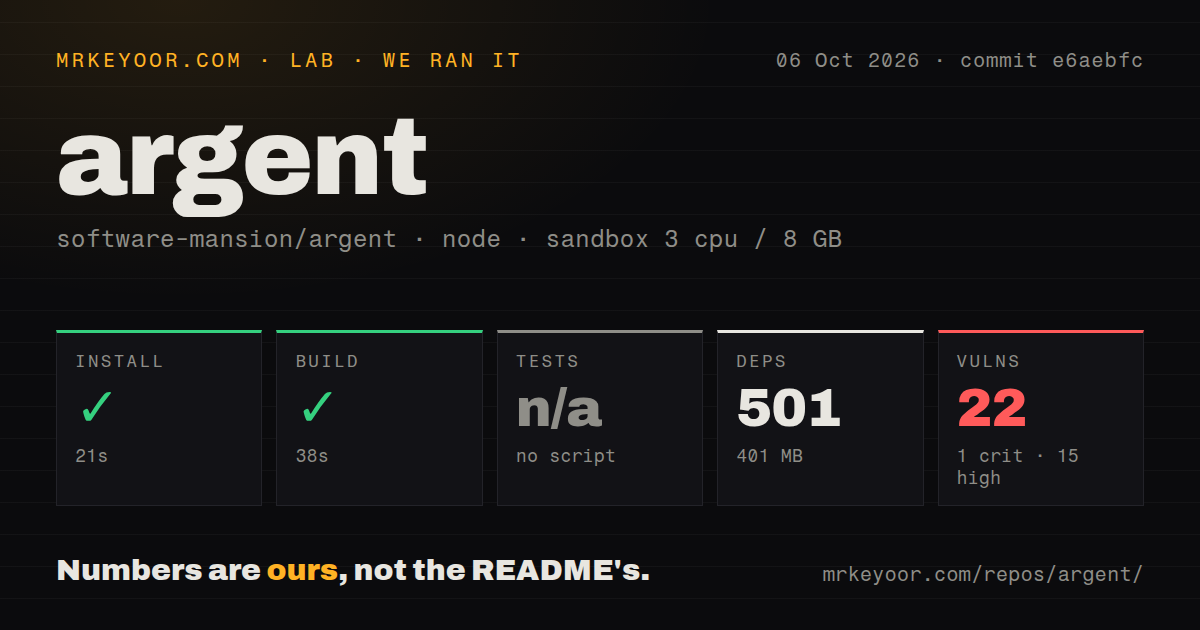
Our Node 22 sandbox installed 501 npm packages in 47 seconds and used 401 MB. The build completed in 30 seconds. The checkout contained 1,210 files, about 233,095 source lines, and 84 MB before dependencies. It is a workspace monorepo with 18 CI workflow files and no Dockerfile. Those figures make the clean build encouraging, especially for a package that connects to several native toolchains.
Tests were a different story: the repository exposed no test script or target, so our harness skipped them. The scan also found no tests directory. We did not substitute an internal command or infer coverage from the 18 workflow files. A successful TypeScript build confirms compilation at commit 2740a3e; it does not prove that taps, replays, tree reads, screenshot comparisons, or profiler sessions produce correct verdicts on supported devices.
What happened when we ran it
Our install and build took 77 seconds combined on 3 CPUs with 8 GB of RAM. Npm audit reported 11 known vulnerabilities in the installed dependency tree: 8 high, 3 moderate, and 0 critical or low. The supplied measurement does not identify the packages or show whether a vulnerable path is reachable. A team should inspect the full audit result before letting the MCP server handle app credentials, cookies, storage, captured traffic, or arbitrary JavaScript evaluation.
We did not boot an iOS simulator, connect Android over adb, launch a TV image, or attach Chrome DevTools Protocol to an app. Those workflows require host hardware and system packages outside the fresh Debian container. Our run therefore measures repository setup and compilation only. Argent's most important promises concern real devices and stateful app interaction, so a useful evaluation must replay known passes and known failures on the same target types your team ships.
Recorded flows can report work as passing when it failed
Issue 964 shows flow-add-step recording a debugger status as a successful step even when the result says no app is connected. The next replay then scores the same step as failed. Issue 965 expands the class: an idle wait can lose its last error, a device boot can return a native-devtools initialization failure, and a Chromium cookie set can return false while the flow still appears green. These reports are code-specific and were open on August 25, 2026.
Issue 961 describes a visual-regression collision. Two screenshot crops with the same name and basic selector, but different relational scopes, can receive the same baseline identity. Updating baselines may overwrite the first image with the second, and a later run can compare against the wrong crop without warning. For test automation, these are serious defects because they affect the verdict rather than merely the display. Keep human-readable screenshots and negative controls in the acceptance suite.
Platform setup is part of the product, especially on Linux
Argent requires Node.js 20.12 or later. iOS and Apple TV work needs macOS, Xcode, and the relevant simulator runtimes. Android requires Platform Tools, adb, and an emulator package if Argent should boot virtual devices. Fire TV work adds the Vega SDK. Electron and Chromium control uses Chrome DevTools Protocol, either by attaching to a process launched with a debugging port or by letting Argent start it.
Linux emulators need access to /dev/kvm; otherwise they fall back to software emulation. The project chooses SwiftShader by default to avoid broken or black windows on mixed graphics stacks, with an environment override for verified host rendering. Headless runners need a no-window setting. Project-local installation compiles native tree-sitter dependencies when prebuilt binaries are unavailable, so Linux arm64 and Windows arm machines also need a C or C++ compiler.
Apache-2.0 source ships with proprietary native binaries
The repository metadata names Apache-2.0, and the README applies that license to the source code. It separately says per-platform simulator-server binaries, the macOS accessibility service, and native iOS devtools libraries are proprietary Software Mansion components. Their terms prohibit decompiling, reverse engineering, or redistribution without permission. That mixed model may be acceptable for internal use, but it is materially different from an all-Apache toolkit for vendors that redistribute developer environments.
Telemetry is opt-out, with commands to inspect or disable it. Release v0.22.1 added a project-scoped opt-out and a local installation flag for disabling telemetry. GitHub showed 2,246 stars, 286 combined issues and pull requests, and a last push on August 26, 2026. The active queue suggests rapid correction as well as rapid change. Argent is worth a guarded mobile-team trial; the 11 advisories, absent test target, mixed license, and false-pass reports rule out blind release-gate use.