Apktool 3.x gives you an editable APK tree, not the original source
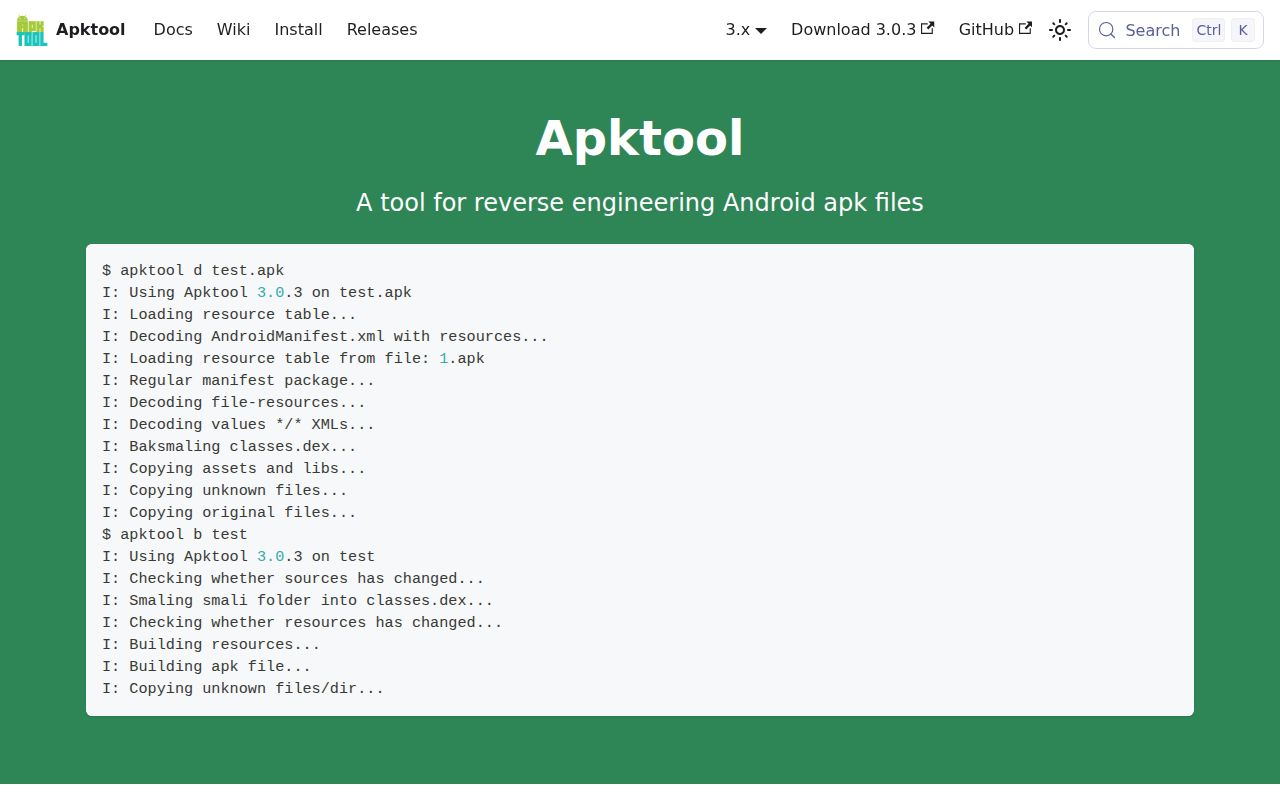
Apktool 3.x opens the parts of an Android package that a normal unzip leaves compiled. It decodes the binary manifest and resource table, restores XML and other resources to readable forms, and disassembles classes.dex into smali. The output resembles a project because you can edit it and build it again. It is still a reconstruction, so Java or Kotlin source, original comments, and the developer's Gradle project do not reappear.
That distinction decides whether Apktool belongs in your toolbox. Resource localization, manifest inspection, 9-patch work, and a small smali change fit its model. Reading a large application's logic is slower at the smali level, and JADX itself warns it cannot recover 100 percent of code. JADX is the better first view because it produces Java-like output and has a searchable GUI. Use Apktool when the result must go back through a package build.
What happened when we ran it
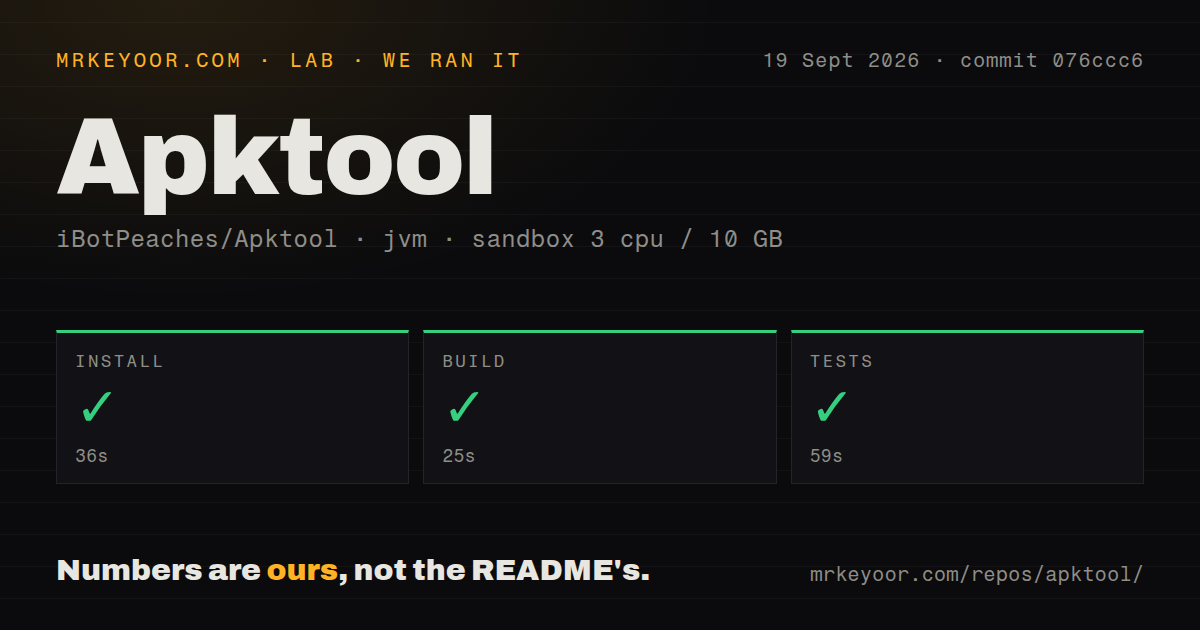
Our sandbox installed Apktool in 36 seconds, built it in 25 seconds, and completed the tests successfully in 59 seconds. We used commit 076ccc6 in an unprivileged container with 3 CPUs, 10 GB of RAM, no secrets, and a Java 21 image. Each step returned success, so there is no failed test or missing system package to explain for this checkout.
The repository measured 57.1 MB checked out, with 386 files and about 21,238 lines of source. Our scan found 3 CI workflow files, no Dockerfile, and no directory literally named tests. The successful 59-second test step matters more than that directory convention: the project ran its available checks in the fresh environment we were given. These figures describe the measured commit, not every published jar or operating system.
Java 8 runs the jar, while source builds need a newer JDK
Java 8 is the minimum documented runtime for the released jar. Linux and macOS installation means downloading the jar and a small wrapper, renaming the jar, marking both executable, and placing them on the path. Windows uses a batch wrapper. No account, database, API token, or background service is involved, which keeps a first decode much simpler than setting up a mobile analysis platform.
Building Apktool from source is a different setup. The official guide asks for a JDK newer than 11, Git, and Gradle, then documents wrapper commands for ordinary and R8 builds. On Windows, one dependency path reaches 218 characters, leaving a documented 37 characters for the clone location under the old 255-character limit. The install guide also tells Windows users to enable case sensitivity for correct operation. Those are real constraints on corporate workstations.
Rebuilt APKs are unsigned, and vendor packages may need frameworks
The 3.x documentation says a rebuilt application must be signed again before it will run. Apktool deliberately does not preserve a modified package's valid signature, so the missing META-INF directory in a rebuilt APK is expected. Signing is outside its job. A successful apktool b therefore proves that packaging completed, not that Android will accept the result or that an existing installation can be upgraded with it.
Device vendors add another dependency. Apktool can install framework resource packages and store them under a chosen path or tag; those files let it resolve resources that are absent from the standard Android framework. Its FAQ is blunt about "Magic APKs" built with modified OEM tools: some cannot be decoded or rebuilt at all. The --copy-original option is limited to the original signature v1 scheme. Test an untouched decode-and-rebuild cycle before spending time on edits.
A September push matters more than the July release tag
GitHub showed 25,611 stars and 77 open issues and pull requests when we fetched the repository on September 20, 2026. The last push was September 19, one day before our check, while v3.0.3 was published on July 20. That combination points to continuing work after the release rather than a project frozen at its last tag. Stars show reach, though they do not promise compatibility with your APK.
The main branch also carries 3 CI workflows, and the latest commits include Android 17 resource support, dependency updates, and a YAML parser change followed by a hotfix. Those commits do not change the documented format limits. Apktool's own FAQ identifies incompatible OEM packages, and the issue queue remains active. A trial should include the exact vendor package and signing route you expect to use in production.
Choose Apktool for a round trip and JADX for source reading
JADX warns that it cannot recover 100 percent of code, yet its Java-like output, navigation, and search make it easier for tracing application logic. Apktool works lower down: its readable resources and smali are suited to edits that must survive a rebuild. A practical pairing uses JADX for orientation and Apktool for the package tree, without pretending either can recreate the developer's original project.
APKEditor is the other useful comparison when resources dominate the task. It can decode and rebuild binary resources, merge split formats such as XAPK and APKS, and work without aapt or aapt2. Choose that narrower route for split-package or resource-table surgery. Choose Apktool when you want its established decode, smali edit, and rebuild loop, then budget the framework and signing work that the 59-second passing test run cannot do for you.