iOS 27.2 beta 3 closes the door
AirCard-iOS depends on private AirTraffic behavior that Apple patched in iOS 27.2 beta 3. The supported window is iOS 18 through 27.2 beta 2, with an important split inside it. Devices on iOS 27 can pair on the phone through Developer Mode. Versions 18 through 26 need a pairing file imported from SideStore, LiveContainer, AltStore, Jitterbug, iLoader, or a computer.
That compatibility rule is unforgiving. An update can remove the app's core access path, and the README explicitly tells users not to update beyond beta 2. This is reasonable for a spare research device. It is a poor bargain on a primary phone that needs current security fixes. The app has no fallback feature set once the exploit is unavailable, no matter how quickly its 288 Rust packages compile.
Wallet, passcode, and wallpaper changes write private caches
Wallet support replaces card background assets and flushes caches so the new art appears. Passcode themes can span all 10 buttons or use individual cutouts, with a live framing preview and .passthm import and export. The wallpaper path unpacks .tendies archives, writes PosterBoard containers, updates descriptors, and triggers a NeoSpring respring to apply the result.
These are direct changes to system-managed files, not a supported iOS theming API. The Rust FFI layer connects to internal services through 10.7.0.1 or another local tunnel route. That explains both the app's unusual power and its fragility. A successful 175-second Rust build in our container says nothing about whether a given phone exposes the required listener or accepts a particular cache update.
What happened when we ran it
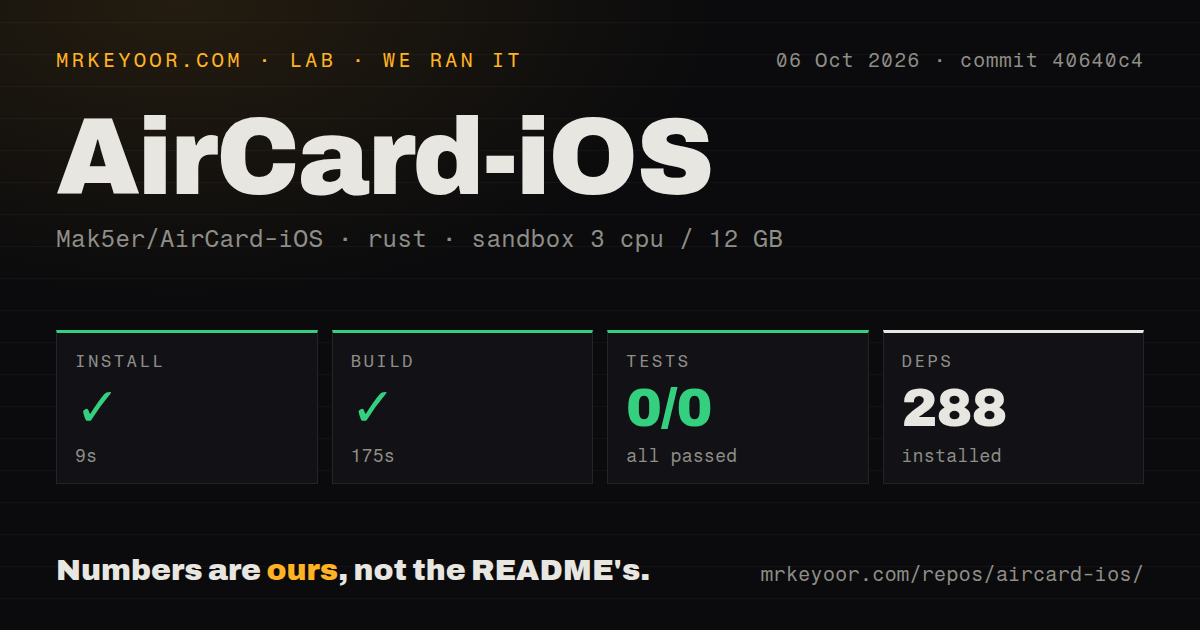
Our sandbox entered rust-core at commit 40640c4 and installed 288 packages in 9 seconds. The Rust build succeeded in 175 seconds. cargo test completed in 12 seconds with 0 passed and 0 failed because it found 0 tests. The full checkout occupied 134.4 MB, with 52 files and roughly 12,470 source lines.
The run used 3 CPUs, 12 GB of RAM, and an unprivileged Rust container. We did not have macOS, Xcode, an iPhone, a pairing record, or a loopback VPN. The repository had a tests directory, but those are iOS unit-test sources outside the cargo command we ran. With 0 CI workflow files, GitHub does not show an automated path that builds the IPA and runs those device-facing checks for each change.
A complete setup has four moving parts
Installing the IPA is only the first step. The user needs a compatible sideloading method, a loopback tunnel such as LocalDevVPN, and a valid device pairing record. The app then has to find RemoteXPC or Lockdown services through that tunnel. On iOS 27, on-device pairing adds a 6-digit PIN flow through Developer Mode. Older supported versions depend on a file created elsewhere.
Source builders need macOS 14 or newer, Xcode 16 or newer, and XcodeGen. The bundled arm64 Rust framework lets most builders skip its longest step. Rebuilding it adds Rust targets for physical devices and simulators, compiles 2 static libraries, then packages an XCFramework. The supplied IPA script performs an unsigned Xcode build and packages the .app; signing and installation remain the user's job.
Pairing success does not guarantee a working tunnel
Open issue 63 describes an iPhone 14 Pro on iOS 27.0.1 where pairing completed but RemoteXPC still returned connection refused. The reporter tried fresh host keys, Developer Mode resets, and 2 LocalDevVPN variants. The device service was not listening on the tunnel interface. Issue 64 shows a similar timeout with advice to confirm that the loopback VPN is active.
Those reports concern v1.3.2's central connection path, not optional polish. Release notes say route caching reduced repeated connection discovery, yet a cached route cannot create a listener the operating system did not expose. Troubleshooting therefore crosses the app, pairing state, VPN route, iOS build, and device service. Someone who wants a simple theme picker should stop here.
Recovery deserves planning before the first flash
A theme can touch Wallet caches, TelephonyUI assets, or PosterBoard storage. Open issue 53 reports that a flashed wallpaper stopped appearing correctly and could not be removed through the app. A separate restoration question was closed around the v1.3.2 release, but the current README does not provide one universal backup-and-restore procedure for all 3 feature families.
Keep original assets and theme exports before changing anything, and test on a nonessential device first. Pairing records also deserve the same care as other device credentials. AirCard-iOS can delete its active pairing file, but copies may still exist in Files, SideStore, a computer, or backups. The convenience of on-device customization is not worth losing the known path back.
v1.3.2 is active but still exploit-dependent
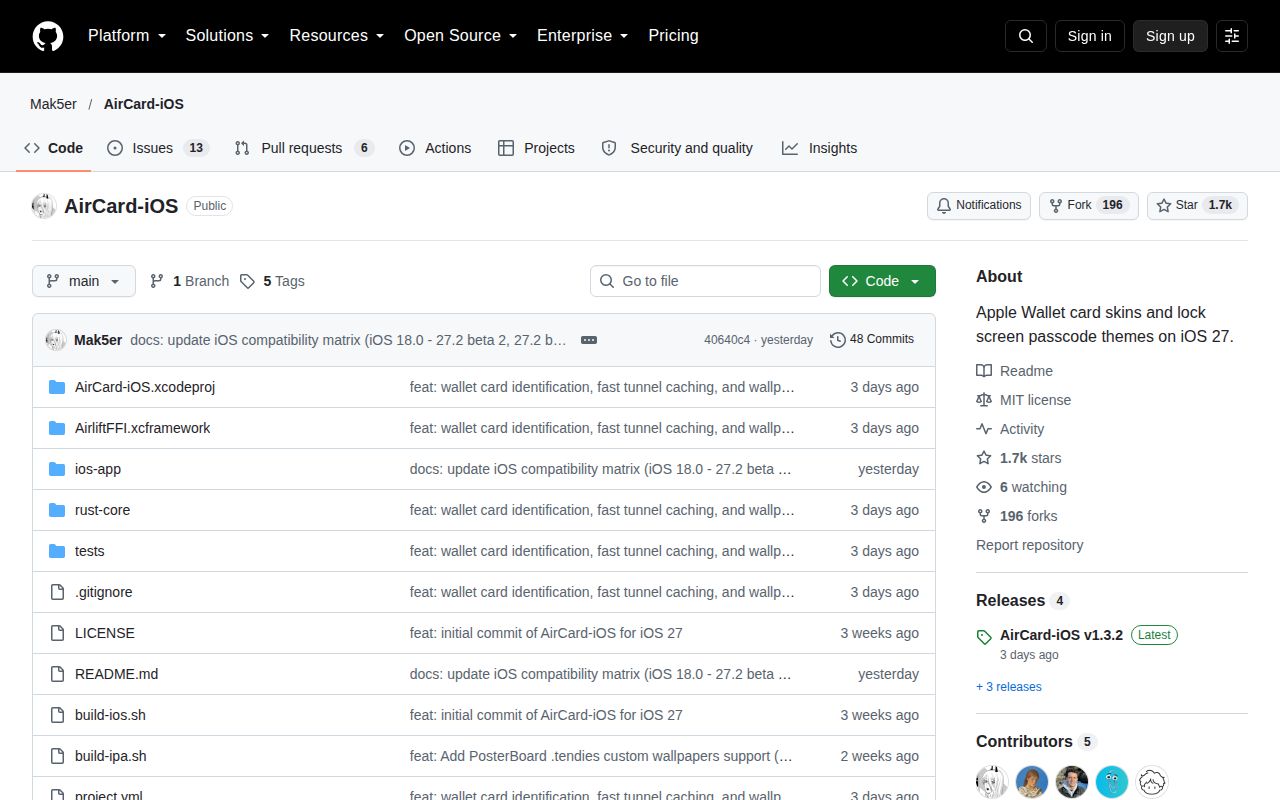
Version 1.3.2 shipped October 4, 2026, and the repository was pushed October 5. GitHub showed 1,714 stars, 196 forks, 13 open issues, and 6 open pull requests on October 7. The issue queue has fresh device reports, while the release addressed card discovery, tunnel routing, and wallpaper injection. This is active maintenance around a moving target.
AirCard-iOS is impressive research packaged into an approachable SwiftUI app. That does not make it safe for every phone. The right user owns a compatible spare device, already knows the sideloading stack, and accepts that Apple can end compatibility with one update. Our 0-test cargo result leaves the device behavior to the project's iOS evidence and your own cautious trial.