The public CLI reads WeChat data but points to private current code
wx-cli-again is built for one difficult job: turn a logged-in user's encrypted WeChat 4.x databases into searchable local records. Its commands cover sessions, unread and new messages, full-text search, contacts, group members, favorites, Moments, official-account articles, statistics, attachments, and exports. Default output is YAML, with JSON available for scripts and agents. The README is written in Chinese and links no English translation, so English-only operators will need to translate detailed security and recovery instructions before touching process memory or database keys.
The public repository is also no longer the full distribution story. Its README directs current users to botiverse/wx-cli, says that repository is private, and warns that anonymous downloads and the old public npm package cannot provide the latest binary. It gives 0.6.3 as an example current version in the private build instructions, while this public repo has no GitHub release. Our lab result therefore describes commit 077a54c in the accessible snapshot. It cannot verify code or binaries hidden behind separate repository access.
The 280 passing tests make the public snapshot worth inspecting
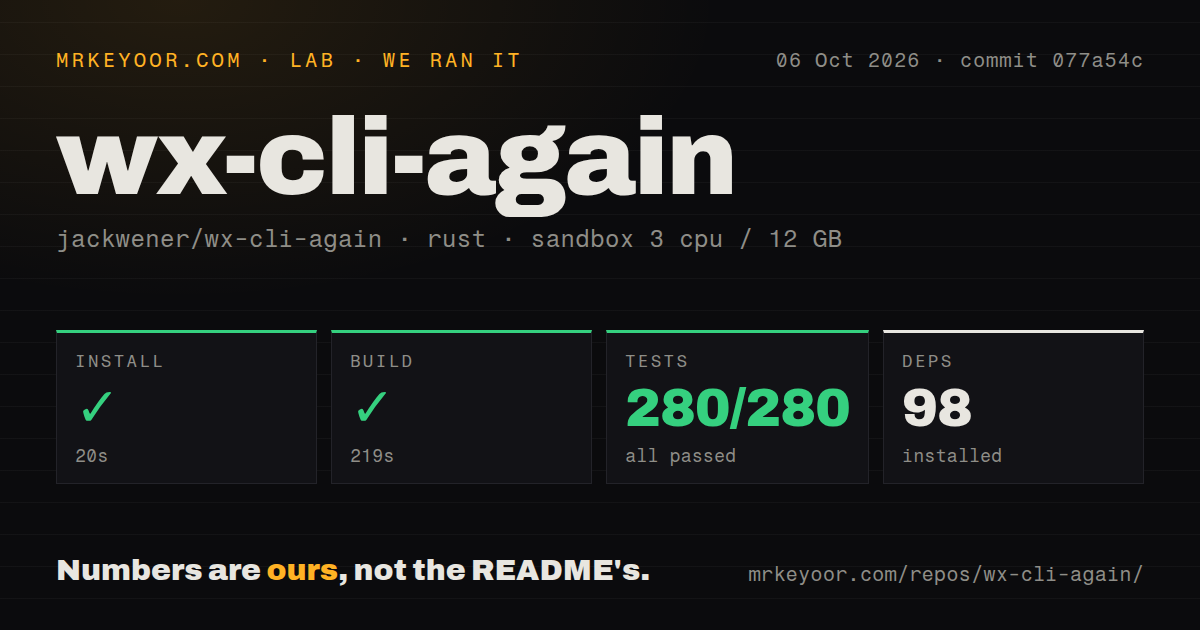
Our checkout held 76 files, roughly 17,173 lines of source, and occupied 0.7 MB. Installing its 98 packages took 20 seconds in a fresh Rust container. Compilation was the slow step at 219 seconds, but it finished without an error. The project has 1 CI workflow file and no dedicated tests directory. As with many Rust projects, tests can live beside the code, and the command found plenty of them.
That clean snapshot is useful for security review because wx-cli handles unusually sensitive material. It stores keys in ~/.wx-cli/all_keys.json, decrypted database cache files under ~/.wx-cli/cache/, and daemon state beside them. The daemon opens SQLCipher databases, tracks modification times, and can reuse cached data instead of decrypting everything on every query. A single binary keeps application dependencies simple, but the generated key and cache files need filesystem permissions, backup exclusions, and deletion procedures suited to a readable copy of your chat history.
What happened when we ran it
Our sandbox installed commit 077a54c in 20 seconds, built it in 219 seconds, and ran cargo test in 14 seconds. Cargo reported 280 passed and 0 failed. The container supplied 3 CPUs and 12 GB of RAM, with no secrets and no elevated privileges. Our measurement method checked repository installation, compilation, and automated tests. It did not attach to WeChat, extract a key, decrypt a user database, or verify an exported conversation.
The distinction matters because the hardest behavior begins after compilation. Passing 280 tests shows that the supplied units and fixtures agreed with the code at commit 077a54c. It does not establish compatibility with every WeChat build or operating-system permission model. We did not measure the README's claim of millisecond responses, and we have no lab timing for searches, exports, daemon startup, or attachment decoding. Those figures would require a real, consented WeChat dataset and the intended host OS.
Initialization reads process memory and needs elevated access
On macOS, the documented first run starts from a local GUI terminal with WeChat 4.x open and logged in, then uses sudo wx init. The process scans memory for database keys and can attach an LLDB hook to capture keys for shards not yet loaded. The README says you do not need to disable SIP and advises against re-signing WeChat by default because doing so can disturb permissions and other behavior. Daily history queries should no longer require sudo after initialization.
Linux also uses sudo wx init, while Windows requires an Administrator PowerShell. If some database shards remain unknown, the recommended retry waits 90 seconds while you open relevant chats in WeChat. V2 attachment decoding is another platform boundary: macOS derives a key from local cache data, Windows scans process memory for candidates, and the README says the Linux path is unsupported. These are concrete operating constraints, not routine command-line setup.
Four open issues expose access and compatibility limits
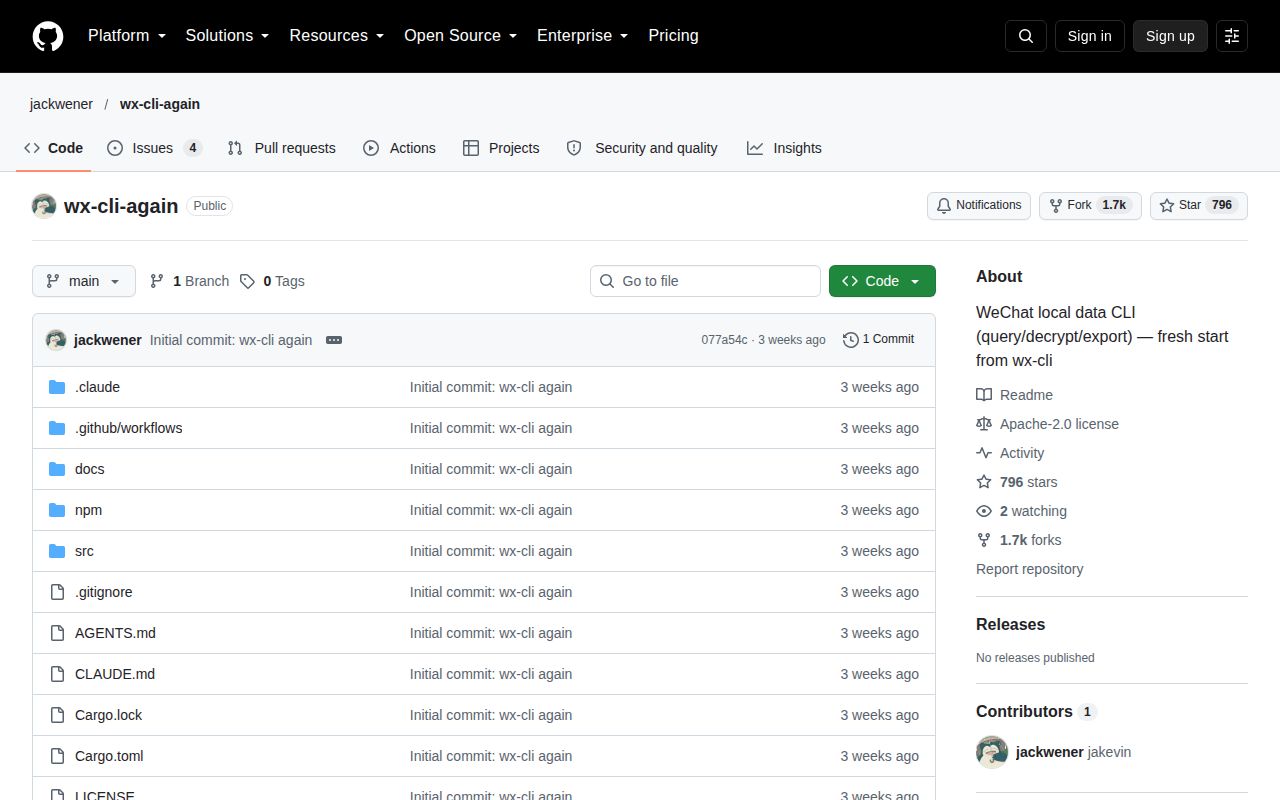
GitHub showed 796 stars and 4 open issues, with no open pull request among those items. Issue #4 asks for access to the latest private repository. Issue #3 reports that WeChat versions after 4.1.15 can show the conversation list while returning no messages for a newly installed client. Issue #1 reports an error in wx key extract, and issue #2 asks for message sending, which the documented read-and-export tool does not claim to support.
The public repository was last pushed on September 14, 2026, and GitHub returned no latest release. Those facts do not make the measured snapshot bad. They change what you can responsibly buy into. The code we ran compiled and passed 280 tests, while the current distribution depends on private access and real-client compatibility that our container could not exercise. For personal research, the public source is substantial. For an automated archive, access to the maintained repository and a test on your exact WeChat build are prerequisites.