A logged-in browser becomes a local OpenAI endpoint
AiPASS gives eligible Thai users browser access to a large model catalog. aipass-bridge puts a Node server on 127.0.0.1:8787, connects it to an unpacked Chrome extension, and lets the extension run requests inside a de.aipass.net tab. Chrome supplies the existing session cookie, so the bridge does not copy that credential to disk. An OpenAI client can then point at /v1 with a dummy API key.
That arrangement supports terminal chat, streamed replies, web-search sources, attachments, account credit checks, and the models exposed by the account. The README lists 33 models at the fetched revision, including image, video, and music choices. Media-specific fields such as aspect ratio, duration, resolution, and audio generation extend the OpenAI-shaped request. This is compatibility at the client edge, not a claim that AiPASS itself implements the full OpenAI API.
What happened when we ran it
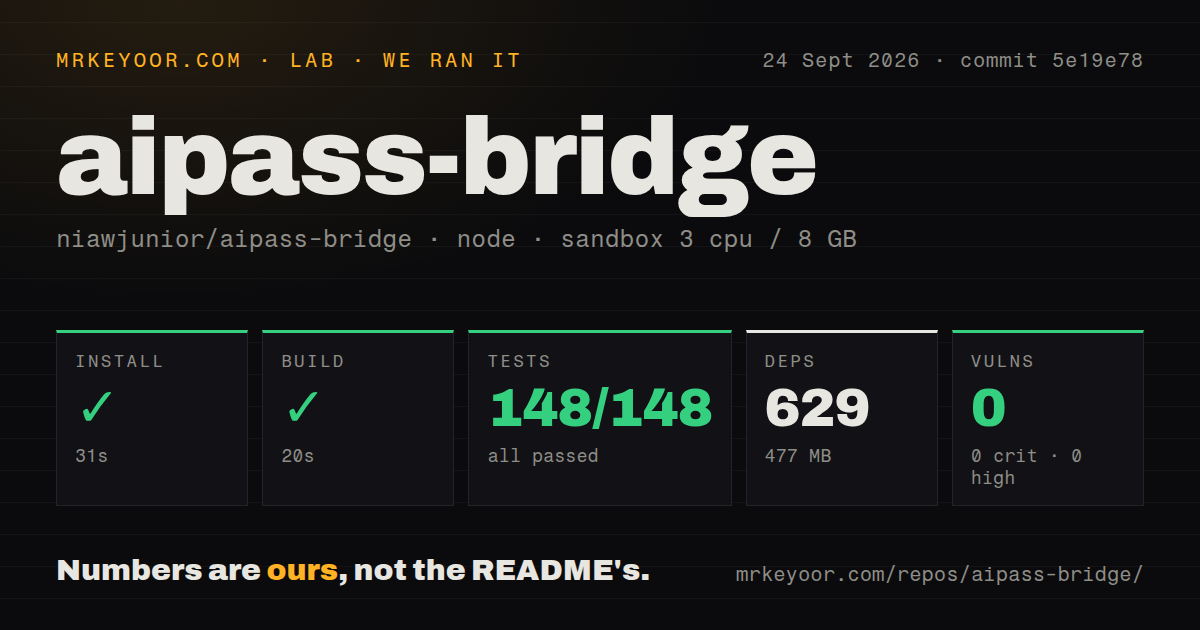
Our sandbox installed 629 npm packages in 31 seconds and used 477 MB on disk. The build succeeded in 20 seconds. Node's test runner then passed 148 tests in 18 seconds with 0 failures, and npm audit reported 0 known vulnerabilities. Those are unusually clean results for commit 5e19e78 in a fresh Node 22 container with 3 CPUs and 8 GB of RAM.
The 5 MB checkout contained 75 files and about 7,692 lines of source. Our top-level scan recorded 1 CI workflow, no Dockerfile, and no tests directory, while the repository documentation points to deployment and test material nested under aipass-bridge/. The passing 148-test command is the result that matters. It also has a limit: the release notes say no test reaches the real browser extension, and our sandbox had no account secrets.
Npm audit's 0 does not cover mistakes in the bridge's own request handling. Version v0.2.0 exists partly because earlier copies allowed any website open in the browser to drive the local bridge. The release closed permissive CORS, added Host validation, restricted process-control routes, and stopped interpolating arbitrary log names. Anyone who cloned before September 2, 2026 needs to update rather than rely on a loopback bind.
One-message forwarding rules out ordinary coding agents
The bridge sends only the newest user message. It drops system prompts and earlier messages because AiPASS stores the conversation on its side, and because the upstream edge can reject agent-style prompt content. The README gives specific examples: paths such as /bin/zsh or $HOME can trigger the upstream filter even when plain prose of the same length passes. This makes basic chat compatible while breaking the assumptions of general agent clients.
Cursor, Cline, and Continue normally resend tool definitions, a system prompt, and conversation history on each turn. Here, those parts never reach the model. The README says such a client answers as if it has no file tools. aipass-bridge includes its own agent instead. It exchanges compact actions for reading, searching, editing, and creating files, then lets AiPASS retain the thread. That is a purpose-built workaround, not generic agent compatibility.
Use the file agent with a narrow project root and inspect every proposed change. Shell execution is off unless --allow-run is supplied. Open PR #45 adds a prompt before each permitted shell command and fixes a path check that could be bypassed through a symlink inside the project. Until that work is merged or you apply and review it yourself, a model working in a repository can reach a broader area than the lexical root suggests.
Headless mode still contains a live account session
The laptop setup takes more than npm run dev. You must load the extension through Chrome's developer mode, open the AiPASS chat site, log in, and leave the tab available. npm run doctor checks the bridge, extension, login, credits, conversation, and a round trip. That diagnostic is valuable because a green Node process alone says nothing about the extension or browser session.
For 24-hour use, the nested deployment runs Chromium, Xvfb, x11vnc, noVNC, the extension, and the bridge in Docker. Both exposed ports bind to loopback by default. The documentation recommends reaching noVNC through an SSH tunnel because it displays a browser logged into the account. If port 6080 is exposed, a strong noVNC_PASSWORD must be set first. The bridge on port 8787 has no authentication of its own.
Anything that reaches that bridge can spend credits. Every message also appears in the AiPASS chat history. This is appropriate for one person's private machine or server, with tight network controls. It is a poor base for a shared internal endpoint because there is no per-user identity, quota boundary, or separation between callers. LiteLLM or another provider-backed gateway is a cleaner fit when official API credentials are available.
Security work is active and unfinished
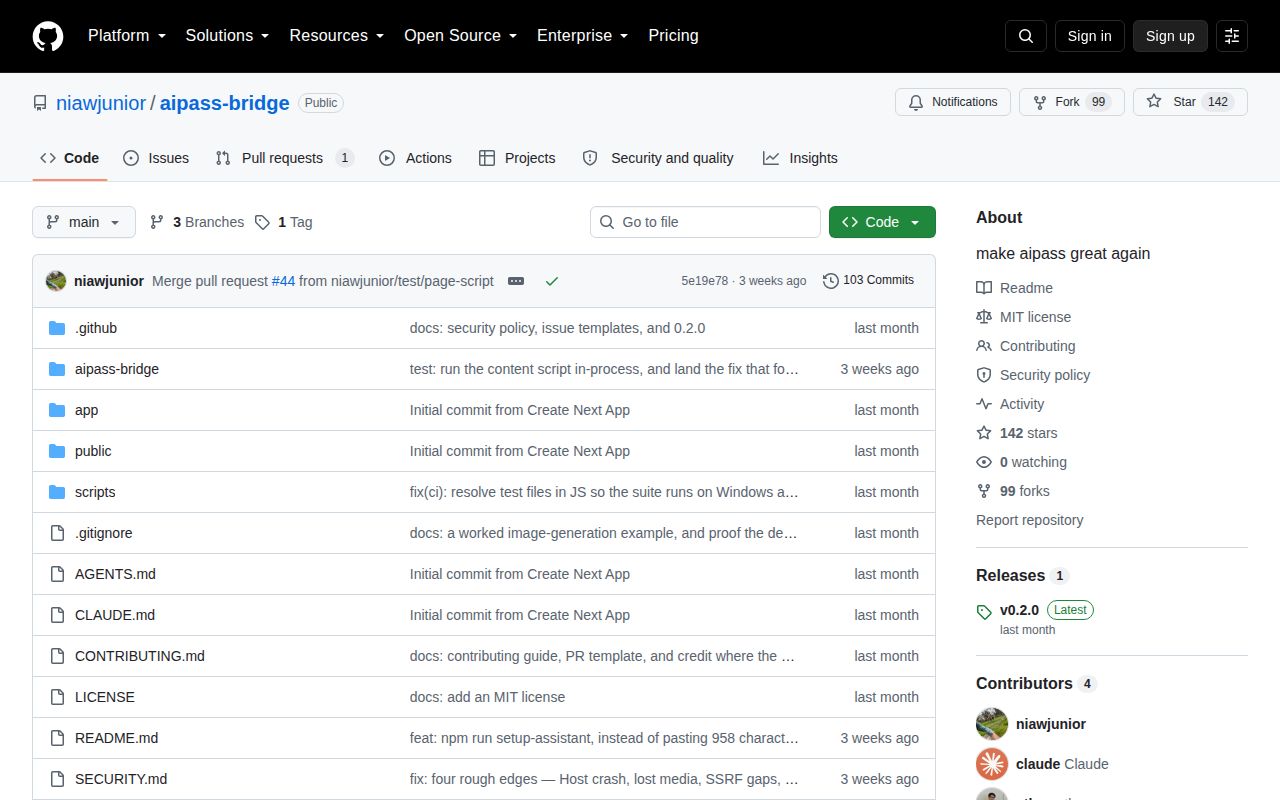
The repository was created on September 1, 2026, and GitHub recorded its last main-branch push on September 5. Release v0.2.0 arrived on September 3 with the browser-origin fix and an MIT license. GitHub showed 142 stars and 1 open item when fetched; that item was PR #45, updated September 28. This is active work, but a few weeks of activity cannot establish long-term maintenance.
PR #45 addresses concrete gaps found after v0.2.0: a local process could impersonate the extension, hostname-based attachment URLs could resolve to private addresses, agent paths could escape through symlinks, and extension reconnect windows could drop jobs. The PR also notes that DNS rebinding between resolution and connection remains outside its guard. That candor makes the project easier to assess, though it does not make the open fixes part of the release.
For an eligible AiPASS user, the 31-second install and 148 passing tests justify a private trial. Keep both ports on loopback, tunnel the desktop, use a disposable project before enabling file edits, and compare the open hardening patch with the code you run. If you need a stable team API rather than personal access to one browser account, choose a gateway built around supported provider APIs.