What our sandbox established
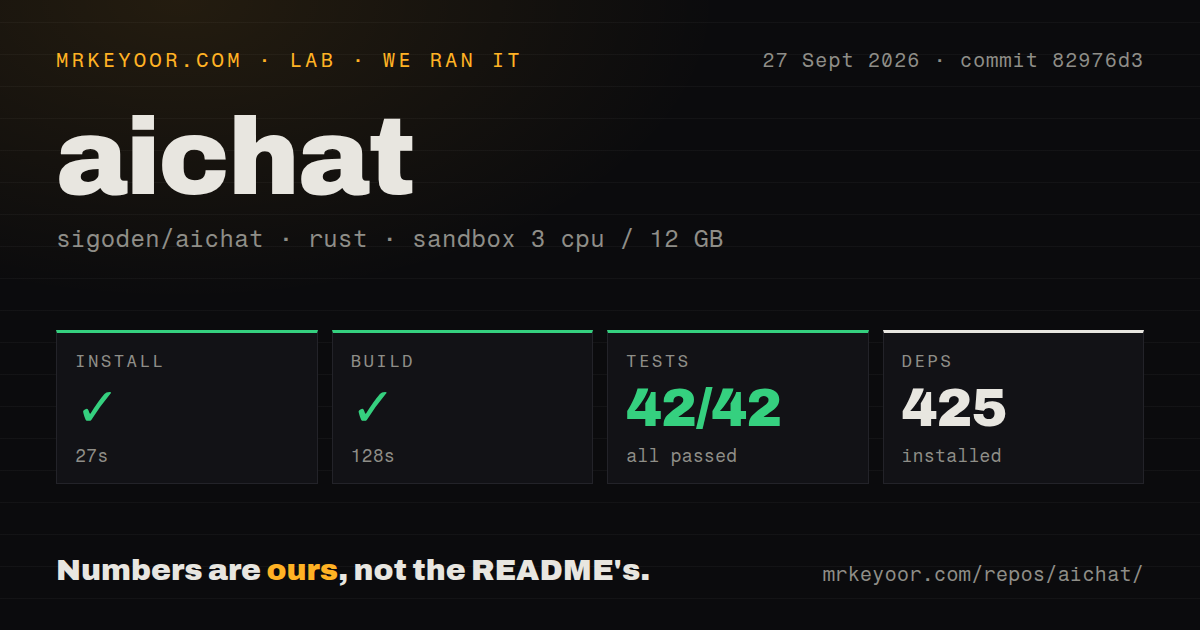
Our run on September 27, 2026, at commit 82976d3 recorded successful install, build and test commands in our sandbox. The environment recorded 3 CPUs, 12 GB of memory and the lab-rust:1 image. The build output identifies aichat v0.30.0.
Our harness stores command success flags, exit codes, timeout flags, elapsed times and output tails separately from parsed test summaries. All three command steps returned exit code 0 without timing out. That supports a narrow conclusion: installation, compilation and the test command completed in this environment.
The attached stored parser summaries report 42 passed, 0 failed and 42 total. The raw Cargo footer is repeated before and after a replay marker, and the record explicitly warns that aggregation may double-count suites. We preserve those stored figures without treating them as a unique or exhaustive test count. The visible named checks concern areas such as prompt parsing, document splitting, rendering and paths; they do not establish live provider coverage.
MrKeyoor's testing methodology explains how command outcomes and parsed counts reach a review. That page describes the publisher's procedure and limits; its current version does not establish which procedure version governed this older run. This correction uses the stored run and includes no new execution.
We did not test live model requests, answer quality, inference speed, shell-command execution, MCP connections, retrieval quality or HTTP-server deployment. A successful build or test command cannot establish those behaviors. The audit field is null, and scan coverage is unknown.
What AIChat puts in the terminal
AIChat combines terminal chat, document retrieval, tools and agents in one CLI. The README at the measured commit documents command and interactive modes, hosted providers, Ollama support, file input and saved sessions. These are documented capabilities, rather than workloads verified by our sandbox run.
The configuration concepts have different jobs. A role holds a prompt and model configuration; a session preserves conversation context. Document retrieval brings external material into a conversation. The README describes an agent as instructions, tools and documents. Start with ordinary chat so that provider configuration and agent configuration do not become the same troubleshooting problem.
The documented shell assistant generates commands from natural-language requests. Review generated commands before executing them. Tool access also deserves a deliberate choice about which files and credentials the tool can reach. Our run did not evaluate execution safeguards.
Treat the server as a separate evaluation
The README documents aichat --serve with chat-completions, embeddings and reranking endpoints, plus a browser playground and model arena. Those features may make AIChat useful as a local interface for another application, but our recorded commands did not exercise them.
The measured checkout had no Dockerfile or Compose file. That observation does not prove that deployment is impossible or that no external packaging exists. It means this run supplies neither container-packaging validation nor evidence about authentication, TLS, request limits or operation by multiple users. Evaluate those requirements before adopting it as a shared service.
Maintenance remains an open question
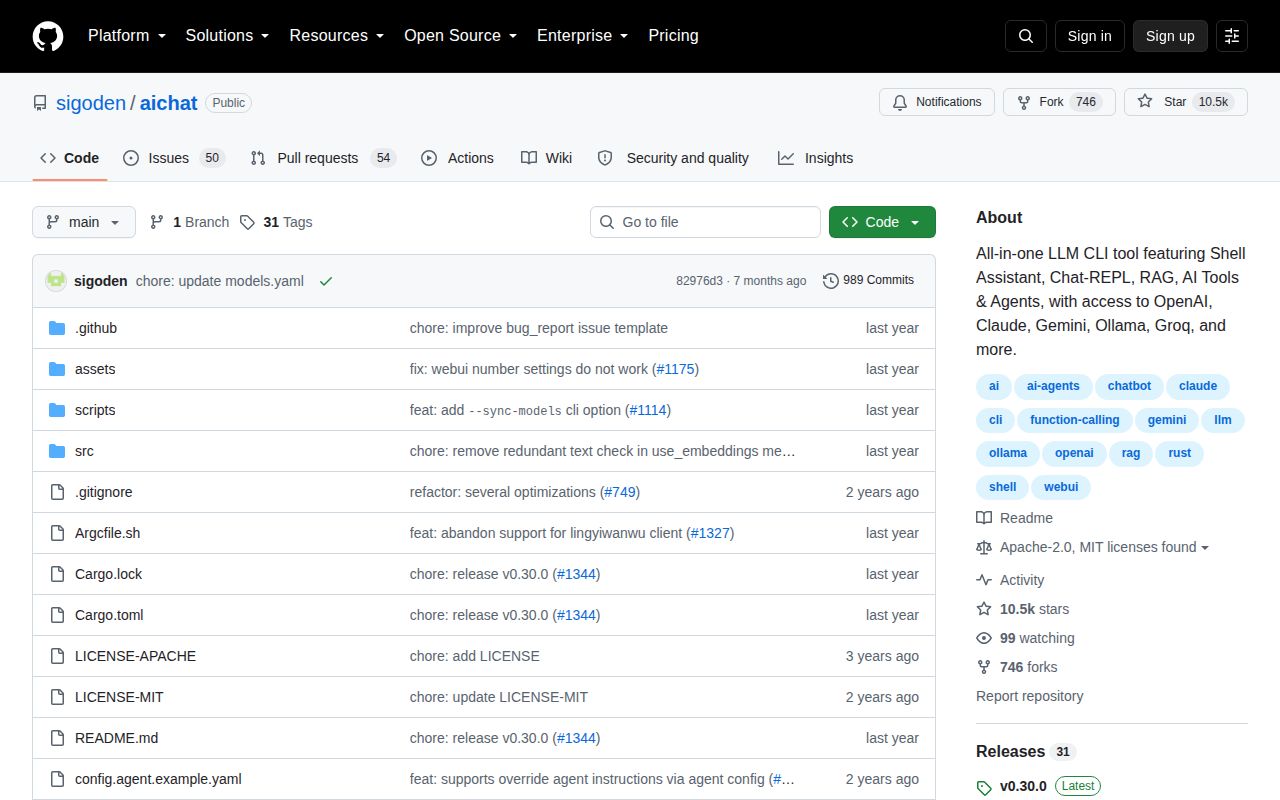
The supplied release page labels v0.30.0 as latest. In issue #1517, opened May 4, 2026, a user asks about the release gap and whether development should continue in a fork. The supplied discussion contains user opinions, not a maintainer commitment or shutdown announcement.
That uncertainty matters when a workflow depends on an external provider. Before standardizing on AIChat, pin the version you evaluate and exercise the provider, model and tool-result formats your workflow needs. The supplied extracts do not independently establish the previously described Bedrock defect or local-agent setup problem, so neither is a finding of this review.
Which alternatives answer a different need?
LLM provides a CLI and Python library and can store prompts and responses in SQLite. Its README also documents model plugins. Choose it as an alternative client when Python integration or queryable prompt history is central to your workflow. We did not compare its performance or setup time with AIChat.
Mods was sunset and its repository archived on March 9, 2026. The project notice directs development effort toward Crush and says much of Mods' functionality is available in Crush's non-interactive mode. Consider Mods for an existing pipeline you intend to maintain; its pipeline focus alone is insufficient reason to recommend it for a new maintained setup. We have not evaluated Crush here.
Ollama has a REST API for running and managing models. Its README documents its own chat command, while AIChat lists Ollama as a supported provider. Ollama can therefore complement AIChat as the model service. Its own CLI may also be enough if you only need to chat with models it serves.
How to read the scores
These are editorial ratings, not benchmark results. The rubric is 1 for substantial documented obstacles, 2 for significant limitations, 3 for a usable basis with material unresolved questions, 4 for strong documented support with bounded gaps, and 5 for broad validation with few material gaps. Each dimension applies that scale to setup, documentation, community support or maturity respectively. An unassessed dimension would use a null score and identify the missing evidence.
Setup ease is 4 because the recorded install and build completed and the README provides several installation routes; provider setup remains untested. Documentation is 4 for the README's concrete modes, input examples and linked guides, without claiming that every guide was checked. Community is 3 because the supplied issue shows participation but leaves maintenance responsibility unresolved. Maturity is 3 because the recorded build and test commands succeeded while live integrations and deployment remain unverified.