LLM 0.33 makes model access feel like a Unix command
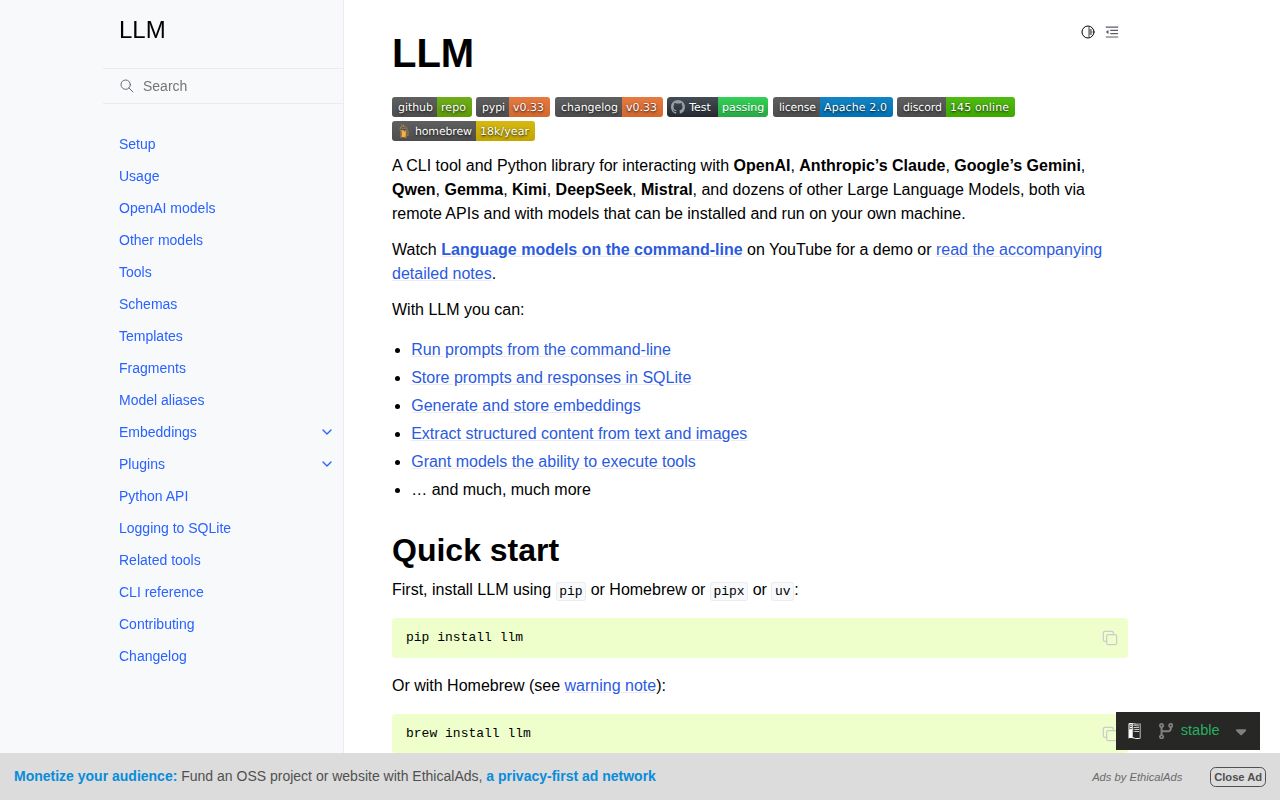
LLM turns a prompt into a shell command and a Python call. The base tool can use OpenAI models or an arbitrary OpenAI-compatible endpoint; plugins add Anthropic, Gemini, Ollama, and many other hosted or local backends. Inputs can come from arguments, pipes, files, images, audio, or video. Responses can stream to the terminal, continue a conversation, follow a JSON schema, or feed the next command.
This is a good shape for developers who already live in a terminal. A code file can be piped into a system prompt, a template can preserve recurring options, and a shell script can select a model without embedding each provider's SDK. The Python API exposes the same concepts for applications that outgrow shell composition. It is less suitable for colleagues who expect accounts, a shared browser, and an administrator dashboard.
Release 0.33 arrived on 2026-08-22. It moved to the OpenAI Python library 3.x, added per-call keys for embedding commands and APIs, preserved server-side tool results in logs, allowed repeated templates to combine in order, and tightened schema errors. These changes show the project's value and its maintenance burden: provider behavior, reasoning metadata, tools, and attachments keep changing beneath a supposedly simple command.
SQLite history is useful and sensitive
Prompt and response logging is a first-class feature. LLM stores conversations in SQLite, supports search and JSON output, records model and tool information, and can expose the database through Datasette. That makes experiments reproducible enough to compare, revisit, or turn into a dataset. Version 0.33 also distinguishes server-executed tool results from local ones in its logs.
The same database can accumulate source code, pasted documents, personal questions, tool output, and provider payload details. The documentation includes controls for turning logging off, changing the storage directory, and backing up the database. Use them deliberately. A laptop backup or shared home directory can leak more than an API key if years of prompts sit unencrypted inside it.
Keys have several routes. llm keys set stores named credentials, a --key option passes one for a call, and environment variables can supply them. Plugins decide which provider names and model options exist. Automation should choose one route, restrict permissions on the configuration directory, and avoid printing secrets through shell tracing or captured job logs.
What happened when we ran it
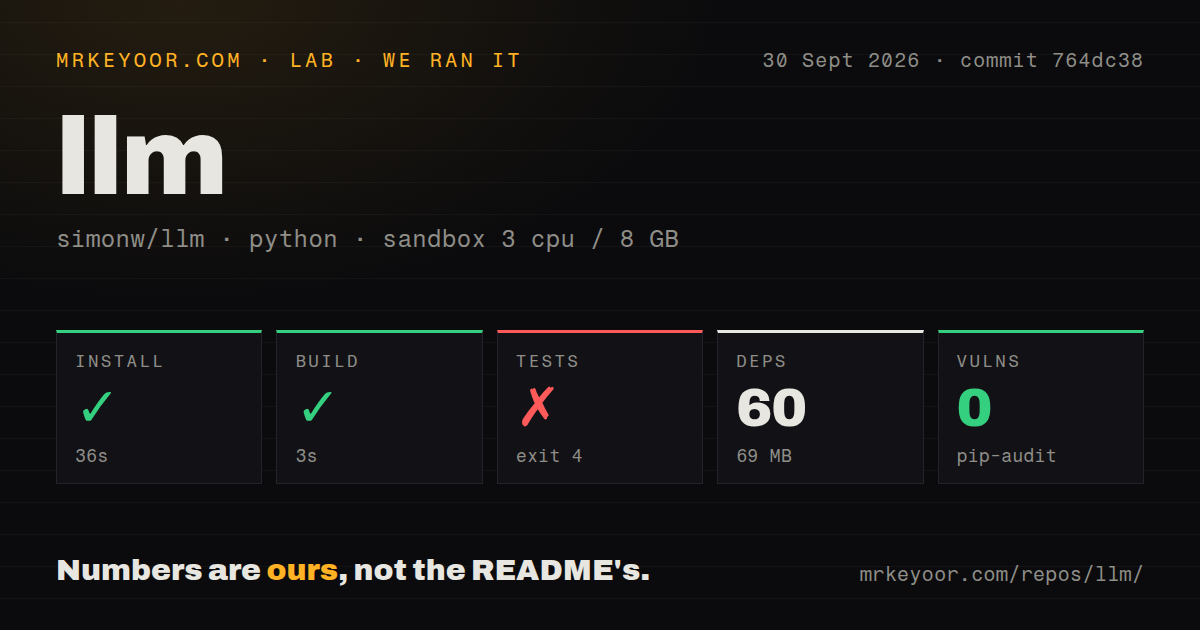
Our run at commit a463c63 installed 60 Python packages in 59 seconds and used 67 MB on disk. The project build completed in 8 seconds. The checkout contained 116 files, about 36,017 lines of source, and occupied 1.9 MB, with 4 CI workflow files, a tests directory, and no Dockerfile.
The test suite did not reach test collection. It exited with status 4 after 8 seconds while loading tests/conftest.py; line 5 attempted to import llm_echo, and Python raised ModuleNotFoundError: No module named 'llm_echo'. That is the full cause shown in the supplied tail. We will not guess whether a development extra, fixture package, or harness step was intended to provide it.
pip-audit reported 0 known vulnerabilities in our installed environment. That number applies to the 60 packages our lab installed for a463c63, not to every optional plugin or local model runtime a user may add. Each plugin can expand both dependencies and permissions. Re-run an audit after locking the exact provider and tool packages used in production.
Plugins solve coverage by moving trust outward
The plugin directory is central, covering remote APIs, local models, embedding providers, tools, template loaders, fragments, and extra commands. Developers get documented hooks for synchronous and asynchronous models, schemas, attachments, tool execution, token usage, and provider metadata. A provider can evolve outside the core release rather than waiting for LLM itself.
That separation is productive, though one command such as llm install still installs Python code into the tool's environment. A model plugin may receive prompts and API keys. A tool plugin may run local actions selected through model output. Pin versions, read the package source, limit operating-system permissions, and keep experimental tools away from valuable files. The core Apache-2.0 license does not establish the quality or terms of every plugin.
Provider parity also has limits. Attachments, reasoning, schemas, server-side tools, local tools, and token accounting depend on what a provider and plugin implement. Release 0.33 added attachment validation before a conversation prompt, which is better than discovering the mismatch after a paid call. Still, a script intended to switch models should test its exact feature set against each candidate.
The 676-item queue mixes issues and pull requests
The repository was pushed and released on 2026-08-22, and active work continued in issue and pull-request updates through 2026-08-26. GitHub's 676 open count combines issues and pull requests. Recent activity includes Windows chat key bindings, local-time log display, log deletion, API-key validation, plugin-directory additions, MIME detection, and dependency declarations. This is a busy interface surface, not 676 confirmed defects.
Documentation is unusually deep for a CLI. The generated README links into setup, model providers, tools, schemas, templates, fragments, embeddings, plugins, the Python API, SQLite tables, and every command's help. The density can make the product look larger than it feels. Start with one endpoint and logging choice, then add plugins only when a real workflow needs them.
LLM is a strong personal workbench for an engineer comparing models or turning prompts into scripts. Our build succeeded and the audit found zero known advisories, but the missing llm_echo import prevented any test from running. That contributor rough edge should be fixed or documented; it does not diminish how direct the installed CLI is for ordinary prompt, schema, embedding, and log work.