The socket bridge gives an AI access to Blender Python
A request in your MCP client travels through a local Python server to an add-on running inside Blender. The model can inspect the current scene, create or delete objects, change materials, export GLB or FBX files, take viewport screenshots, and execute Blender Python. That feedback loop is the useful part. You can ask for a change, look at the result, and correct it without translating every instruction into menu clicks or code yourself.
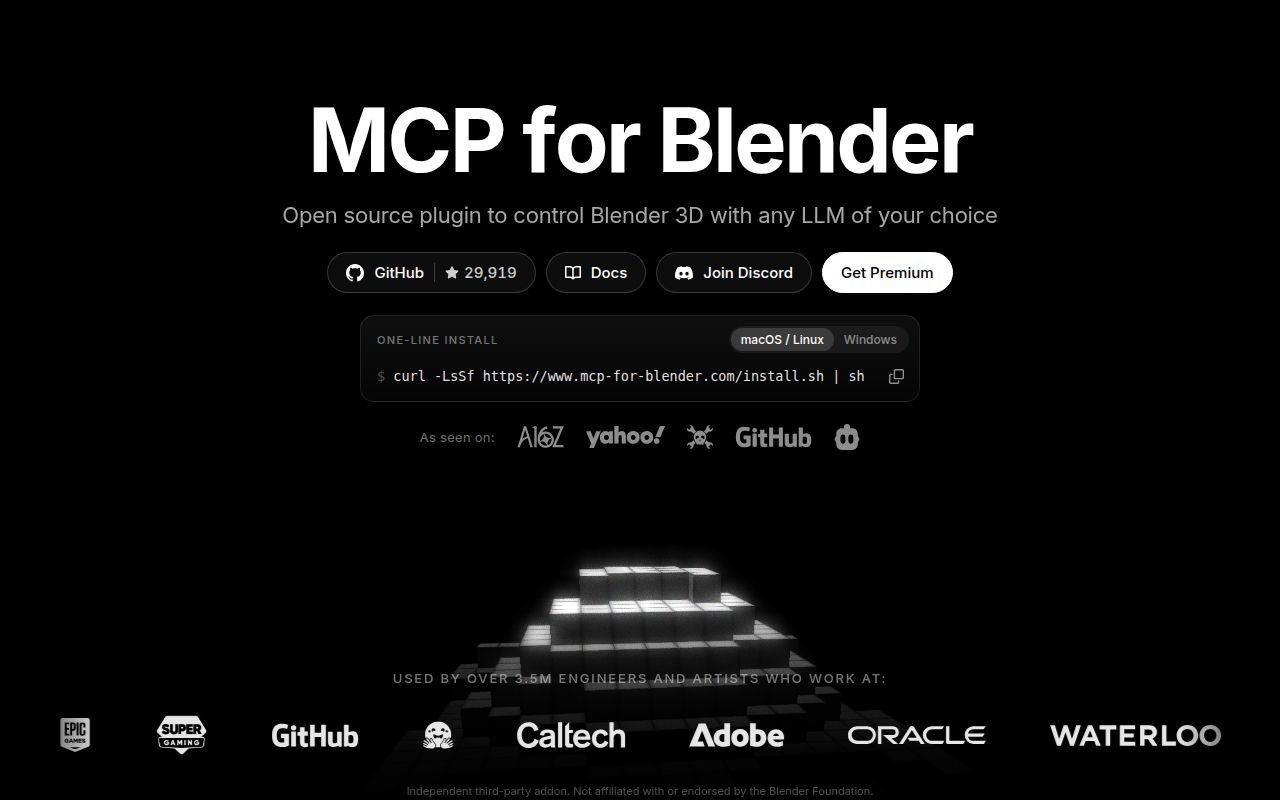
The repository now calls itself MCP for Blender, while the old ahujasid/blender-mcp address redirects to ahujasid/mcp-for-blender. Existing uvx blender-mcp setups remain supported through a compatibility package, and new installs use uvx mcp-for-blender. Our measured checkout was 1.6 MB with 40 files and about 23,556 lines of source. That is a modest bridge into a much larger application, rather than a replacement for Blender's own modeling tools.
Safe mode limits scripts, but port 9876 has no authentication
The add-on listens on localhost at port 9876 by default. Its socket protocol has no authentication or encryption, so the bind address is part of the security boundary. The README tells users to keep it on localhost or a trusted network. Exposing that port would let anyone who can reach it run Python inside Blender. This is a poor fit for a shared remote service unless you build a separate protected connection around it.
BLENDER_MCP_SAFE_MODE=1 checks generated scripts before execution. It blocks direct file reads and writes, launching other programs, network access, and code intended to keep running after the request ends. Modeling, rendering, saving, importing, and exporting remain available. Safe mode reduces the obvious risks, but it does not make generated scene changes predictable. The project tells users to save before prompting. Minimal telemetry is on by default and can be disabled with one environment variable.
What happened when we ran it
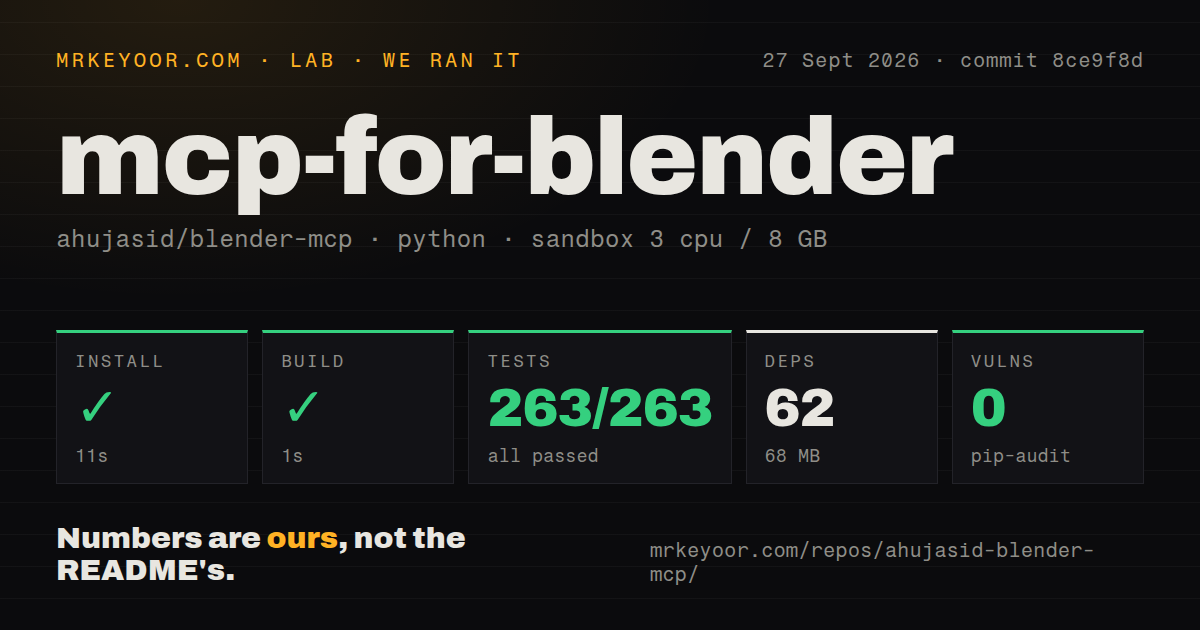
Our fresh Debian sandbox installed commit 8ce9f8d in 11 seconds. The install added 62 packages and occupied 68 MB on disk. The build succeeded in 1 second, and pytest succeeded in 8 seconds with 263 passed, 0 failed, and 1 skipped. Pip-audit reported 0 known vulnerabilities in the installed environment.
The checkout contained 40 files and roughly 23,556 lines of source. It included a Dockerfile and a tests directory, while our scan found 0 CI workflow files. The sandbox used 3 CPUs, 8 GB of RAM, Python 3.12 on Debian, no secrets, and no elevated privileges. These results cover installation, build, tests, and dependency auditing. They do not measure mesh quality, prompt accuracy, or an interactive Blender session.
One MCP client and one Blender add-on must meet locally
The quick route needs Blender 3.0 or newer, Python 3.10 or newer, and uv. Its setup command detects supported clients, adds a blender entry to their configuration, saves backup copies, installs the add-on, and enables it. Manual setup has the same moving pieces: register uvx mcp-for-blender in the client, install the add-on, open Blender, then start or confirm the sidebar server. The README warns against running two MCP server instances at once.
Desktop clients sometimes cannot find uvx because applications launched from a dock or Start menu inherit a different PATH from your terminal. The docs show the practical fix: use the executable's full path. Open issue 380 adds a narrower Windows problem. On German Windows 11, the setup command can misread tasklist output and crash while checking whether Blender is running. The report includes a manual add-on workaround, but the issue was still open on October 3, 2026.
Docker contains only the MCP server. Blender continues running on the host. Docker Desktop can reach it through host.docker.internal on macOS and Windows, while Linux uses host networking because the add-on listens locally. Open issue 372 reports that viewport screenshots fail when Windows Blender is paired with the server in Docker. The report gives no diagnosis, so anyone depending on visual feedback should test that exact arrangement before adopting it.
Asset imports add API keys, license checks, and UI pauses
Poly Haven is the easiest external source because its roughly 2,400 HDRIs, textures, and models are CC0 and need no API key. Downloads run on Blender's main thread, though, so the interface stops responding until each transfer finishes. The README recommends 1k or 2k assets unless the camera needs more detail. That pause can make a chat-driven session feel broken even when the download is progressing normally.
Poly Pizza needs a free API key and may return assets that require attribution. The add-on writes a credit line into imported objects to help preserve it. Sketchfab, Hyper3D, and Hunyuan3D bring separate accounts, credentials, endpoints, and terms. Enable only the providers your team intends to use. A local server does not make those external requests private, and our 8-second test run did not contact or assess any of them.
A September 30 push outweighs the missing GitHub release page
GitHub showed 29,919 stars and 41 open issues and pull requests on October 3, 2026. Search results split that queue into 24 issues and 17 pull requests. The repository was pushed on September 30, and several open reports and proposed fixes were updated around the same date. GitHub returned no latest release, so current maintenance is better judged from commits and issue activity than from a release tag that is not there.
MCP for Blender earns a supervised trial because our 62-package environment installed quickly and its supplied tests passed. Keep the socket local, decide whether to disable telemetry, use safe mode, and save the .blend file before a model starts changing it. Once a prompt sequence becomes valuable enough to repeat unattended, move those steps into ordinary Blender Python that your team can review and version.