One workspace gives an agent a desktop, browser, and documents
Agent Zero is a self-hosted workspace for agents that need to do more than answer in chat. A running instance provides a Linux desktop, browser control, terminal and files, Markdown cowork, LibreOffice document editing, projects, memory, model presets, and plugins. The browser can expose page elements for inspection or change requests, while the desktop lets the agent operate GUI programs that do not have an API. These surfaces stay visible so a user can watch and intervene.
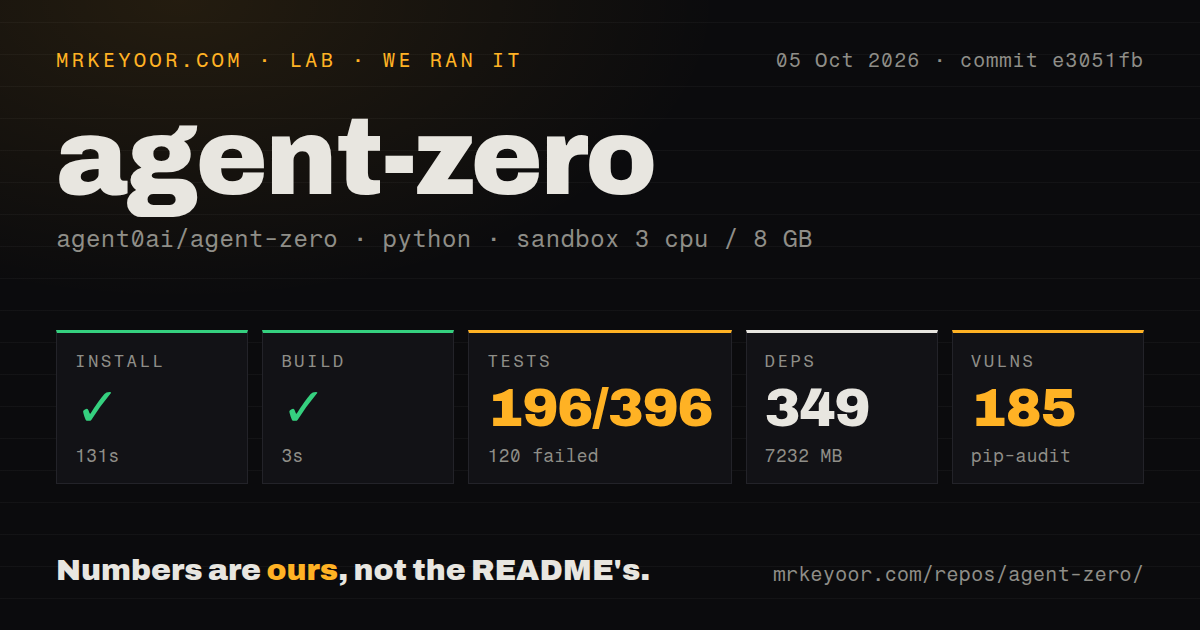
That range comes with a large local footprint. Our Python install added 347 packages, took 129 seconds, and occupied 6,550 MB before any user project, downloaded model, or generated artifact was added. The checkout itself held 2,362 files and roughly 221,024 lines of source. This is closer to running a personal agent workstation than adding a small command-line helper to an existing development image.
Docker isolation is central because the agent can reach real systems
The recommended paths use the A0 Launcher, an installation script, or a prebuilt Docker image. The container supplies the workspace and Linux desktop. An optional A0 CLI connector extends a running instance onto a host computer, where it can reach selected repositories, a terminal, or a local browser. That bridge is useful for real work, but it also changes the damage an incorrect tool call can cause.
The README's safety section is unusually direct: keep Agent Zero isolated, avoid mounting an entire home directory, review access to remote execution, keep credentials out of prompts, and inspect actions involving production systems, money, or accounts. Those warnings fit our 6,550 MB result. You are operating a broad environment with plugins, projects, secrets, and model connections, not a single-purpose bot with a narrow permission set.
What happened when we ran it
Our sandbox installed Agent Zero in 129 seconds, adding 347 packages and using 6,550 MB on disk. The build completed successfully in 4 seconds. Pip-audit then reported 91 known vulnerabilities in the installed environment. The supplied measurement does not give severity or affected-package details, so we cannot rank those findings. A team with a dependency policy should reproduce the audit, inspect each advisory, and decide what is reachable in its deployment.
The test step failed after 44 seconds. Pytest reported 296 passed, 131 failed, 4 skipped, and 69 collection or setup errors out of 496. The log tail repeatedly says that async test functions are not natively supported, including state synchronization, stopping an agent, and stream handling cases. The log does not show why async support was unavailable, and it does not justify converting the 131 failures into passes. commit 6a6cecf did not clear its suite in our stated environment.
Our repository scan found two CI workflow files and a tests directory, but no Dockerfile. That can look odd beside a README centered on Docker. The documented quick start pulls a published agent0ai/agent-zero image, so users do not need a Dockerfile to launch that path. Contributors evaluating how the published image is assembled should trace the separate release machinery rather than assume the root checkout contains every packaging input.
Browser and desktop features justify the weight for some users
The most distinctive part is the shared work surface. Browser annotation turns a clicked element into a concrete request to inspect or change that element. The Canvas displays the Linux desktop, Markdown files, and office documents while the agent works. Time Travel keeps snapshots of the agent-owned workspace, giving users a way to inspect or revert changes without pretending it replaces Git or backups. These features address supervision, not just task execution.
The plugin system makes the workspace wider still. The README describes more than 100 community plugins and extension points for tools, memory systems, UI controls, workflows, MCP servers, and agent profiles. A team can shape one instance around its work, but each addition deserves code review and a permission check. Our audit's 91 known vulnerabilities cover the measured installed environment only; community plugins can add dependencies and behavior beyond that baseline.
Open image-history reports expose a real long-session risk
Issue 1857 reports that historical images can be attached again to later model requests as base64 data. In the reporter's image-heavy chat, request bodies grew until a provider returned HTTP 413, after which retries repeated the oversized body and the interface appeared stuck. The report identifies a specific v2.10 setup and proposes trimming older image parts. It is not proof that every provider or v2.11 session will fail in the same way.
It is still a good adoption test. Run a long chat with the browser, screenshots, and vision tools you expect to use, then watch request size, provider errors, stored history, and recovery behavior. A 44-second test run with 69 setup or collection errors did not give us confidence in those paths. A successful first conversation would say even less about a workspace meant to retain state across projects and long sessions.
August releases show active maintenance and breaking behavior
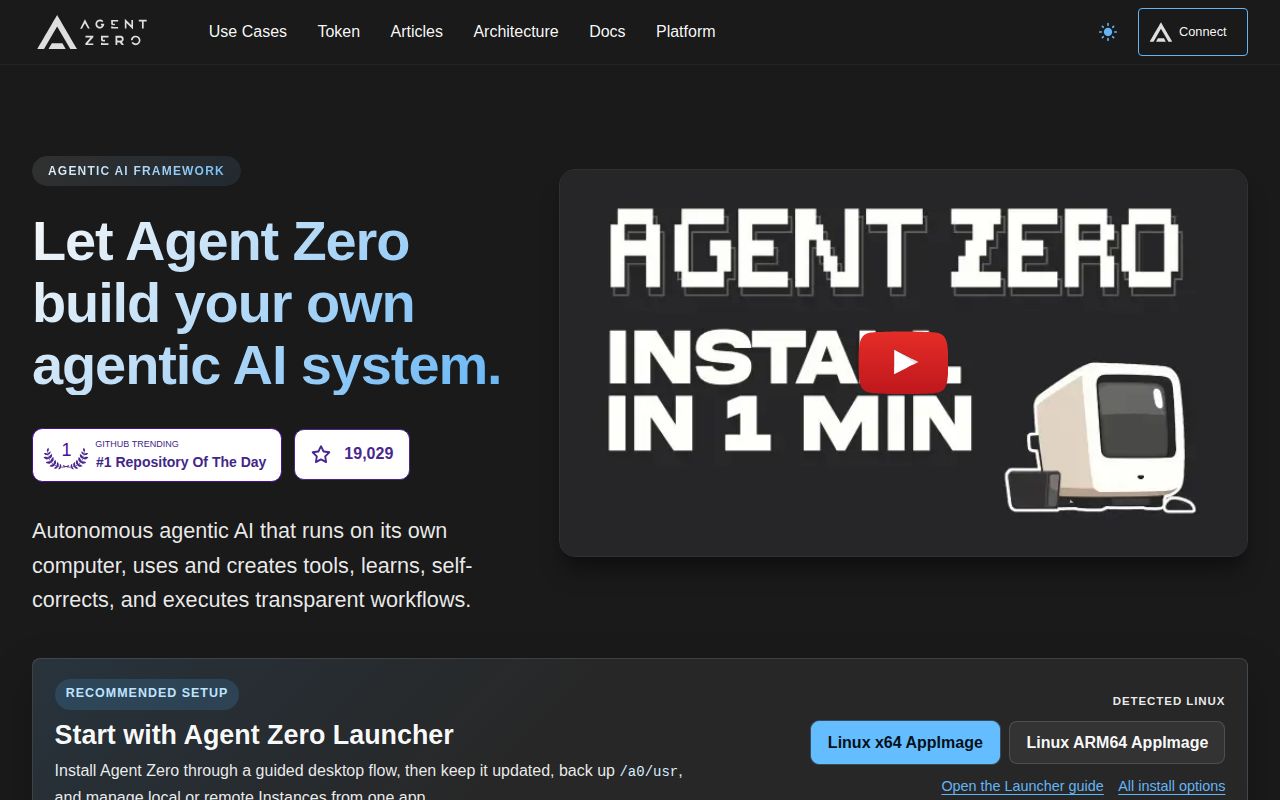
GitHub recorded 19,029 stars, 146 combined open issues and pull requests, and a last push on August 27, 2026. Release v2.11 arrived the same day with streaming changes, UI synchronization work, plugins, memory fixes, browser keyboard settings, and a documented transport change. That is active maintenance. The combined open count is not a bug count, and frequent changes can create upgrade work for operators with custom providers or extensions.
Agent Zero makes sense when its visible desktop, documents, browser, plugins, and host bridge replace several disconnected agent tools. Our run says the price is concrete: 347 packages, 6,550 MB, 91 audit findings, and a failing suite. Put it in an isolated trial, connect the minimum permissions, and test the long-running workflows you care about before giving it valuable credentials or host access.