A waiting agent gets a desk you can walk up to
An agent that needs permission is easy to overlook in a background terminal. Agent Office gives that worker a visible desk, signals when it needs you, and lets you open its live terminal. Repositories become floors, with GitHub issues and pull requests on boards. The playful presentation has a practical purpose if you already supervise several agents and lose track of which session is waiting for a decision.
Our checkout contained 726 files and about 111,913 source lines in 9.5 MB. There is considerably more here than an animated status screen: the project coordinates terminals and worktrees, and exposes worker-management operations through MCP or a command. It can also run tasks across repositories. That breadth makes it worth considering for an established agent workflow, but it creates more behavior to understand than a terminal multiplexer with a few named sessions.
What happened when we ran it
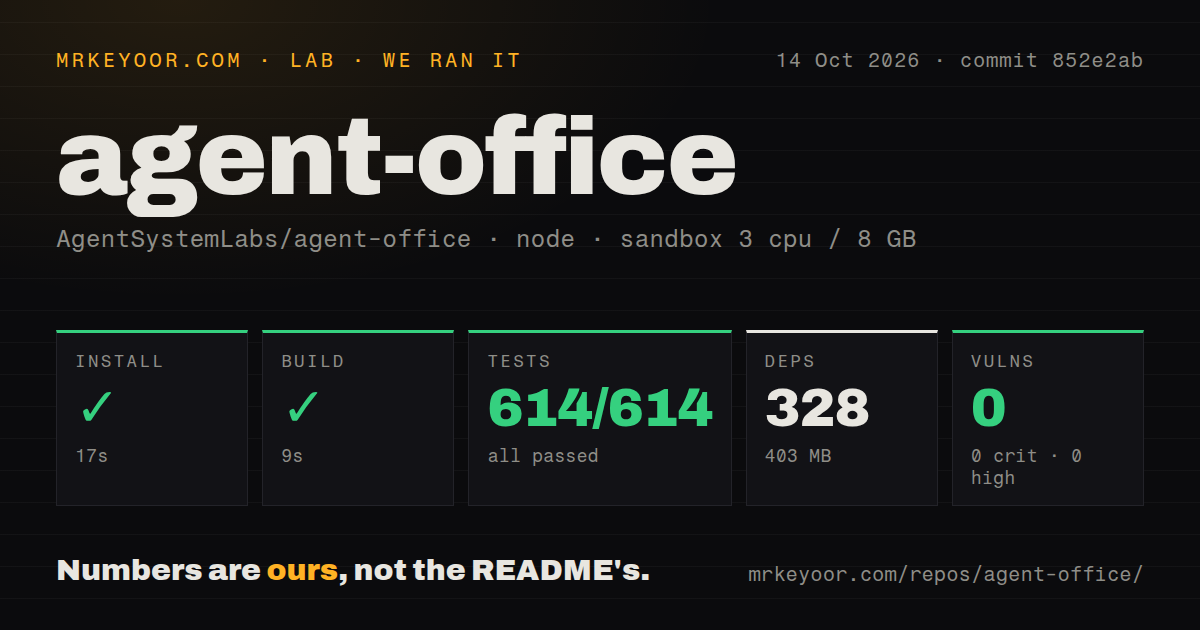
Our sandbox installed Agent Office commit 852e2ab in 17 seconds, adding 328 packages and occupying 403 MB on disk. The build passed in 9 seconds. The node:test run completed in 55 seconds with 614 passed and 0 failed. Npm audit reported 0 known vulnerabilities, with none in any severity category. Those results give a developer a reasonable basis for trying the checkout without first having to investigate a broken preparation step.
The October 14, 2026 run used an unprivileged Debian container with 3 CPUs, 8 GB of RAM, the lab-node:22 image, and no secrets. The lab found one CI workflow and a tests directory. These are repository checks, not a trial with authenticated agent sessions, a group of collaborators, or a deployed cloud instance. They do not measure how much attention the office saves or how well it performs on a phone.
Agent accounts still share the host's operating-system user
The architecture's security notes say that anyone who signs in can drive an agent and run commands as the user hosting the office. Per-account Claude and GitHub sign-ins separate attribution and subscription use. They do not prevent a worker from reading another account's folder, because every worker runs as the same OS user. That is an explicit trust boundary, and the most important fact for a team deciding whether to share an instance.
The 403 MB dependency footprint is approachable for a trial, but the machine's authority matters more than that cost. Run a trusted team's office under a dedicated, unprivileged user with access only to the intended projects. The README also says the shared password grants administrator access until disabled. Creating individual accounts is only part of moving away from that shared access path, so follow the documented account transition all the way through.
Worktrees separate edits while terminals remain collaborative
A worker can receive its own Git worktree and branch instead of editing the shared project checkout. That helps independent tasks avoid writing into the same working files. The documentation explains cleanup choices and warnings for uncommitted changes or unpushed commits. Worktrees are useful for coordination, but they inherit the same host permissions. They should not be confused with containers or separate machines when assigning work to agents with different responsibilities.
The 614 passing tests provide evidence about the tested checkout, while your workflow still determines whether concurrent work is sensible. Agent Office can let agents hire or message other workers through its MCP server, and it offers task queues and meetings. Choose those features deliberately. A visible desk does not tell you whether an agent's requested change is appropriate, whether its branch can merge cleanly, or whether another worker is modifying a related interface.
Local startup still needs authenticated command-line tools
Node.js 20 or newer, git, and at least one signed-in agent CLI are prerequisites. The GitHub CLI supplies cloning and board operations. Installing the office therefore does not buy model access or authenticate the worker you select. The local default listens on localhost. For remote collaboration, the README offers SSH tunnels and other private-access arrangements, while plain HTTP on a network address loses voice and screen-sharing capabilities.
Our 328-package installation did not exercise those credentials or deployment scripts. The AWS guide says its default setup copies the local GitHub token and explains how to limit that with a narrower token or omit it. Account setup can give people their own sign-ins, but the security notes still apply. Decide whose repository privileges the machine should hold before inviting collaborators, especially if the boards need to read private projects.
An October release still carries a breaking-change warning
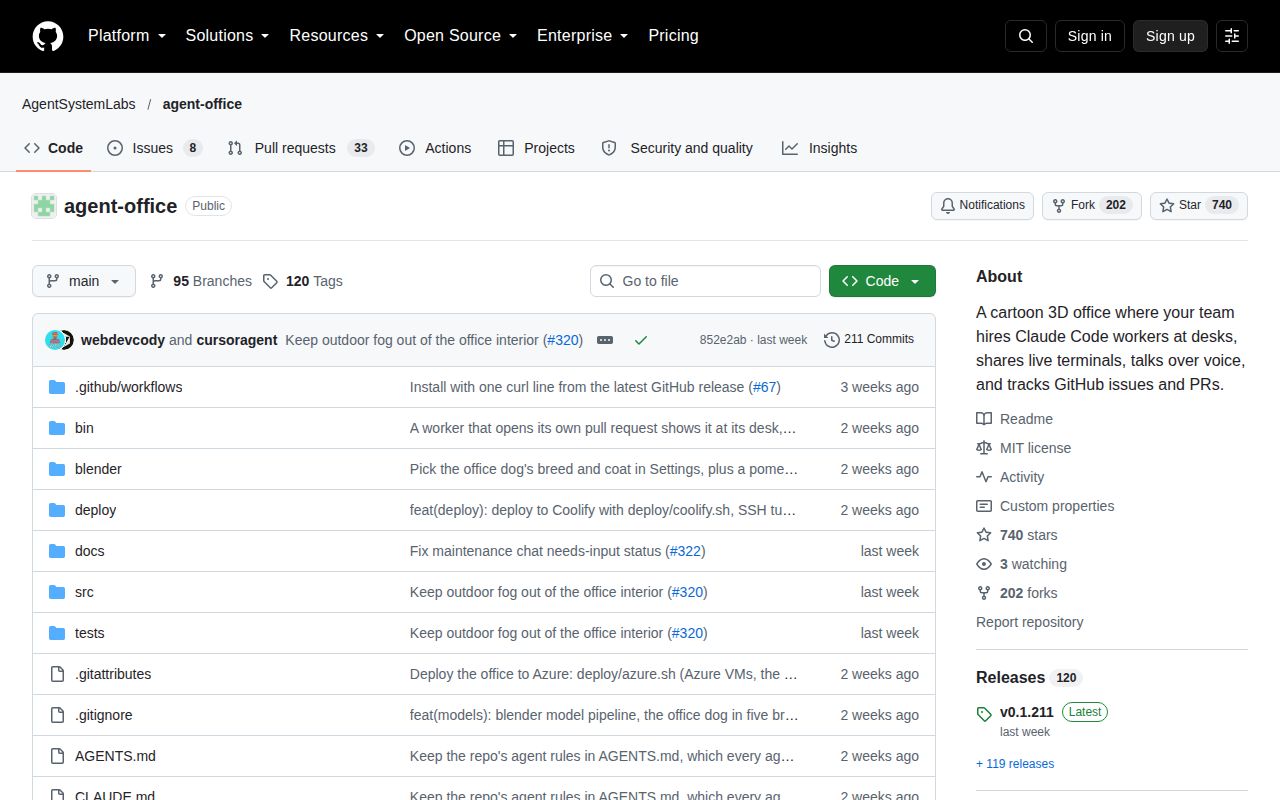
GitHub recorded the last push on October 9, 2026, alongside release v0.1.211, and showed 41 open issues and PRs. Recent contributions discuss worker lifecycle reporting and platform-specific behavior. That combination shows current maintenance. The README nevertheless opens by describing a fast-changing personal workflow, with interfaces and features liable to change between releases. A high patch-release number is not a substitute for that plainly stated stability warning.
I would trial Agent Office with a trusted group that already has a reason to watch several agent terminals. Superset offers a more conventional desktop workspace, and tmux is enough when persistent shells solve the problem. Passing 614 tests makes this checkout a credible place to start. Keep the first office on a machine whose project access you are comfortable sharing with every participant.