It installs persona files; it does not run agents
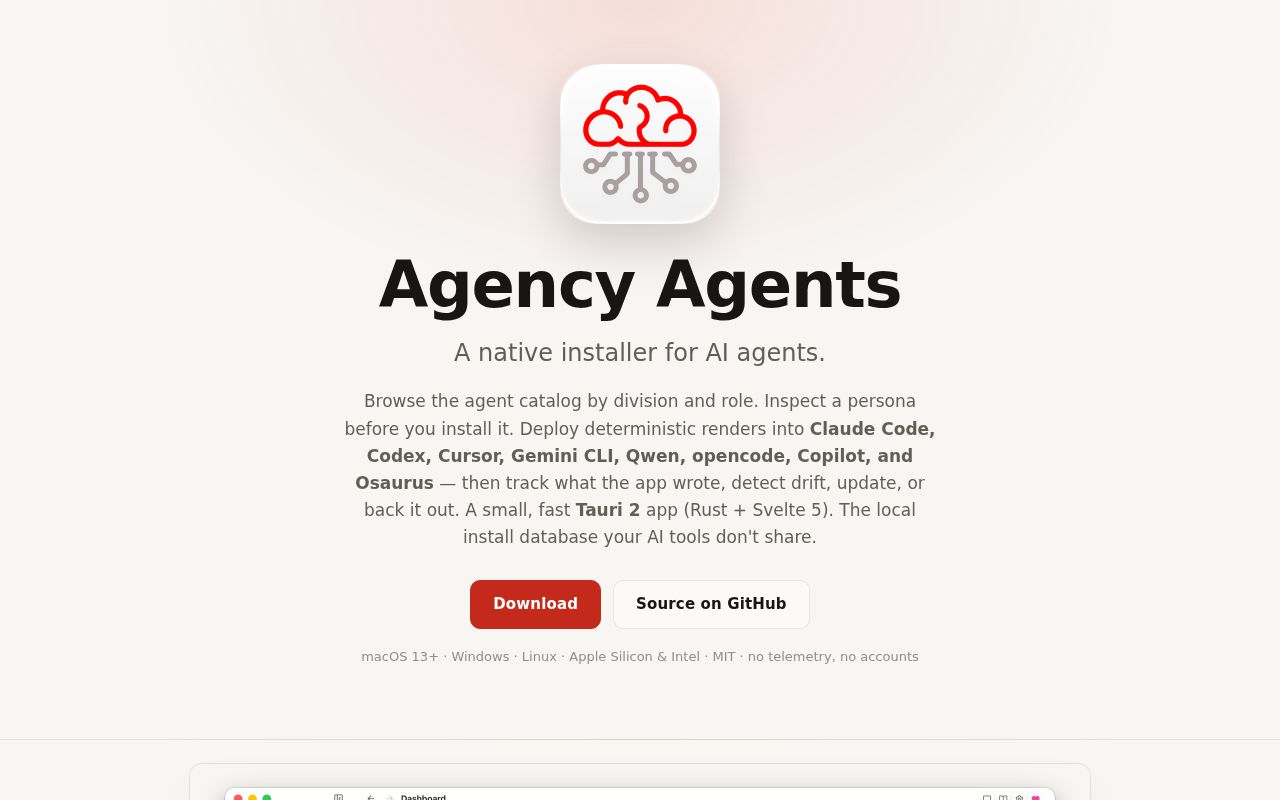
The README's supported-target table names 8 coding tools, but Agency Agents App executes none of them. It is a native control panel for the separate agency-agents catalog. You browse roles, inspect their source text, and render a chosen persona for Claude Code, Codex, Gemini CLI, GitHub Copilot, Qwen Code, Cursor, opencode, or Osaurus. The destination may be user-wide or tied to one project. Execution stays with those coding tools.
The Rust backend records 2 hashes for each managed entry: one for the source and one for the rendered file. It also stores the tool, destination, scope, and project path. The backend owns the catalog, per-tool renderer, file writes, backups, and local install ledger. Reconciliation can then call a file current, outdated, modified, removed, or foreign. This remains useful when the same persona lands in several configuration directories.
Five ledger states make outside edits visible
Agency Agents classifies installed files into 5 states by re-rendering the canonical source and comparing bytes with the installed copy. The dashboard surfaces items that need attention, while a diff view shows what changed. Modified files are backed up before destructive work, and uninstall is limited to app-managed destinations rather than an arbitrary shell command supplied by the frontend.
The workflow still has a discoverability snag. Issue 93 describes a dashboard reporting 60 outdated agents, then sending the user to a filtered workspace with no obvious update button. The update action existed under the Tools view or a bulk-selection menu, but the reporter found it only by reading source code. Drift detection is valuable only when its repair path is visible.
What happened when we ran it
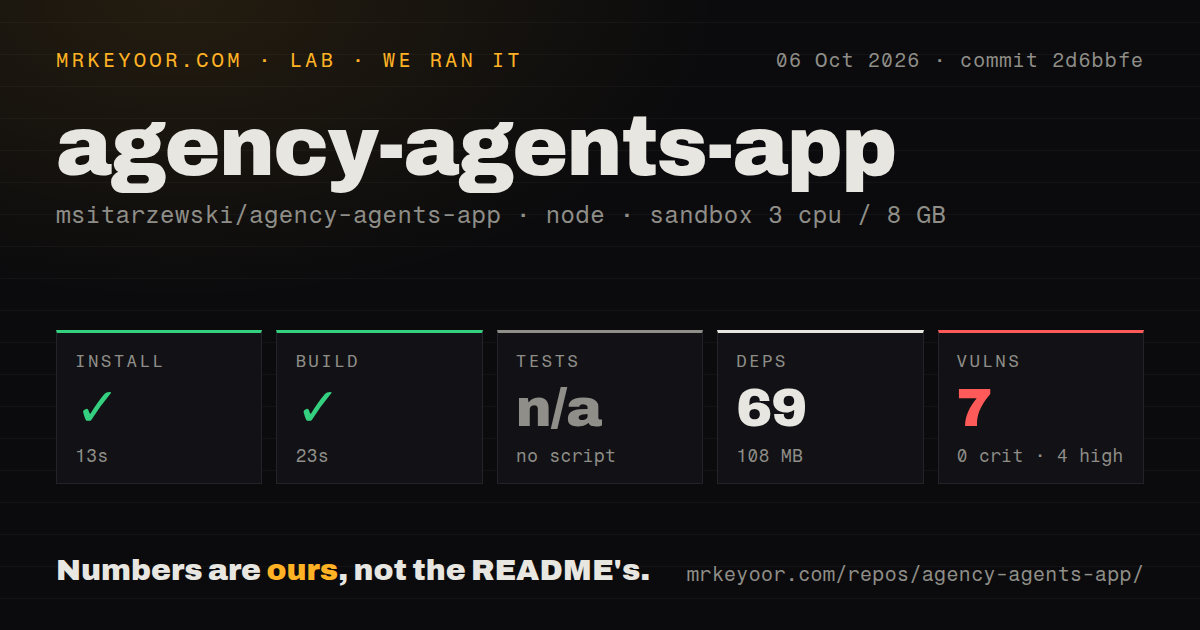
We measured a 13-second install for commit 2d6bbfe in our fresh Debian sandbox. npm added 69 packages and used 108 MB on disk. The checkout contained 598 files, about 39,432 lines of source, and occupied 15.9 MB. The build completed successfully in 23 seconds under Node 22 with 3 CPUs, 8 GB of RAM, no secrets, and no elevated privileges.
There was no tests script or target for the lab runner, so the test step was skipped. Our scan also found no tests directory and no Dockerfile, though it did find 2 CI workflow files. The README documents separate Rust and frontend checks for contributors, but our measured result is narrower: the automated sandbox could build the project and could not discover a test command to run.
npm audit reported 7 known vulnerabilities, split between 4 high-severity and 3 low-severity findings. There were no critical or moderate findings in the supplied measurement. That does not prove the desktop application is exploitable. It does mean a team should inspect the affected packages and paths before granting the app write access to several agent configuration directories.
Version 0.3.2 shows why renderer parity matters
The October 3 release notes describe a correctness failure with direct user impact. Built-in renderers had drifted from the upstream catalog since mid-August, and some tools received broken files. Qwen definitions used Claude tool names, leaving 17 agents unable to read or create files or use a shell. Three descriptions produced invalid YAML, and horizontal rules disappeared from 137 agent bodies. Version 0.3.2 corrected those conversions and marked older installs outdated.
The project repaired specific output defects, and the release explains them unusually well. Those fixes also prove that a green desktop build says little about whether every generated persona works in every target. If these files control tool access, review a sample after each app update and keep the v0.3.2-or-later source catalog revision with any team-wide rollout record.
Version 0.3.2 leaves the Windows installer unsigned
The v0.3.2 release ships signed and notarized macOS packages for Apple Silicon and Intel, with macOS 13 as the floor. Linux users get deb, rpm, and AppImage downloads. Windows receives x64 and ARM64 installers, although that build is not code-signed and requires a SmartScreen bypass. For managed fleets, that difference can decide the purchase before the interface does.
Linux packaging also has an edge case worth testing. Issue 89 reports that v0.3.0 stayed alive under WSL2 and executed JavaScript, yet displayed an unstyled gray window because CSS and image assets failed to render. That report is specific to WSLg rather than ordinary Linux desktops. Still, it is enough reason to test the exact display stack before deploying the app to a Windows team through WSL.
Four outbound paths are optional and settings-gated
The README names 4 outbound paths: catalog refresh, GitHub OAuth, optional GitHub features, and signed app updates. Core browsing and install tracking are local, and the project says it includes no telemetry, crash reporter, advertising pixel, or product analytics. Tokens stay in the platform keychain and are not returned to the frontend.
GitHub showed 657 stars and 17 combined open issues and pull requests when checked on October 6, 2026. The last push was October 4, and v0.3.2 arrived the day before. That is current maintenance for a pre-1.0 desktop app. Our 23-second build says the source is approachable. The missing lab test target, 4 high-severity audit findings, and recent renderer drift say you should verify generated files before making it the only path into every developer's agent setup.