LibRaw discovery stopped our source evaluation
CalibRaw's build script could not find LibRaw through pkg-config, so our recorded source run never reached the photo editor. That matters if you're choosing a project to contribute to: Rust package installation succeeding didn't get us to a working application. For a photographer choosing a download, it leaves a different question open, whether the packaged app works with your camera files and graphics driver.
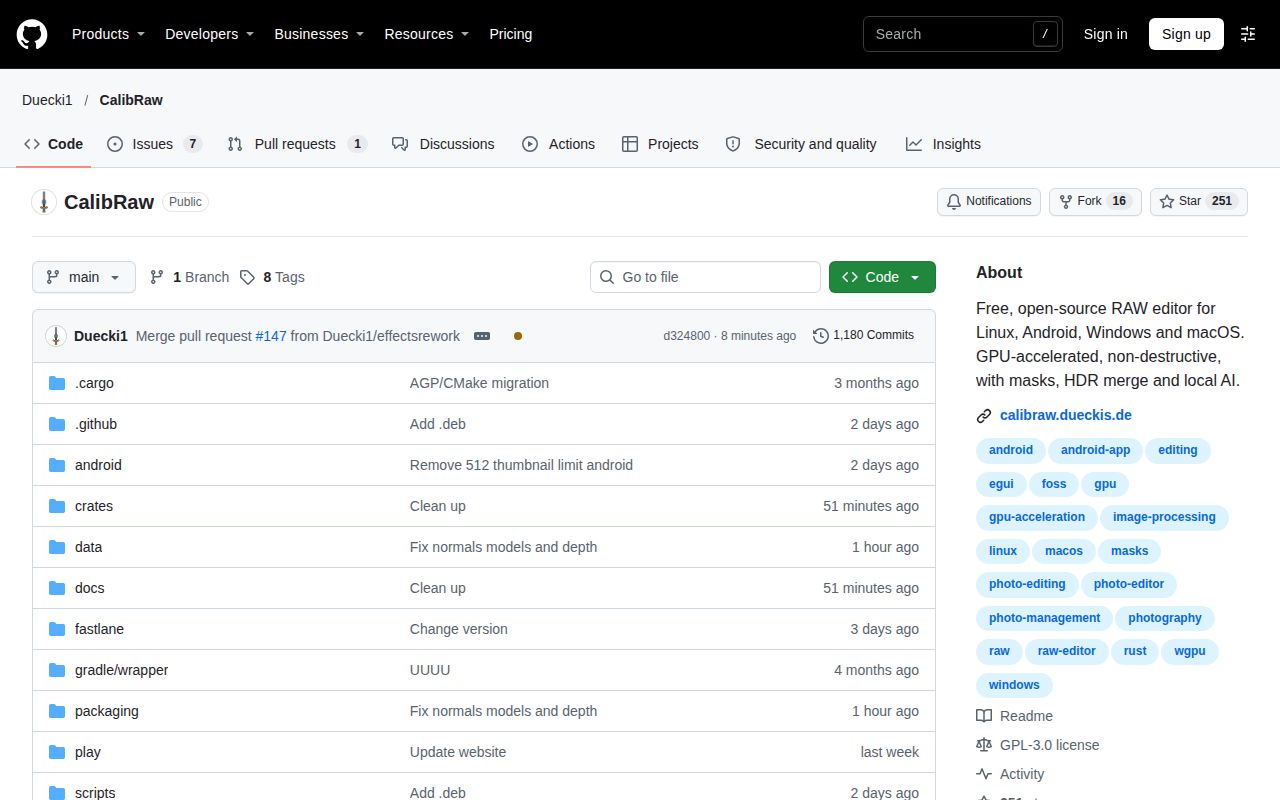
The English README describes a RAW workflow with curves, masks and batch rendering, plus AI tools that operate locally. Its desktop and Android applications use the same engine and .calibraw sidecars. Those are useful reasons to investigate it, but our run provides no evidence about their editing quality or convenience.
What happened when we ran it
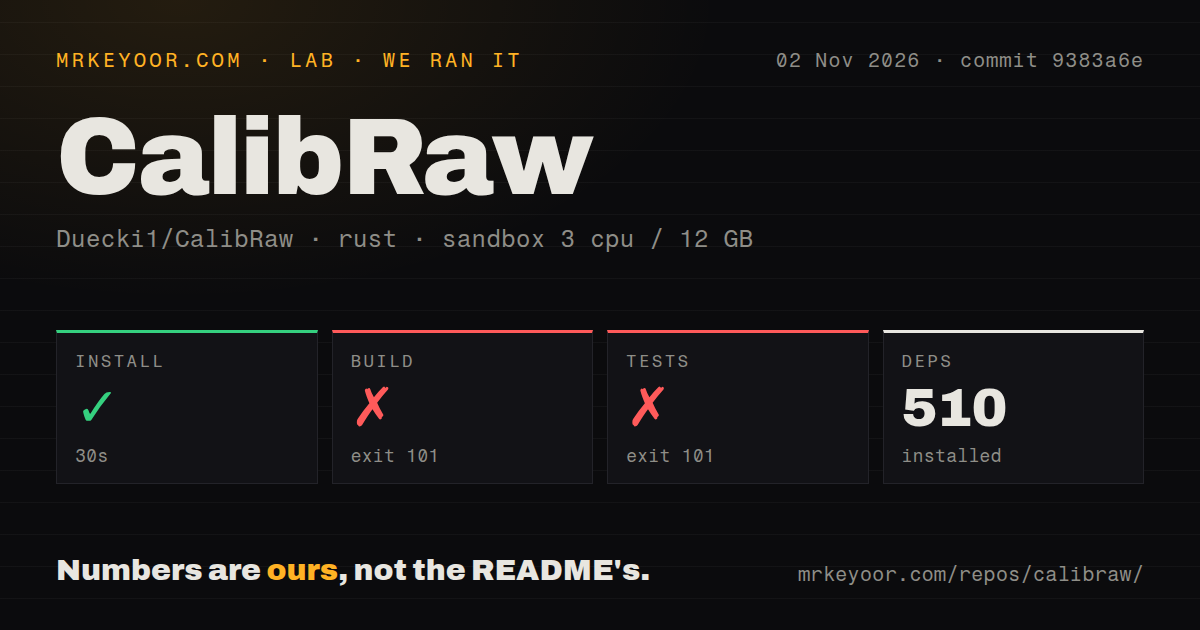
Our sandbox installed CalibRaw successfully in 30 seconds with 510 dependencies recorded, but its build failed with exit 101 after 442 seconds. The test command also failed with exit 101 after 12 seconds. We ran commit 9383a6e on November 2, 2026. Neither failed step supplies a passing-test count or an image-processing result.
Both tails stop at crates/calibraw-core/build.rs, where the script reports that LibRaw was not found through pkg-config and asks for libraw/libraw.pc to enable RAW decoding. This establishes a failed discovery check. The tails don't show whether LibRaw was absent altogether or installed somewhere the check couldn't find. We should not turn that uncertainty into a claim that the RAW decoder itself failed.
The checkout contained 905 files, approximately 171,300 source lines and 60.8 MB. The scan found nine CI workflow files, no Dockerfile and no tests directory. An absent directory named tests does not prove the Rust workspace contains no tests. The recorded sandbox configuration specified 3 CPUs, 12 GB RAM and image lab-rust:1, without establishing the actual compiler or operating-system versions.
No graphical session, RAW import or export is established by these results. They also don't assess the downloadable applications. A useful next source evaluation would make LibRaw discoverable and repeat the documented workflow, while recording the actual toolchain and native-library configuration. We did not perform that follow-up.
Local AI still needs an initial download
The README says model downloads occur only after consent, are checked with SHA-256 and then run offline. It also says the application can download ONNX Runtime. If you need an offline workstation, arrange those assets before disconnecting it. Local execution alone doesn't mean a fresh installation already contains everything an AI operation needs.
The documented tools include subject and sky selection, object removal and denoising. Treat those as capabilities to try on your own images. We haven't measured selection accuracy, denoising quality, memory demand or processing speed, and model-download verification doesn't establish any of those outcomes. The account-free workflow is appealing for someone who wants local editing without operating a server.
An OpenGL-only driver cannot run the editor
CalibRaw documents Vulkan, Direct3D 12 and Metal graphics backends and explicitly excludes OpenGL. Linux requires a Vulkan driver, Android needs a Vulkan-capable GPU and driver, and macOS uses Metal. The README describes software rendering through lavapipe on Linux and WARP on Windows when the required hardware route is unavailable.
That is a more useful compatibility check than simply matching the operating-system name. A Linux machine with working desktop graphics can still lack the backend CalibRaw expects. Confirm the driver's capabilities before deciding whether a failed launch is an application problem. Our source run never reached graphics initialization and cannot validate either hardware acceleration or a software-renderer fallback.
Existing edits can change across releases
The v1.4.0 release notes warn that processing changes affect temperature, clarity, texture, dehaze and vibrance. The author recommends finishing the current photo if you want to avoid readjusting it. For someone returning to unfinished work, that warning is more consequential than another effect in the feature list.
The README says adjustments and masks are stored in JSON sidecars. Keeping the original RAW untouched is useful, but doesn't establish that a newer engine renders the same saved settings identically. Before updating an ongoing job, retain the version and compare an exported reference against the new rendering. That's a proposed acceptance check, without a reproduced rendering comparison here.
Recent activity leaves workflow reliability open
GitHub recorded a last push on November 3, 2026, and v1.4.0 was released on October 30. The recent issues-and-PRs feed includes an effects rework and reports about macOS TIFF visibility and saving edits on an SMB share. Those reports concern exports and edit persistence, so a trial should include both on the storage you intend to use.
The reports don't establish universal failures or their causes. Recent source activity supports continued maintenance, while response times and production reliability remain unknown. All rating cards are unassessed because we didn't complete a supported installation or an editing workflow, and the activity snapshot doesn't establish support quality.
Compare photo workflows before moving an archive
darktable manages digital negatives in a database and develops RAW images. Evaluate it if that organization model fits your photography. RapidRAW is another GPU-accelerated RAW editor, and CalibRaw names its editing workflow as an inspiration. We have no comparative benchmark that makes either an automatic winner.
For a CalibRaw trial, use copies of representative camera files, save the sidecars, reopen the edits and export the formats you actually deliver. Include your usual external or network storage. Until that round trip succeeds on the target machine, leave the existing archive workflow in place.