rolldown-plugin-dts review
rolldown-plugin-dts 0.28.2 is a Rolldown plugin that generates TypeScript declarations and bundles their imports into publishable `.d.ts`, `.d.mts`, or `.d.cts` outputs. It can call the TypeScript compiler for language compatibility, use Rolldown's Oxc path for code that satisfies `isolatedDeclarations`, or run the experimental TypeScript Go compiler. It also handles existing declaration inputs, project references, Vue through vue-tsc, declaration maps, and declaration-only builds. Version 0.28.2 keeps inline exported declarations intact and makes a failed tsgo compiler process reject instead of appearing successful.
rolldown-plugin-dts 0.28.2 took 13.8 seconds and 22 MB in our sandbox, with 5 peer dependencies and no audit findings; it fits libraries already committed to Rolldown 1.2 and modern Node. Do not adopt it only for type generation when Rollup, Vite, CommonJS output, or a settled API defines the build.
We installed it
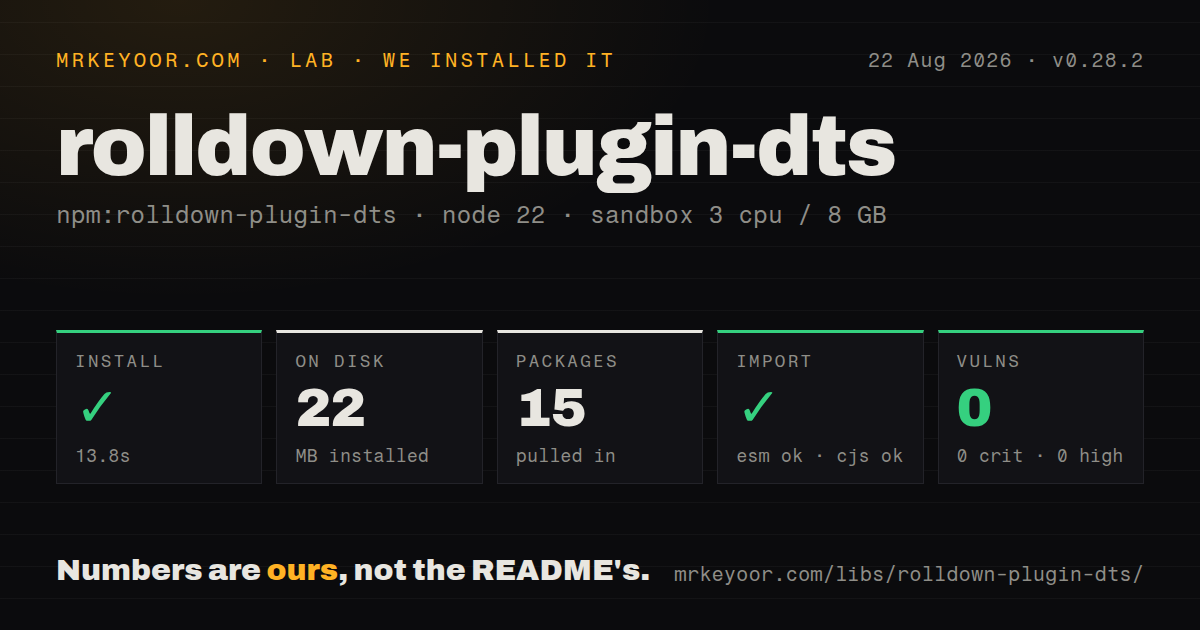
| Install | ✓ · 13.8s | 15 packages on disk · 22 MB |
| Import | ✓ | ESM import works · require() works · ESM package with exports map |
| Browser | n/a | could not be bundled for the browser (Node-only code, most likely) |
| Types | — | no TypeScript types found |
| Known vulns | 0 | 0 critical · 0 high · 0 moderate · 0 low (npm audit) |
Answers from our run
Does rolldown-plugin-dts install cleanly?
Yes. In a fresh container with an empty cache, npm install rolldown-plugin-dts finished in 14 seconds, leaving 15 packages and 22 MB on disk. npm audit reported no known vulnerabilities.
Can rolldown-plugin-dts run in a browser?
Not directly: esbuild could not bundle it for the browser in our run, which normally means it depends on Node built-ins. Use it on the server, or find a browser-targeted alternative.
Does rolldown-plugin-dts work with both ESM and CommonJS?
Yes. Both import 'rolldown-plugin-dts' and require('rolldown-plugin-dts') worked in Node 22 in our run. The package is published as ESM with an exports map.
Does rolldown-plugin-dts include TypeScript types?
No type declarations were found in our install, so TypeScript users need their own declarations.
rolldown-plugin-dts or rollup-plugin-dts: which should you use?
rollup-plugin-dts: Use it when the build already runs on Rollup and starts from generated declaration files. rolldown-plugin-dts 0.28.2 took 13.8 seconds and 22 MB in our sandbox, with 5 peer dependencies and no audit findings; it fits libraries already committed to Rolldown 1.2 and modern Node.
When should you not use rolldown-plugin-dts?
CI runs Node 20 or an early Node 22. Version 0.28.2 accepts only Node ^22.18.0, ^24.11.0, or 26 and newer.
Use it if
- A TypeScript library already builds with Rolldown 1.2 or newer and needs bundled public declarations.
- The source satisfies `isolatedDeclarations` and fast Oxc generation is useful in repeated library builds.
- Project references, Vue files, or a Volar language require the full TypeScript generator path.
- A CommonJS package can run a second ESM declaration-only build after its JavaScript build.
- CI runs Node 20 or an early Node 22. Version 0.28.2 accepts only Node `^22.18.0`, `^24.11.0`, or 26 and newer.
- The build uses Rollup rather than Rolldown. `rolldown` 1.2 or newer is the package's one required peer.
- A single CommonJS pass must emit code and bundled types. The README requires ESM output for declaration bundling and recommends a separate `emitDtsOnly` run.
- Declarations depend on `export =` or `import x = require('x')`. The plugin expects ESM-style declaration input and warns those forms may bundle incorrectly.
- A stable 1.x option contract is mandatory. The package remains at 0.28.2, while custom languages and tsgo are marked experimental.
- The plugin itself must provide TypeScript declarations. Our package inspection found none, despite the tool generating declarations for other packages.
Setup reality
We installed rolldown-plugin-dts 0.28.2 in a fresh Node 22 Bookworm sandbox in 13.8 seconds. The install left 15 packages and 22 MB on disk. npm audit found 0 known vulnerabilities. The package has 6 direct dependencies and 5 peer dependencies, with 172 KB unpacked. Four compiler-related peers are optional; Rolldown ^1.2.0 is required. The ESM package has an exports map. Both require() and ESM import worked in our checks, but we found no TypeScript declarations.
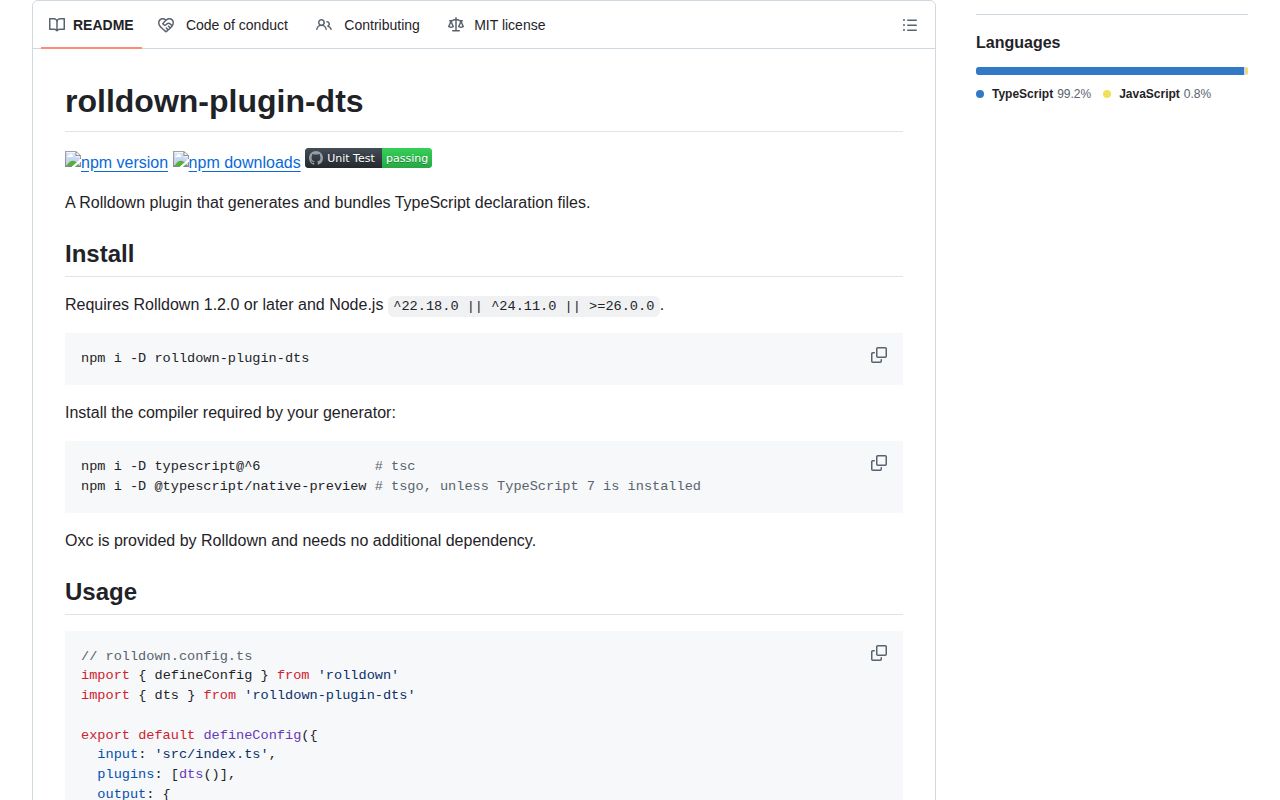
The Node range is unusually narrow: ^22.18.0 || ^24.11.0 || >=26.0.0. Install the compiler that matches the chosen generator. TypeScript 5 or 6 drives tsc; TypeScript 7 or @typescript/native-preview drives tsgo. Oxc arrives through Rolldown. Automatic generator selection chooses Oxc when isolatedDeclarations is enabled, tsgo when TypeScript 7 is installed, and tsc otherwise. Pin generator when a tsconfig or compiler upgrade must not change CI behavior.
The tsc path supports TypeScript project references, build mode, incremental files, JavaScript with JSDoc, and Volar languages. Vue's shortcut needs a compatible vue-tsc install. tsgo requires a tsconfig and ignores tsconfigRaw plus compilerOptions; custom languages do not work there. Oxc is faster to start but needs explicit public types that satisfy isolated-declaration rules. Version 0.28.2 now rejects a failed tsgo process, so builds can depend on its exit outcome.
Declaration bundling expects ESM Rolldown output. For a CommonJS library, build JavaScript normally, then run an ESM emitDtsOnly configuration. Code-split declaration group names must end in .d. Vite users who set oxc.exclude must retain the JavaScript exclusion and add /\.d\.[cm]?ts$/, because their option replaces defaults. Our browser bundle attempt failed, which is expected for build tooling. Compiler caches and .tsbuildinfo files may persist when incremental build mode is enabled.
Patterns
Bundle declarations with inferred generation generate-declarations
import { defineConfig } from 'rolldown'
import { dts } from 'rolldown-plugin-dts'

export default defineConfig({
  input: 'src/index.ts',
  plugins: [dts()],
  output: { dir: 'dist', format: 'es' }
})
The generator is inferred from tsconfig and installed TypeScript. Set it explicitly when a compiler change must not alter the build path.
Use the full TypeScript compiler force-tsc
dts({
  generator: 'tsc',
  tsconfig: './tsconfig.build.json',
  compilerOptions: { stripInternal: true }
})
Install TypeScript 5 or 6. Choose tsc for project references, Vue, Volar languages, and the widest TypeScript syntax support.
Generate isolated declarations with Oxc use-oxc
dts({
  generator: 'oxc',
  oxc: { stripInternal: true },
  sourcemap: true
})
Oxc comes through Rolldown, but public source shapes must satisfy `isolatedDeclarations`. Declaration maps use the top-level option.
Run the experimental TypeScript Go path use-tsgo
dts({
  generator: 'tsgo',
  tsconfig: './tsconfig.json',
  tsgo: { path: '/opt/tsgo/tsgo' }
})
Install TypeScript 7 or `@typescript/native-preview`. tsgo ignores `tsconfigRaw` and `compilerOptions`, and 0.28.2 rejects when its process fails.
Emit declarations from source globs select-source-entries
dts({
  entry: ['src/**/*.ts', '!src/icons/**', '!src/**/*.test.ts'],
  cwd: import.meta.dirname
})
The entry list may include files that Rolldown does not use as JavaScript entries. Negated globs are resolved from `cwd`.
Run a declaration-only build emit-types-only
export default defineConfig({
  input: 'src/index.ts',
  plugins: [dts({ emitDtsOnly: true })],
  output: { dir: 'dist/types', format: 'es' }
})
Use this ESM pass alongside a separate CommonJS JavaScript build. Declaration bundling itself requires ESM output.
Bundle declaration files made elsewhere bundle-existing-types
dts({
  dtsInput: true,
  entry: ['types/index.d.ts'],
  emitDtsOnly: true
})
Existing inputs should use ESM declaration syntax. `export =` and import-equals declarations may fail to bundle correctly.
Generate declarations for Vue files generate-vue-types
dts({
  generator: 'tsc',
  vue: true,
  entry: ['src/**/*.ts', 'src/**/*.vue']
})
Install a vue-tsc version accepted by the peer range. The built-in Vue route requires tsc rather than Oxc or tsgo.
Use TypeScript build mode follow-project-references
dts({
  generator: 'tsc',
  tsconfig: './tsconfig.json',
  build: true,
  incremental: true
})
Build mode follows project references. Incremental output can write `.tsbuildinfo` and other compiler cache files to disk.
Apply declaration-only compiler settings override-tsconfig
dts({
  tsconfig: true,
  tsconfigRaw: {
    compilerOptions: { declarationMap: true }
  },
  compilerOptions: { removeComments: true }
})
`tsconfig: true` discovers the nearest file. These overrides work with tsc and are ignored by tsgo.
Keep declarations out of Vite Oxc exclude-vite-declarations
import { defineConfig } from 'vite'

export default defineConfig({
  oxc: {
    exclude: [/\.js$/, /\.d\.[cm]?ts$/]
  }
})
Setting `oxc.exclude` replaces Vite's defaults, so retain the JavaScript exclusion while adding declaration files.
Name split declaration groups split-declaration-chunks
export default defineConfig({
  codeSplitting: {
    groups: [
      { test: /shared.*\.d\.[cm]?ts$/, name: 'shared.d' },
      { test: /shared/, name: 'shared' }
    ]
  }
})
A declaration group's name must end in `.d`; keep a separate name for its JavaScript chunk.
Alternatives
| Package | Registry | Pick it when |
|---|---|---|
| rollup-plugin-dts | npm | Use it when the build already runs on Rollup and starts from generated declaration files. |
| unplugin-dts | npm | Use it when one declaration setup must span Vite, Rollup, Rolldown, esbuild, Rspack, or Webpack. |
| vite-plugin-dts | npm | Use it for a Vite-first library that needs Vue support or API Extractor integration. |
| tsup | npm | Use it when a higher-level library builder should own JavaScript and declaration output with fewer controls. |
More cli & tooling guides
commander · chalk · typescript · esbuild · yargs · click · the whole shelf →
How this guide is made: grounded in the library's documentation, release notes, changelog, and issue history, on a fixed rubric — not a hands-on install of every release. The 50 most-downloaded entries are additionally install-verified in clean containers. Corrections: contact the desk.