pytesseract review
pytesseract 0.3.13 launches the separately installed Tesseract OCR command from Python. It accepts file paths, Pillow images, and NumPy arrays, then can return plain text, character boxes, TSV word data, orientation results, searchable PDF, hOCR, or ALTO XML. The wheel contains neither the OCR engine nor its language files. Version 0.3.13 adds Python 3.12 support and PyPI requires Python 3.8 or newer. Accuracy and runtime depend far more on the external Tesseract build, traineddata, source image, and page-segmentation mode than on this wrapper.
pytesseract 0.3.13 installed in 0.3 seconds and imported in 0.36 seconds in our sandbox, but that 20 MB Python environment did not include or execute Tesseract. Install it only when the external engine, traineddata, and process concurrency are already deployment responsibilities.
We installed it
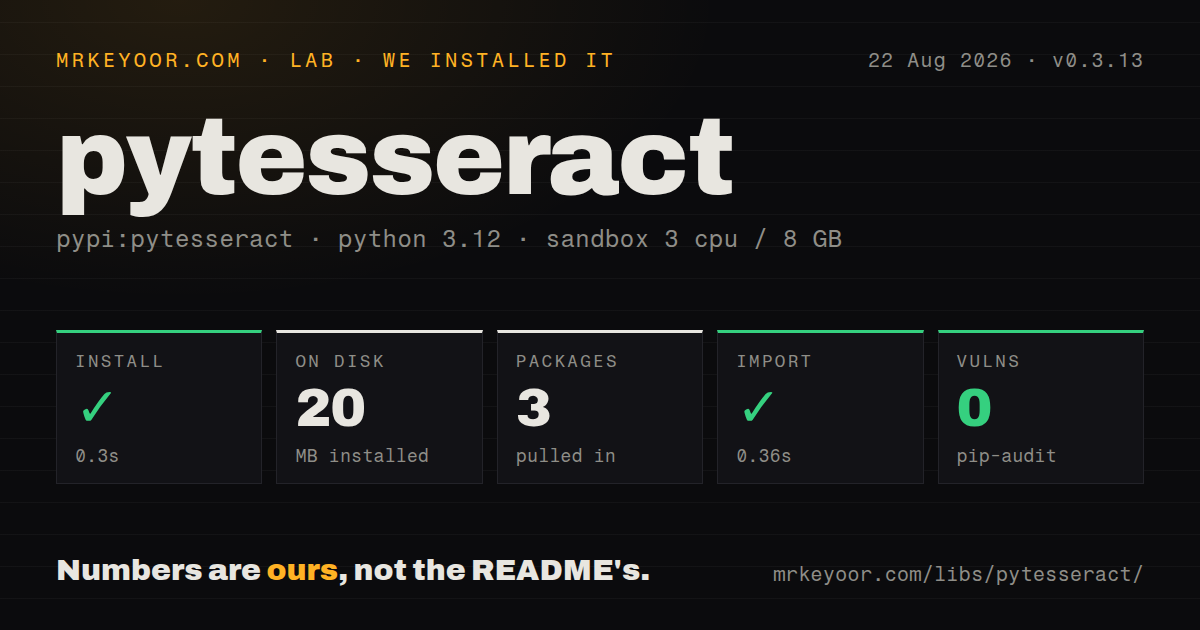
| Install | ✓ · 0.3s | 3 packages on disk · 20 MB |
| Import | ✓ | import pytesseract in 0.36s · pure Python · requires Python >=3.8 |
| Known vulns | 0 | (pip-audit) |
Answers from our run
Does pytesseract install cleanly?
Yes. In a fresh container with an empty cache, pip install pytesseract finished in 0.3s, leaving 3 packages and 20 MB on disk. pip-audit reported no known vulnerabilities.
What does pytesseract need to run?
Python >=3.8, and nothing compiled: it is pure Python. In our run import pytesseract succeeded in 0.36s.
pytesseract or tesserocr: which should you use?
tesserocr: Use it when an in-process Tesseract binding and reusable engine state justify a native extension build. pytesseract 0.3.13 installed in 0.3 seconds and imported in 0.36 seconds in our sandbox, but that 20 MB Python environment did not include or execute Tesseract.
When should you not use pytesseract?
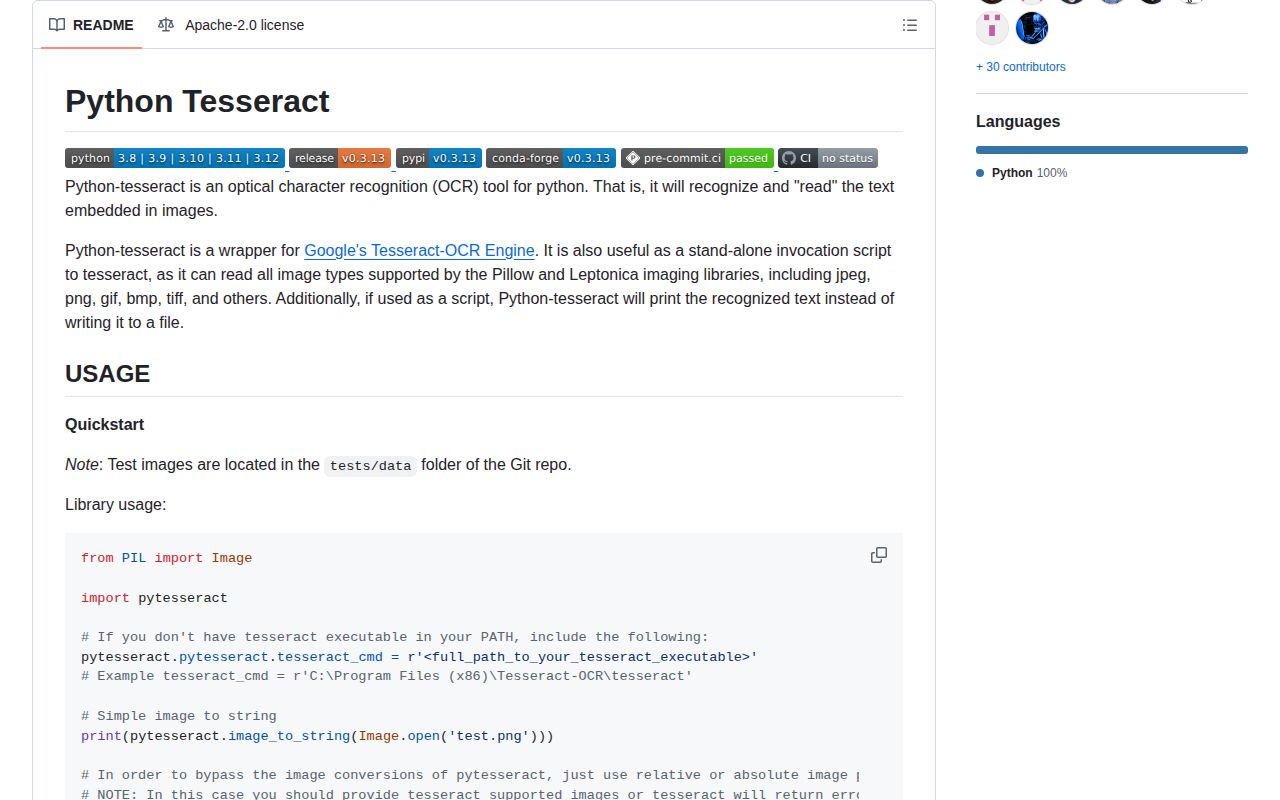
You expect pip install pytesseract to provide OCR. The README requires a separate tesseract executable on PATH or an explicit tesseract_cmd.
Use it if
- Tesseract and the required traineddata are already managed by deployment, and Python needs a small subprocess API around them.
- The job needs text plus Tesseract-native boxes, TSV, PDF, hOCR, ALTO, or orientation output.
- Passing image filenames directly and isolating OCR in child processes fit the worker architecture.
- Individual OCR calls need a timeout or several output formats from one engine invocation.
- You expect `pip install pytesseract` to provide OCR. The README requires a separate `tesseract` executable on PATH or an explicit `tesseract_cmd`.
- Handwriting or hard scene-text detection is the main workload; neural OCR packages such as EasyOCR may fit those images better.
- One new process per call is too costly. `tesserocr` binds the engine in process and can reuse initialized state, at the price of a native extension.
- Static typing must cover every dependency. Our 0.3.13 wheel had no `py.typed` marker.
- The platform cannot install OS packages and language data. Requests for a missing traineddata language fail in the external command.
Setup reality
Our install of pytesseract 0.3.13 completed in 0.3 seconds in a clean Python 3.12 container. Three packages occupied 20 MB, import pytesseract took 0.36 seconds, and pip-audit reported 0 known vulnerabilities. The pure-Python package has 2 direct dependencies, requires Python 3.8 or newer, uses Apache 2.0, and includes no py.typed marker.
That successful import did not run OCR. Install Tesseract through the operating system and verify tesseract --version under the application user. If the binary is outside PATH, assign its full path to pytesseract.pytesseract.tesseract_cmd. Install traineddata for each requested language; English is the default. A custom --tessdata-dir containing spaces must be quoted inside the config string, exactly as the README shows.
A supported filename goes straight to Tesseract and avoids a Pillow conversion. Pillow objects and NumPy arrays are converted to an image file. OpenCV arrays arrive in BGR order and need conversion to RGB first. config is passed through to the engine, so --psm, --oem, and config-file behavior follow the installed Tesseract version. The nice priority option works on Unix-like systems and is ignored on Windows.
Every wrapper call starts a Tesseract process. Set timeout for untrusted or very large images and catch RuntimeError; a timeout kills the child and returns no partial text. When one page needs text plus boxes or PDF, run_and_get_multiple_output() asks for several formats in 1 process. Cap service concurrency because multiple Tesseract children compete for CPU and memory, and measure the external engine separately from the 20 MB Python environment.
Patterns
Read English text from a file extract-image-text
import pytesseract

text = pytesseract.image_to_string('scan.png', lang='eng')
Version 0.3.13 starts the external `tesseract` command. A successful Python import does not prove this call can find the executable or English traineddata.
Use an executable outside PATH set-tesseract-command
import pytesseract

pytesseract.pytesseract.tesseract_cmd = r'C:\Program Files\Tesseract-OCR\tesseract.exe'
Assign the full path before the first OCR call. This setting points to the executable, not to the separate `tessdata` directory.
Load English and French traineddata recognize-two-languages
text = pytesseract.image_to_string('bilingual.png', lang='eng+fra')Both `eng` and `fra` traineddata files must exist in Tesseract's active data directory or the subprocess exits with an error.
Treat an image as one text block set-segmentation-mode
text = pytesseract.image_to_string('paragraph.png', config='--oem 3 --psm 6')pytesseract passes the 2 numeric mode settings through unchanged. Their availability and behavior belong to the installed Tesseract version.
Return words, boxes, and confidence values read-word-confidence
from pytesseract import Output
import pytesseract

data = pytesseract.image_to_data('receipt.png', output_type=Output.DICT)
The fields come from Tesseract TSV output. Rows for blocks and lines can have blank text or sentinel confidence values, so filter by level and content.
Convert an OpenCV image before OCR convert-opencv-rgb
import cv2, pytesseract

frame = cv2.imread('digits.png')
rgb = cv2.cvtColor(frame, cv2.COLOR_BGR2RGB)
text = pytesseract.image_to_string(rgb)
OpenCV loads 3-channel images as BGR while pytesseract treats arrays as RGB. Skipping conversion gives Tesseract the wrong color order.
Kill OCR after 2 seconds timeout-ocr-process
try:
    text = pytesseract.image_to_string('large.tif', timeout=2)
except RuntimeError:
    text = ''
A timeout terminates the child process and raises `RuntimeError`. Version 0.3.13 does not return partial recognition from that run.
Get text and boxes from one engine run request-multiple-outputs
text, boxes = pytesseract.run_and_get_multiple_output(
    'scan.png', extensions=['txt', 'box']
)
The 2 formats come from 1 Tesseract invocation, avoiding a second recognition pass over the same image.
Save searchable PDF bytes write-searchable-pdf
pdf = pytesseract.image_to_pdf_or_hocr('scan.png', extension='pdf')
with open('scan.pdf', 'wb') as output:
    output.write(pdf)
The helper returns bytes for PDF output. Open the destination in binary mode; use `extension='hocr'` for the related HTML-based OCR format.
Read rotation and script estimates detect-page-orientation
from pytesseract import Output

osd = pytesseract.image_to_osd('rotated.png', output_type=Output.DICT)
print(osd['rotate'], osd['script'])
Orientation and script detection require suitable `osd` traineddata in the Tesseract installation. The Python wheel does not provide that file.
Alternatives
| Package | Registry | Pick it when |
|---|---|---|
| tesserocr | PyPI | Use it when an in-process Tesseract binding and reusable engine state justify a native extension build. |
| easyocr | PyPI | Use it for neural text detection and recognition across many scripts when model downloads and deep-learning dependencies fit. |
| ocrmypdf | PyPI | Use it when the deliverable is a cleaned, deskewed, searchable PDF workflow rather than direct image-to-text calls. |
More ai / ml guides
@modelcontextprotocol/sdk · openai · mcp · huggingface-hub · @anthropic-ai/sdk · openai · the whole shelf →
How this guide is made: grounded in the library's documentation, release notes, changelog, and issue history, on a fixed rubric — not a hands-on install of every release. The 50 most-downloaded entries are additionally install-verified in clean containers. Corrections: contact the desk.