@neondatabase/serverless review
@neondatabase/serverless 1.1.0 is Neon's PostgreSQL driver for JavaScript runtimes that use HTTPS or WebSockets instead of a normal database TCP socket. Our browser bundle measured 140.8 KB minified and 44.9 KB gzipped. `neon()` sends one statement or a fixed transaction over fetch; `Pool` and `Client` use WebSockets for sessions and interactive transactions. Version 1.1 mainly repairs and generates TypeScript declarations across the API. Non-Neon PostgreSQL requires your own WebSocket proxy.
@neondatabase/serverless 1.1.0 installed as 1 package and 1 MB in 0.9 seconds in our sandbox, but its browser bundle was 140.8 KB minified. Pick its HTTP path for independent Neon queries at the edge; use WebSockets only when session state or an interactive transaction earns the request-scoped lifecycle work.
We installed it
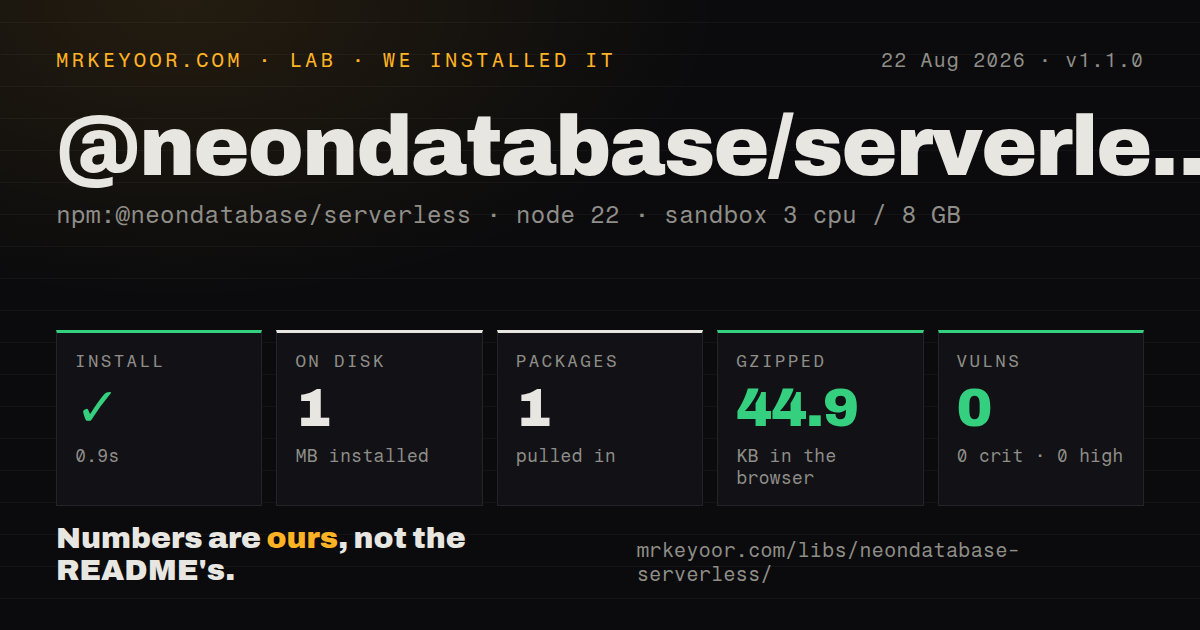
| Install | ✓ · 0.9s | 1 package on disk · 1 MB |
| Import | ✓ | ESM import works · require() works · CommonJS package with exports map |
| Browser | 44.9 KB | gzipped (140.8 KB minified), bundled with esbuild |
| Types | ✓ | TypeScript types bundled |
| Known vulns | 0 | 0 critical · 0 high · 0 moderate · 0 low (npm audit) |
Answers from our run
Does @neondatabase/serverless install cleanly?
Yes. In a fresh container with an empty cache, npm install @neondatabase/serverless finished in 0.9s, leaving 1 package and 1 MB on disk. npm audit reported no known vulnerabilities.
How much does @neondatabase/serverless add to a browser bundle?
44.9 KB gzipped (140.8 KB minified) when the whole package is bundled for the browser with esbuild. Importing only part of it is usually smaller.
Does @neondatabase/serverless work with both ESM and CommonJS?
Yes. Both import '@neondatabase/serverless' and require('@neondatabase/serverless') worked in Node 22 in our run. The package is published as CommonJS with an exports map.
Does @neondatabase/serverless include TypeScript types?
Yes, type declarations ship inside the package, so no @types install is needed.
@neondatabase/serverless or pg: which should you use?
pg: Use it for long-running Node services with direct TCP access and the standard node-postgres ecosystem. @neondatabase/serverless 1.1.0 installed as 1 package and 1 MB in 0.9 seconds in our sandbox, but its browser bundle was 140.8 KB minified.
When should you not use @neondatabase/serverless?
Production runs on Node 18 or earlier: package 1.1.0 declares node >=19.0.0
Use it if
- A Neon database is queried from an edge function, worker, or short-lived serverless handler without TCP access
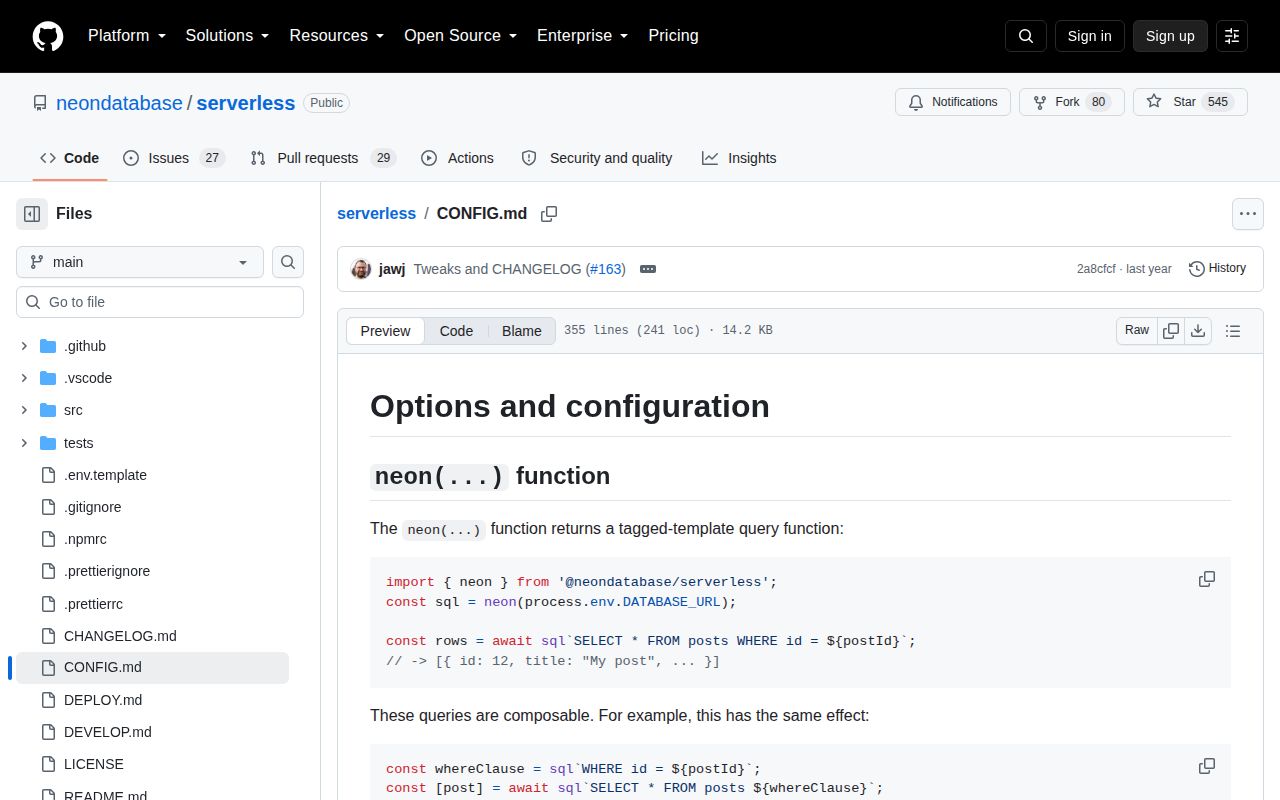
- Independent SQL statements fit the parameterized `neon()` tagged-template HTTP path
- Interactive transactions or Kysely compatibility justify the WebSocket `Pool` or `Client` lifecycle
- One package must expose CommonJS, ESM, generated TypeScript declarations, fetch queries, and node-postgres-style sessions
- Production runs on Node 18 or earlier: package 1.1.0 declares `node >=19.0.0`
- Application logic must branch between statements inside a `neon()` transaction: its HTTP helper accepts a prebuilt array, not an interactive callback
- A pool should live across edge requests: the README requires WebSocket clients to be created, used, and closed within one handler
- Database credentials would be shipped to browser code: the driver can bundle for browsers, but a connection string grants direct database access
- The database is ordinary PostgreSQL with working TCP: using this driver there adds a WebSocket proxy that `pg` or `postgres` does not need
Setup reality
Our fresh install of @neondatabase/serverless 1.1.0 finished in 0.9 seconds and left 1 package using 1 MB on disk. It has no direct or peer dependencies, bundled TypeScript types, and 0 known audit vulnerabilities. The MIT package is 444 KB unpacked and requires Node 19 or newer.
Copy a Neon connection string into a server-side DATABASE_URL secret. The package is CommonJS with an exports map; both require() and ESM import worked in our Node 22 sandbox. Its browser bundle reached 140.8 KB minified and 44.9 KB gzipped. Direct browser use exposes credentials to untrusted clients, so put database access behind an authenticated server boundary even though bundling succeeds.
neon(DATABASE_URL) uses fetch and needs no WebSocket package. Since version 1, call the result as a tagged template; use sql.query(text, values) for stored SQL strings. sql.transaction() submits an array or a synchronous callback that returns an array. It cannot inspect one result before choosing the next statement. Pass an AbortSignal through fetchOptions when queries need a deadline, and clear the timer after completion.
Pool and Client switch to WebSockets for sessions and interactive transactions. Node 21 and earlier need a constructor such as ws assigned to neonConfig.webSocketConstructor. In edge handlers, create and close each client within the same request because its socket cannot survive that boundary. A non-Neon server also needs a separately deployed WebSocket proxy and transport settings. Cloudflare Worker users should compare Hyperdrive, which the project README specifically points out.
Patterns
Send one parameterized query run-http-query
import { neon } from '@neondatabase/serverless'

const sql = neon(process.env.DATABASE_URL)
const [post] = await sql`
  SELECT id, title FROM posts WHERE id = ${postId}
`
Interpolated values become parameters. The fetch request does not establish a reusable database session.
Insert and return the new record insert-returning-row
const [created] = await sql`
  INSERT INTO posts (title, author_id)
  VALUES (${title}, ${authorId})
  RETURNING id, title, author_id
`
Default HTTP results are row arrays. Enable full results when command and field metadata are also needed.
Reuse a safe WHERE fragment compose-sql-fragments
const filter = publishedOnly
  ? sql`WHERE published_at IS NOT NULL AND author_id = ${authorId}`
  : sql`WHERE author_id = ${authorId}`
const rows = await sql`SELECT id, title FROM posts ${filter}`
Version 1 compiles nested fragments lazily, preserving correct parameter positions.
Run stored SQL text with values execute-query-string
const text = 'SELECT id, title FROM posts WHERE author_id = $1'
const rows = await sql.query(text, [authorId])
Use `sql.query()` for strings. Calling `sql(text, values)` throws in the 1.x API.
Allowlist a dynamic column name use-dynamic-identifier
const allowed = new Set(['created_at', 'title'])
if (!allowed.has(sortColumn)) throw new Error('invalid sort column')
const rows = await sql`
  SELECT id, title FROM posts ORDER BY ${sql.unsafe(sortColumn)}
`
`sql.unsafe()` performs no escaping. Parameters cannot represent identifiers, so check against a closed list first.
Submit a fixed HTTP transaction run-fixed-transaction
const [accounts, audits] = await sql.transaction([
  sql`UPDATE accounts SET balance = balance - ${amount} WHERE id = ${fromId} RETURNING balance`,
  sql`INSERT INTO audit_log (account_id, amount) VALUES (${fromId}, ${amount}) RETURNING id`,
])
Both statements are defined before submission. The second cannot depend on the first result.
Request serializable read-only work set-transaction-options
const results = await sql.transaction(queries, {
  isolationLevel: 'Serializable',
  readOnly: true,
  deferrable: true,
})
PostgreSQL gives `deferrable` meaning only for serializable, read-only transactions.
Receive command and field metadata return-full-result
const fullSql = neon(process.env.DATABASE_URL, { fullResults: true })
const result = await fullSql`SELECT id, title FROM posts`
console.log(result.rowCount, result.command, result.fields, result.rows)
`fullResults` changes the response from a rows array to a node-postgres-style result object.
Receive positional row arrays return-array-rows
const arraySql = neon(process.env.DATABASE_URL, { arrayMode: true })
const rows = await arraySql`SELECT id, title FROM posts ORDER BY id`
for (const [id, title] of rows) console.log(id, title)
Array mode drops property names, so keep the selected column order explicit.
Apply a five-second query deadline abort-http-query
const controller = new AbortController()
const timer = setTimeout(() => controller.abort(), 5000)
try {
  return await sql.query(text, values, {
    fetchOptions: { signal: controller.signal },
  })
} finally {
  clearTimeout(timer)
}
HTTP cancellation travels through `fetchOptions`. Clear the timer on both successful and failed queries.
Use a WebSocket client for branching SQL run-interactive-transaction
import { Pool } from '@neondatabase/serverless'

const pool = new Pool({ connectionString: process.env.DATABASE_URL })
const client = await pool.connect()
try {
  await client.query('BEGIN')
  const { rows: [account] } = await client.query(
    'SELECT balance FROM accounts WHERE id = $1 FOR UPDATE', [accountId]
  )
  if (account.balance < amount) throw new Error('insufficient funds')
  await client.query('COMMIT')
} catch (error) {
  await client.query('ROLLBACK')
  throw error
} finally {
  client.release()
  await pool.end()
}
`Pool` uses WebSockets. Inside serverless code, connect and close it within the same handler.
Supply WebSockets on Node 21 and earlier configure-websocket
import { Pool, neonConfig } from '@neondatabase/serverless'
import ws from 'ws'

neonConfig.webSocketConstructor = ws
const pool = new Pool({ connectionString: process.env.DATABASE_URL })
The README requires this constructor for older Node versions using `Pool` or `Client`; `neon()` over HTTP does not need it.
Alternatives
| Package | Registry | Pick it when |
|---|---|---|
| pg | npm | Use it for long-running Node services with direct TCP access and the standard node-postgres ecosystem |
| postgres | npm | Use it for tagged SQL in Node, Bun, or Deno when a conventional PostgreSQL connection is available |
| kysely | npm | Use it when typed query construction is the missing layer and you are willing to choose a separate dialect driver |
More data guides
numpy · pandas · fsspec · lxml · pyarrow · sqlalchemy · the whole shelf →
How this guide is made: grounded in the library's documentation, release notes, changelog, and issue history, on a fixed rubric — not a hands-on install of every release. The 50 most-downloaded entries are additionally install-verified in clean containers. Corrections: contact the desk.