meow review
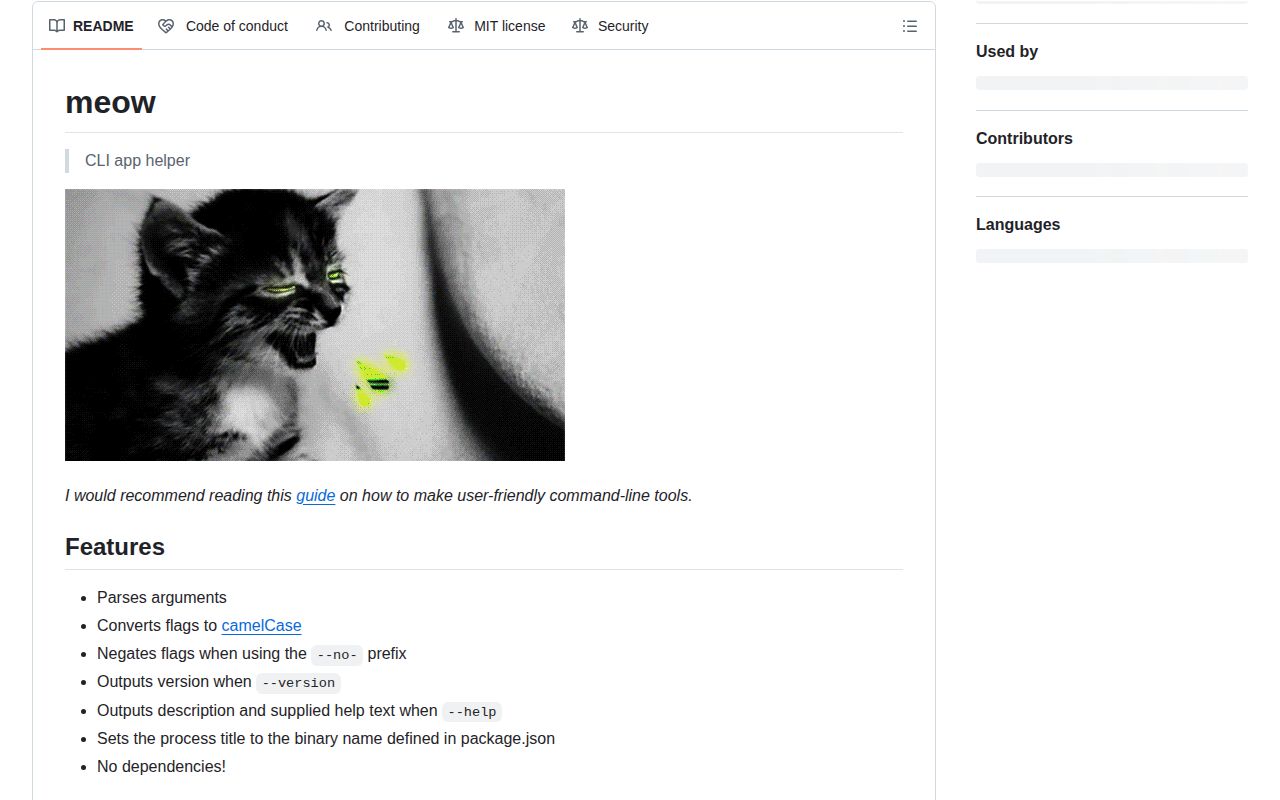
meow 14.1.0 is an argument parser and help wrapper for small Node command-line programs. It splits positional input from flags, maps kebab-case options to camelCase properties, checks declared types and choices, supports --no- booleans, and prints package-derived help or version output. Version 14.1 adds a flat commands list, required positional input, exported AnyFlag types, stricter camelCase flag recognition, and startup work. The package leaves handler routing, nested help, completion, prompts, and business logic to your application. Our browser compilation failed on Node-only behavior.
meow 14.1.0 installed as 1 package and 1 MB in 0.7 seconds on our sandbox, with 0 audit findings and no measured TypeScript types. It fits a small Node 20+ CLI with hand-written help; choose a command framework when routing and duplicated documentation start to dominate the code.
We installed it
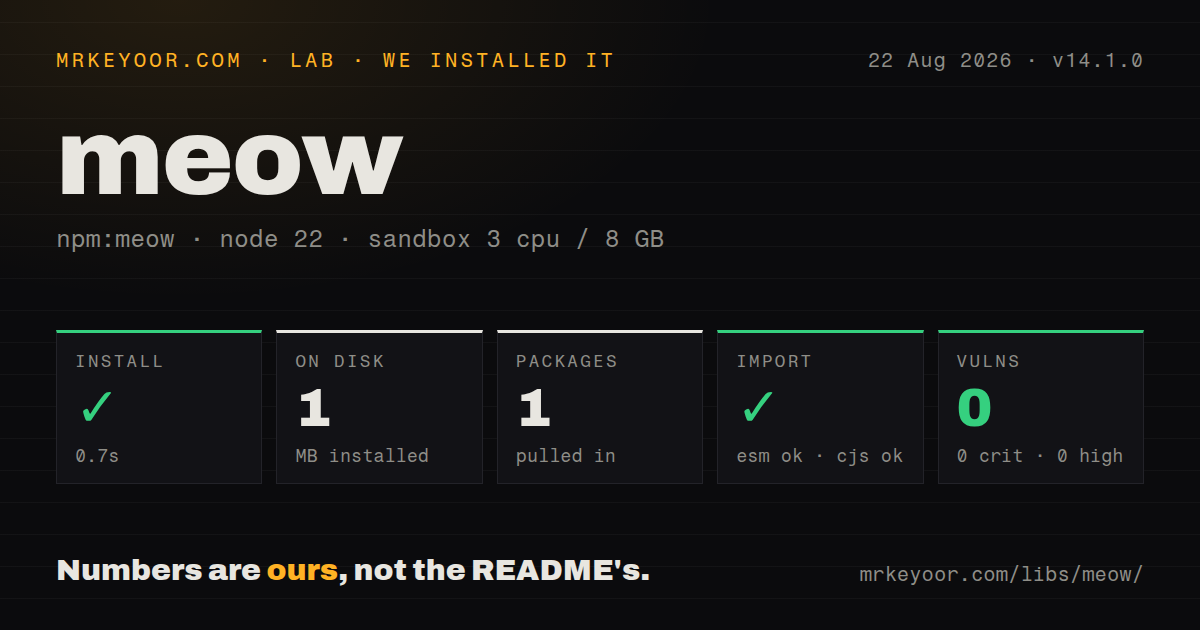
| Install | ✓ · 0.7s | 1 package on disk · 1 MB |
| Import | ✓ | ESM import works · require() works · ESM package with exports map |
| Browser | n/a | could not be bundled for the browser (Node-only code, most likely) |
| Types | — | no TypeScript types found |
| Known vulns | 0 | 0 critical · 0 high · 0 moderate · 0 low (npm audit) |
Answers from our run
Does meow install cleanly?
Yes. In a fresh container with an empty cache, npm install meow finished in 0.7s, leaving 1 package and 1 MB on disk. npm audit reported no known vulnerabilities.
Can meow run in a browser?
Not directly: esbuild could not bundle it for the browser in our run, which normally means it depends on Node built-ins. Use it on the server, or find a browser-targeted alternative.
Does meow work with both ESM and CommonJS?
Yes. Both import 'meow' and require('meow') worked in Node 22 in our run. The package is published as ESM with an exports map.
Does meow include TypeScript types?
No type declarations were found in our install, so TypeScript users need their own declarations.
meow or commander: which should you use?
commander: Use it when Node 20 commands need a nested declaration tree and generated help. meow 14.1.0 installed as 1 package and 1 MB in 0.7 seconds on our sandbox, with 0 audit findings and no measured TypeScript types.
When should you not use meow?
The command tree is nested or needs generated help per command; Commander and yargs model those structures directly
Use it if
- A Node 20+ executable has 1 command or a short flat commands list and needs typed flags without a framework
- Hand-written help text is intentional and can be reviewed alongside separate parser definitions
- Tests need to pass an argv array directly rather than modifying process.argv
- A zero-dependency parser is useful and the team accepts meow 14's ESM entry point
- The command tree is nested or needs generated help per command; Commander and yargs model those structures directly
- Node 18 remains supported; meow 14 declares Node 20 as its minimum runtime
- TypeScript declarations are mandatory in the measured artifact; our 14.1.0 package inspection found none
- Help must be generated from option declarations; meow stores its help string separately and allows it to drift from flags
- The parser must run in a browser; our esbuild browser build failed because meow relies on Node CLI and package metadata behavior
Setup reality
Our meow 14.1.0 install finished in 0.7 seconds in a clean Node 22 container. It left 1 package using 1 MB, declared 0 direct and 0 peer dependencies, and npm audit reported 0 known vulnerabilities. The published files were 436 KB unpacked. We found no TypeScript types in that measured artifact. ESM import and require() both worked through the exports map. The How we test browser build failed on Node-only package and process behavior.
A normal executable needs a node shebang, an ESM import, importMeta: import.meta, and a bin entry in package.json. meow uses importMeta to locate package metadata for its default description and version. Bundlers that move the entry may make that lookup point at the wrong package, so pass pkg explicitly when shipping a bundled binary. Confirm that the installed bin file keeps executable permission. No credentials or external config file are required.
Version 14 allows unknown flags unless allowUnknownFlags is false. Values stay strings unless their flag has a type or inferType is enabled. Missing booleans default to false, which can override a config-file fallback even when the user typed nothing; booleanDefault: undefined preserves omission. isMultiple collects repeated flags such as -i src -i test. It does not split 2 values passed after one flag or parse comma-separated lists.
The commands option recognizes the first non-flag token and puts later tokens in cli.input. Parent options must come before that command. An unknown command prints help and exits with status 2, while no command leaves cli.command undefined for your code to decide. showHelp() also exits 2 unless passed 0. Once 3 or more nested levels require repeated meow calls and separate help strings, a command framework is easier to keep consistent.
Patterns
Read required input and a numeric flag parse-one-command
#!/usr/bin/env node
import meow from 'meow';

const cli = meow('Usage: resize <file>', {
  importMeta: import.meta,
  input: {isRequired: true},
  flags: {width: {type: 'number', shortFlag: 'w', default: 640}},
});
console.log(cli.input[0], cli.flags.width);
meow 14 requires importMeta so it can find package metadata for automatic version and description output.
Turn flag typos into errors reject-unknown-option
const cli = meow(helpText, {
  importMeta: import.meta,
  allowUnknownFlags: false,
  flags: {verbose: {type: 'boolean', shortFlag: 'v'}},
});
Unknown flags are accepted by default. Strict mode accepts both --dry-run and --dryRun for a declared dryRun key.
Accept only named formats restrict-flag-values
const cli = meow(helpText, {
  importMeta: import.meta,
  flags: {format: {type: 'string', choices: ['json', 'yaml'], default: 'json'}},
});
A value outside the 2 choices fails during parsing before application code handles the command.
Collect repeated include flags collect-repeated-option
const cli = meow(helpText, {
  importMeta: import.meta,
  flags: {include: {type: 'string', shortFlag: 'i', isMultiple: true}},
});
// tool -i src -i test
Repeat -i for each value. One comma-separated argument remains 1 string and must be split by the application.
Support a --no- spelling negate-default-boolean
const cli = meow(helpText, {
  importMeta: import.meta,
  flags: {color: {type: 'boolean', default: true}},
});
// tool --no-color
Declare color once. A separate noColor definition would create 2 independent flags instead of negating the positive one.
Keep an absent flag undefined distinguish-omitted-boolean
const cli = meow(helpText, {
  importMeta: import.meta,
  booleanDefault: undefined,
  flags: {cache: {type: 'boolean'}},
});
const useCache = cli.flags.cache ?? config.cache ?? true;
The normal false default cannot distinguish omission from an explicit negative. undefined allows a second config source to decide.
Select one top-level command route-flat-command
const cli = meow({
  importMeta: import.meta,
  commands: ['run', 'list'],
  flags: {verbose: {type: 'boolean', shortFlag: 'v'}},
});
if (!cli.command) cli.showHelp(0);
if (cli.command === 'run') await run(cli.input);
Version 14.1 stops parent parsing at the command. Parent flags must appear before run or list.
Test without touching process.argv parse-fixed-argv
function parse(argv) {
  return meow(helpText, {
    importMeta: import.meta,
    argv,
    pkg: {name: 'sample-cli', version: '1.0.0'},
    flags: {port: {type: 'number'}},
  });
}
const cli = parse(['serve', '--port', '8080']);
A supplied argv array isolates parser tests. Passing pkg also prevents package.json lookup from depending on the test runner's path.
Choose the help exit status show-help-successfully
if (cli.flags.helpTopic) {
  cli.showHelp(0);
}
if (invalidUsage) {
  cli.showHelp();
}
showHelp() exits with status 2 by default. Pass 0 only when displaying help completes the user's request successfully.
Alternatives
More cli & tooling guides
commander · chalk · typescript · esbuild · yargs · click · the whole shelf →
How this guide is made: grounded in the library's documentation, release notes, changelog, and issue history, on a fixed rubric — not a hands-on install of every release. The 50 most-downloaded entries are additionally install-verified in clean containers. Corrections: contact the desk.