lint-staged review
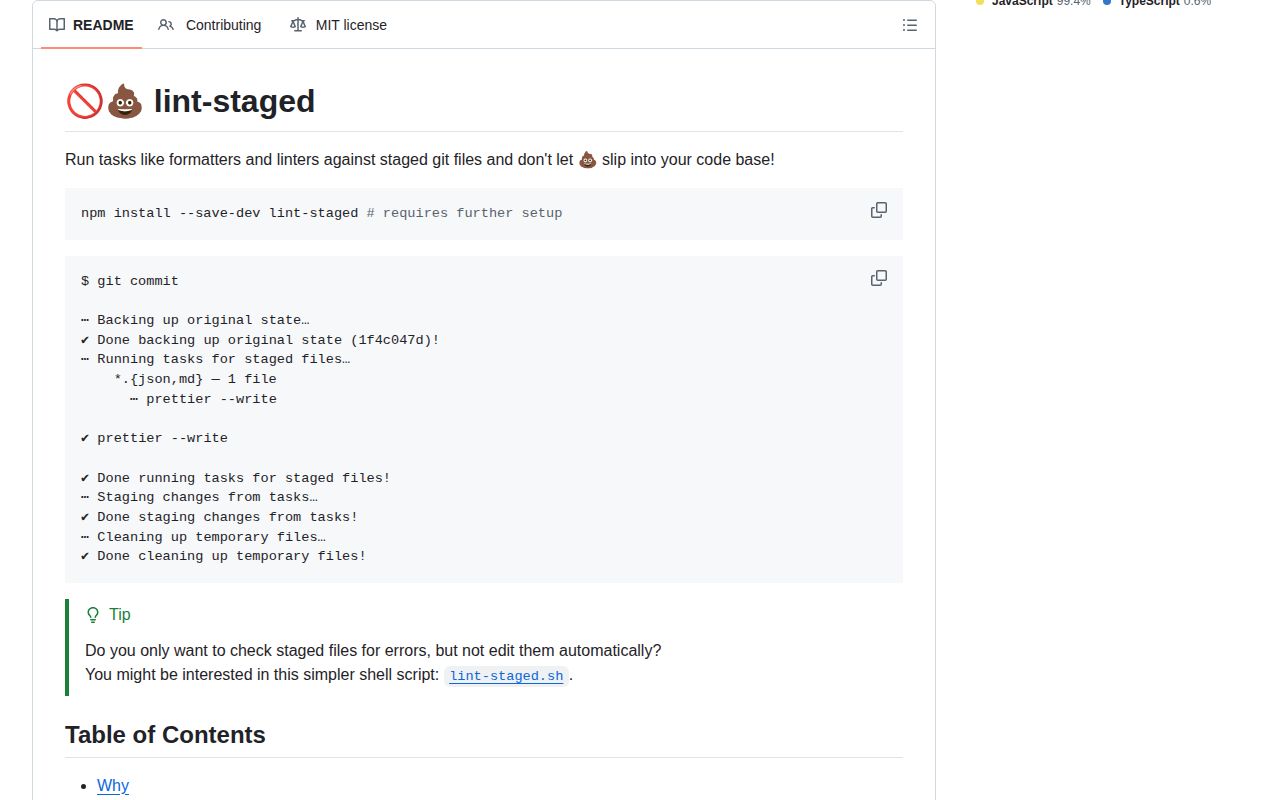
Our clean install of lint-staged 17.3.0 took 1 second and left 7 packages using 2 MB. The tool reads Git's staged file list, matches those paths with picomatch globs, and gives each matching command only the files headed into the commit. It also protects partially staged work while fixers run, then adds task edits back to the index. Release 17.3.0 lets one glob contain nested arrays of parallel tasks and avoids processing files unchanged from the incoming branch during a merge. It supplies the task runner, not the pre-commit hook, linter, or formatter.
Use lint-staged when a JavaScript repository needs precise staged-file checks and fixers without scanning the whole tree. Skip it when a single formatter command is enough or when Node should not be part of the repository's commit path.
We installed it
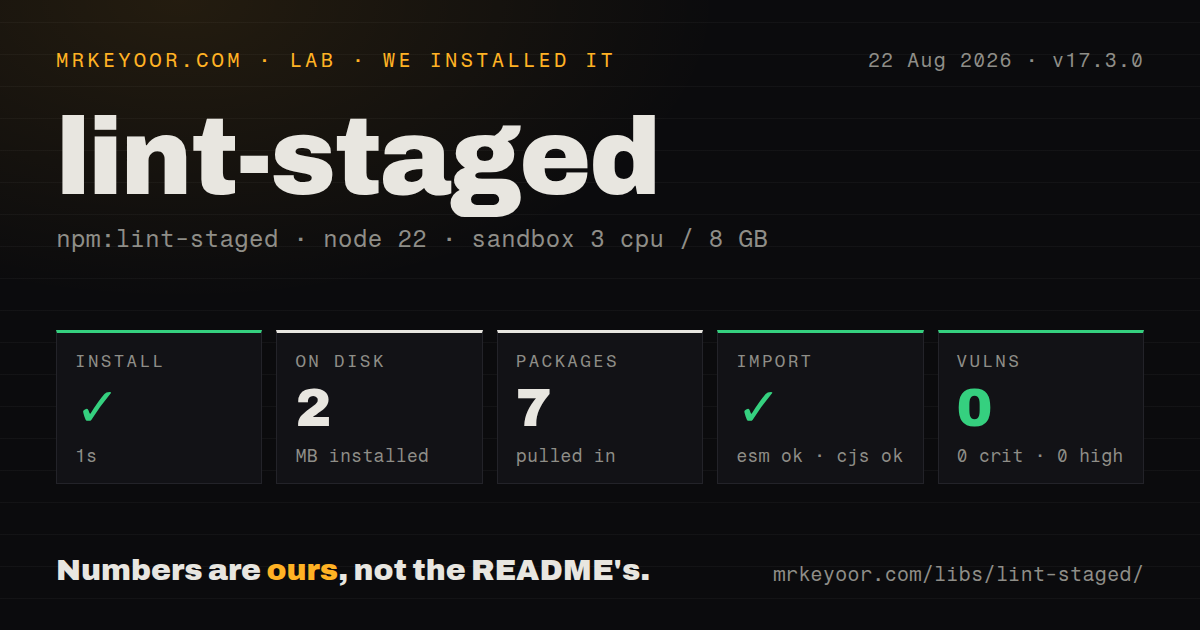
| Install | ✓ · 1s | 7 packages on disk · 2 MB |
| Import | ✓ | ESM import works · require() works · ESM package with exports map |
| Browser | n/a | could not be bundled for the browser (Node-only code, most likely) |
| Types | ✓ | TypeScript types bundled |
| Known vulns | 0 | 0 critical · 0 high · 0 moderate · 0 low (npm audit) |
Answers from our run
Does lint-staged install cleanly?
Yes. In a fresh container with an empty cache, npm install lint-staged finished in 1 seconds, leaving 7 packages and 2 MB on disk. npm audit reported no known vulnerabilities.
Can lint-staged run in a browser?
Not directly: esbuild could not bundle it for the browser in our run, which normally means it depends on Node built-ins. Use it on the server, or find a browser-targeted alternative.
Does lint-staged work with both ESM and CommonJS?
Yes. Both import 'lint-staged' and require('lint-staged') worked in Node 22 in our run. The package is published as ESM with an exports map.
Does lint-staged include TypeScript types?
Yes, type declarations ship inside the package, so no @types install is needed.
lint-staged or nano-staged: which should you use?
nano-staged: Choose it for a narrower staged-file runner when lint-staged's config discovery and Git-state options are unnecessary. Use lint-staged when a JavaScript repository needs precise staged-file checks and fixers without scanning the whole tree.
When should you not use lint-staged?
Your development runtime is below Node 22.22.1; version 17.3.0 declares that exact minimum and will not support an older Node line
Use it if
- A repository-wide formatter or linter is too slow for every commit, while checking the staged paths finishes quickly enough to keep the hook enabled
- Your formatter edits files and you want those edits added to the same commit after the task succeeds
- Different packages in a monorepo need isolated configs chosen by the closest config file to each staged path
- You need ordered commands for one file type plus carefully chosen parallel checks, including the nested task arrays added in 17.3.0
- Your development runtime is below Node 22.22.1; version 17.3.0 declares that exact minimum and will not support an older Node line
- You want one package to install hooks and run tasks; lint-staged still needs Husky, Lefthook, a hand-written Git hook, or another hook manager
- The repository is polyglot and contributors should not need Node for commits; pre-commit creates per-language hook environments and fits that job better
- Two configured globs can edit the same file concurrently; lint-staged starts glob tasks in parallel by default, so overlapping fixers can race unless you redesign the patterns or disable concurrency
- You do not want a commit helper hiding partial changes, creating a backup stash, restoring patches, and resetting on failure; those Git operations are central to its safety model
Setup reality
Our fresh Node 22 sandbox installed lint-staged 17.3.0 successfully in 1 second. The result was 7 packages occupying 2 MB, with 3 direct dependencies and no peer dependencies. npm audit reported 0 known vulnerabilities at every severity. The package itself was 280 KB unpacked and includes TypeScript declarations. It is ESM with an exports map, although both require() and ESM import worked in our check. An esbuild browser bundle failed because the package uses Node-only code.
Installation does not activate anything. Add a Git pre-commit hook separately, install the formatter or checker named in your config, and commit those hook files so teammates receive them. Configuration can live in package.json or one of the documented rc and config file forms. Tasks get absolute paths unless you pass --relative. Commands do not receive shell expansion, so environment-variable expressions, pipes, and compound shell commands belong in a script or JavaScript config.
The default run creates a backup stash, hides unstaged hunks from partially staged files, runs tasks, restores those hunks, and stages successful edits. If the process is interrupted, the backup remains in git stash and must be applied manually. --no-stash removes that recovery point. --fail-on-changes leaves fixer output in the working tree and fails instead of adding it. A config discovered nearer to a monorepo file replaces the outer config for that file; configs are not merged.
Separate globs run concurrently by default. A flat command array runs in order, while 17.3.0 permits a nested array to run a selected group in parallel. Keep parallel tasks read-only or make their globs disjoint. The CLI chunks long command lines for the host platform, which matters on Windows. A function task that returns a command controls its own arguments, so it is the right form for tsc, whose project config can be ignored when filenames are appended.
Patterns
Run lint-staged from a Husky hook install-with-hook
npm install --save-dev lint-staged husky
npx husky init

# .husky/pre-commit
npx lint-staged
lint-staged does not install the hook. Commit .husky/pre-commit so the setup reaches the rest of the team.
Assign tools by staged file type configure-basic-tasks
{
  "lint-staged": {
    "*.{js,jsx,ts,tsx}": "eslint --fix",
    "*.{json,md,yml,yaml}": "prettier --write"
  }
}
A pattern without a slash matches basenames at any depth. Successful edits from these commands are added to the index.
Order two fixers for the same files sequence-writing-tasks
{
  "*.{ts,tsx}": [
    "eslint --fix",
    "prettier --write"
  ]
}
A flat array is sequential. This prevents two tools from writing the same file at the same time.
Use the nested parallel syntax from 17.3 parallelize-read-only-tasks
export default {
  '*': [
    ['oxfmt --check --no-error-on-unmatched-pattern', 'oxlint --no-error-on-unmatched-pattern'],
  ],
  '*.ts': () => 'tsc --noEmit',
};
The inner array starts its commands in parallel. Reserve this for checks that do not compete to rewrite the same path.
Separate TypeScript from the catch-all formatter avoid-overlapping-fixers
export default {
  '!(*.{ts,tsx})': 'prettier --write',
  '*.{ts,tsx}': ['eslint --fix', 'prettier --write'],
};
Top-level globs run concurrently. The negated pattern keeps TypeScript files out of the competing catch-all task.
Call tsc without staged filenames run-project-typecheck
export default {
  '*.{ts,tsx}': () => 'tsc -p tsconfig.json --noEmit',
};
String tasks receive file arguments. Returning the command from a function prevents that, so tsc reads the project config.
Pass paths relative to the working directory use-relative-paths
# .husky/pre-commit
npx lint-staged --relative
Absolute paths are the default. --relative helps commands whose include or ignore behavior assumes repository-relative input.
Give each workspace its own config configure-monorepo-packages
repo/
  package.json
  lint-staged.config.js
  packages/api/lint-staged.config.js
  packages/web/lint-staged.config.js

// packages/web/lint-staged.config.js
export default { '*.{ts,tsx}': 'eslint --fix' };
A staged file uses its closest config. lint-staged does not merge that config with the root one, so repeat or import shared rules explicitly.
Check a JavaScript config with bundled types type-check-config
/** @type {import('lint-staged').Configuration} */
const config = {
  '*': 'prettier --ignore-unknown --write',
};

export default config;
The package ships declarations, so an editor can check the config without adding a separate @types package.
Cap parallel task groups limit-task-concurrency
npx lint-staged --concurrent 2The default allows all top-level task groups to start together. A numeric cap helps when several linters compete for CPU or memory.
Use a branch diff in CI check-pull-request-diff
npx lint-staged --diff="origin/main...HEAD" --fail-on-changes --continue-on-error --verbose--diff selects changed files instead of the index and implies --no-stash. --fail-on-changes leaves edits visible and returns a failing status.
Restore work after an interrupted run recover-backup-stash
git stash list --format="%h %s"
# Find: On <branch>: lint-staged automatic backup

git apply --index <stash-hash>
The automatic backup is dropped only after a successful run. Inspect the stash message before applying it so you restore the correct entry.
Alternatives
| Package | Registry | Pick it when |
|---|---|---|
| nano-staged | npm | Choose it for a narrower staged-file runner when lint-staged's config discovery and Git-state options are unnecessary |
| lefthook | npm | Choose it when hook installation and multi-language command orchestration should come from one tool |
| pretty-quick | npm | Choose it when the hook only needs to run Prettier on changed files and no general task map is required |
More cli & tooling guides
commander · chalk · typescript · esbuild · yargs · click · the whole shelf →
How this guide is made: grounded in the library's documentation, release notes, changelog, and issue history, on a fixed rubric — not a hands-on install of every release. The 50 most-downloaded entries are additionally install-verified in clean containers. Corrections: contact the desk.