expo review
Expo 57 is the app runtime and toolchain around React Native 0.86 and React 19.2. The root package brings in the CLI, Metro setup, native-module autolinking, config plugins, assets, fonts, constants, file access, and the Expo Modules API used by Android, iOS, and supported web targets. Release 57.0.16 rolls forward Metro to 0.84.5 and updates the matching CLI, asset, config, constants, fingerprint, autolinking, and modules-core packages. In our lab, the 57.0.15 root entry failed through both Node loading paths, which is a useful boundary: run an Expo app through Metro instead of treating `expo` as a general Node module.
Expo 57.0.15 took 65.7 seconds and 343 MB in our sandbox, then failed under both Node import styles, so it makes sense as a React Native 0.86 app platform and nowhere else. Install it when coordinated native tooling saves more work than its 405-package tree and the 17 audit findings add to review.
We installed it
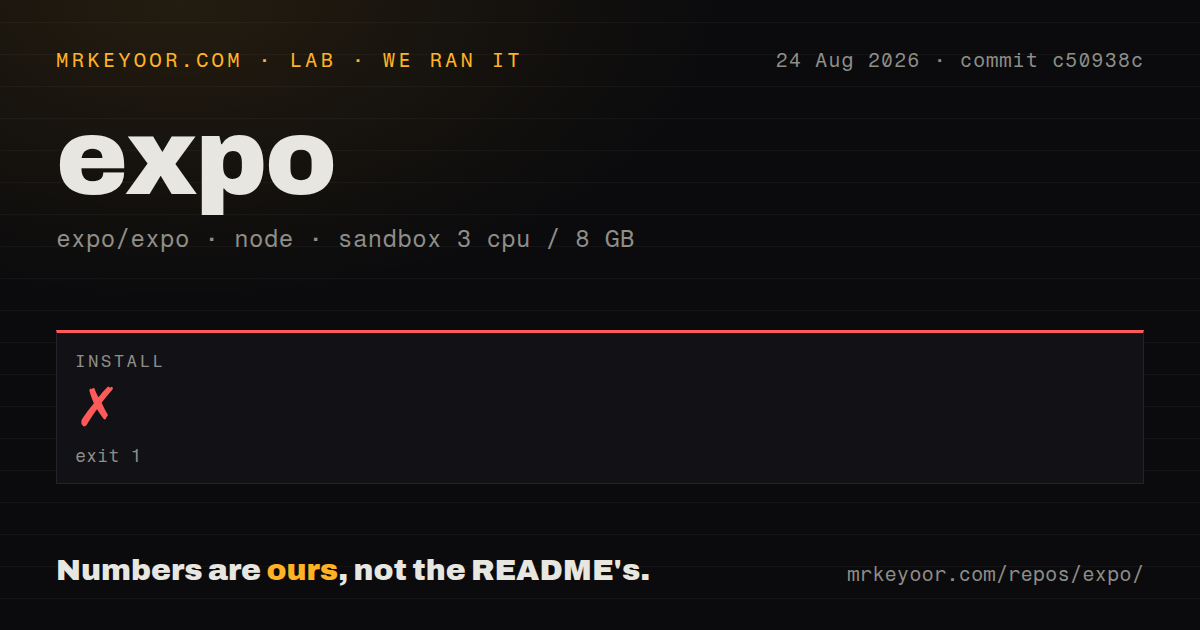
| Install | ✓ · 65.7s | 405 packages on disk · 343 MB · 1 deprecation warning |
| Import | ✗ | ESM import fails · require() fails · CommonJS package |
| Browser | n/a | could not be bundled for the browser (Node-only code, most likely) |
| Types | ✓ | TypeScript types bundled |
| Known vulns | 17 | 0 critical · 7 high · 10 moderate · 0 low (npm audit) |
Answers from our run
Does expo install cleanly?
Yes. In a fresh container with an empty cache, npm install expo finished in 66 seconds, leaving 405 packages and 343 MB on disk. npm audit reported 17 known vulnerabilities. The install printed 1 deprecation warning.
Can expo run in a browser?
Not directly: esbuild could not bundle it for the browser in our run, which normally means it depends on Node built-ins. Use it on the server, or find a browser-targeted alternative.
Does expo work with both ESM and CommonJS?
Neither plain import nor require succeeded in our sandbox, so it needs a bundler or extra setup.
Does expo include TypeScript types?
Yes, type declarations ship inside the package, so no @types install is needed.
expo or react-native: which should you use?
react-native: Choose it with the community CLI when the team wants direct control of the Xcode and Gradle projects from initial setup. Expo 57.0.15 took 65.7 seconds and 343 MB in our sandbox, then failed under both Node import styles, so it makes sense as a React Native 0.86 app platform and nowhere else.
When should you not use expo?
You need a library for a Node backend. Node 22.23.2 could neither require nor import the Expo 57.0.15 root package in our sandbox.
Use it if
- You are starting a React Native 0.86 app and want Expo to keep native modules, Metro, and package versions on one SDK line.
- Your native changes can be expressed through config plugins and regenerated projects instead of permanent manual Xcode and Gradle edits.
- The team wants Expo Router, development clients, updates, or EAS builds to share the same project configuration.
- Android and iOS are primary targets, while web is limited to the Expo modules whose documentation lists browser support.
- You need a library for a Node backend. Node 22.23.2 could neither require nor import the Expo 57.0.15 root package in our sandbox.
- A 343 MB install and 405-package tree is too much for the job. Those figures cover only our Expo package install, before a complete application adds its other dependencies.
- Your release policy blocks dependency trees with known findings. npm audit reported 7 high and 10 moderate vulnerabilities in the exact 57.0.15 graph we installed.
- The app relies on native libraries without a compatible config plugin or autolinking path. You will need to own generated iOS and Android changes or use another build setup.
- You require the same API on browsers and devices. Expo's module reference lists support per platform, and native-only calls still need branches or replacements.
Setup reality
We installed expo 57.0.15 without a cache in a fresh Node 22 Bookworm container. It completed in 65.7 seconds, printed 1 deprecation warning, and left 405 packages occupying 343 MB. The package itself declared 23 direct dependencies and 7 peers and unpacked to 2504 KB. npm audit found 17 vulnerabilities: 7 high and 10 moderate, with zero critical and zero low findings. The registry now serves 57.0.16, so these lab results belong to 57.0.15 only.
Node.js 22.23.2 failed at both require('expo') and dynamic ESM import. The package is CommonJS, has no exports map, and includes TypeScript declarations, yet its entry expects the React Native environment. esbuild also failed to make our browser bundle. Use npx expo start, which hands modules to Metro. npx expo install should add SDK packages because it selects versions that match Expo 57; a plain package-manager install can leave native libraries on incompatible lines.
Project identity and native configuration live in app.json or app.config.js. Set the iOS bundle identifier and Android package before store signing, and add permissions through each module's config plugin. Variables named EXPO_PUBLIC_* are copied into client code, so API secrets and signing material must stay on a server or in the build service's protected environment. Permission prompts still need runtime handling after the native manifest text is configured.
Expo Go only runs native modules already included in that client. Install expo-dev-client and produce a development build once the app adds other native code. Local iOS compilation requires macOS and Xcode; Android needs its SDK and Java tools. EAS moves compilation to Expo's service but adds an account, project association, signing credentials, and build profiles. npx expo prebuild creates the native directories, so decide whether regeneration owns those files before accepting hand edits.
Patterns
Start a new Expo application create-project
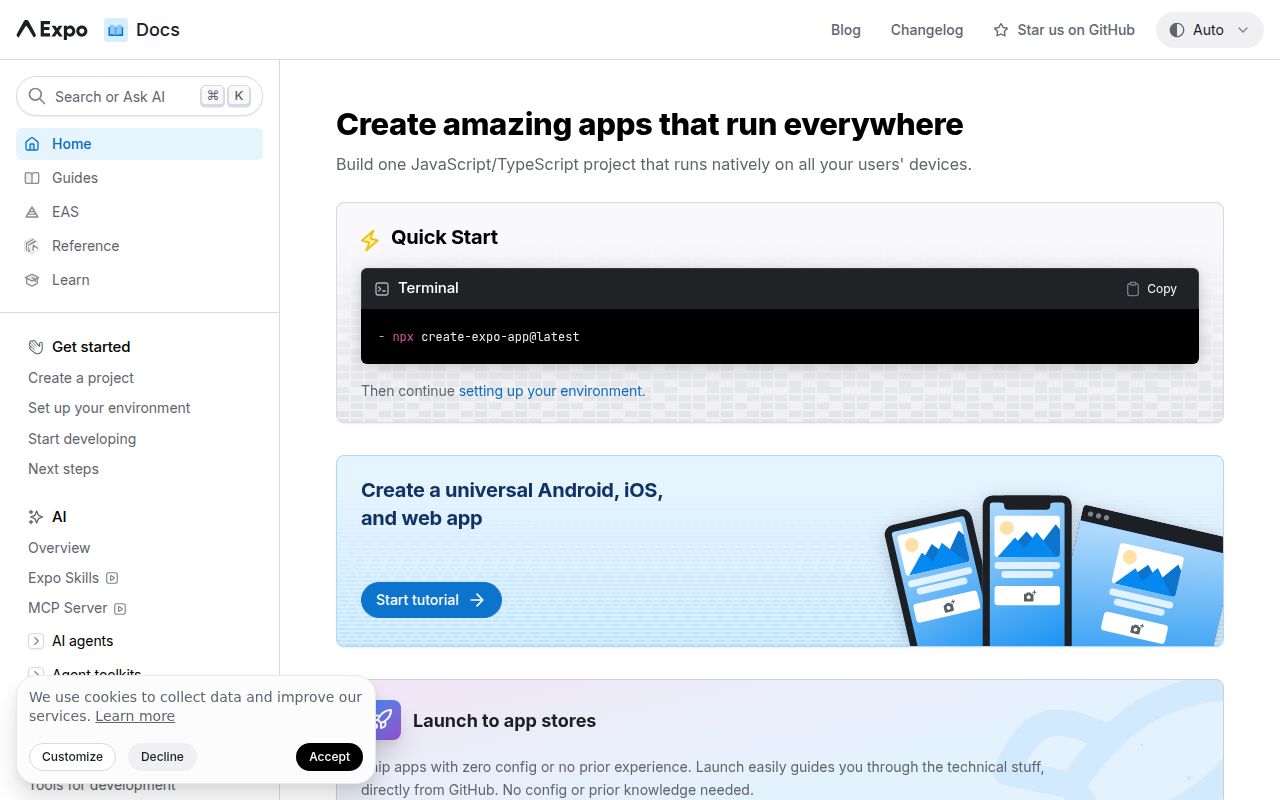
npx create-expo-app@latest field-log
cd field-log
npx expo start
The current starter may use Expo Router. A QR launch in Expo Go works only while the project uses native modules shipped inside that client.
Install modules on the active SDK line align-sdk-packages
npx expo install expo-camera expo-location
npx expo-doctor
`expo install` chooses versions compatible with the current SDK; Expo Doctor reports common package and app-configuration mismatches.
Declare the store identities set-app-identifiers
{
  "expo": {
    "name": "Field Log",
    "slug": "field-log",
    "scheme": "fieldlog",
    "ios": { "bundleIdentifier": "com.example.fieldlog" },
    "android": { "package": "com.example.fieldlog" }
  }
}
Apple and Google treat these identifiers as the app's identity. Changing either after release creates a separate store application.
Create two file-based routes add-router-screen
// app/index.tsx
import { Link } from 'expo-router';
import { Text, View } from 'react-native';

export default function Home() {
  return <View><Text>Field log</Text><Link href="/settings">Settings</Link></View>;
}

// app/settings.tsx
import { Text } from 'react-native';
export default function Settings() { return <Text>Settings</Text>; }
Files under `app` become routes. Put navigation structure and shared providers in `_layout.tsx`, not in each screen.
Expose a public API origin read-client-variable
# .env
EXPO_PUBLIC_API_ORIGIN=https://api.example.com

// src/config.ts
export const apiOrigin = process.env.EXPO_PUBLIC_API_ORIGIN;
Expo substitutes `EXPO_PUBLIC_*` values into the application bundle. Anyone with the app can read them, so they cannot hold secrets.
Ask for foreground location request-location-permission
import * as Location from 'expo-location';

const result = await Location.requestForegroundPermissionsAsync();
if (result.status !== 'granted') {
  throw new Error('Location permission denied');
}
const position = await Location.getCurrentPositionAsync({});
The runtime request does not write native usage descriptions. Configure the expo-location plugin, then rebuild the native app.
Set a camera permission message configure-native-plugin
{
  "expo": {
    "plugins": [
      ["expo-camera", { "cameraPermission": "Scan delivery labels" }]
    ]
  }
}
Config-plugin changes affect native project files. A JavaScript reload cannot apply them; make a new native build.
Delay rendering until a font is ready load-bundled-font
import { useFonts } from 'expo-font';

export default function Root() {
  const [ready, error] = useFonts({
    AppSans: require('./assets/AppSans-Regular.ttf'),
  });
  if (error) throw error;
  if (!ready) return null;
  return <App />;
}
Keep the loading gate near the root. Rendering `AppSans` before `useFonts` finishes can show fallback text or a visible swap.
Compile a client with custom native code create-development-client
npx expo install expo-dev-client
npx expo run:android
# macOS and Xcode only
npx expo run:ios
These commands generate and compile native projects. Use a development client when Expo Go does not contain one of the project's native modules.
Test a custom URL scheme open-deep-link
npx uri-scheme open fieldlog://settings --android
# On macOS with an iOS simulator
npx uri-scheme open fieldlog://settings --ios
Declare `scheme` in app configuration and rebuild after changing it because URL registration lives in the native application.
Configure and request cloud builds build-on-eas
npm install --global eas-cli
eas login
eas build:configure
eas build --platform all
EAS associates the local project with an Expo account and asks about signing credentials. Inspect the generated `eas.json` profiles before a store build.
Move dependencies to a new Expo SDK upgrade-sdk
npx expo install expo@latest
npx expo install --fix
npx expo-doctor
Read the target SDK changelog first. If `ios` or `android` is generated, compare prebuild output before replacing any reviewed native edits.
Alternatives
| Package | Registry | Pick it when |
|---|---|---|
| react-native | npm | Choose it with the community CLI when the team wants direct control of the Xcode and Gradle projects from initial setup. |
| @capacitor/core | npm | Choose Capacitor when the product is already a web app and native shells mainly provide device plugins. |
| @react-native-community/cli | npm | Choose the React Native community tooling when Expo's config-plugin and service model conflicts with the native release process. |
More mobile guides
react-native · react-native-safe-area-context · react-native-reanimated · react-native-worklets · react-native-svg · @react-native-async-storage/async-storage · the whole shelf →
How this guide is made: grounded in the library's documentation, release notes, changelog, and issue history, on a fixed rubric — not a hands-on install of every release. The 50 most-downloaded entries are additionally install-verified in clean containers. Corrections: contact the desk.