boto3 review
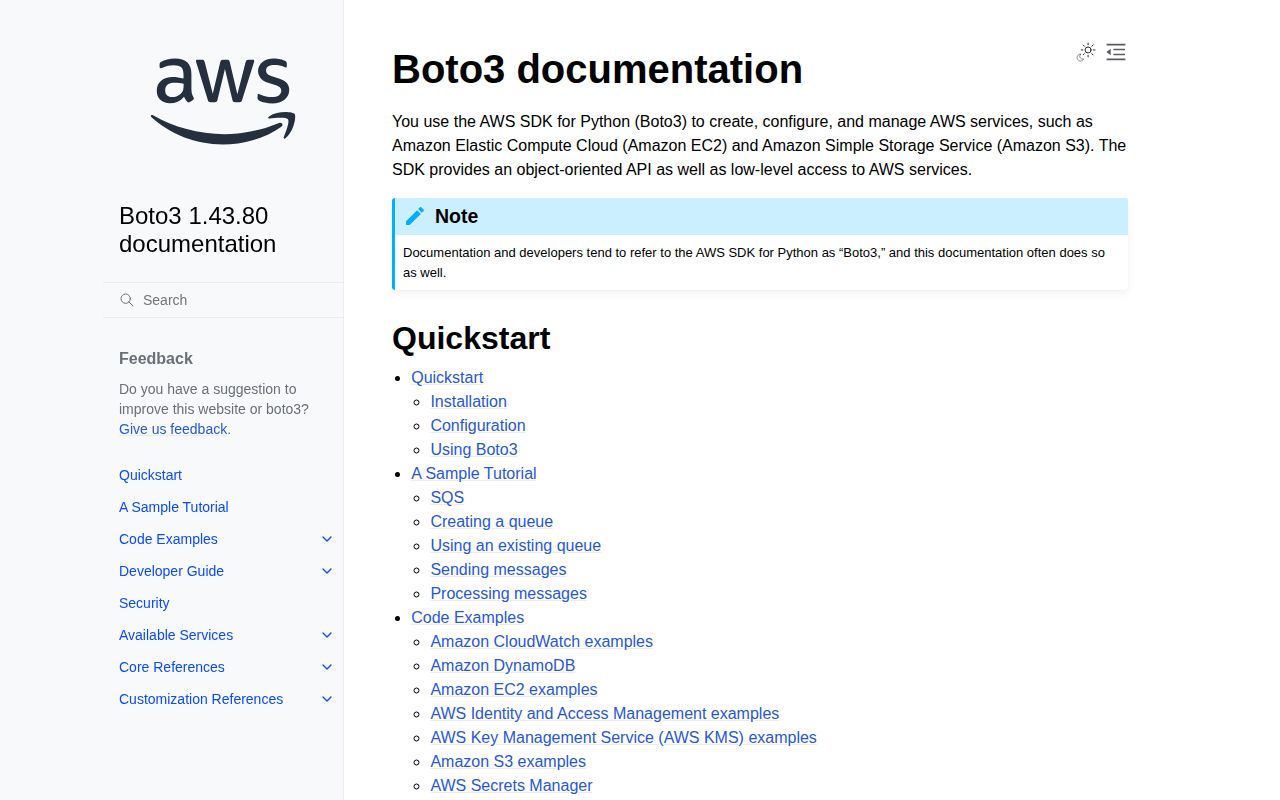
boto3 is AWS's Python SDK: it creates low-level clients and higher-level resources for services such as S3, EC2, DynamoDB, and hundreds of newer AWS APIs. Version 1.43.80 refreshes generated service models, including EC2 capacity reservation groups, EKS terminated-pod garbage collection settings, and a DevOps Agent approval action. Those rapid model releases are the point of the package, but they also make exact boto3 and botocore version pairing part of deployment discipline.
boto3 1.43.78 installed in 1 second and used 31 MB across 7 packages in our sandbox, with 0 pip-audit findings but no py.typed marker. Install it for synchronous Python access to AWS; choose a narrower or async option when SDK weight, typed service models, or event-loop blocking matters.
We installed it
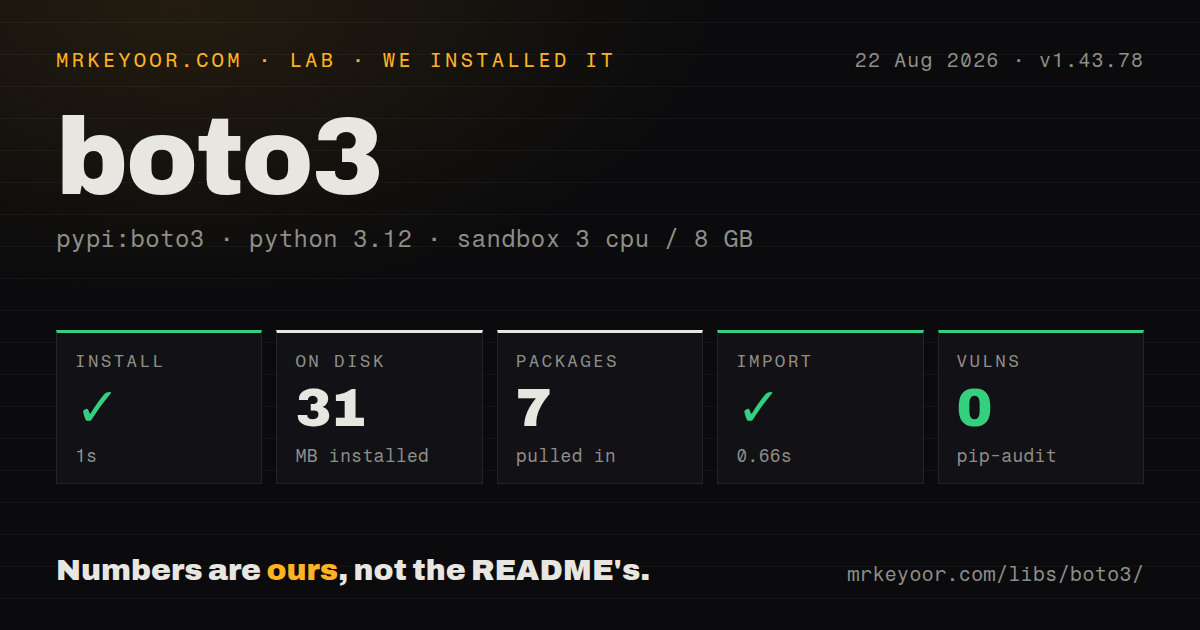
| Install | ✓ · 1s | 7 packages on disk · 31 MB |
| Import | ✓ | import boto3 in 0.66s · pure Python · requires Python >= 3.10 |
| Known vulns | 0 | (pip-audit) |
Answers from our run
Does boto3 install cleanly?
Yes. In a fresh container with an empty cache, pip install boto3 finished in 1 seconds, leaving 7 packages and 31 MB on disk. pip-audit reported no known vulnerabilities.
What does boto3 need to run?
Python >= 3.10, and nothing compiled: it is pure Python. In our run import boto3 succeeded in 0.66s.
boto3 or aioboto3: which should you use?
aioboto3: Use it when boto3-shaped AWS calls must fit an asyncio application and you accept an extra compatibility layer. boto3 1.43.78 installed in 1 second and used 31 MB across 7 packages in our sandbox, with 0 pip-audit findings but no py.typed marker.
When should you not use boto3?
Your application is async end to end; boto3 clients are synchronous and will block an event loop unless calls run in threads or you choose an async wrapper.
Discussed on
- hnDownloading files from S3 with multithreading and Boto3154 points
- hnBoto3 – AWS SDK for Python113 points
- hnCleaning up AWS with Boto335 points
- hnAWS to deprecate boto resource abstractions10 points
- hnHow to send gzipped requests with boto34 points
Use it if
- Python code must call AWS services using the vendor-maintained SDK and credential provider chain.
- You need generated clients for recent AWS operations instead of hand-writing SigV4 HTTP requests.
- The application runs on Lambda, ECS, EKS, or EC2 and can use an attached IAM role.
- You want built-in paginators, waiters, retries, and S3 transfer helpers around AWS APIs.
- Your application is async end to end; boto3 clients are synchronous and will block an event loop unless calls run in threads or you choose an async wrapper.
- You want one small service client; the SDK installed 7 packages and occupied 31 MB in our sandbox because its service model catalog is broad.
- Static typing is a hard requirement from the base package; our install found no py.typed marker, so service-specific stubs come from a separate project.
- You need stable handwritten response models; boto3 service clients are generated from AWS models and new releases arrive frequently.
- The target is not AWS or an AWS-compatible API with matching semantics; a cloud-neutral abstraction or the vendor's own SDK will fit better.
Setup reality
Our clean Python 3.12 install of boto3 1.43.78 completed in 1 second. It left 7 packages taking 31 MB, and import boto3 took 0.66 seconds. The package is pure Python, declares 4 direct dependencies, requires Python 3.10 or newer, and had 0 known vulnerabilities in our pip-audit run. We found no py.typed marker.
An import proves little because the first real call needs both credentials and a region. The documented local files are ~/.aws/credentials and ~/.aws/config. In AWS compute, prefer an IAM role so temporary credentials arrive through the provider chain. Environment variables, named profiles, web identity, and container credentials are also supported. Never bake long-lived access keys into source or images.
Clients are scoped to a region and service. Create a Session when profile or account choice must be explicit, then reuse clients instead of rebuilding them for each request. Many list operations return one page only; use the named paginator or handle continuation tokens. Waiters poll until a modeled state arrives and can still time out.
Boto3's calls are synchronous. In an asyncio server, a network call on the event-loop thread stalls unrelated requests, so isolate it with asyncio.to_thread or use an async-compatible SDK layer. Pin boto3 with a compatible botocore instead of overriding botocore independently. The current 1.43.80 release mainly adds generated AWS API changes, while our measured install was 1.43.78.
Patterns
Create a client in one named region client-setup
import boto3

s3 = boto3.client("s3", region_name="us-east-1")

# or from a named profile
session = boto3.Session(profile_name="prod", region_name="eu-west-1")
s3 = session.client("s3")
Set the region explicitly when deployment configuration should not choose it. The normal credential chain still supplies credentials.
Use a named AWS profile s3-upload-download
import boto3

s3 = boto3.client("s3")
s3.upload_file("report.pdf", "my-bucket", "reports/report.pdf")
s3.download_file("my-bucket", "reports/report.pdf", "/tmp/report.pdf")
A Session makes account and profile selection visible. Avoid relying on whichever default profile happens to exist on a developer laptop.
Upload a local file to S3 s3-presigned-url
url = s3.generate_presigned_url(
    "get_object",
    Params={"Bucket": "my-bucket", "Key": "reports/report.pdf"},
    ExpiresIn=3600,
)
upload_file uses the transfer manager. Provide ExtraArgs for encryption, metadata, or content type when object policy requires them.
Download an S3 object to disk pagination
paginator = s3.get_paginator("list_objects_v2")
for page in paginator.paginate(Bucket="my-bucket", Prefix="logs/"):
    for obj in page.get("Contents", []):
        print(obj["Key"], obj["Size"])
download_file writes the destination path. Catch ClientError to distinguish a missing key, denied access, and other service failures.
Read every page from a list operation error-handling
from botocore.exceptions import ClientError

try:
    s3.head_object(Bucket="my-bucket", Key="maybe-missing")
except ClientError as e:
    code = e.response["Error"]["Code"]
    if code == "404":
        print("not found")
    else:
        raise
A direct list call usually returns only one page. The paginator follows service continuation tokens until the operation is exhausted.
Wait until an EC2 instance is running retry-config
from botocore.config import Config

cfg = Config(
    retries={"max_attempts": 10, "mode": "adaptive"},
    connect_timeout=5,
    read_timeout=60,
)
dynamodb = boto3.client("dynamodb", config=cfg)
Waiters poll using a fixed model and can time out. A successful wait does not prove the application inside the instance is healthy.
Test a call without reaching AWS dynamodb-crud
dynamodb = boto3.resource("dynamodb")
table = dynamodb.Table("users")

table.put_item(Item={"pk": "user#1", "name": "Ada", "score": 99})
resp = table.get_item(Key={"pk": "user#1"})
item = resp.get("Item")
Stubber checks the operation and expected parameters. Keep the mocked response shape consistent with the service model for the pinned SDK.
Call boto3 from asyncio without blocking assume-role
sts = boto3.client("sts")
creds = sts.assume_role(
    RoleArn="arn:aws:iam::123456789012:role/Deploy",
    RoleSessionName="deploy-script",
)["Credentials"]

s3 = boto3.client(
    "s3",
    aws_access_key_id=creds["AccessKeyId"],
    aws_secret_access_key=creds["SecretAccessKey"],
    aws_session_token=creds["SessionToken"],
)
Boto3 is synchronous. asyncio.to_thread moves the blocking request off the event-loop thread but does not make the client itself async.
Alternatives
| Package | Registry | Pick it when |
|---|---|---|
| aioboto3 | PyPI | Use it when boto3-shaped AWS calls must fit an asyncio application and you accept an extra compatibility layer. |
| botocore | PyPI | Use the lower-level core when you need request signing and clients without boto3's resource layer. |
| awswrangler | PyPI | Use it for dataframe-oriented work across S3, Athena, Glue, Redshift, and related analytics services. |
More infra guides
semver · opentelemetry-api · @opentelemetry/api · psutil · distro · @aws-sdk/client-s3 · the whole shelf →
Related reading
How this guide is made: grounded in the library's documentation, release notes, changelog, and issue history, on a fixed rubric — not a hands-on install of every release. The 50 most-downloaded entries are additionally install-verified in clean containers. Corrections: contact the desk.