What happened when we ran it
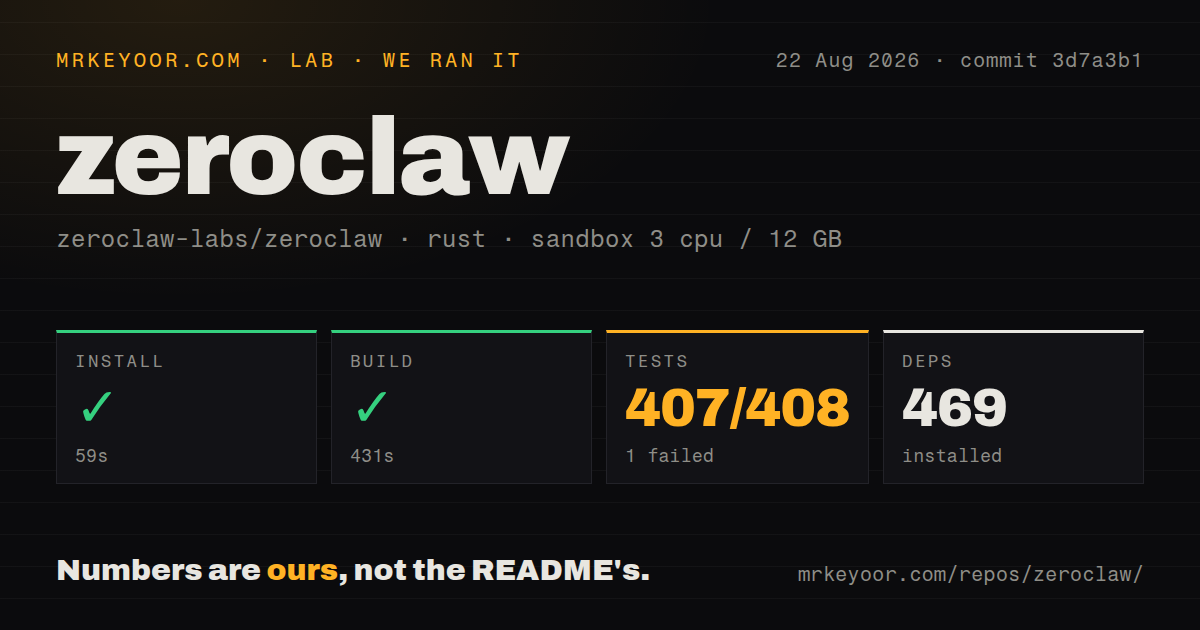
In our unprivileged Debian sandbox with no secrets, we installed 469 Rust packages in 59 seconds, then built commit 3d7a3b1 successfully in 431 seconds. The checkout was 74.3 MB, but its 1,855 files contained about 912,596 source lines. That is a large ownership commitment for software presented as one deployable binary.
Tests ran for 625 seconds. Cargo reported 407 passed and 1 failed out of 408. The failure was specific: release_workflow::scoop_publisher_metadata_follows_canonical_url_template called scripts/release/scoop_metadata.sh, which stopped because jq was not installed. The test then could not confirm a non-empty, single-line Scoop autoupdate URL. Our clean Debian container exposed a missing system-tool assumption in the release path; it did not show a failure in the agent loop.
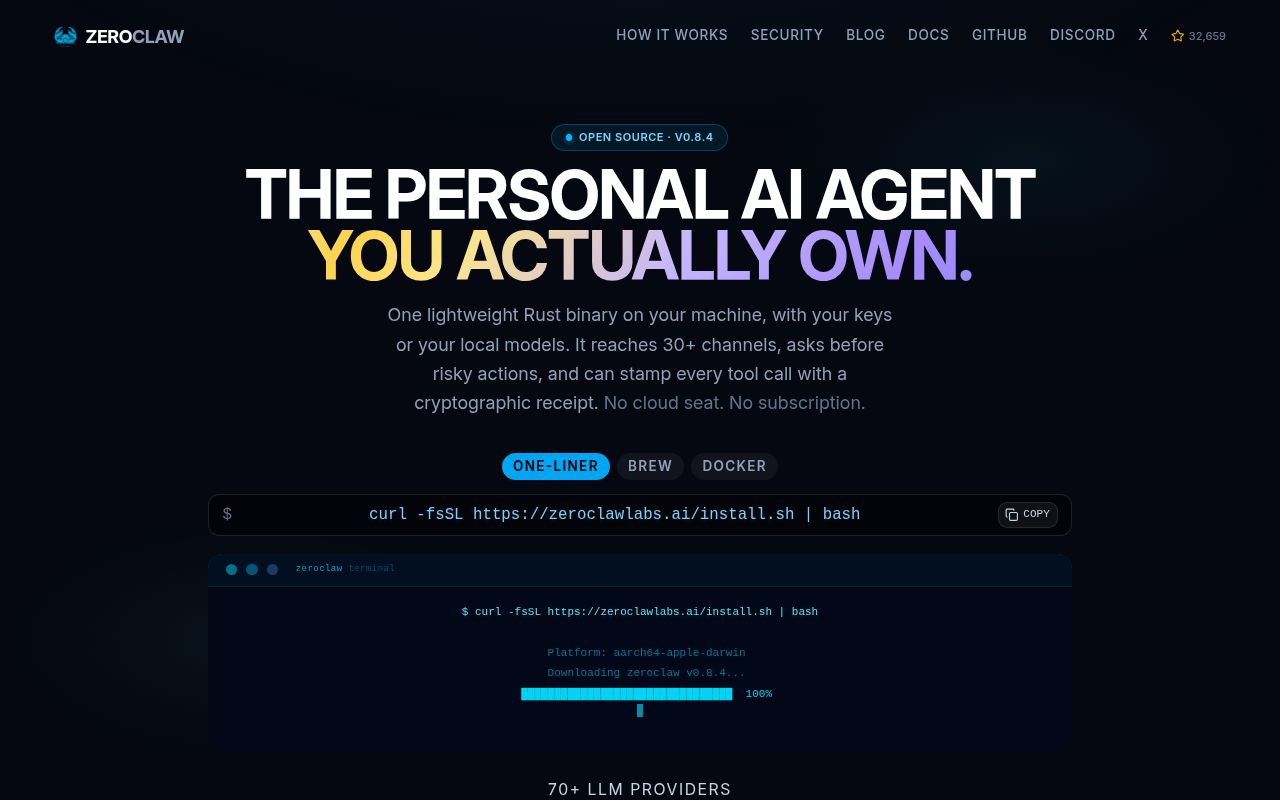
One binary connects more than 20 model providers and 30 channels
ZeroClaw runs an agent loop around Anthropic, OpenAI, Ollama, and roughly 20 other provider options. More than 30 channel adapters cover chat services, email, voice, webhooks, CLI access, and Agent Client Protocol links to editors. Tools include shell, browser, HTTP, hardware, and custom MCP servers. A gateway and dashboard add chat, memory browsing, configuration, cron management, and tool inspection.
This breadth is the reason to consider it. A single assistant can keep its memory and policies while the user moves between Telegram, a terminal, and an editor. Provider fallback chains can also reduce dependence on one model service. Each adapter brings credentials, rate limits, formatting differences, and another failure mode, so using 30 channels should never be the goal. Configure only the routes you can monitor.
Supervised mode blocks high-risk actions by default
The default autonomy level is supervised. Medium-risk operations require approval and high-risk ones are blocked. Workspace boundaries, command policy, operating-system sandboxes, and cryptographic tool receipts give operators several places to constrain actions and reconstruct what happened. Linux can use Landlock or Bubblewrap, macOS can use Seatbelt, and Docker is another boundary.
The README also documents YOLO mode, which skips normal gates for trusted development machines. That escape hatch is useful for disposable workspaces and dangerous on a personal server with messages, API keys, browser sessions, and shell access. A good deployment starts with one agent, one provider, one channel, and the smallest tool policy that completes the task. Add permissions after reviewing receipts, not before.
SOP approvals make automation useful and expensive to operate
Standard Operating Procedures can start from cron, webhooks, MQTT, or peripheral events. They support approval gates and resumable runs, which gives deterministic work a clearer shape than asking an open-ended agent to remember every step. Release 0.8.4 added admission policies, quorum approval brokering, checkpoint editing, and further memory controls.
The issue queue shows why those controls need testing. Issue 10316 says step-budget exhaustion can replace an accepted cancellation with a failed state. Issue 10320 says config set and an RPC configuration path can persist values without running validation. Neither report proves a general reliability problem. Both touch operator trust, so cancellation, configuration rollback, and approval handling belong in acceptance tests before an SOP reaches production.
February 2026 origins make the pace impressive and risky
The repository was created on February 13, 2026, pushed on August 26, and released version 0.8.4 on August 2. GitHub listed 802 open issues and pull requests, with fixes and bug reports changing by the minute on August 26. More than 32,000 stars show attention, while the dated push and issue activity show that maintenance is current. Six months of history cannot establish long-term stability.
Documentation is unusually deep for that age. The README links setup guides for major platforms, a generated configuration reference, provider and channel guides, security policy, architecture, and an RFC process. The minimum V3 setup still needs a provider alias, an agent that references it, and a risk profile. Quickstart writes the first configuration, but operators must understand it before granting tools access to a real machine.
Credential paths also differ by provider. The README documents importing an existing OpenAI Codex auth profile, using a Claude setup token in the Anthropic slot, and supplying an API key only when an OpenAI entry deliberately targets a custom compatible endpoint. That separation reduces accidental misconfiguration, but it gives backups and incident response more than one secret location to cover. Run zeroclaw auth status and test provider fallback before installing the always-on service.
ZeroClaw is worth a controlled trial for an experienced self-hoster who wants one assistant across channels and accepts the work of policy design. The 407 passing tests and explicit sandbox model are encouraging. The 912,596-line codebase, young history, and current configuration and SOP reports argue for a narrow rollout with pinned releases, backed-up configuration, and rehearsed recovery.