The npm result leaves the Rust streaming server unverified
Voxl streams a desktop into a browser, but our successful npm installation doesn't establish that the streaming server runs. The README identifies that server as Rust software and documents native libraries needed to compile it. Our recorded run followed the Node side of the checkout. Keep that distinction in mind when planning deployment.
The product is worth investigating if you operate headless desktops for development sandboxes or computer-use agents. Voxl sends H.264 video over a WebSocket to a browser client that decodes through WebCodecs. It also documents input, clipboard, audio and file-transfer support. Those features describe the proposed desktop workflow, without showing that our sandbox exercised any of it.
What happened when we ran it
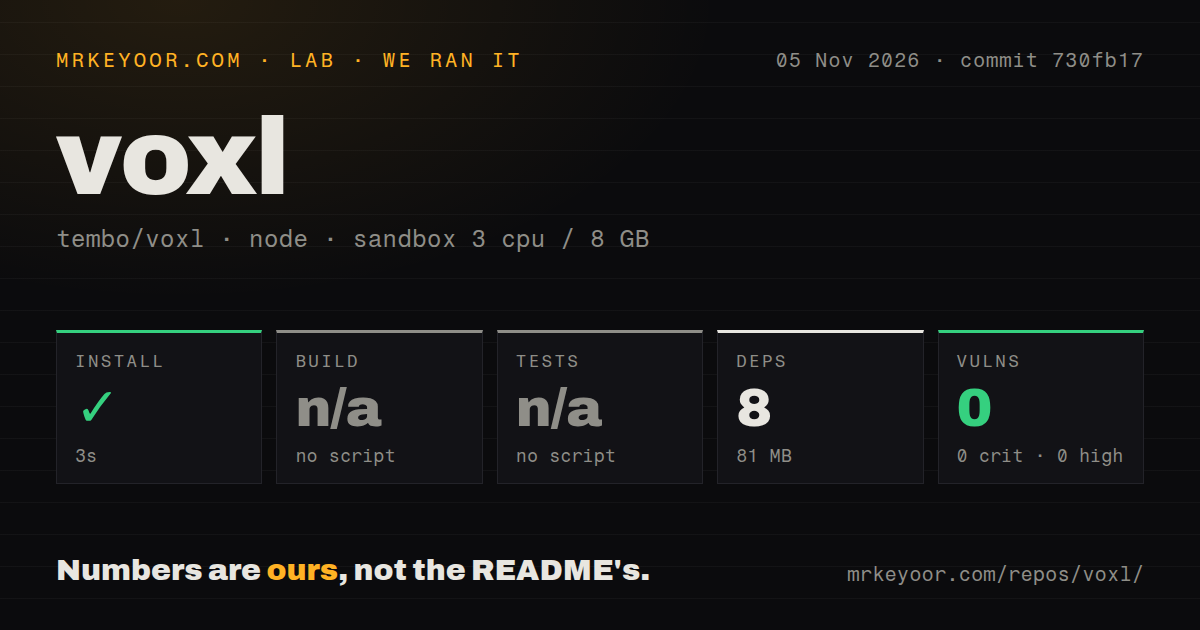
Our Voxl sandbox completed npm installation in 3 seconds, recording eight dependencies and 81 MB on disk. We ran commit 730fb17 on November 5, 2026. The build step was skipped because no build script or target was detected, and the test step was skipped for the same reason. There is no passing server build or test result in this record.
The npm audit reported zero known vulnerabilities across its recorded severity categories. That is an npm audit snapshot, not a security assessment of the Rust server, its native libraries or the desktop you expose. Keep the result attached to the ecosystem and run that produced it.
The checkout contained 146 files, approximately 17,116 source lines and 1.1 MB. Its scan found two CI workflow files, with no Dockerfile or tests directory. The recorded configuration had 3 CPUs, 8 GB of RAM and image label lab-node:22. The image label doesn't establish the actual runtime or operating-system version. No streaming workload, browser session or latency measurement accompanies this run.
Native libraries and a display remain part of setup
The README's Linux setup lists Rust, pkg-config, clang, x264, libyuv, libopus, libpulse and esbuild, with a Nix shell route to supply them. Its quick start installs the voxl-server crate and runs the voxl binary against an X display. Our npm result doesn't verify those native requirements or display capture.
Linux capture currently targets X11, including Xvfb. The FAQ says Wayland isn't supported yet and describes work underway, which isn't a shipped compatibility guarantee. If your desktop is Wayland-only, that is a reason to choose another tool or wait for a verified supported path. Don't treat a capture proposal in the contribution feed as a released capability.
The README also documents macOS and Windows paths. Mac users need Screen Recording and Accessibility permissions. On Windows, Voxl streams the desktop of the session it runs in, and the instructions say to start it in the user's session rather than as a service. Neither platform path was validated by our npm run, so select the target platform before estimating the work involved.
Remote browser access needs more than a reachable port
Voxl serves plain HTTP and requires TLS away from localhost, according to its security guide. The README separately explains that browsers allow WebCodecs on HTTPS pages and localhost. A remote HTTP URL can therefore be reachable without satisfying the browser's decoding requirements. Plan a TLS proxy or localhost access through an SSH tunnel.
Host configuration matters too. The docs say to name a hostname in --allowed-hosts and explicitly permit another site's page through --allowed-origins when embedding the client. These controls are documented deployment requirements. We haven't tested the implementation or reviewed a proxy configuration.
Password login is enabled by default, and the generated sign-in link carries that password. Treat sharing the link as granting access to the streamed desktop. The security guide says --read-only refuses input, clipboard writes, microphone use, uploads and resizing. That documented mode is worth evaluating for observation-only access, with checks against what viewers can actually do in your deployment.
One WebSocket comes with a TCP trade-off
The FAQ explains the choice of a WebSocket as a way to traverse ordinary web proxies and tunnels without TURN servers or UDP ports. The same explanation names the cost: a lost TCP packet holds up frames behind it, whereas WebRTC can skip ahead. If the intended viewers use unreliable Wi-Fi or mobile connections, evaluate that link rather than borrowing confidence from a clean-network demo.
Voxl documents screenshot, recording and screen-change waiting endpoints for agents. The waiting API is a useful design detail for an integrator who otherwise inserts fixed sleeps after desktop actions. Whether it reports the state your application needs still requires an integration check. Our installation timing says nothing about that behavior, and upstream performance comparisons aren't our benchmarks.
noVNC and Sunshine suit different existing infrastructure
noVNC is a browser VNC client library and application. Evaluate it when a VNC server already provides the desktop and you want browser access to that infrastructure. This is a protocol and integration choice, without a comparative performance result here.
Sunshine is a game-streaming host for Moonlight clients, with hardware and software encoding support. Evaluate it when Moonlight clients and GPU-backed game streaming describe the actual requirement. Voxl's browser delivery may suit a sandbox operator better, but we haven't measured either option against the other.
Start with a native server trial on the intended platform
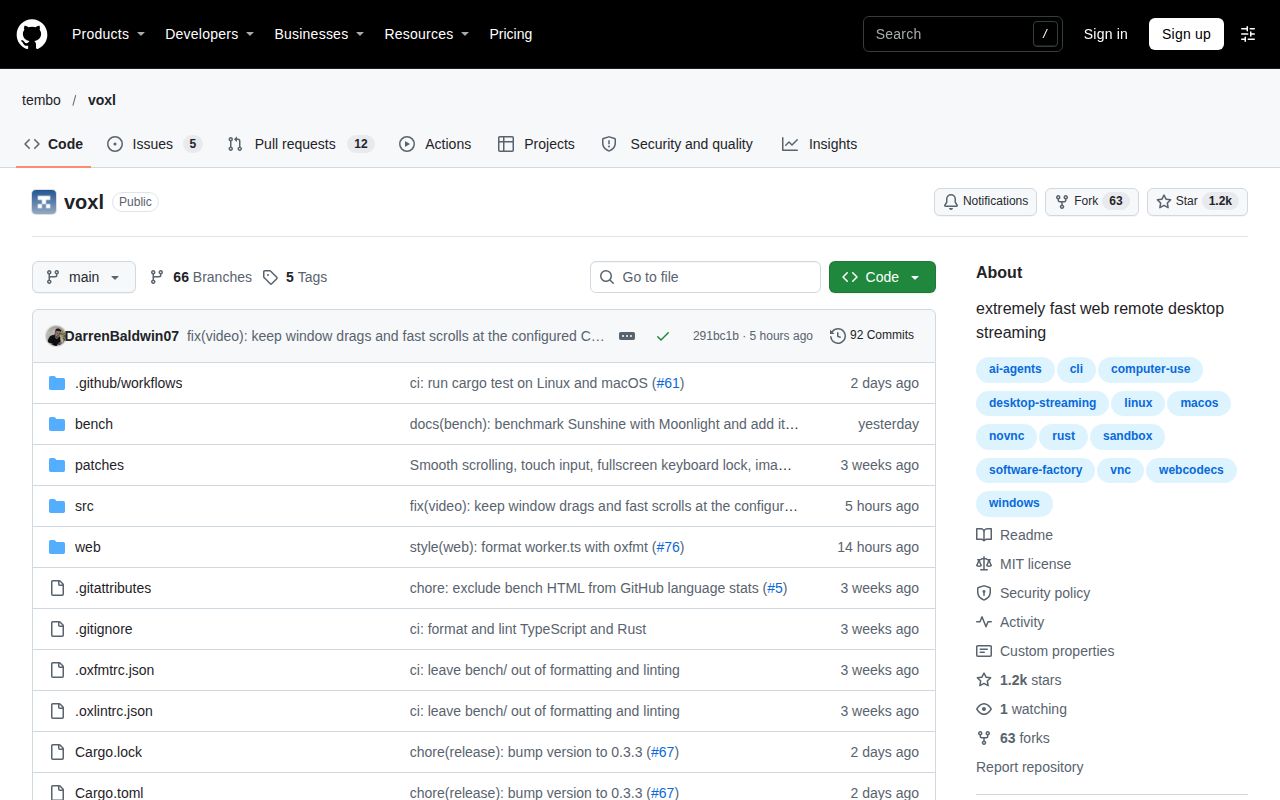
GitHub records Voxl's last push as November 6, 2026, and the recent issue-and-PR feed shows November changes and proposals. That demonstrates activity, without establishing support quality. Setup ease, community and maturity remain unassessed here because native operation and support outcomes weren't verified. Documentation earns 4/5 on an editorial scale where 1 means missing practical instructions, 3 a documented basic path and 5 instructions independently checked across the advertised paths. Platform and access requirements are detailed, but unverified.
Choose a representative desktop and browser, verify the native server there, then check input, clipboard and the permissions you intend to grant. Until that trial succeeds, the 3-second npm installation is a useful repository observation with a narrow scope.