Native Spotify playback still depends on your player choice
Spotifast offers Soloist and a built-in librespot player, and the choice affects which audio features you get. The README says Windows Soloist playback does not support audible EQ. If an equalizer is why you are leaving your current client, that is more useful to know than the promise of a native interface.
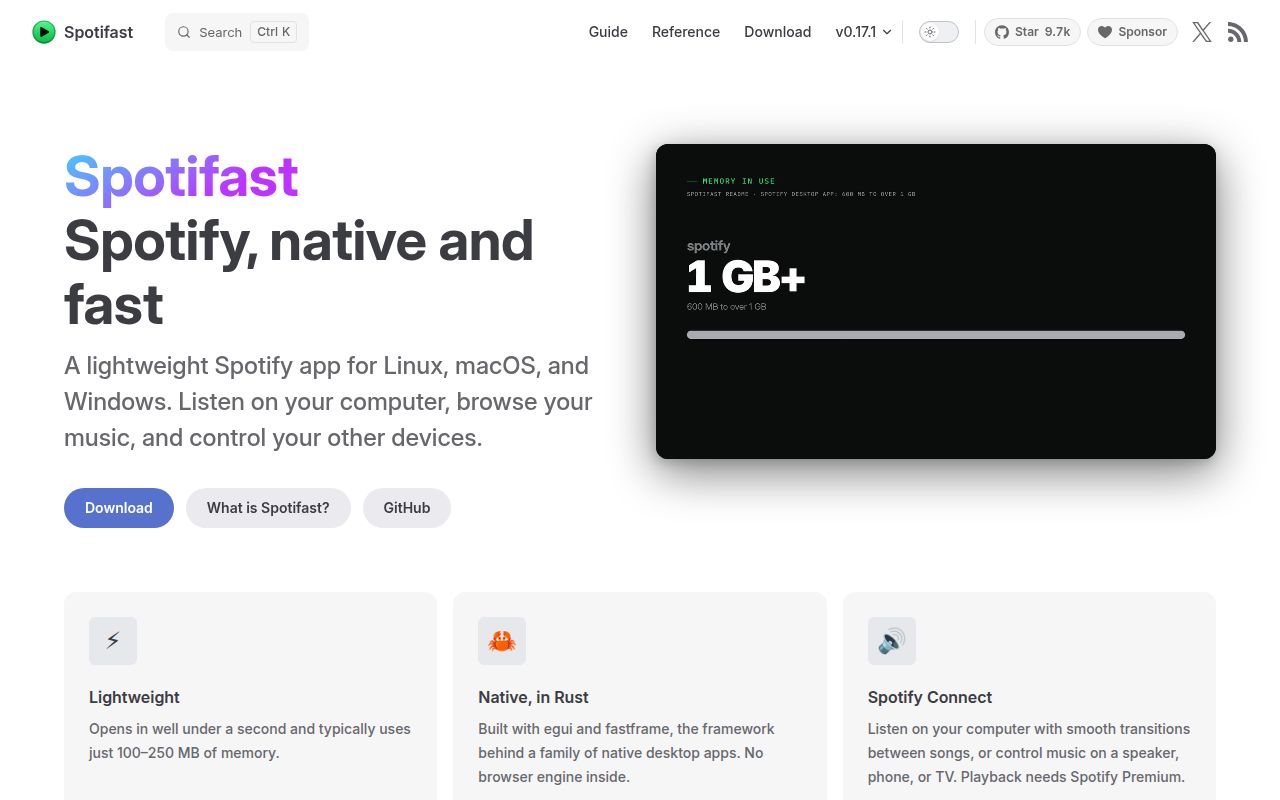
The application is written in Rust with egui and fastframe and has no browser engine. It documents library browsing, playlist editing and Spotify Connect control alongside desktop touches such as media keys and a skinnable mini player. Those are reasons to investigate it. Our run did not launch the interface, so we cannot turn the implementation choice into a measured claim about responsiveness or memory use.
Premium is a firm boundary. Free accounts can browse and search, according to the README, but cannot play music through Spotifast. This is an independent client rather than an official Spotify application, and switching clients does not remove that account requirement.
What happened when we ran it
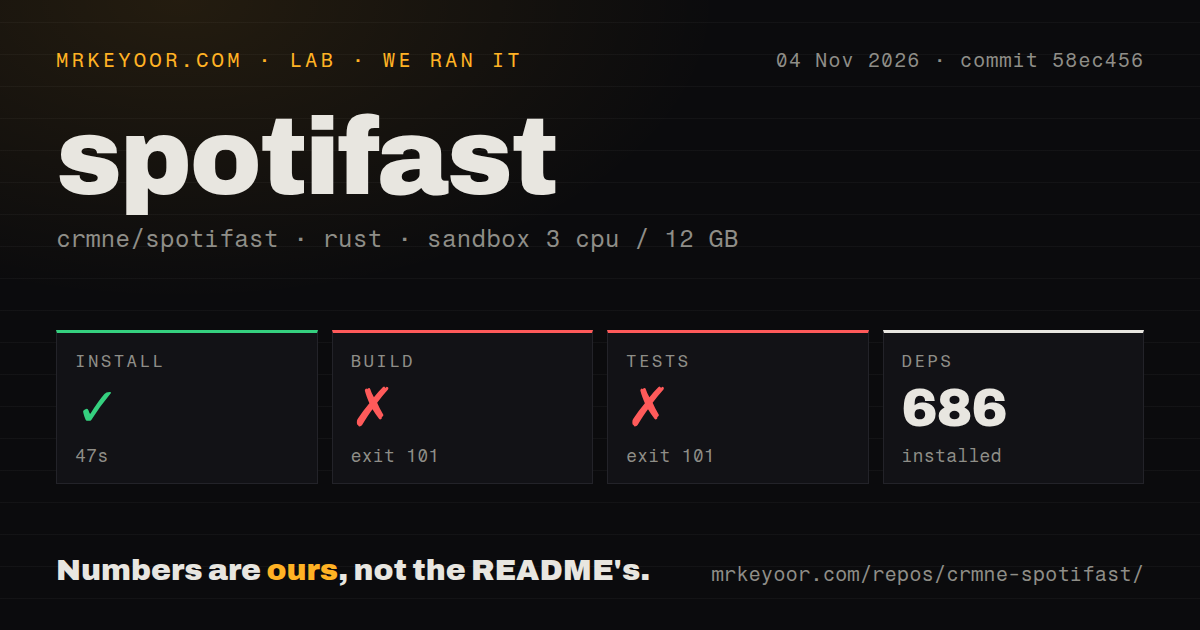
Our sandbox completed Spotifast's install step in 47 seconds, then the build exited 101 after 691 seconds and the test step exited 101 after 19 seconds. The November 4, 2026 run used commit 58ec456 and recorded 686 dependencies. Neither failed step established a working desktop application.
Both tails report that pkg-config could not find libpipewire-0.3, required by libspa-sys. The log specifically names the missing libpipewire-0.3.pc file and says PKG_CONFIG_PATH is unset. That supports a narrow diagnosis: the required system library was unavailable to the build's discovery mechanism. It does not establish whether adding a package alone would resolve every later problem.
The test command stopped at the same native-library obstacle, so there is no passing-test count to report. It would be misleading to describe this as failed playback tests. The supplied output shows a compilation prerequisite blocking progress, with no listening result or completed UI check.
The configured environment had 3 CPUs, 12 GB RAM and image label lab-rust:1. The label does not establish an actual Rust or operating-system version. These source-checkout results also say nothing about whether a packaged download starts correctly on a supported desktop.
Linux source builds need native audio development files
The source guide lists ALSA and PipeWire development packages plus windowing libraries on Linux. Its Debian and Ubuntu example includes libpipewire-0.3-dev. That is consistent with the missing pkg-config metadata in our log, though we did not repeat the build after changing the environment.
The guide also describes MilkDrop's native tooling requirements. A source contributor should read that section before assuming Cargo can supply everything the application needs. For a listener who does not intend to change the code, the README's packaged downloads are a more relevant evaluation route. We have not measured their setup or operation.
MilkDrop has another explicit platform boundary: it is excluded from the Windows on ARM download. A supported operating system alone therefore does not establish that the particular visualization you want is included. Check the package and architecture as well as the player choice.
Library access and local playback require separate approvals
The documented sign-in begins with registering a Spotify application and entering its Client ID. The README gives a loopback redirect address and asks for Web API access. It then separates browser approval for the library from approval for local playback. Expect account configuration before you can judge the listening experience.
Soloist is now the leading setup choice in the README, while the built-in player remains available. The documentation associates the built-in route with EQ, visualizers, local files and full queue editing. Soloist's capabilities vary by platform. Match those limits to the features you actually use instead of assuming both routes behave identically.
Issue 1235 reports a Windows installation where Soloist never appears in Spotify's device list while the built-in player works. This is a user's report about that pairing flow, not a result from our sandbox or proof that all Windows installations fail. It does justify checking device discovery before relying on Soloist for everyday listening.
The last push was November 4, 2026, and release v0.17.1 was published November 3. Read alongside the recent issue activity, those dates show ongoing work. They cannot establish reliability or a promised support response.
Terminal clients offer a different listening workflow
ncspot is an ncurses Spotify client using librespot, with Vim keybindings documented in its README. It suits listeners who prefer operating inside a terminal. It also requires Premium, so it is no escape from Spotifast's account boundary.
spotify_player documents terminal playback, Spotify Connect, daemon operation and CLI commands. Consider it when command-based control matters more than a graphical mini player. We have no comparative resource or playback measurements for these alternatives.
Our documentation rating uses an editorial scale: 1 means essential instructions are missing, 3 means a usable path with material gaps, and 5 means unusually complete guidance corroborated in use. Spotifast earns 4 for explicit account, native-library and player restrictions. Other dimensions remain unassessed. For a packaged trial, verify sign-in, local playback and the audio feature you care about on your actual desktop before replacing the client you already use.