Browser access still requires a Mac behind the relay
Tapflow agents run only on macOS. That requirement applies to Android as well as iOS, even though a separate relay can run on Linux. If your team already keeps Macs available for mobile development, sharing their simulators through a browser is worth considering. A team hoping to run the entire system on a Linux server should choose another route.
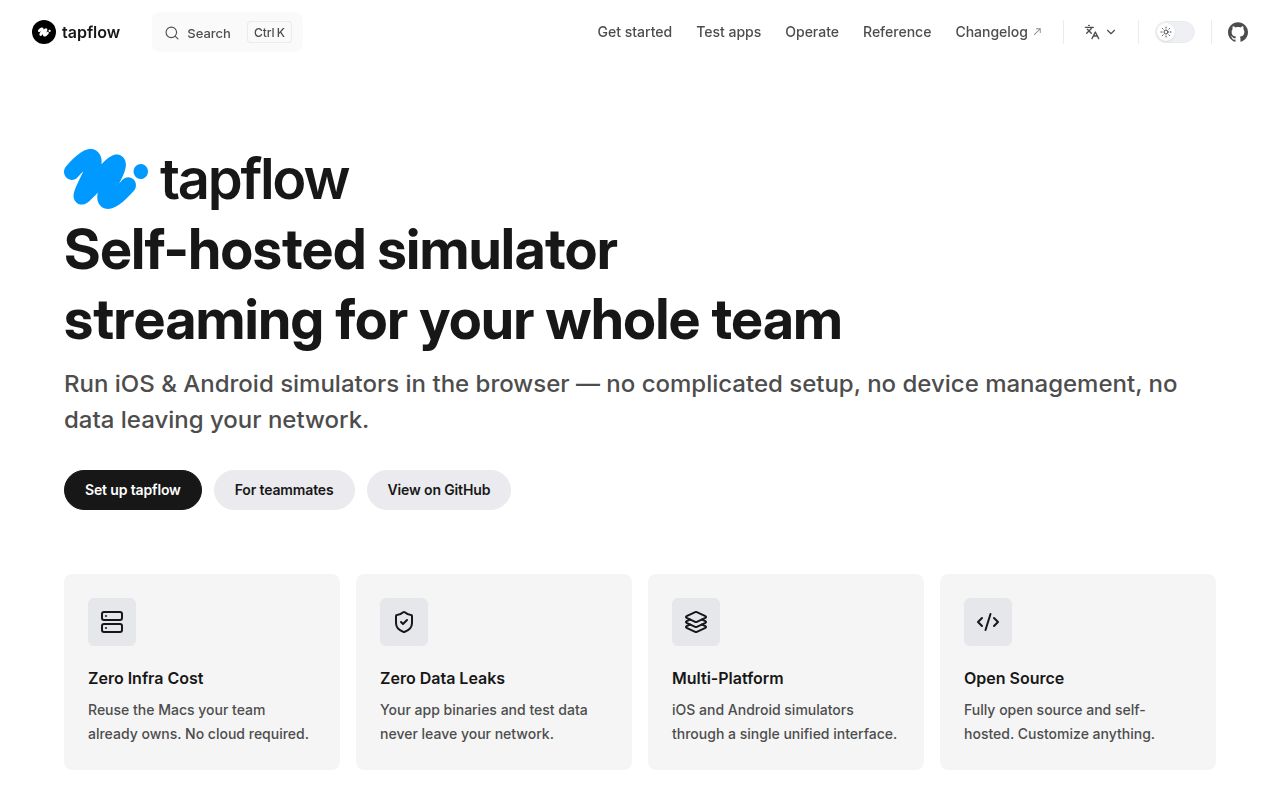
The README describes a relay that also serves the dashboard, an agent that connects outbound, and a browser where teammates select devices. Developers retain their native build tools. QA staff can interact with the running app without configuring those tools locally. That division is the reason to evaluate Tapflow: you centralize simulator access while retaining responsibility for the machines that provide it.
What happened when we ran it
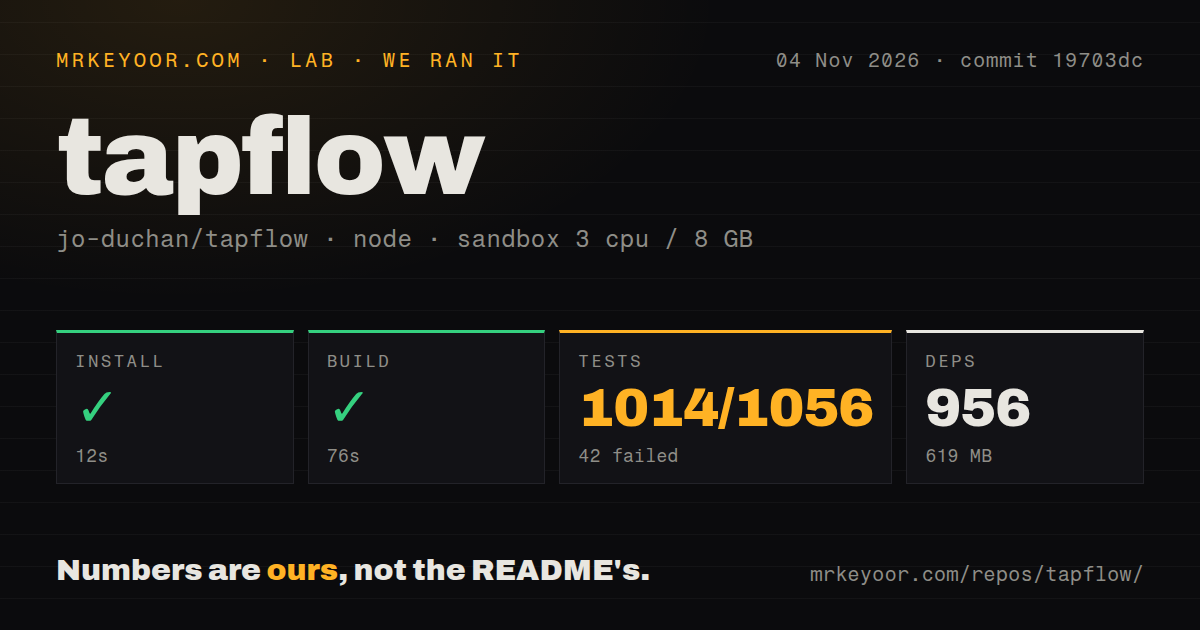
Our sandbox installed 956 dependencies in 12 seconds, built successfully in 76 seconds and failed its test command after 72 seconds at commit 19703dc on November 4, 2026. The dependency footprint was 619 MB. Vitest reported 1,014 passed and 42 failed of 1,056, and the command exited 1. The successful compilation does not cancel that failure.
The supplied tail identifies seven failing script-check files. These include prMergeGuard, reviewGateReadsTheRightCheckout and docsAitellsGate checks. It gives summary counts, without assertion messages or underlying exceptions. We cannot determine the causes from those names, or conclude that simulator streaming is broken. Equally, this run supplies no successful browser session that could establish streaming works.
The checkout contained 1,348 files, approximately 186,781 source lines and 30.1 MB. The scan found four CI workflows, a Dockerfile and monorepo workspaces, while reporting no tests directory. The log nevertheless names scripts/tests files. Treat that directory observation as a detector result, not evidence of absent tests. No vulnerability-audit finding was supplied for this run.
The configured environment had 3 CPUs, 8 GB RAM and image lab-node:22. Actual runtime and operating-system versions require raw toolchain logs. Nothing in that image label establishes a supported Mac agent environment, and our workspace measurements exclude simulator boot, app interaction and stream quality.
The setup command cannot install Xcode for you
The environment guide says Xcode cannot be installed by setup itself. It opens the App Store and guides you through the remaining work. Activation includes accepting the license and first-launch setup, with administrator access. Android needs a JDK, SDK and an available virtual device on the Mac. Browser convenience for a teammate doesn't remove these host responsibilities.
Tapflow's doctor command checks prerequisites. The guide says it checks port 4000 regardless of the configured port, so an existing relay can make that check fail. That documented diagnostic limitation is separate from the unexplained failures in our test tail. Don't use it as a retrospective explanation for them.
Docker packages the relay only. Its persistent volume holds the sign-in secret, and invite links need the relay URL configured. For a first deployment, establish the agent prerequisites on one Mac before adding a separate relay or inviting the team.
The relay holds builds and live device control
The README places accounts, uploaded app builds and recordings on the relay, and calls it the trust boundary. It documents an initial admin account, dashboard roles and scoped personal access tokens. Agents on another machine require an agent-scope token. These are documented controls, not authentication behavior verified by our sandbox.
For QA work, app uploads, screenshots and session recordings are more useful than another streaming demo. Tapflow documents those features, along with clipboard synchronization and device audio. Copying from a device into the dashboard requires HTTPS or localhost. Check the browser access path you intend to give colleagues, rather than assuming a successful local page covers remote use. We have no measured latency or recording-quality result.
Simulator sharing does not cover physical-device QA
Tapflow explicitly excludes being a device farm, and calls its flow runner and MCP server experimental. External Appium or WebDriverAgent integration is outside its stated scope. Those limits rule it out if adoption depends on carrying an existing automation framework into the service unchanged.
DeviceFarmer STF manages a shared device inventory with browser control. Consider it when physical Android devices are the resource you need to share. Its README also documents experimental iOS support and warns about security assumptions between processes and incomplete resets between users. It requires its own operational assessment.
scrcpy mirrors and controls Android devices over USB or TCP/IP. Choose it for direct desktop control when you don't need Tapflow's shared browser workflow. Its Linux, Windows and macOS support may suit an individual developer. Neither alternative was benchmarked against Tapflow here.
Recent releases show work on session continuity
GitHub records Tapflow's last push on November 4, 2026, with dependency and documentation pull requests updated that day. Release v0.32.0, published October 31, lists reconnect behavior and device-list refresh work. This is evidence of ongoing development, without establishing support capacity or proving those changes work in our measured checkout.
Documentation earns 4/5 on a coverage scale: 1 means essential instructions are missing, 3 means the main path is usable with gaps, and 5 requires independently verified coverage of relevant paths. The component, credential and environment guidance supports 4. Setup ease, community and maturity remain unassessed. Before inviting QA colleagues, prove that one browser can connect to one supported Mac agent, open your app and produce a useful bug report. Keep the unexplained test failures on the adoption checklist until their assertion logs can be inspected.