umbrelOS 2.0 turns a spare machine into an appliance
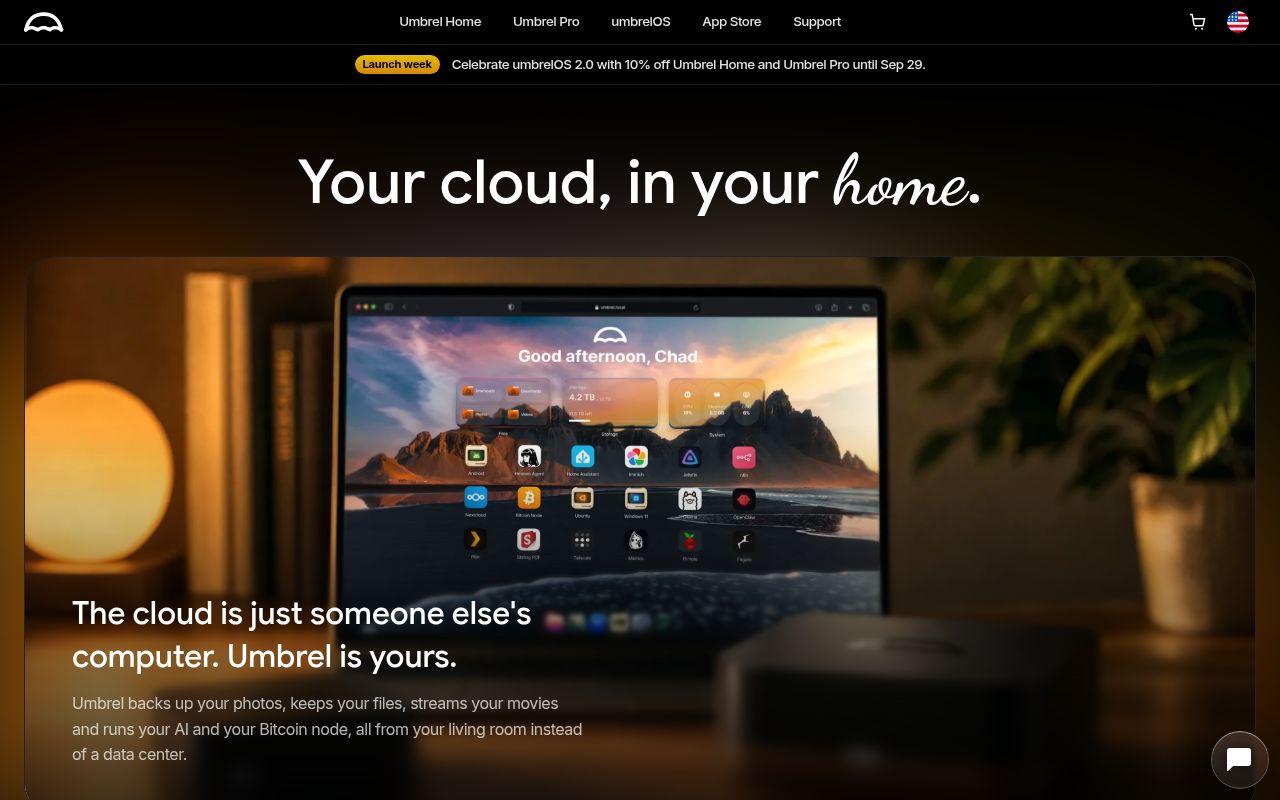
umbrelOS is for people who want home-server software to feel like a product. You install an image, open a browser and manage apps, files, photos, storage and virtual machines from one interface. Version 2.0 adds separate user accounts, a Photos app, iPhone and Mac clients, Machines for guest operating systems and an MCP server for AI agents. The app store lists more than 300 apps.
That convenience comes from owning the whole machine. The README supports most 64-bit Intel and AMD systems, Raspberry Pi 5 and EFI-capable virtual machines. It explicitly says umbrelOS cannot be installed on top of an existing Linux distribution. Anyone with a carefully configured Debian host should treat migration as an operating-system decision, not as adding another dashboard.
The root npm command only checks a thin wrapper
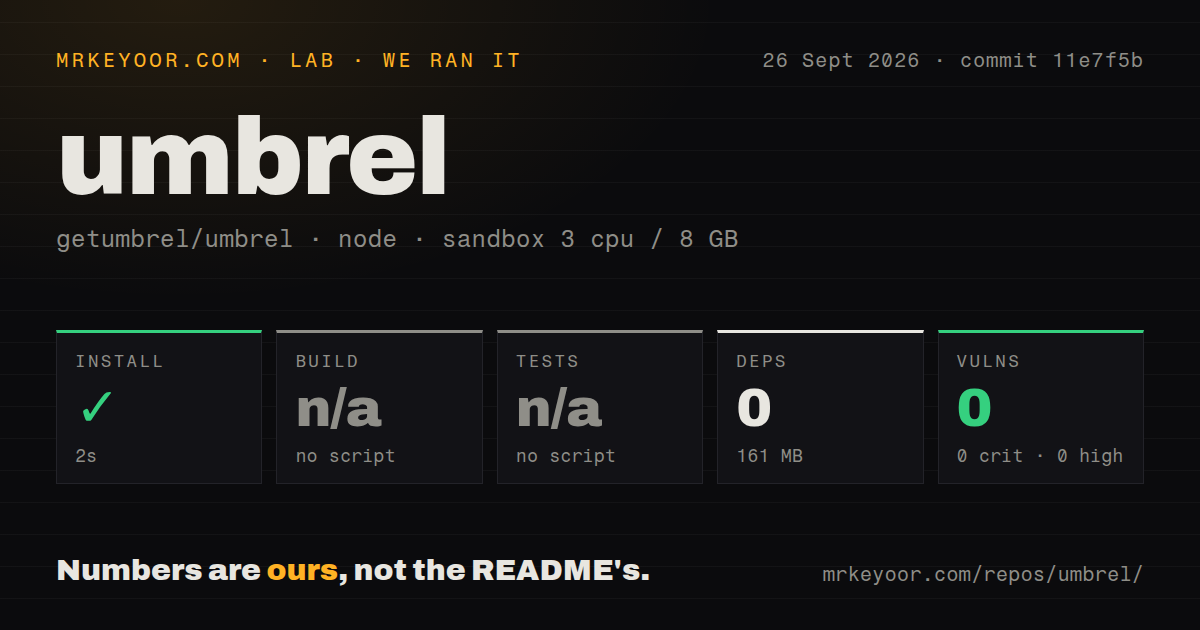
The repository looks like a TypeScript monorepo, yet its root package has no dependencies. Our npm install added 0 packages in 2 seconds and left 161 MB on disk. Root scripts hand work to project tools: the development command manages an umbrelOS environment, while remote scripts handle build and test jobs elsewhere. Running npm at the top level does not produce an installable server.
The real developer path is much heavier than that 2-second result suggests. The umbrel-dev script builds a Docker image, starts a privileged container and runs systemd inside it. It mounts the checkout read-only, puts generated files and dependencies in writable storage and gives the instance its own data volume. Linux Docker is the straightforward host; the help text also discusses OrbStack on macOS and WSL 2 on Windows.
What happened when we ran it
Our sandbox cloned commit 11e7f5b, a repository with 2,199 files, about 299,351 lines of source and an 89.8 MB checkout. The npm install succeeded in 2 seconds with 0 packages added. Disk use was 161 MB after that step, and npm audit reported 0 known vulnerabilities.
No generic build script or test script was available, so the lab skipped both steps. The repository has 3 CI workflow files, no Dockerfile at its root and no root tests directory. Those facts do not say the released image works or fails. They say the standard npm harness cannot exercise an operating system whose own scripts expect image builders, privileged containers and package-specific commands.
A useful trial therefore starts with the published ISO or image inside an EFI virtual machine or on hardware you can dedicate. Our run did not boot umbrelOS, install an app, restore a backup or test its browser interface. Treat the lab's clean 2-second install as a source-layout finding, not a product acceptance test.
Hardware choices decide which 2.0 features you receive
The x86 baseline is a dual-core CPU, 4 GB of RAM and a 32 GB drive for umbrelOS; the README recommends at least 8 GB of RAM. A Raspberry Pi 5 must boot from an NVMe or USB drive instead of microSD. Storage Manager and FailSafe require 2 or more internal NVMe or SATA drives, while GPU acceleration requires supported NVIDIA, AMD or Intel hardware on an x86 machine.
This is a good kind of specificity because it prevents an attractive settings screen from becoming a hardware promise. A small one-drive mini PC can still run apps and store data, but it cannot gain drive redundancy through software alone. Raspberry Pi builders should also read current issue 2217, which reports that the Pi image lacks ZFS even on boards with multiple NVMe slots; pull request 2216 proposes adding it.
Fresh 2.0 reports make backup testing mandatory
Umbrel released version 2.0.0 on September 22, 2026. GitHub recorded the last push that day, 12,073 stars and 478 combined open issues and pull requests. The README still says 2.0 is in beta with a stable release planned for September 22, even though the release page now carries the stable tag. That mismatch is small, but it shows the documentation did not move in lockstep with launch.
Several reports filed after release affect decisions rather than cosmetics. Issue 2245 describes a roughly 100 GB backup from umbrelOS 1.x that was recognized but restored neither apps nor files. Issue 2246 reports a Windows 11 guest configured for 6 virtual CPUs seeing only 2 because of its generated topology. These are user reports, not findings from our sandbox, but both deserve a reproduction before a migration.
Version 2.0 also adds automatic HTTPS, cloud downloads, multiple users and per-agent MCP tokens with revocable permissions. Google Drive is described as coming later, while Dropbox, OneDrive, iCloud Drive, Nextcloud, ownCloud and WebDAV are listed now. Scope your evaluation around the exact feature you need. A Photos test says little about backup recovery, and a working app container says little about VM networking.
The noncommercial license changes who should adopt it
Personal and nonprofit use is the easy case. The PolyForm Noncommercial 1.0.0 license allows use, modification and redistribution for permitted noncommercial purposes. The README tells anyone selling plug-and-play servers or pursuing another commercial use to contact Umbrel. This is materially different from choosing a permissive server project for an appliance business.
For a household, umbrelOS 2.0 is appealing because it packages many chores into one coherent interface. The decision still deserves a spare machine, a restore drill and a look at the feature-specific issue queue. Start with a VM, test the 32 GB system-drive layout and your backup path, then move data only after recovery works on the hardware you intend to keep.