Typesense makes sense when your application needs a search box that tolerates misspellings and lets people narrow results by fields such as country or price. Our recorded run reached a much smaller milestone: it installed the JavaScript API workspace's dependencies. Keep that distinction in mind before treating a green setup result as a reason to adopt the server.
Typesense puts filters and typo tolerance in the search API
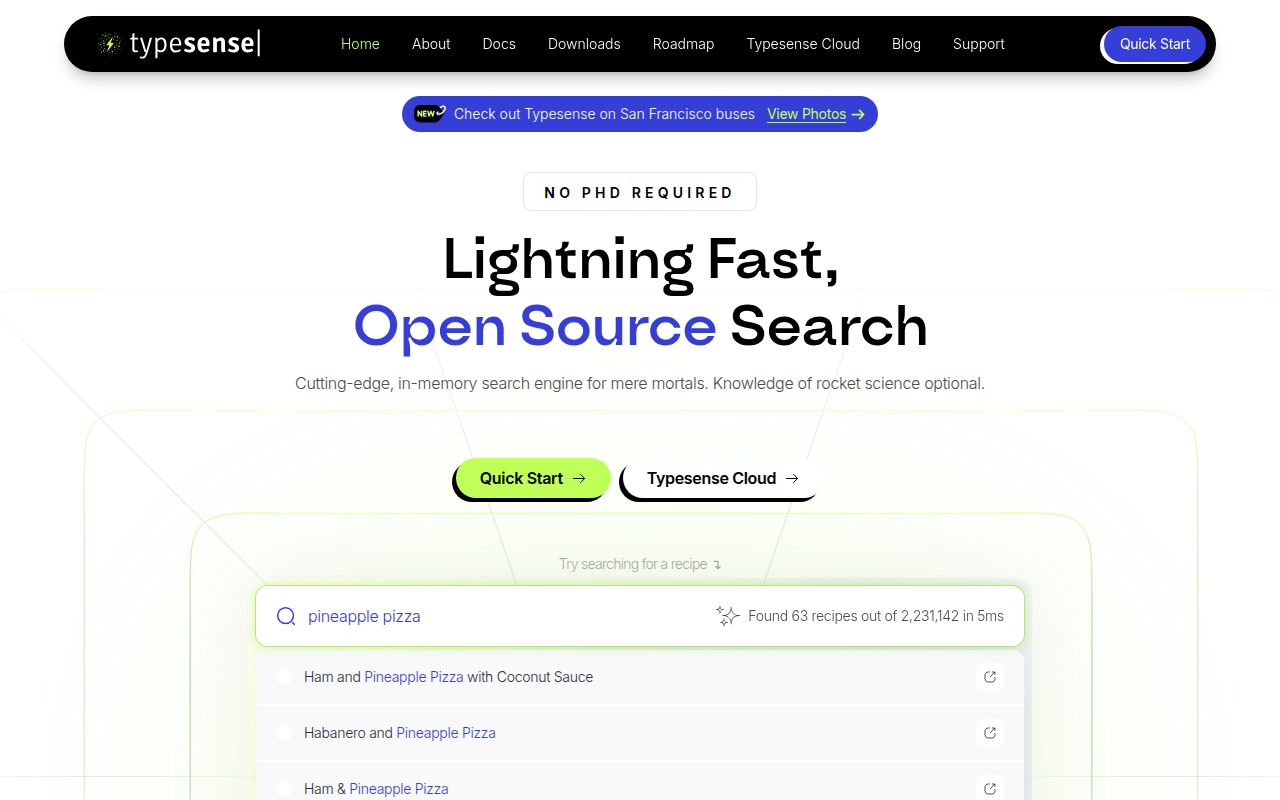
The Typesense README documents typo tolerance, facets, filtering and query-time sorting. Its example searches for “stork” and retrieves a company named Stark Industries while applying an employee-count filter. That is a useful description of the intended job: help someone find the right record even when their wording is imperfect.
For a catalog developer, the attraction is having those decisions available through a search API. You still need to decide which fields belong in the collection and which fields a query should search. The example defines field types before adding a document. Search quality starts with those choices, so budget time for a representative set of records and actual customer queries.
Typesense also documents scoped API keys that restrict access to particular records. That is relevant to applications serving several customers from one system. Treat record access as an acceptance criterion: check that a restricted caller cannot retrieve another customer's data through any search path your application exposes. Our run did not evaluate those controls.
What happened when we ran it
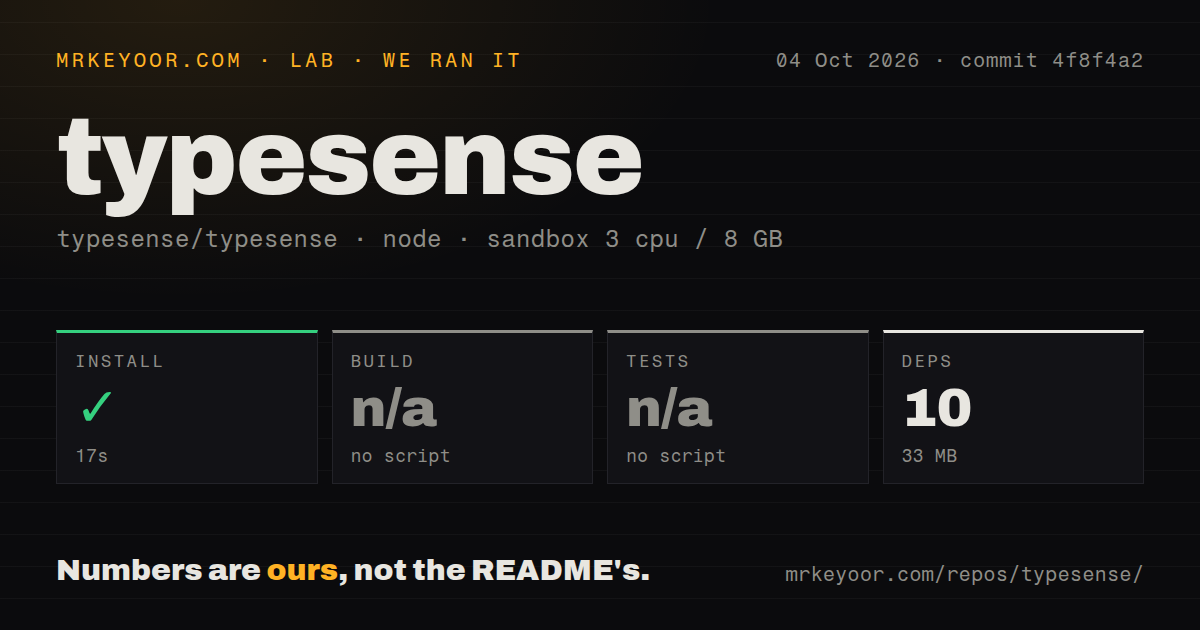
Our sandbox installed dependencies in Typesense's api_tests/ workspace in 17 seconds, recording 10 dependencies and 33 MB on disk. The run used commit 4f8f4a2 on October 4, 2026. Build and test steps were skipped because the detected project had no corresponding script or target. No server build or search workload was verified.
The checkout contained 506 files, approximately 278,744 lines of source and 12.5 MB. The recorded configuration specified 3 CPUs, 8 GB of RAM and image label lab-node:22. That label does not establish the actual runtime version or operating-system version. The scan found a tests directory and two CI workflow files, but no Dockerfile. A missing Dockerfile in this scan does not contradict the README's published Docker image.
The important limit is the workspace selection. Typesense Server is written in C++, while this run detected a Node ecosystem using Bun inside api_tests/. Installing that workspace says nothing about indexing speed, memory under load, recovery or whether the server's own checks pass. It would be misleading to call this a 17-second Typesense Server installation.
Published binaries and a source checkout are different choices
The README documents published binaries, an official Docker image and managed Typesense Cloud. Its source route uses Bazel and lists a C++ compiler plus native libraries including Snappy, OpenSSL and ICU. Choose the route you intend to operate before estimating setup effort. Our workspace measurement did not reproduce any of those server deployment paths.
The Docker example supplies a data directory and an API key. For an application deployment, you need persistent storage and an access policy as well as a running process. Keep administrative credentials out of browser code, and decide which application requests receive restricted search access. The example is enough to explain the moving parts, not to establish a production configuration.
Memory deserves its own trial. The README says consumption grows with the number and type of indexed fields. Our 33 MB dependency footprint is unrelated to that index requirement. Import the fields you actually need, then measure the deployed server with the corpus you expect to keep. A checkout-size figure cannot answer that question.
Model-assisted search adds another dependency decision
The documented feature list includes vector search and hybrid search, with built-in embedding models or external providers. Typesense also lists conversational search over indexed data. Those options could fit a product that needs both literal matches and similarity retrieval, but the repository run provides no evidence about their relevance or answer quality.
Start with the ordinary search queries your users need. Add embeddings only when you can identify misses they should fix, then compare the results against that list. If you choose an external provider, include its credentials and service availability in the deployment plan. Typesense's ability to call a model does not establish that the model will answer correctly about your records.
Meilisearch changes the licensing choice; OpenSearch includes observability
Meilisearch documents full-text, semantic and hybrid search. Its Community Edition is MIT licensed. Evaluate it when that license is a requirement for your deployment or distribution. Its README separates Community and Enterprise editions, so check which edition contains the features you need rather than assuming every advertised capability has the same terms.
OpenSearch describes a search and observability suite. Evaluate it when observability belongs in the same shortlist as application search. Neither alternative has a comparative workload result here. There is no basis for declaring either faster, cheaper or easier to operate from our Typesense workspace run.
Typesense's server uses GPL-3.0, and its README distinguishes that from the Apache license on its clients. If your organization requires permissive licensing for server redistribution, settle that requirement before investing in integration. For everyone else, the next useful result is a running server with your own records, restricted search credentials and a written list of queries it must get right.