A local MCP server gives an agent chart controls
TradingView MCP Bridge connects over stdio to an MCP client, then uses Chrome DevTools Protocol on localhost to inspect and control TradingView Desktop. Its tools read chart state, prices, bars, indicator values, Pine drawings, tables, and labels. Other calls change symbols or timeframes, compile Pine code, manage drawings and alerts, operate replay, capture screenshots, switch layouts, and interact with the UI.
The same surface is available through a tv command that emits JSON for shell pipelines. The README says the project itself does not contact TradingView servers, store market data, bypass subscriptions, or execute real trades. A valid TradingView subscription and installed desktop application remain prerequisites. Tool results consumed by an external model are also subject to that MCP client's provider and privacy behavior, which sits outside this repository.
Setup opens a debugging port into the desktop app
TradingView must launch with --remote-debugging-port=9222. Platform scripts cover macOS, Windows, and Linux, and a health tool checks the connection. The server needs Node 18 or newer. Users then register node src/server.js in an MCP client. The port grants debugging access to the Electron application, so it should remain local and unavailable to untrusted users or containers.
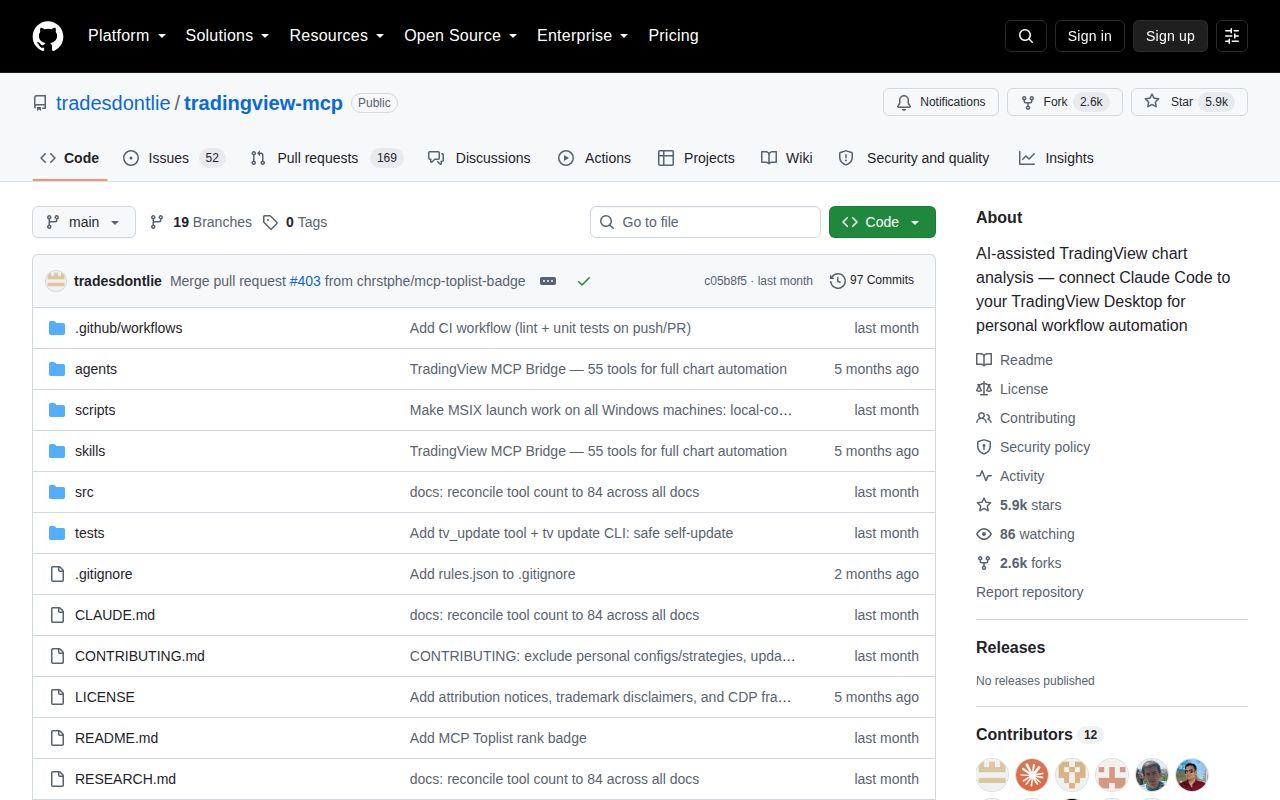
Our checkout was small: 85 files, about 9,667 source lines, and 0.5 MB before dependency installation. The README is far larger than the code summary because it documents many tools and command aliases. It also disagrees with itself about the exact tool count, naming 78 in one heading and 84 in the architecture section. Treat the server's live tools/list response as authoritative for a pinned commit.
What happened when we ran it
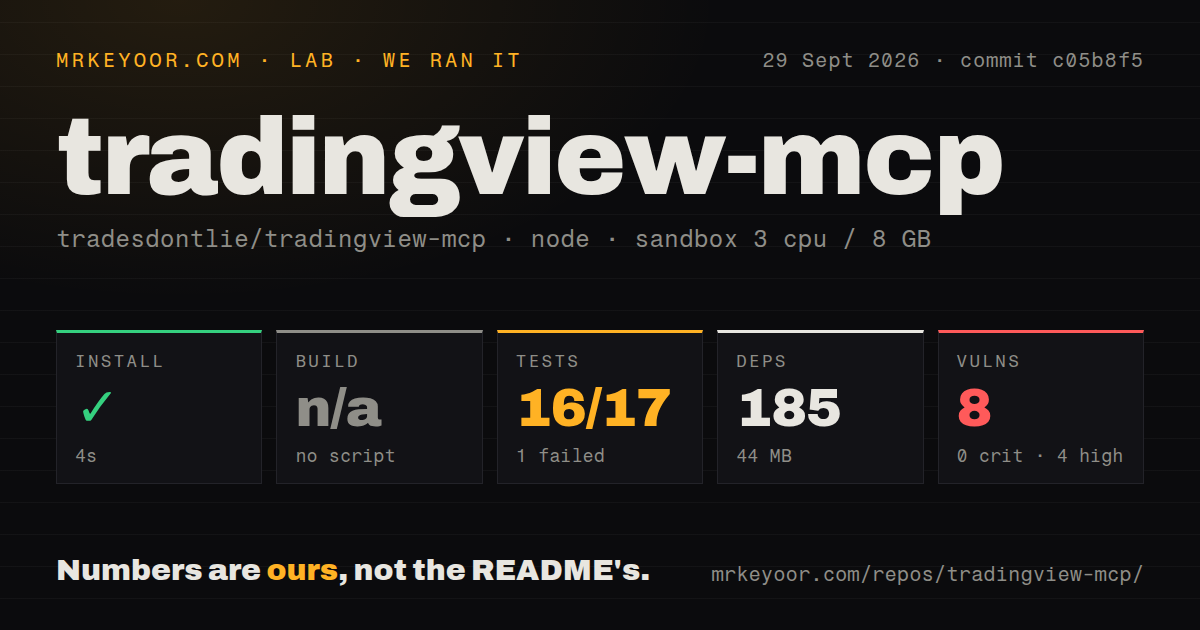
Our sandbox installed 185 packages in 13 seconds and used 44 MB on disk. The repository has no build script or target, so we skipped build rather than inventing one. Tests ended with exit code 1 after 10 seconds: Node reported 16 passing tests and 1 failing test out of 17 across 2 suites.
The supplied tail showed pine_analyze static analysis and pine_check server compilation suites passing, followed by the summary and a generic test failed error. It did not name the failed case, so our run cannot support a cause. npm audit separately reported 7 known vulnerabilities: 4 high, 2 moderate, 1 low, and 0 critical. Those findings apply to commit c05b8f5 and its installed dependency tree.
Undocumented internals make false success dangerous
The bridge reaches TradingView through an internal Electron object structure rather than a supported public automation API. The README warns that any desktop update may change or break it. A caller therefore needs to verify state after a mutation: read the symbol after switching it, list drawings after creating one, check replay status after stopping, and confirm the active Pine script name before saving.
Issue 484 reports that replay_stop returned success while replay remained active, which then affected drawing actions. Issue 488 describes a drawing call returning success with a null entity ID while no shape appeared. These reports concern specific charts and versions, but their shared failure shape matters. An agent cannot treat a successful JSON envelope as proof that a stateful desktop UI changed.
Pine actions can touch the wrong saved script
The most serious open report is issue 475. It says pine_new and pine_open replace text in the currently bound editor buffer instead of creating or switching the script binding. A later save can overwrite the script that was already open. The report inspected the source and reproduced the new-script path while avoiding a destructive full reproduction of the open-script path.
Until that behavior is fixed and verified, work on disposable script copies and export source before invoking mutation tools. Read the editor's actual bound name after opening or creating anything, then confirm it again before save. Pine static analysis and compile checks can still be useful without saving. Our lab's 16 of 17 result does not override a report of potential data loss in a UI path.
Indicator reads and client setup need verification
Issue 461 reports that the study-values command omitted RSI and MACD values living in non-price panes while still returning volume. If analysis depends on those indicators, compare the MCP output with the visible chart or read the relevant Pine data through another tool. A missing study should fail the workflow visibly, rather than silently becoming evidence for a market conclusion.
The README tells Claude Code users to write a global file under ~/.claude/.mcp.json. Issue 483 reports that this path is not read and recommends registering the server through the Claude CLI or using a project-root .mcp.json. Client configuration changes over time, so use the client's current registration command, list configured servers, and run tv_health_check before diagnosing TradingView itself.
Active issue reports do not replace a release process
GitHub showed 5,864 stars, 221 combined issues and pull requests, and a last source push on July 28, 2026. The latest-release endpoint returned no release. Issue activity continued through August 26, including detailed reproductions against commit c05b8f5, so the project has engaged users even though merged source had been quiet for about a month.
This is an inventive personal bridge and a useful research artifact. Its 13-second install makes experimentation cheap. The failed test, 7 audit findings, undocumented integration, stale source push, and false-success reports rule out unsupervised financial use. Keep it local, use copies of Pine scripts, pin every moving part, and require visible confirmation before believing an action completed.