Markdown files keep the exit route open
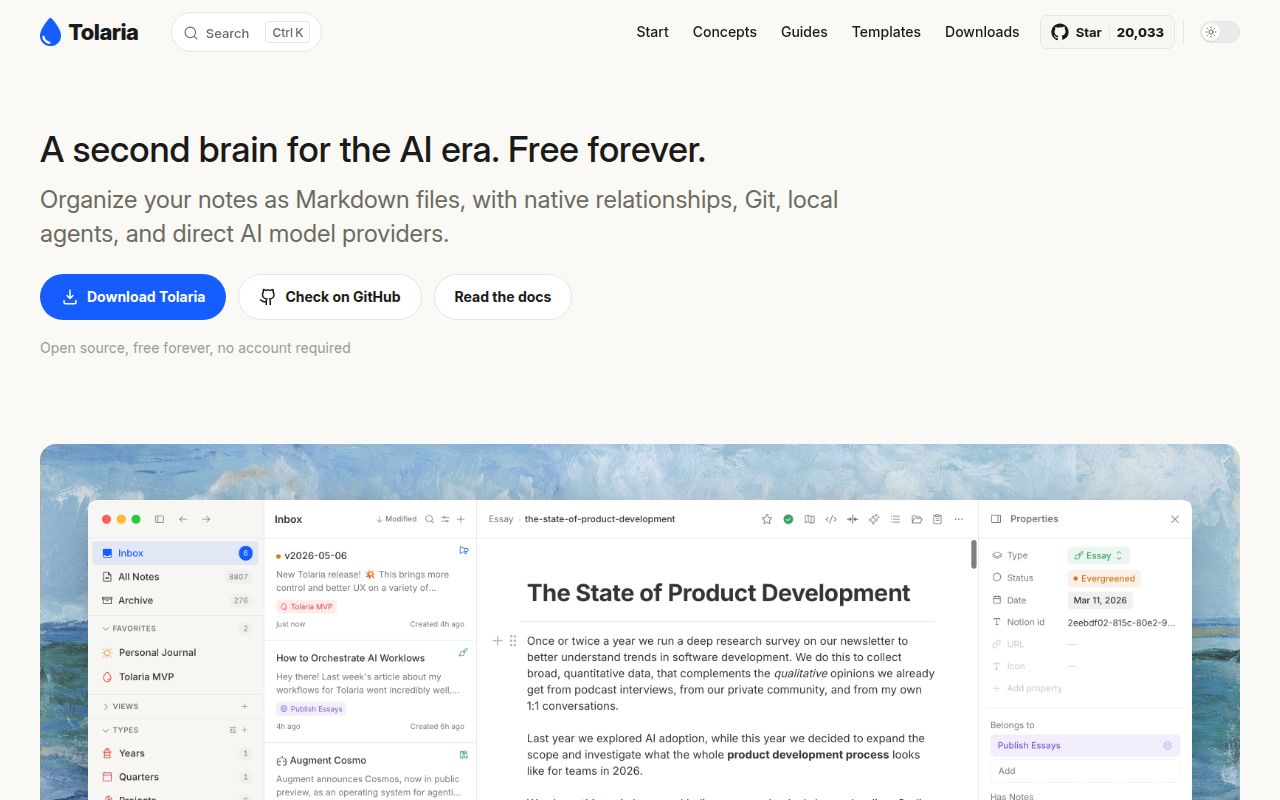
Tolaria stores notes as Markdown files with YAML frontmatter, so leaving the app doesn't require exporting your writing. Every vault is a Git repository, and the interface adds note navigation, metadata, and relationships around those files. That's a useful starting point for a developer who wants the same knowledge base readable in an editor and available to an AI assistant. The files remain ordinary working material.
The codebase is substantial: our checkout contained 2,437 files and roughly 372,036 source lines, occupying 30.9 MB. Its React and TypeScript interface sits above a Tauri/Rust desktop backend, with a separate MCP workspace. You aren't choosing a tiny Markdown viewer. You're choosing a knowledge-management interface with its own editing and synchronization behavior. File portability reduces the cost of leaving, but it doesn't establish that every editor operation is dependable.
What happened when we ran it
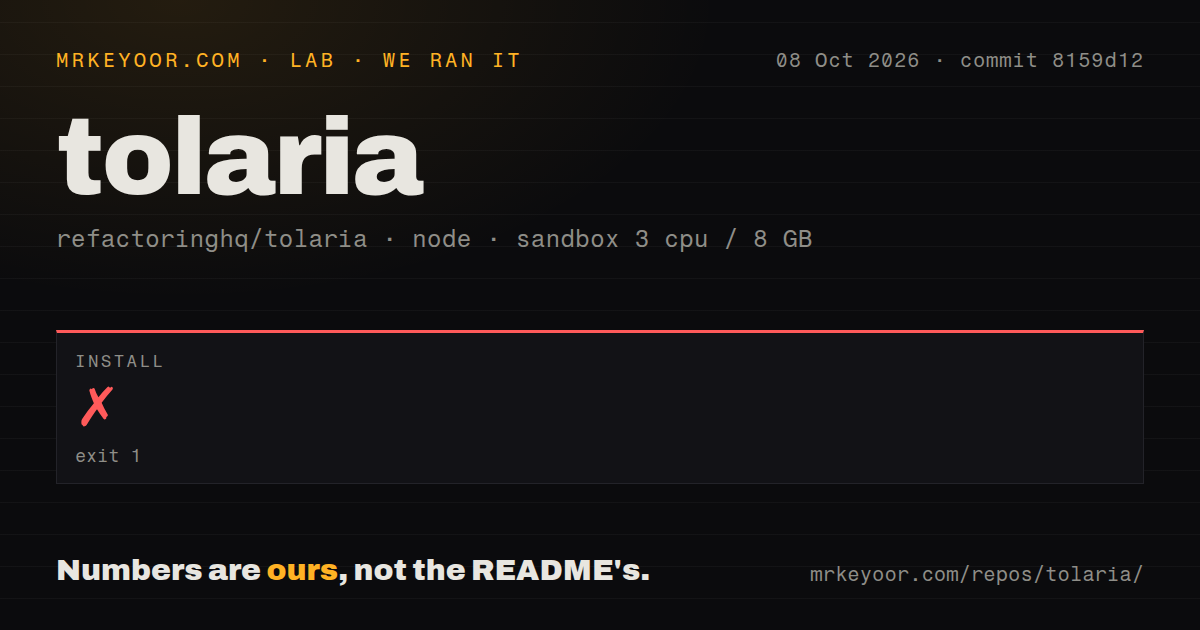
Our run failed to install Tolaria commit 8159d12 after 81 seconds, with exit 1. The October 8, 2026 sandbox used the lab-node:22 image, 3 CPUs, and 8 GB of RAM, without elevated privileges or secrets. The error was ERR_PNPM_IGNORED_BUILDS. Pnpm rejected ignored dependency build scripts rather than reporting a missing Linux desktop library in the supplied log tail.
The blocked scripts belonged to core-js 3.49.0, esbuild 0.21.5, 0.27.7, and 0.28.2, and protobufjs 7.6.6. The log suggested pnpm approve-builds to choose dependencies allowed to execute scripts. It also warned that the pnpm.overrides and pnpm.patchedDependencies fields in package.json were ignored. These are concrete setup findings. Approving scripts is a dependency-policy decision, and the excerpt doesn't show that doing so would resolve every remaining step.
The log identified 2 workspace projects and said the lockfile passed its supply-chain policies. That message didn't prevent the install failure. Our scan found 6 CI workflow files and a tests directory, with no Dockerfile. The supplied run contains no build or test result after installation stopped. We therefore can't certify the desktop executable, the browser renderer, or the app's behavior with a real vault from this run.
Browser development uses mock data
The README distinguishes pnpm dev, which opens browser-based mock mode, from pnpm tauri dev, which runs the native app. A browser screenshot isn't proof that filesystem access or Git operations work. Contributors need Rust for the desktop path, while Linux also needs the listed WebKit2GTK and related system libraries. The README gives distribution-specific prerequisites instead of pretending Node alone supplies the entire platform.
Our Node 22 sandbox stopped before either development route could be exercised. Regular users can instead choose packaged macOS, Windows, or Linux releases, or the documented Homebrew cask on macOS. That is a different adoption route from maintaining a source checkout. On Linux, the bundled MCP server still invokes the system Node binary, and the getting-started guide documents system Git use and Wayland launch troubleshooting. Check your actual desktop environment before moving a daily vault.
Git synchronization makes the remote your responsibility
The getting-started guide says the starter vault's remotes are removed after cloning, leaving it local-only until you connect a compatible remote. The architecture documents automatic pull/push behavior and conflict handling. You can keep version history and choose your hosting, but you'll still need working Git access for synchronization. A colleague without that setup won't gain shared notes merely by installing the app.
No remote credentials were present in our 81-second failed installation, so the lab supplies no evidence about synchronization reliability. For a trial, use a copy of notes you can restore and check what happens when another editor changes a file. Git is valuable here because changes are inspectable. It also means you should understand which repository a mounted vault writes to before letting multiple desktops or agents change the same material.
Types organize notes without enforcing required fields
The README explicitly describes types as navigation aids with no required fields or validation. The architecture guide explains conventions such as type and relationship frontmatter that drive the interface. This suits a personal knowledge base whose structure can evolve. It is a poor fit for records that must reject incomplete entries or enforce a business workflow. Your downstream tooling would have to supply those constraints.
Claude Code and other local CLI agents can work with the vault, and the MCP server exposes note operations. Each CLI authenticates outside Tolaria, according to the architecture guide. Ordinary local note editing doesn't require a model account, but enabling an assistant introduces that agent's provider and authentication requirements. Our 3-CPU sandbox had no secrets and never reached a working app, so it doesn't validate any of those agent integrations.
A current renderer crash deserves a small-vault trial
Issue 1260, updated October 10, reports an HTML block referencing a sheet cell crashing the renderer when opened before any sheet in a fresh session. The reporter supplies a minimal vault and identifies current main, with a proposed fix in open pull request 1261. That's an upstream report, separate from our installation result. Users relying on those dashboards should verify the fix in their chosen release before depending on them.
GitHub records an October 10 push, 20,033 stars, and 48 open issues and PRs. The September 24 stable release lists editor and desktop stability fixes, so recent activity supports continued maintenance without guaranteeing your workflow. Joplin is worth considering when built-in sync across desktop and mobile matters more than Git vaults. Zettlr fits writing and publication work. For Tolaria, try a disposable vault, inspect its changed Markdown, and only then entrust it with your daily notes.