Tinycast puts a full Mac toolbox behind one hotkey
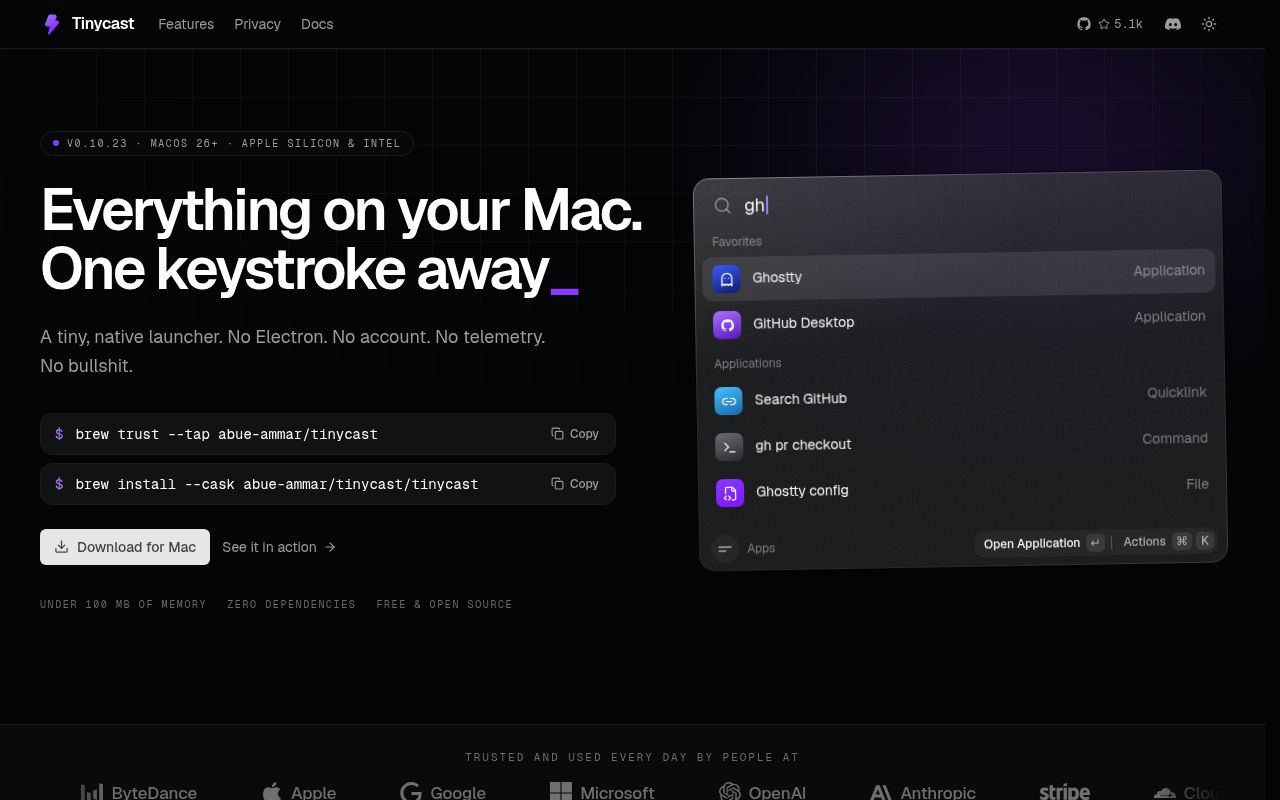
Tinycast opens a native command palette for apps, files, clipboard entries, snippets, notes, meetings, window moves, system actions, and optional AI chat. It uses SwiftUI and AppKit, records no telemetry, and keeps every AI feature off until you enable it. The attraction is easy to grasp: much of a Raycast-style daily workflow lives in code you can inspect, without Electron sitting underneath the palette.
The scope is unusually wide for a young launcher. Our checkout contained 947 files and about 124,202 source lines, covering features as different as Markdown notes, currency conversion, calendar joins, custom shell commands, and 34 window actions. Tinycast also imports settings from Raycast and can run prebuilt Raycast extensions through a JavaScriptCore host. That last feature is ambitious enough to deserve testing with the exact extensions you depend on.
Raycast extensions run natively, with visible compatibility limits
An extension arrives as a prebuilt CommonJS bundle. Tinycast supplies React, a partial @raycast/api, Node-style shims, storage, OAuth handling, and native SwiftUI rendering. Only one command runs at a time, in its own JavaScript context, and enabling extensions is an explicit consent step because third-party code will execute. The generated runtime is committed to the repository, so building the Mac app does not require Node merely to recreate it.
Our 50.2 MB checkout shows why the extension claim needs a qualifier. Tinycast implements a host that resembles Raycast, rather than embedding Raycast itself. Open issue 783 documents a concrete mismatch: ActionPanel.Submenu is flattened, so pressing Enter can execute the submenu's first action instead of opening it. If a password manager, issue tracker, or deployment extension is central to your routine, try its navigation and destructive actions before migrating.
What happened when we ran it
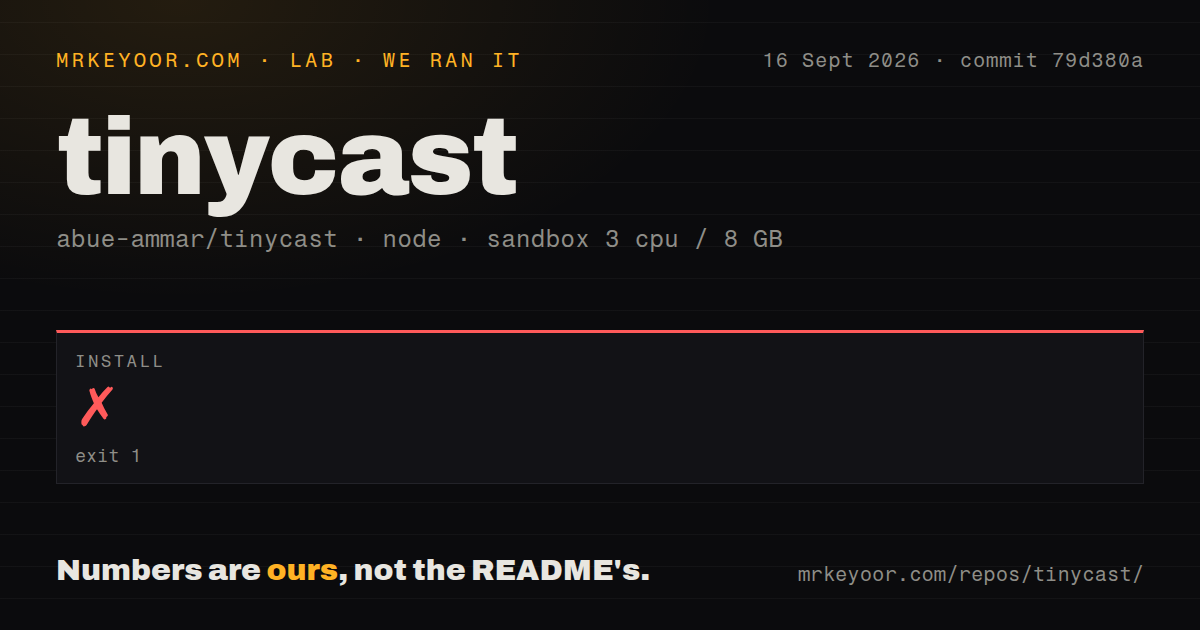
Our run entered Scripts/raycast-runtime, used pnpm, and failed after 13 seconds. The log named two blocked scripts: esbuild@0.25.12 and esbuild@0.28.2. Pnpm reported ERR_PNPM_IGNORED_BUILDS and directed the operator to pnpm approve-builds. That is the complete finding. The log did not say that Tinycast's Swift code was broken, and it did not give us a successful dependency install to build on.
The repository held 947 files, roughly 124,202 source lines, and 4 CI workflow files. We found no Dockerfile and no tests directory. Those signals fit a native Mac application better than a server package, but the measured failure still matters to contributors: the Node subproject does not install unattended under the sandbox policy we used. We did not turn the pnpm prompt into permission on the project's behalf.
Source work requires a current Mac and a signing identity
The development guide requires macOS 26, Xcode 26, and XcodeGen. A one-time Tinycast Self-Signed identity keeps macOS from forgetting the Accessibility grant after each rebuild. The Xcode project is committed, and project.yml is its source for generated settings. There is no Package.swift. Developers using VS Code have an extra SourceKit setup because the repository relies on a manually generated compilation database.
Node's role is narrower than the lab's failed install might imply. The guide uses it for generators and two test stub servers, while the application remains native. Still, Scripts/raycast-runtime is where the Raycast compatibility layer is authored, and our 13-second stop happened there. Anyone changing extension behavior will have to make a conscious pnpm build-script decision before reaching the Swift host or its test harnesses.
Permissions and self-signing are part of the product choice
Homebrew is the simplest user path. The current table points Apple silicon and Intel users on macOS 26 to different casks, while macOS 15 is explicitly no longer maintained. Direct DMG downloads are self-signed and require clearing the quarantine attribute once. That is manageable for a developer, though it is a harder sell inside a company that only permits notarized software from an approved catalog.
Accessibility access is requested when Tinycast needs to paste, expand a snippet, or control another app. Clipboard matching stays local according to the README, and snippets ship disabled. The app also separates development and stable data by bundle identifier, including preferences, notes, clipboard history, caches, and permission grants. That separation is thoughtful, especially in a project with about 124,202 lines where contributors may run experimental builds beside daily data.
Active maintenance does not guarantee feature parity
GitHub showed a September 16, 2026 push, 5,289 stars, and 44 combined open issues and pull requests. Several issues were created or updated that same day, including the submenu mismatch, while release v0.10.23 had shipped on September 13. This is active maintenance, not a repository waiting on an old release tag. The strict contribution rule also explains why an unapproved feature pull request is closed even when its implementation is competent.
Tinycast is easiest to recommend as a personal Mac launcher you can inspect and shape, provided its existing feature choices suit you. The 13-second install failure raises the cost of source work, and issue 783 puts a real boundary around the Raycast claim. Install the released app for its native workflow. Choose it as an extension platform only after the commands you trust have survived your own keyboard test.