Tiny11 Core gives up the ability to repair Windows
Choose Tiny11 Core and you're choosing an image that cannot be updated or serviced. The README also says it disables Defender and removes recovery support. That makes Core a poor choice for a working PC, even if fewer bundled components sound appealing. Standard Tiny11 preserves those facilities. I'd start there for an experiment and keep Core confined to disposable virtual machines, as the usage guide recommends.
The current tool is a native C# WinUI app with x64 and ARM64 downloads. It works on a copy of Windows installation media, letting you choose a preset or individual removals before producing an ISO. The original PowerShell builders remain in the repository, but the app doesn't execute them. Advice written for the old scripts therefore needs checking against this implementation's documentation.
What happened when we ran it
We did not run tiny11builder at commit d060813: our sandbox had no supported C# execution path, and the repository had no Dockerfile. We cloned it on October 14, 2026, into an unprivileged Debian container with 3 CPUs and 8 GB of RAM, without secrets. There are no install, build, or test results to report. This was an unsupported harness route, so it tells us nothing about whether the Windows application succeeds.
The 8 GB sandbox allocation is context for that limit, not a demonstrated memory requirement. We have no measured ISO size, processing speed, or successful Windows boot from this review. In particular, Turbo mode's performance claims remain upstream claims. The decision here rests on the documented removal behavior and current compatibility reports. Anyone seeking a verified space saving on their own Windows image will need a Windows trial and a separate boot check.
The download still needs administrator rights and compatible Windows tools
Version 0.1.1 ships as an application folder: extract the whole ZIP rather than copying just the executable. Its published package includes the .NET and Windows App SDK runtimes. The usage guide requires administrator privileges at startup and compatible Microsoft image-servicing tools. Windows 10 hosts can process Windows 11 media when those tools are suitable. A newer ISO filename alone doesn't tell you whether your installed tooling can handle it.
Bring official Windows media or use the app's Microsoft download option. The documented workflow doesn't require a hosted API key, and the app doesn't handle Microsoft Insider credentials. Its workspace must be NTFS, and it refuses network workspaces and FAT32 output. Those restrictions matter if you normally keep large images on a NAS or removable drive. Plan the local workspace before opening the wizard, and retain your original media.
Custom removals have no dependency solver
The usage guide says Custom can expose protected and boot-critical components without a dependency solver. Starting with nothing selected is sensible, but the controls still let you remove things Windows needs. Disabling a feature and deleting its payload have different consequences. Keep your recipe with the resulting image, and change only what you can explain. An inventory of removable names isn't a promise that every combination works.
Standard Tiny11 also makes substantive choices. Its documented removal set includes Edge/WebView2 and OneDrive binaries, while keeping the Store and shared runtimes. Check whether your actual applications rely on the removed pieces before adopting the preset. For ordinary cleanup on an existing PC, WinUtil addresses a different job: it applies system tweaks to the installed OS. Tiny11 Builder deliberately edits installation media instead. Rebuilding an ISO is unnecessary work if you only want to adjust your current desktop.
A completed Core image can still fail to reach setup
Issue 648 reports a Japanese Windows 11 26H2 Core ISO created with WinUI 0.1.1 that fails at boot with an unattended ProductKey setting error. The reporter says image creation completed, but Windows Setup never appeared. That's a user report, not a reproduction in our lab. It is directly relevant to this app and shows why a completed image deserves its own boot check.
Saved progress and output checksums solve narrower problems. The documentation describes verified checkpoints after image commit or compression, plus retained logs and recipes when work fails. Those features help recover interrupted processing and identify the output. They cannot establish that Windows will install or that your chosen applications survive the removals. Boot the exact ISO you intend to keep, then exercise the software that made you choose Windows in the first place.
October maintenance is active, while redistribution rights remain unclear
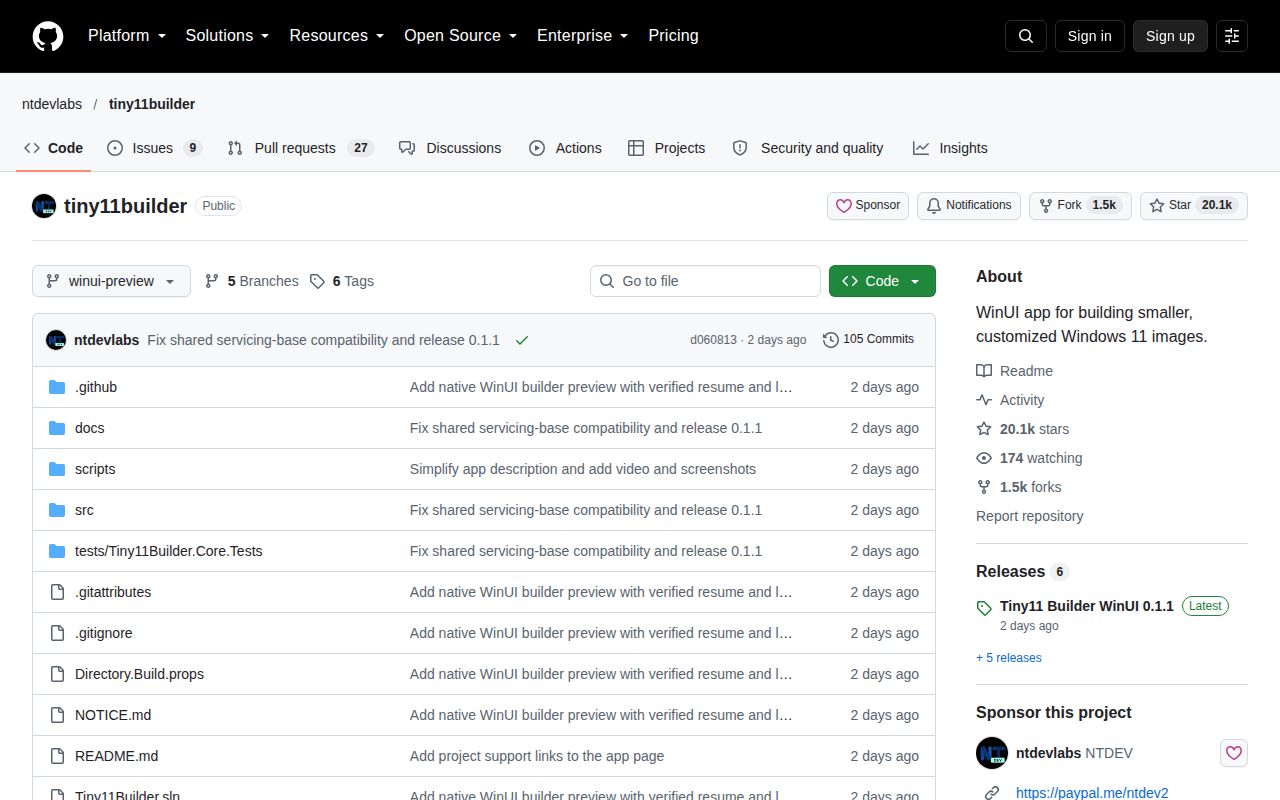
The last push was October 12, 2026, and release winui-v0.1.1 arrived that day. Its notes address incorrect rejection of Windows 11 26H2 media by compatible image tools. GitHub showed 20,062 stars and 36 open issues and PRs on October 14, with fresh reports about the WinUI app. Together, the release fix and current issue activity show ongoing maintenance. They don't establish that every image variant works.
The distribution notice says this checkout has no standalone license and assigns no new license to upstream material. That deserves attention before distributing a fork or customized package. For a personal VM experiment, I'd consider standard Tiny11 with a retained recipe. For creating a bootable Windows USB without component pruning, Rufus is the more direct choice. Core belongs on a VM you can discard when Windows needs an update or repair it can no longer accept.