It is a visual field guide, not a software system
System Design 101 packages a large set of architecture explainers into one navigable repository. Its stated goal is to explain complex systems with visuals and simple terms, and the README points readers toward guides rather than presenting an application. With 88,100 GitHub stars, it has clearly become a prominent starting point for people trying to make sense of a broad subject.
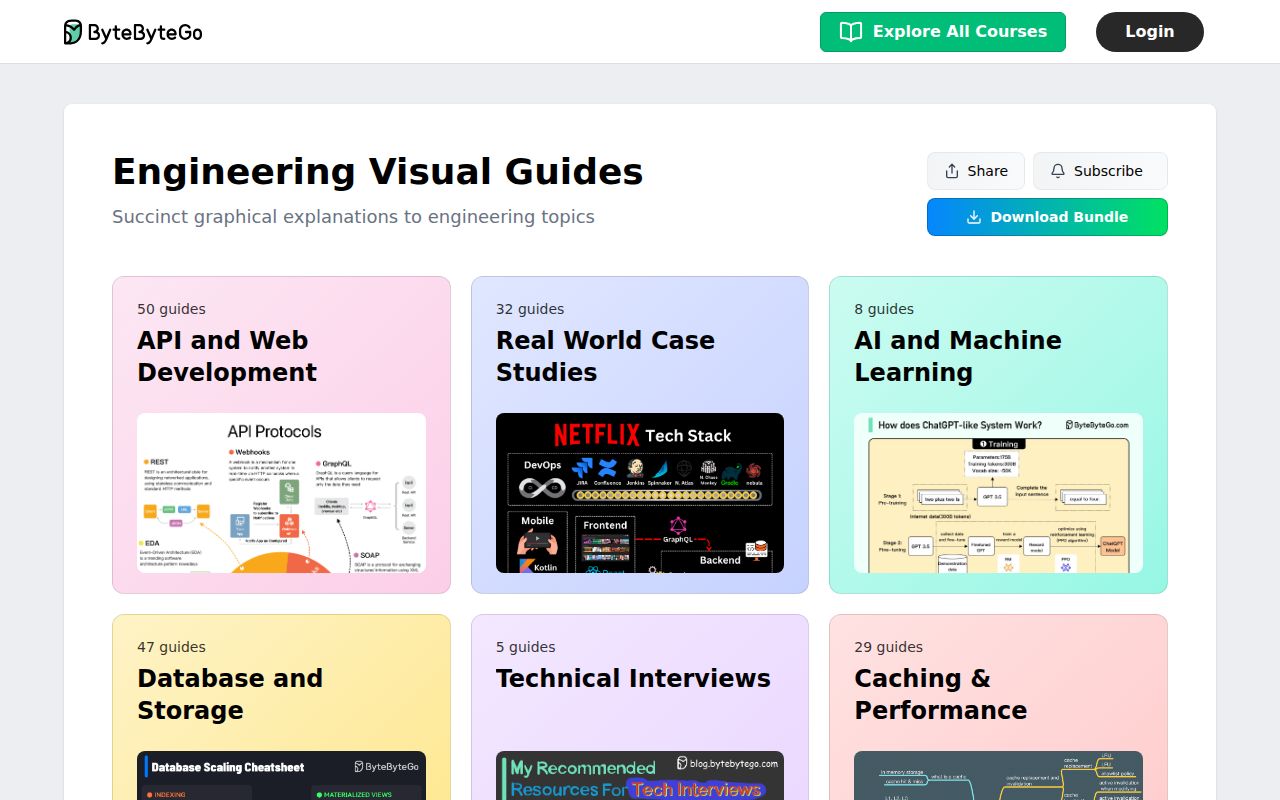
That framing matters because the name can suggest a course or codebase. What you actually get is an index spanning API and web development plus real-world case studies. The visible topics range from HTTP/1, HTTP/2, and HTTP/3 to gRPC, GraphQL, API gateways, pagination, load balancers, browser rendering, NAT, and routing policies. This is breadth first: it gives readers vocabulary and visual anchors, then sends them into individual guides.
Its strongest feature is fast orientation across related concepts
The API section does a useful job of placing commonly confused ideas next to one another. A reader can move from proxy versus reverse proxy to load balancer versus API gateway, then compare SOAP, REST, GraphQL, and RPC. That adjacency is practical for interview preparation because system design questions often test boundaries and tradeoffs, not isolated definitions. The simple language also lowers the cost of sampling a topic before deciding whether it needs deeper study.
The repository also connects foundational concepts with recognizable production stories. Its table of contents includes case studies on Figma's Postgres scaling, Pinterest clone times, YouTube uploads, Netflix caching, Twitter recommendations, push notifications, and Airbnb's architectural evolution from 0 to 1.5 billion guests. Those examples can make abstract components easier to remember, even though the repository should not be mistaken for the primary technical record of those companies.
What happened when we ran it
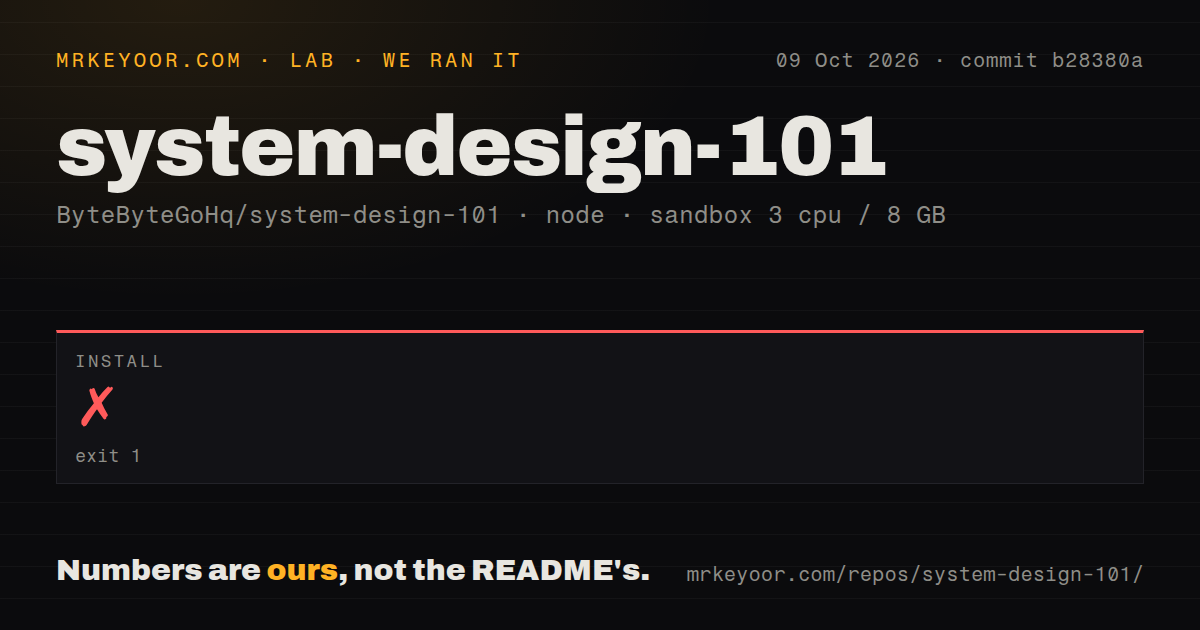
On our box, dependency installation succeeded in 22 seconds. The pnpm install brought in 18 packages and occupied 15 MB. That is a painless result, but it should not be read as proof that a learning application works: the repository exposed no build script or build target, so our build step was skipped rather than passed.
Testing told the same story. There was no test script or test target, so we skipped tests and cannot report any passing test count. We measured 1 CI workflow, no Dockerfile, and no tests directory in a fresh Debian container with 3 CPUs and 8 GB of RAM. The repository had 424 files, a 1.7 MB checkout, and roughly 83 lines classified as source, all signals that this is primarily published content and navigation.
The catalog is useful, but depth and verification live elsewhere
The strongest individual entries address concrete questions: how gRPC works, why HTTP/2 is faster than HTTP/1, how browsers render pages, what an API gateway does, and how to design secure API access. There are also cheat sheets and roadmaps. That mix is well suited to revision sessions, onboarding conversations, or the first 30 minutes of research into an unfamiliar term.
The tradeoff is that a visual explanation can compress away the conditions that decide whether an architecture succeeds. A 1-page comparison cannot replace capacity estimates, failure-mode analysis, data consistency requirements, operational costs, or a primary engineering post. Readers should treat each diagram as a map legend, then validate consequential decisions against protocol specifications, vendor documentation, measurements, and the linked case-study sources.
There are rough edges around software-project expectations too. With no listed release, there is no versioned snapshot to select, upgrade guide to follow, or changelog rhythm to assess. The license field is NOASSERTION, so organizations should not assume they can republish diagrams or incorporate content into training material without checking the repository's actual terms. The README excerpt also emphasizes external ByteByteGo guides, which means availability and reading flow partly depend on the hosted site.
Community reach is high, while maintenance signals are mixed
Adoption is the clearest positive signal: 88,100 stars is exceptional visibility for an educational repository. There are 67 open issues, which is not alarming by itself at this scale, but the supplied evidence does not show response times, closure rates, or maintainer participation. A GitHub Trending mention confirms attention, not support quality, so buyers of a course-like experience should avoid equating stars with editorial service.
The last recorded push was April 4, 2025, about 17 months before our September 3, 2026 review date. Combined with 67 open issues and no listed releases, that suggests a slowly updated or externally published catalog rather than a rapidly maintained software package. It does not prove abandonment, especially because reference repositories may update without formal releases, but readers should verify whether an individual guide reflects current protocols and practices.
It belongs beside deeper sources, not inside production
In a real engineering workflow, System Design 101 fits best at the discovery and communication layer. Use it to establish shared vocabulary before a design review, generate questions for an interview study group, or give a newer engineer a visual overview. Then move to request traces, service-level objectives, load profiles, threat models, and primary documentation before choosing an actual architecture.
If you want a structured interview curriculum, donnemartin/system-design-primer is the more direct alternative. If you want a broad catalog of engineering readings, binhnguyennus/awesome-scalability is a better research shelf. If you learn by building, codecrafters-io/build-your-own-x turns concepts into implementation work. System Design 101 earns its place as the approachable front door, but its 22-second install and absent test target confirm that the value is in reading, not running.