Outside providers decide whether the movie plays
StreamBert sources films and television from VidSrc and other providers named in its README. It gets catalog information from TMDB, while anime uses AniList metadata and AllManga media. You can browse titles, keep a watch history, manage subtitles, and save downloads in a desktop interface. The consequential question is whether those outside sources remain usable. A polished catalog can still lead to a blank player when a provider changes or disappears.
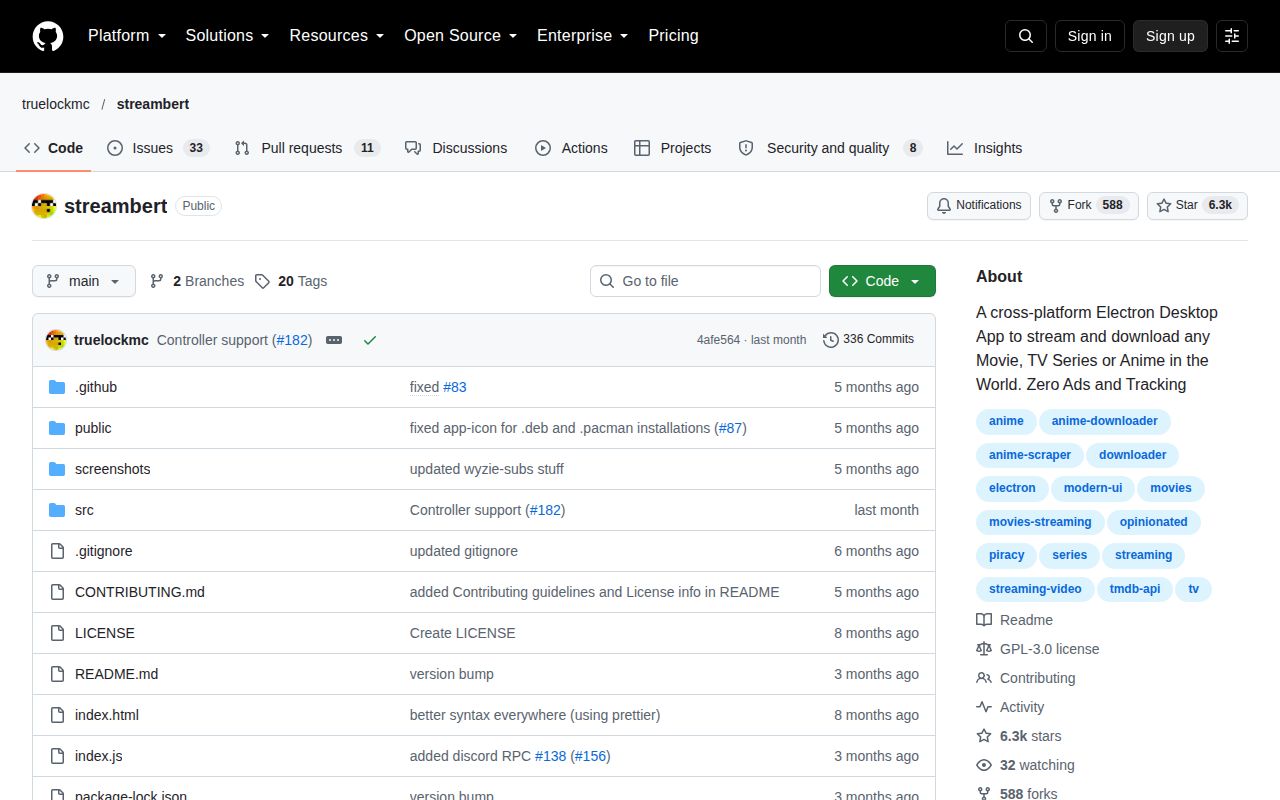
Our checkout was 6.6 MB, with 106 files and roughly 25,497 source lines. That makes the application approachable for an Electron developer who wants to understand the interface and source adapters. It doesn't make the upstream catalog dependable. I'd consider it an experimental personal client for content you're entitled to access, with a willingness to change sources. I wouldn't make it the household's sole way to watch something already chosen for the evening.
What happened when we ran it
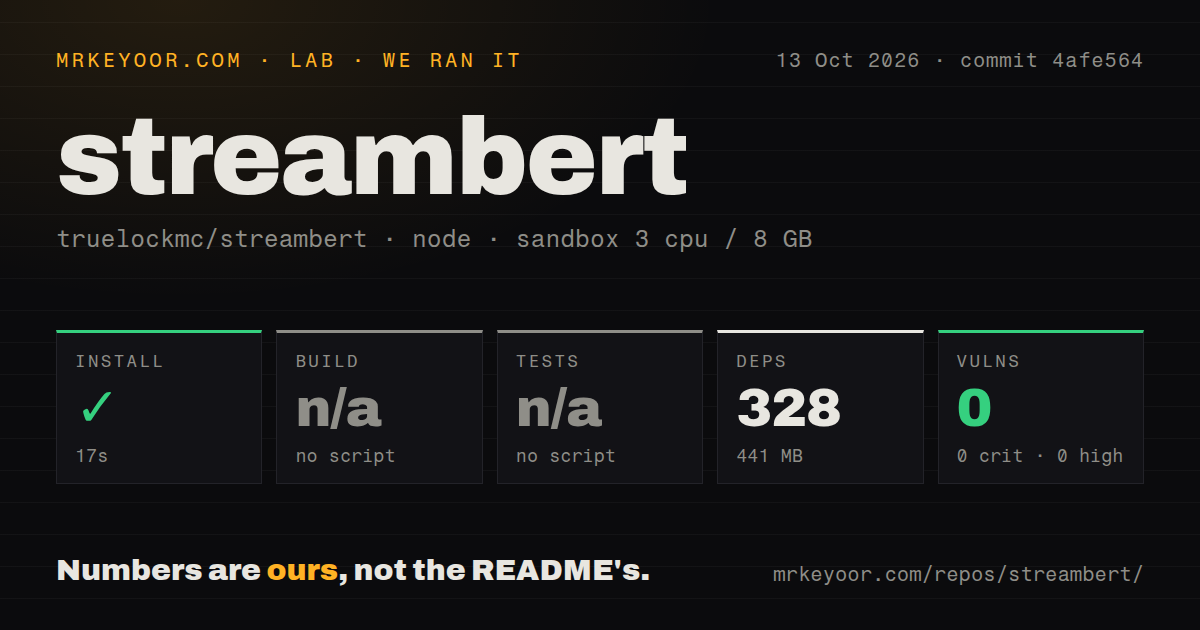
Our StreamBert install succeeded in 17 seconds, adding 328 npm packages and occupying 441 MB on disk. We cloned commit 4afe564 on October 13, 2026, into a fresh unprivileged Debian container with 3 CPUs and 8 GB of RAM, using image lab-node:22 and no secrets. The supplied npm audit reported 0 known vulnerabilities across critical, high, moderate, and low severities. That's a dependency-audit result for this run.
The lab skipped build and tests because it found no corresponding script or target. Its scan recorded 2 CI workflow files, no Dockerfile, and no tests directory. Installation working tells a contributor that dependencies resolved in our sandbox. It doesn't establish that an installer can be packaged, a video can play, or a download completes. There is also no playback-speed measurement behind the README's claim that the app streams faster than a browser.
A TMDB token comes before browsing
The 17-second install covers only the source dependencies. First launch asks for a TMDB API Read Access Token, which the app stores locally. The token walkthrough distinguishes that long token from the shorter API key. That's useful documentation for someone who hasn't registered an API client before. Node is required for source use, while the README points ordinary desktop users toward prebuilt Windows, macOS, and Linux packages.
Downloads add separate requirements: FFmpeg and the project's companion downloader executable must be present. Subtitle setup has its own Wyzie credential guide, including email verification. Those services and tools deserve space in the setup decision. StreamBert pulls the interaction into one window, but you still supply the credentials and local programs. Someone seeking a desktop app that works immediately without an API account has a concrete reason to choose another route.
The README documents packaging commands our lab skipped
The 328-package installation left a usable dependency tree, but our harness didn't exercise the distribution commands. The README names platform-specific commands such as npm run dist:linux and npm run dist:win. That resolves an apparent contradiction: a skipped generic build step doesn't mean the project provides no packaging instructions. It means the supplied run has no packaging outcome. Reporting those commands as successful would go beyond the evidence we have.
Arch users also get explicit notes for libxcrypt-compat and an http-parser dependency error. These are documented platform gotchas, rather than errors seen in our Debian run. The instructions cover several package formats and link to prebuilt releases on Codeberg. For a developer, I'd begin with the package matching the desktop you actually use, then check the source path separately. Cross-platform labels don't establish identical playback or download behavior across those systems.
Recent issues report blank playback and failed downloads
Our 441 MB installed environment says nothing about provider availability. In issue 180, the maintainer said Videasy had shut down and needed removal as an in-app source. The issue was closed on September 29. The maintainer also described trying replacement sources. That is evidence of provider churn and an investigation, not a guarantee that another provider will keep working or that new language options are coming.
Issue 183, updated October 7, reports a black screen for movies, anime, and series on EndeavourOS with release 2.6.0. Its title makes a broader claim about providers disappearing, but the report itself demonstrates a user's playback problem. A separate Windows report, issue 185, describes a download failure. Neither was reproduced in our sandbox. They still matter when the main buying reason is reliably watching and saving a selected title.
The privacy promise has an explicit exception
The audit's 0 known vulnerabilities don't verify the README's privacy claims. The project says StreamBert itself collects no data, then acknowledges that streaming sources and update downloads may collect it. It also says the built-in ad and tracker blocking is imperfect. That exception is the useful part of the promise. A desktop wrapper can reduce unwanted page clutter while still contacting services outside your control. Choose it only if that boundary fits your expectations.
GitHub recorded a push on October 11, 2026, and listed 44 open issues and PRs combined. The latest GitHub and Codeberg release is 2.6.0, published June 27, with provider updates and changes to the downloader. Those dates and the recent reports show continuing activity, alongside unresolved user problems. I'd use Jellyfin for media you already manage on your own server, or mpv for local files and known playback URLs. StreamBert fits someone willing to maintain provider access as part of watching.