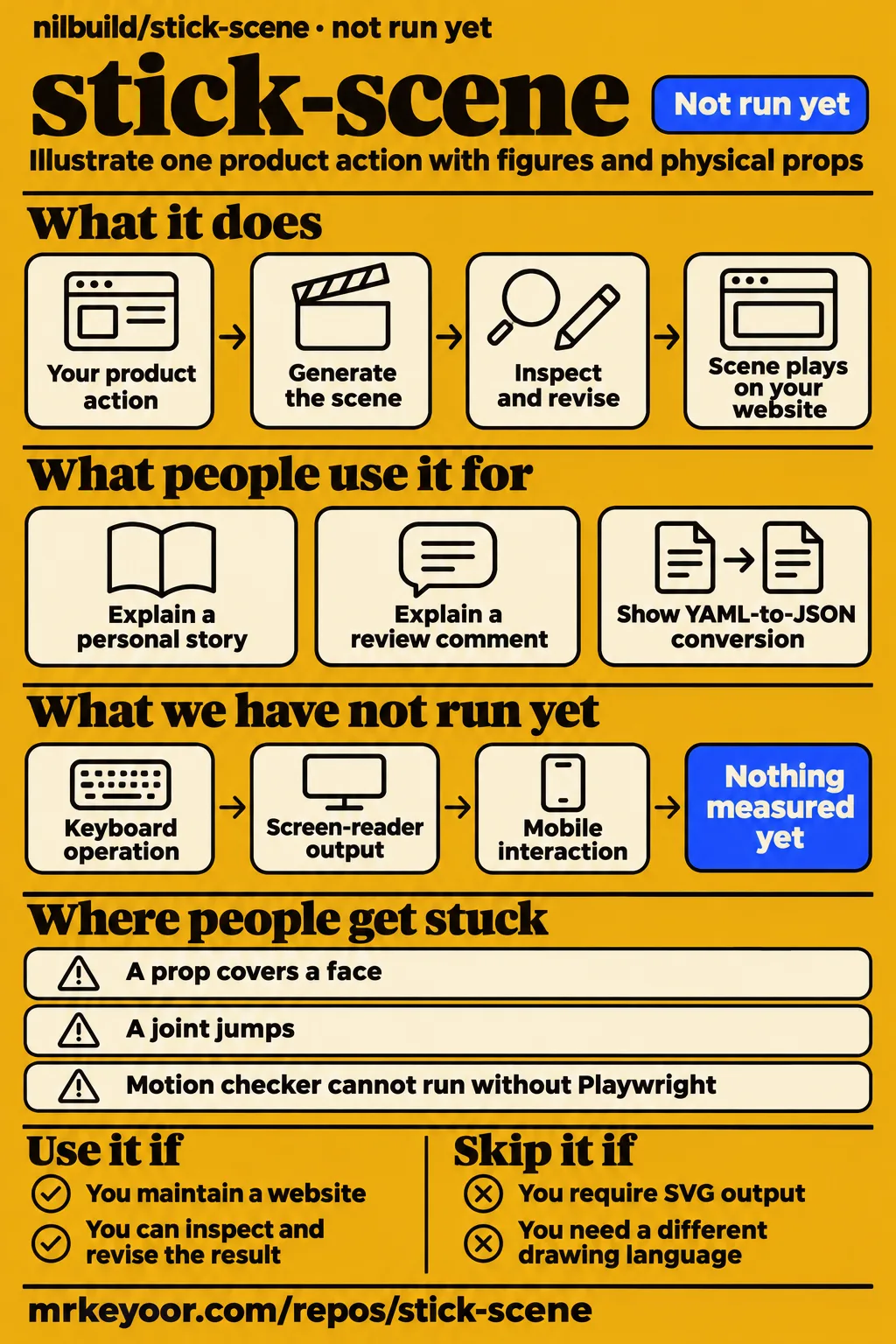
Short answer
stick-scene's documented workflow normally takes two or three visual revision rounds, followed by a separate motion check. Use it if you maintain a website and want a coding agent to illustrate one product action with figures and physical props. Skip it if your requirement is a finished animation without inspecting renders. The skill describes the revision loop explicitly, so that work belongs in the adoption decision rather than appearing as a surprise after the first prompt.
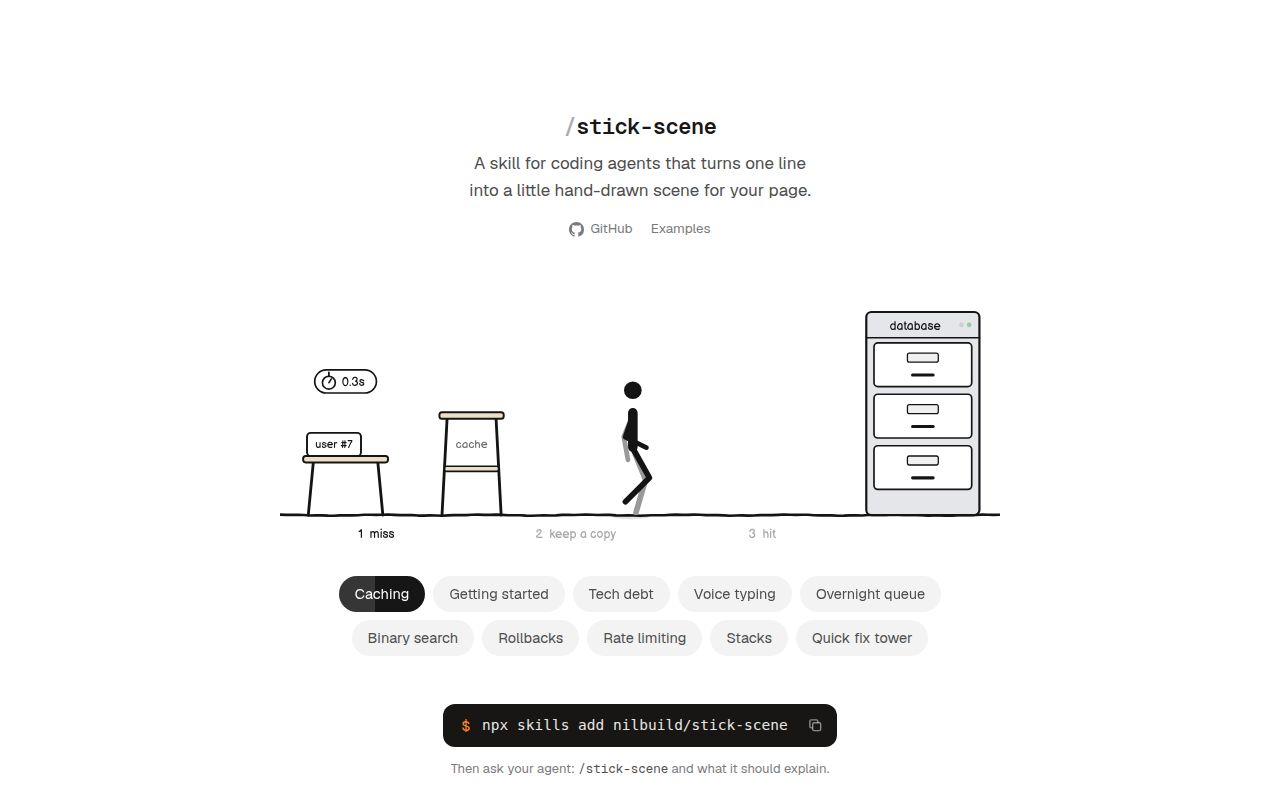
nilbuild/stick-scene is Kamran Ahmed's MIT-licensed agent skill for website explainers. A skill gives a coding assistant instructions and supporting files for a task. Here, the scene lives in a canvas, the browser's drawing surface, inside a stick-scene element. The README describes short actions triggered by scrolling, clicking or hovering. Its examples explain concrete software actions, including converting YAML into JSON and asking an agent to fix a review comment.
What people use stick-scene for
The author's examples cover a personal story page, a code-review exchange and a YAML-to-JSON conversion. Those examples give a website developer something more specific than a request for a decorative animation: each scene can show an action and a visible result. The useful question is which action on your own page maps to one of those examples, and which prop can carry the explanation without reproducing the whole application interface.
| Who used it | What they made | What the example actually shows |
|---|---|---|
| Kamran Ahmed | Scenes on his personal story page | The author reports patterns used across approximately 90 scenes on kamranahmed.info/story. The skill makes that deployment claim. |
| The project author | A code-review explainer | A comment leads to an agent fix and approval, using two figures, a board and a desk. The skill identifies diffity-review.js as its full example. |
| The project author | A YAML-to-JSON converter metaphor | YAML enters, a crank turns and JSON comes out. The README describes the converter example. |
The converter provides a straightforward brief: an input enters a machine, someone turns a crank and a different output emerges. The review scene needs a different arrangement because it represents an exchange between a person and an agent. Its two figures, board and desk give the request, response and approval separate places in the scene. Both examples end with something a reader can see has changed, rather than depending entirely on a caption.
The skill's rule is one idea per scene, with a visible result held for a beat. Its style instructions state that rule directly. For a feature section, that suggests starting with one transformation or approval step. A request to explain an entire platform would need narrowing before scene design begins. The README also lists database, login, email, queue and recording examples, giving an agent several existing physical metaphors to draw from.
What happened when we ran it
Our run stopped after 3 seconds at commit ca84311 because the harness had no supported JavaScript ecosystem path and found no Dockerfile. That figure is harness elapsed time. The November 24, 2026 configuration recorded 3 CPUs, 8g RAM and image n/a. the separate hands-on records document a failed Compose prerequisite, a contradictory deployment summary and successful cleanup.
| Evaluation question or stage | Recorded answer | Verdict | Why |
|---|---|---|---|
| Could the source harness proceed? | NOT RUN: no supported ecosystem, language JavaScript; no Dockerfile | Stopped | The harness had no supported route for this repository. Its elapsed time was 3 seconds. |
| Did the separate hands-on safety step pass? | FAILED: none of compose.yaml, compose.yml, docker-compose.yaml or docker-compose.yml exists | Failed prerequisite | The checker required a Compose file. |
| What did the hands-on summary report? | Deployment with its own Docker Compose on November 24, 2026, with every port bound to 127.0.0.1 | Conflicting record | The summary claims deployment, although the safety step found no Compose file. |
| Did teardown finish? | ok | Cleanup reported success | The teardown record says teardown: ok. |
The safety step called the repository unsafe under its rule requiring a Compose file. That is a description of the checker's prerequisite, rather than a reported vulnerability in stick-scene. The README's installation path starts with an agent skill and ends with scene files embedded in an existing website. Its website instructions say to copy runtime/stick.js and the scene into the static folder, which is a different workflow from deploying a Compose application.
Where people get stuck: rendering is a revision loop
The official workflow calls for inspecting a contact sheet, correcting the scene, rendering it again and then checking motion. A contact sheet collects selected still frames into one image. It helps expose a prop covering a face, text leaving its box or a hand missing the object it should hold. The skill calls two or three rounds normal, making visual review part of the process rather than an optional finishing pass.
| Symptom | Documented response | Source |
|---|---|---|
| A prop crops, covers a face or overlaps awkwardly | Inspect the rendered frames, adjust the scene and render again | Visual inspection instructions |
| A joint jumps or the action pops back into idle | Run motion.mjs and blend the pose instead of switching it | Separate motion-check instructions |
| The checker reports that Playwright is missing | Install playwright@1.56.1 in a scratch directory and expose node_modules through NODE_PATH | The documented dependency remedy |
| A scene depends on a runtime loaded later | Put stick.js before every scene script in document order | Runtime-order instruction |
| Astro needs explicit script handling | Use the documented is:inline attribute with defer on the script element | Astro embedding instruction |
The motion instructions name jumps, arms through faces, covered heads, backward elbows, elbows held behind the body, squash and action-boundary pops. They direct the agent to keep fixing these until the checker prints "motion is clean" and allow a short skate at the beginning or end of a walk. Those instructions distinguish movement problems from still-frame composition. A clean-looking frame and a smooth transition into that frame are separate requirements.
The documented dependency remedy names playwright@1.56.1 and tells the developer to install it in a scratch directory, then point NODE_PATH to that directory's node_modules. The motion-checker dependency message gives those steps. The script's introductory comments also name reach-short, where a hand targets something beyond the arm's reach, and skate, where both planted feet slide along the ground. These descriptions give the agent specific movement problems to inspect alongside the contact sheet.
The runtime comments describe specific pose problems
The runtime comments describe negative elbow settings being treated as positive magnitudes and reach easing beyond 96% extension. These comments explain the intended handling of recurring pose problems. The runtime commentary describes the elbow behavior and reach threshold, connecting those choices to backward bends and abrupt joint movement. They also give context for the author's direction to start from the existing rig instead of inventing a drawing system for each scene.
The elbow comment says a negative setting previously flipped the elbow backward and is now treated like its positive size. Another comment describes a low resting back hand hanging from a nearly straight arm. It explains that placing a resting hand a little high can bunch the arm and push the elbow behind the body. Those runtime comments describe the intended resting-arm behavior. Placing a hand at an intended coordinate still leaves the problem of connecting the arm plausibly.
The reach-limit commentary describes a joint racing across the last few units of reach in a frame or two, then says it eases after 96%. The runtime comments give that threshold. For someone directing an agent, the practical connection is to the motion-check vocabulary: a scene can need correction even when its objects and characters occupy the intended positions. The comments address how the figure moves into those positions.
Font loading and accessibility need deliberate choices
The skill documents a no-font attribute that prevents loading Balsamiq Sans from Google Fonts. Its font instruction names self-hosted fonts and sites that must avoid calling Google. This is a concrete embedding choice for a website owner: decide whether the scene should request that font or use the site's own arrangement. It belongs alongside script placement and sizing when reviewing the generated page integration.
The README says reduced-motion mode displays one still frame and never plays. It also defines label as the sentence a screen reader hears, defaulting to the scene's own sentence. Both behaviors appear in the README's embedding documentation. For the review example, a label can describe the request, fix and approval exchange rather than merely naming the board and desk. The text should communicate the product action represented by the animation.
The documented view mode plays once when the scene scrolls into view, then responds to clicks. Click, hover, loop and idle are other choices; the skill describes hover as clicking on touch devices and advises using continuous looping sparingly. The skill also says off-screen scenes do not draw. These controls let the website owner select how the explanation begins and whether it repeats, alongside the visual decisions inside the scene itself.
Social attention shows the demonstration's provenance
nilbuild's X announcement describes a skill that generates stick-figure explanation code and animation from a prompt. The author's launch post introduces that workflow. It is useful context for the project's promise: describe what you want to visualize, then let the agent produce the scene. The longer skill instructions add the metaphor selection, rendering revisions and motion checks that a short announcement leaves out.
botsgone.wild says all scenes in its reel come from the project's site and the agent chat is an example run. The Instagram caption discloses both details. Reveo's November 19, 2026 article attributes the workflow to the project and labels its article AI-drafted. That article describes prompt-based changes to actions, pace and colors. These records explain where the demonstrations came from and how the coverage describes them.
GitHub metadata observed on November 24, 2026 lists the last push as November 16, 2026 and zero open issues and PRs. The repository metadata records that activity. An empty open queue describes the repository at that observation date. The dated snapshot gives a developer a concrete activity reference alongside the author's announcement and the later articles describing the scene-making workflow.
stick-scene vs Creators Toolbox Stick Explainer and Rough.js
Creators Toolbox Stick Explainer documents a six-frame storyboard, while Rough.js documents drawing primitives for Canvas and SVG. stick-scene combines its figure runtime, scene examples and website embedding workflow. The choice therefore starts with which part of the work you want the tool to supply: an existing scene-making system, a separately authored storyboard process or lower-level drawing functions for an implementation you control.
| Option | Documented starting point | Choose it when |
|---|---|---|
| stick-scene | Figure runtime, scene template, examples, rendering tools and embedding instructions | You want the existing stick-figure style and its inspection workflow. The skill describes those files and steps. |
| Creators Toolbox Stick Explainer | Product-action brief, physical metaphors, six-frame storyboard and screen-reader label | You want its separately authored steps and examples. The announcement describes that process. |
| Rough.js | Primitives for lines, curves, arcs, polygons, circles and ellipses, with Canvas and SVG support | You want drawing primitives for your own scene implementation or need SVG. The Rough.js README names both rendering targets. |
Creators Toolbox's worked example pins a Scout news card onto a feed board. Its announcement says it uses its own steps and examples and will not copy another illustrator's runtime or line style. Those statements define its authored approach. Rough.js instead supplies graphics operations, including SVG paths. That makes the comparison useful as a division of responsibilities: storyboard instructions and scene systems sit above the drawing primitives a developer can use directly.
Outdated claims, corrected
botsgone.wild's Instagram summary says frame checking ensures nothing overlaps or gets cut off, while the official workflow requires repeated visual inspection and a separate motion check. The caption's clean-outcome wording compresses a revision process. The skill calls two or three rounds normal and then requires motion checking. The correction is to expect a scene that goes through inspection and repair, rather than interpreting frame checking as a guaranteed clean first result.
The README also says the agent renders frame by frame to check that nothing overlaps or gets cut off. That sentence describes the intended checking step. Read alongside the longer workflow, it gives a sequence: generate the scene, inspect the render, fix visible problems and inspect movement separately. The detailed instructions name what the agent should look for, including held objects meeting hands and the final frame matching idle without a pop.
Questions people ask
The README starts installation with npx skills add nilbuild/stick-scene; scene inspection then uses rendering tools and a separate motion checker. The README gives the installation command, and the skill distinguishes contact-sheet inspection from motion checking. These first-time-user questions cover installation, checking requirements and licensing, the practical entry points documented by the project.
How do you install stick-scene?
The README gives npx skills add nilbuild/stick-scene, followed by a /stick-scene prompt describing what you want to show. Its examples include a landing-page hero, YAML-to-JSON conversion and an agent fixing review comments. The skill then asks the agent to understand the product and pitch physical metaphors before writing the scene. Installing the instructions is the entry point; selecting the explanation and reviewing its animation are subsequent steps.
What does stick-scene need for its scene checks?
The motion checker requires Playwright and prints an installation remedy naming playwright@1.56.1 when it cannot find that package. Its dependency message specifies a scratch directory and NODE_PATH pointing to node_modules. The skill separately describes rendering selected moments into a contact sheet and stepping through motion. The README's no-dependencies description concerns the embedded canvas scene, while the authoring workflow includes these inspection tools.
What license does stick-scene use?
The README identifies the license as MIT and credits Kamran Ahmed. Its license section states both. That answers the repository-license question for someone choosing the runtime and scene workflow. The adjacent embedding instructions tell a developer to copy runtime/stick.js and the scene into the site's static folder, then include their scripts and the stick-scene element on the page.
What we have not tested yet
The harness stopped before installation, build or tests at ca84311, leaving setup ease and generated-scene behavior unassessed. We did not run the application: the harness reported no supported JavaScript ecosystem path and no Dockerfile. The 3-second result is elapsed harness time, not installation duration; 3 CPUs and 8g RAM are configuration, not measured consumption. Image n/a identifies neither an operating system nor a runtime version. The conflicting Compose summary supplies no completed browser task. The latest-release lookup returned no usable release information, so it supports no conclusion about release availability.
Keyboard operation, screen-reader output, reduced-motion rendering, font-network requests and mobile interaction need a browser evaluation. The documented attributes describe intended behavior rather than an accessibility audit. The runtime comments describe intended elbow handling and reach easing; the readable runtime extract ends before the corresponding calculations, so this review has no implementation proof for those calculations. The checker dependency remedy is documented, but the readable script extract supplies neither a missing-Playwright branch nor a changed-fig()-hook branch supporting exit-code claims.
Comparative speed, output quality, independent production reliability and improvements in reader comprehension or conversion have no measured result here. The author reports approximately 90 story-page scenes, and the Instagram reel discloses reused project scenes and an example chat. Those are the boundaries of the deployment evidence discussed above. The dated GitHub metadata supplies no support-response history from which to predict maintainer responsiveness.
The YouTube entries contain no transcript text supporting a walkthrough account, and the Bilibili results concern unrelated subjects. Rendered page layout, resolved links and related site modules also fall outside this text review; the page inventory supplies no independent basis for asserting that another review URL was inspected. The questions above are first-time-user questions drawn from project documentation, rather than attributed questions from project-specific community discussions.