It turns Spotify's fixed desktop interface into a workspace you control
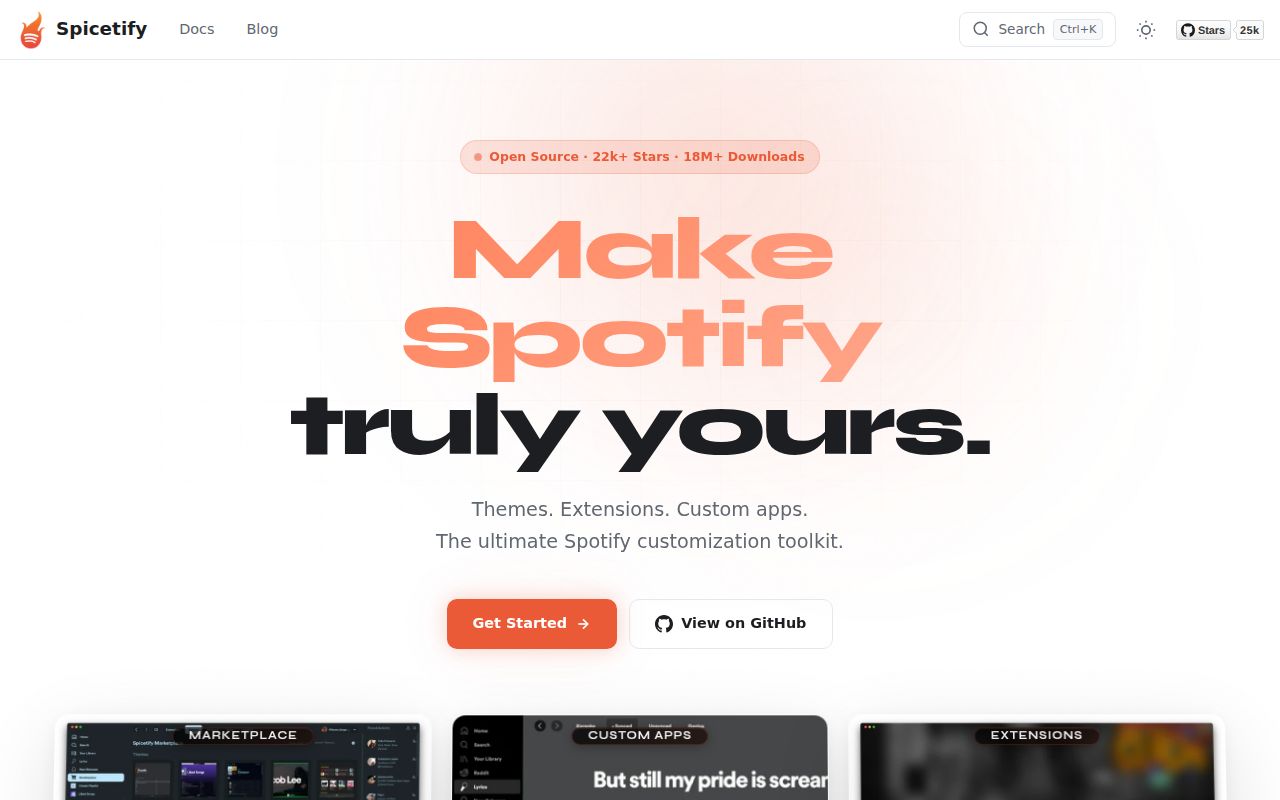
Spicetify CLI is a customization layer for the official Spotify client, not a separate music service. It supports Windows, macOS, and Linux, and its purpose is unusually direct: change interface colors, inject CSS, add extensions, and install custom apps. With 24,380 GitHub stars, the project is clearly serving more than a tiny group of theme hobbyists.
You keep Spotify's desktop application instead of moving listening to a terminal or daemon. The README names 4 surfaces: colors, CSS, extensions, and custom apps, covering both visual themes and behavior changes.
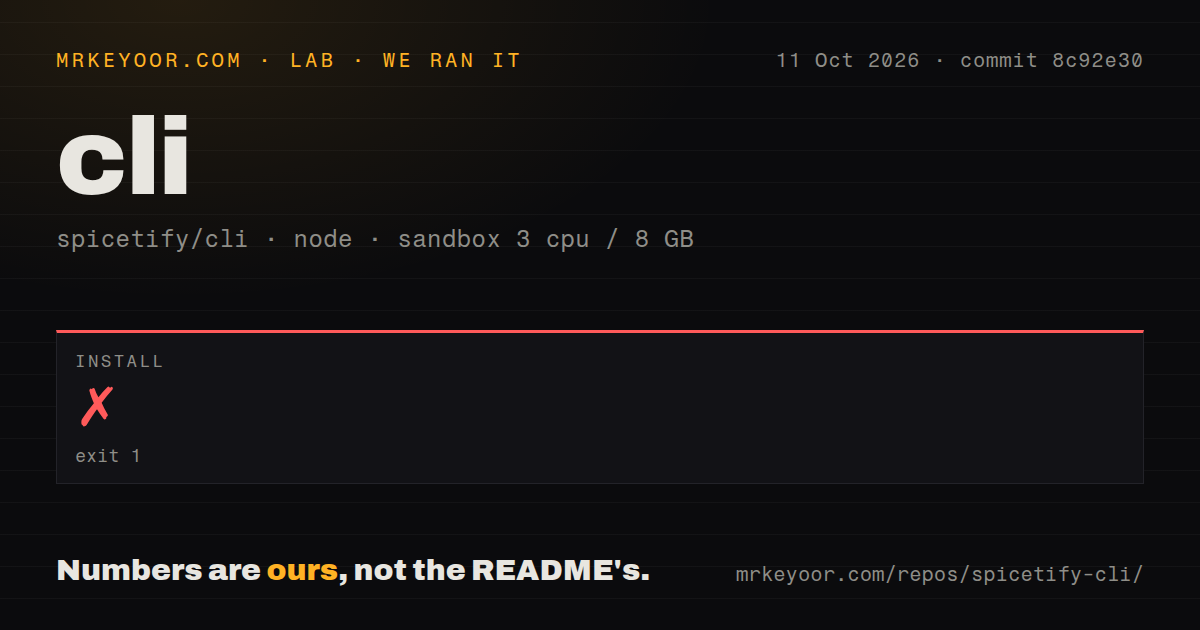
Our install stopped before build or tests
We cloned commit 1f13f73 and ran it in an unprivileged fresh Debian sandbox with 3 CPUs and 8 GB of RAM. The checkout contained 138 files, about 26,771 lines of source, and occupied 2.9 MB. It is a Node ecosystem project using pnpm and monorepo workspaces. Installation failed with exit code 1 after 21 seconds, which prevented us from establishing a successful build or test result.
The last log lines came from Corepack's pnpm 11.9.0 launcher. It failed at a dynamic import with TypeError: Invalid host defined options, then ended with Node.js v18.20.8. The lab-node:22 image label did not match that printed runtime. We cannot tell from this log why that happened, and it would be irresponsible to assign a cause the evidence does not prove.
Inspection found 4 CI workflows, no Dockerfile, and no tests directory, though a monorepo may organize tests elsewhere. More importantly, our run never passed dependency installation. Anyone evaluating the source should budget for package-manager diagnosis before assuming the linked basic-usage guide maps cleanly onto a fresh container.
Its strongest feature is a narrow, useful promise
Spicetify does not pretend to replace Spotify's service. Its value is that it gives advanced users influence over an interface they otherwise cannot substantially reshape. Changing colors handles straightforward theming, while CSS injection allows precise layout and presentation work. Extensions can manipulate the UI and control the player, and custom apps provide another path for adding functionality.
The README covers 3 major desktop operating-system families, helpful for theme authors targeting a shared ecosystem. The repository also states a code-signing policy using SignPath.io and a SignPath Foundation certificate. That does not remove the need to inspect third-party themes or extensions, but signed project releases are a meaningful maturity signal.
The README is concise and points readers to dedicated installation and basic-usage documentation on spicetify.app. That is a sensible structure for a tool whose instructions may change independently of a repository overview. The latest supplied release, v2.44.0, was published on July 4, 2026, so users have a recent named version to anchor support discussions and troubleshooting.
Client modification brings unavoidable rough edges
The same injection model that makes Spicetify powerful also creates responsibility for the user. CSS can change presentation, while extensions and custom apps can alter behavior and player control. That means a customization set is code and configuration to maintain, not merely a wallpaper. Users should know what they install and be prepared to isolate a problematic addition when the interface behaves unexpectedly.
Our 21-second installation failure is the clearest practical warning. The README excerpt makes the project sound approachable by offering direct installation and basic-usage links, but source setup in our environment ended inside the package-manager launcher. There was no successful build to assess and no test count to report. This does not show that ordinary end-user installation fails, but it does show that contributor-style setup is not guaranteed to be one command everywhere.
The project also remains tied to the official desktop client by design. If your goal is a terminal player, a background Spotify Connect target, or an independently hosted music stack, its color and CSS controls solve the wrong problem. Spicetify belongs on an individual workstation where the official client is already part of the workflow, not on a server as an audio backend.
Activity looks healthy, while support quality still needs case-by-case checking
The repository was pushed on September 5, 2026, the same date as our review, and it had 13 open issues. Taken together, those are healthy maintenance signals: recent code activity plus a relatively contained visible issue queue. The v2.44.0 release was about 2 months old, which is not evidence of neglect when development continued through today.
Popularity is equally clear at 24,380 stars, but stars should be treated as adoption interest rather than proof that every extension is safe or every platform path is frictionless. The supplied community snippets are mostly GitHub Trending page fragments and unrelated CLI mentions, so they do not provide substantive user testimony. We would use repository activity and our own run as stronger evidence than those fragments.
It fits after the official client, not in place of infrastructure
In a real setup, install Spotify first, then treat Spicetify as the local customization layer, with selected themes, CSS, extensions, or custom apps above it. Keep those additions limited and review them individually, especially when they can manipulate the UI or control playback. For teams publishing themes, the 3-platform claim makes cross-platform checks important even if development happens on only one operating system.
Choose ncspot or spotify-player when the desired interface is a terminal. Choose spotifyd when the requirement is a lightweight background Connect endpoint. Spicetify remains the better fit when the non-negotiable requirement is customizing Spotify's official graphical client. Its feature set is focused, its maintenance signals are current, and its ecosystem is large, but our failed install means we would validate the exact machine and package-manager path before rolling it out broadly.