spektrafilm gives you controls for the negative and the print, so choosing a film stock is only the beginning of the image. Its Python reference implementation models a camera image passing through virtual photographic materials and a scan. That makes it interesting for someone who wants to explore why the rendering changes, rather than simply select a finished preset.
The README describes a model grounded in manufacturer spectral data, with a desktop interface and tools for exporting lookup tables. Our run reached successful install and build steps, then stopped at a missing NumPy import before the test suite could exercise the model. It provides setup evidence, not a judgment of the pictures.
What happened when we ran it
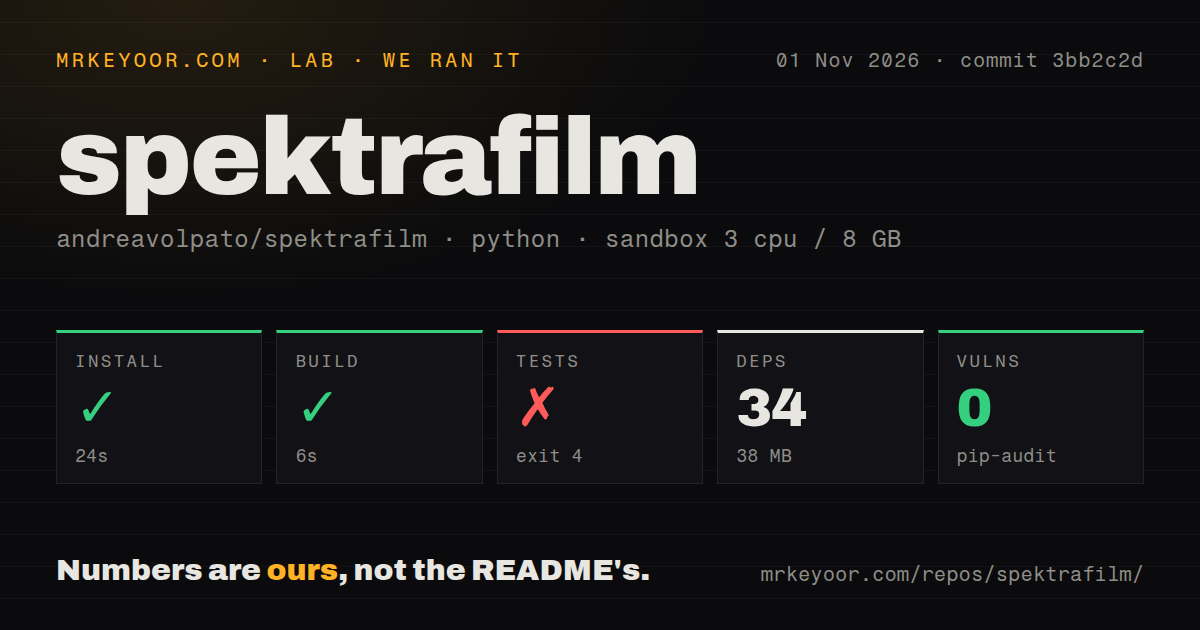
Our spektrafilm installation step succeeded in 24 seconds and the build step in 6 seconds at commit 3bb2c2d on November 1, 2026. The record lists 34 dependencies and 38 MB on disk. Tests failed with exit 4 after 2 seconds.
The failure occurred while loading tests/conftest.py, where importing numpy raised ModuleNotFoundError. Pytest stopped while loading its configuration, so this result is not a count of failed simulation assertions. The tail establishes that NumPy wasn't importable in that test process. It doesn't explain why, or show whether a different dependency installation would have fixed it.
The recorded sandbox configuration was 3 CPUs, 8 GB RAM and image ghcr.io/astral-sh/uv:python3.12-bookworm. Actual Python and operating-system versions require the raw toolchain logs; the image name alone cannot establish them. The checkout contained 428 files, approximately 41,439 source lines and 34.9 MB. The scan found a tests directory, no Dockerfile and no CI workflow files.
The pip-audit result reported 0 known vulnerabilities. That is a recorded audit outcome, not proof of security or evidence that the image-processing model is correct. We have no measured export speed, rendering comparison or GUI session from this run.
A film profile doesn't determine the final print
The README describes reconstructing spectral data from linear RGB, passing virtual light through a negative onto print paper, and scanning the reflected result. Film and paper profiles therefore both affect the image. If you're comparing a rendering with a photograph, record the print choice and exposure settings alongside the negative stock.
Coupler modeling is part of the project's stated explanation for saturation and contrast. The README also notes that some dye-density data are generic because manufacturers usually don't publish them. A model based on datasheets can still include approximations. It would be a mistake to treat the stock name as a guarantee of matching a particular lab scan.
That is the attraction for a curious photographer or developer: the settings expose parts of a photographic process that a fixed lookup table hides. The same detail creates work. You need a reference image and a consistent input transform to decide whether changing a coupler or enlarger setting improves your result.
Display color management needs explicit attention
The README says napari is not color-managed. It describes an sRGB display and output workflow, while saying the Windows GUI tries to obtain the display profile and convert the final image for viewing. The status bar indicates whether that attempt succeeds. We didn't verify this behavior.
For color-critical work, don't approve a look solely from an unchecked preview window. Compare an exported image through your established viewing workflow and keep the input and output color spaces explicit. Otherwise a display conversion difference can be mistaken for a film-model difference.
The GUI accepts RAW files through rawpy, and the README also documents externally prepared linear images. It recommends retaining scene-referred data for the manual route. An image already given a strong display rendering is a different starting point from the linear camera data the simulation expects, so input preparation belongs in the evaluation.
The GUI and LUT tools serve different experiments
The repository separates the simulation runtime from the Qt and napari desktop interface and the LUT creator. The runtime's documented API uses create_params and simulate. The LUT creator exports bundles for other imaging workflows, including optional OpenColorIO configuration. These are documented interfaces, not outputs generated by our run.
The README warns that full-resolution export is very slow. It also says many GUI controls have little or no documentation, with tooltips and source inspection offered as help. That makes the reference implementation a poor default for someone needing predictable delivery times and a fully explained editing interface.
The current README's environment examples use Python 3.13 and distinguish development tooling from the default desktop and LUT package. Those instructions don't explain our missing NumPy import by themselves. Before evaluating a render, establish a consistent environment in which both the application and its checks can import their requirements.
Consider vkdt for the integration and darktable for the workflow
vkdt's filmsim module documents an implementation of spektrafilm and recommends its filmsim.pst preset to connect the required lookup-table inputs. Consider that route when you want to evaluate the model inside vkdt. The module documentation labels it beta, and we have no comparison establishing equivalent output or faster rendering.
darktable manages digital negatives and provides nondestructive RAW development. Choose it for a broader photographic workflow when exploring spectral material modeling isn't the goal. It can also prepare linear input for spektrafilm, as spektrafilm's README explains, so the choice needn't be exclusive.
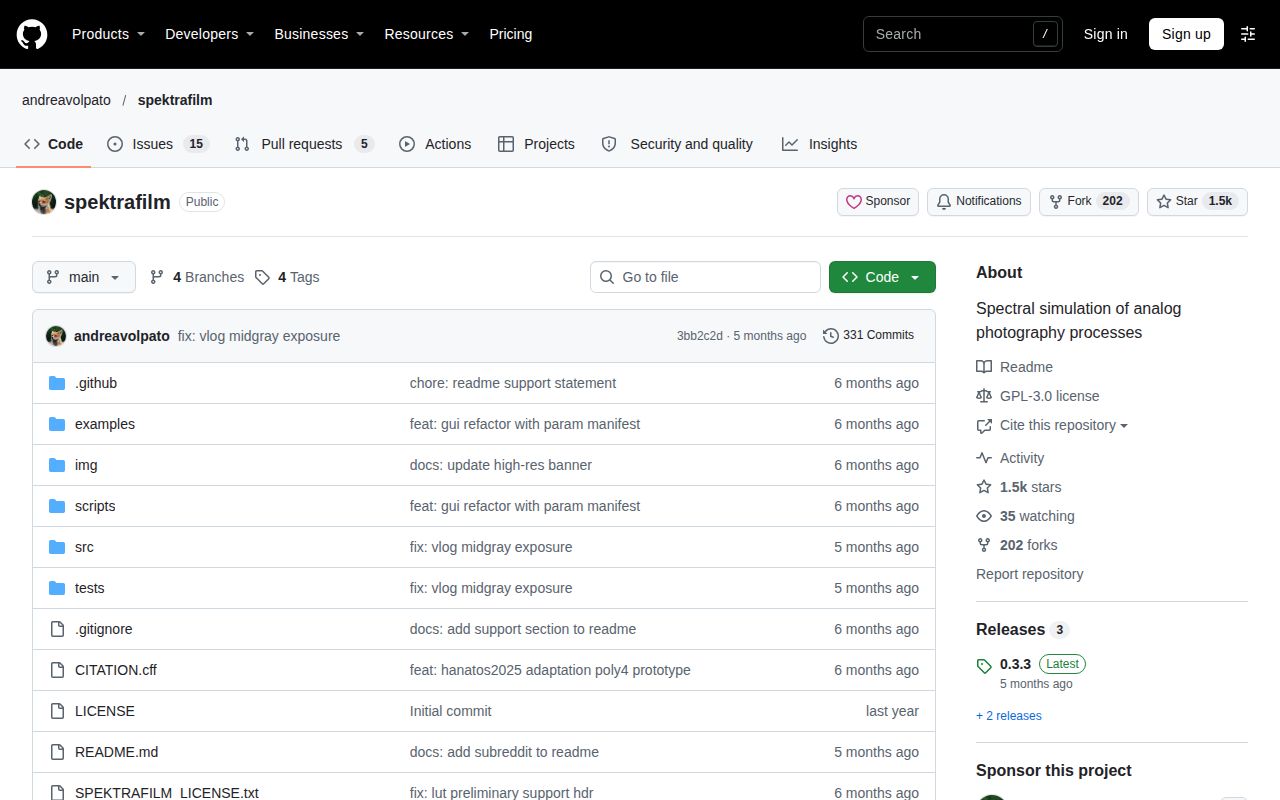
The repository's last push was July 14, 2026, while its issue and pull-request feed shows activity in late October. Those dates don't support declaring the project abandoned. The author describes it as a nights-and-weekends effort. Start with one representative RAW file, retain a reference export and record the color spaces and film-paper pairing before judging the next adjustment.