One library for agents that disagree about folders
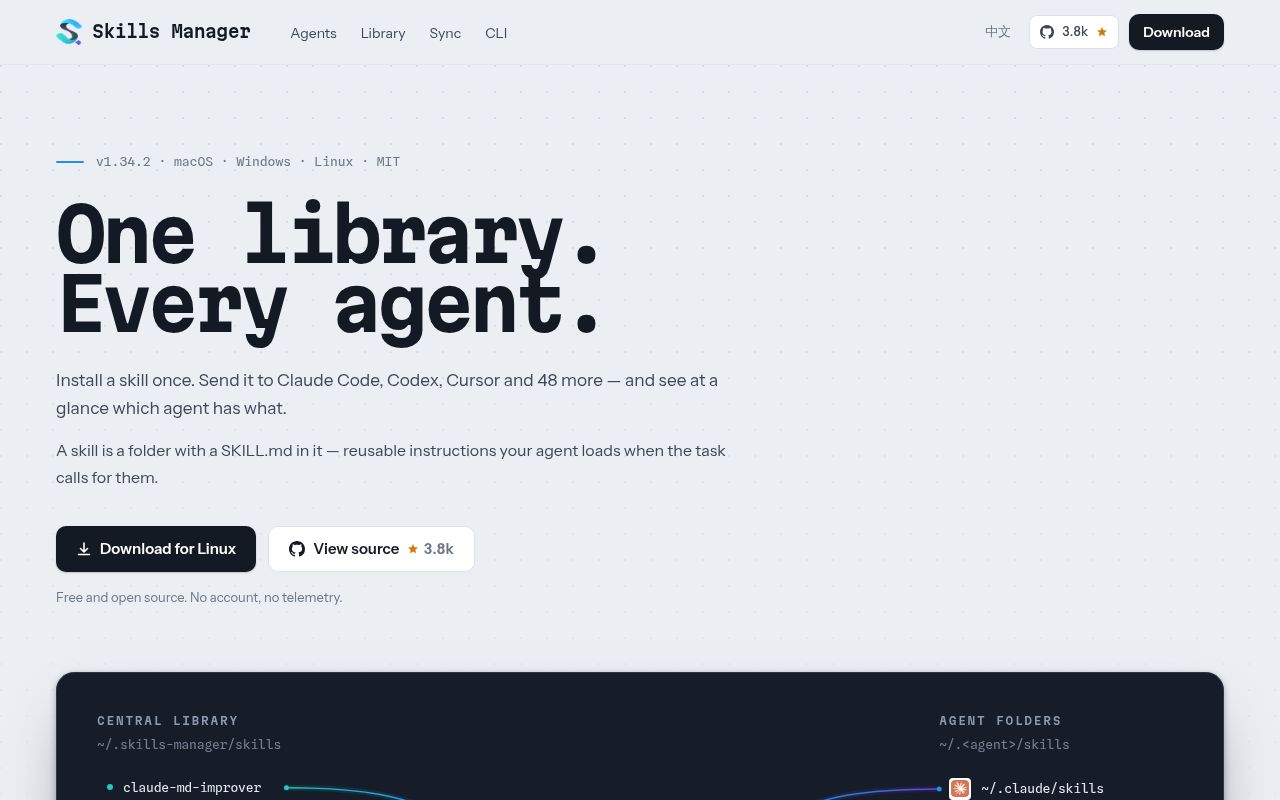
Skills Manager tackles an annoyance that grows with every coding agent you try. Claude Code, Codex, Cursor, Gemini CLI, and other tools can all consume skill-like instruction folders, but they do not necessarily look in the same place. Skills Manager keeps a central library and deploys selected skills into each agent's global or project directory by symlink or copy. The README lists 52 built-in agents, and custom tools can point at another directory.
The library is the source collection. A preset groups skills for deployment. Global workspaces show what each agent sees, including skills installed outside the app. Project workspaces deal with repository-local folders, while linked workspaces manage an arbitrary directory without folding it into global preset behavior.
This is more than a graphical file copier. It can install from Git repositories, local folders, archives, and the skills.sh marketplace. Tags and batch actions help once a library grows. The CLI uses the same Rust core, SQLite database, and synchronization engine as the Tauri desktop app, so scripts and the interface operate on the same state.
What happened when we ran it
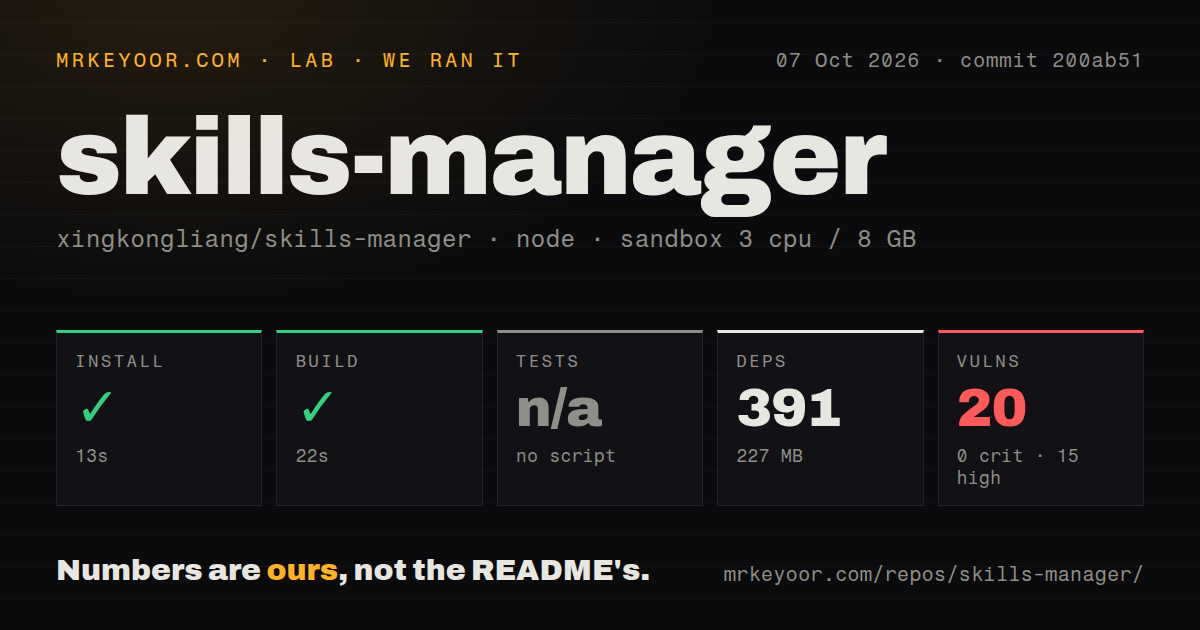
We cloned commit 1aa2c3c into an unprivileged Node 22 container with 3 CPUs and 8 GB of RAM. The checkout held 303 files, about 57,911 lines of source, and occupied 30.2 MB. npm installed 391 packages in 28 seconds and used 227 MB on disk. The build succeeded in 24 seconds.
The repository has four CI workflow files, no Dockerfile, and no tests directory. More importantly, it exposes no test script or test target, so our harness skipped tests. That leaves the successful build as a useful check of compilation, not evidence that deployment, updating, backup merging, and every agent adapter behaved correctly. npm audit reported 10 known vulnerabilities: 8 high and 2 low.
The source path also has a native layer that a browser-only React project would not. The README requires Node 18 or newer, a Rust toolchain, and Tauri's operating system prerequisites. Users who only want the product should start from a signed release. Source contributors need the platform libraries and packaging tools that Tauri expects.
The backup design has sensible boundaries
Skills Manager can create a private GitHub repository through device-flow sign-in, keeping the token in the operating system keychain. It can also use a normal HTTPS, SSH, or self-hosted Git remote. Local changes are committed and pushed after editing settles, while other devices pull and merge changes in the background. Manual snapshots can be restored.
The design tries to avoid destructive conflict resolution. If two devices edit the same skill, unrelated work continues syncing while the conflicted skill keeps the local version. The user can keep the local copy, choose the remote copy, or preserve both. A safety snapshot is created before that choice. Secrets and machine-specific settings stay out of Git, and skills larger than 100 MB remain local. SQLite metadata is reconstructed from files instead of being committed.
Those choices fit instruction files, which are small but easy to customize. They do not eliminate overwrite risk inside a managed skill. An open issue describes a user who placed a personal presentation template inside an installed skill's templates directory, then lost it when the skill was updated. The current CLI documentation says an update that would remove existing paths is held back until a person confirms in the app. Even with that protection, personal artifacts belong in their own backed-up location.
Adapter drift is the tax on wide support
Supporting 52 agents sounds attractive because it saves users from learning every directory convention. It also creates 52 moving targets. An August issue reports that the Kimi Code CLI adapter still used an old global path and detection directory after Kimi changed its conventions. The result was a deployment that Skills Manager could perform but Kimi would not load.
Another report from version 1.34.2 found the interface showing six agents as synced even though files existed for only one of them. The report traces the green checks to preset-enabled flags rather than records of real deployments. That distinction is central to this product: selecting a skill, including it in a preset, and placing it on disk are separate states. Until that issue is resolved, verify the actual directory when a new adapter matters.
Private Git hosting has its own edge. A detailed macOS report says update checks against an authenticated private GitLab server failed in the desktop app with a libgit2 credential error, while the CLI succeeded against the same skills and database. Users with internal repositories should test both manual and automatic update paths before trusting the status screen.
Fast-moving, well explained, still young
The repository was pushed on August 23, 2026, and release v1.34.2 arrived on August 16. Issues and pull requests were active through August 24. GitHub's open count is 182 issues and pull requests combined, and the recent queue includes adapter fixes, marketplace installation, sync state, and authentication. The pace suggests active maintenance, while the subjects show that the project is still refining its core correctness.
Documentation is unusually specific. The English README has a Chinese counterpart and explains the object model, backup conflict behavior, CLI commands, destructive confirmations, external roots, concurrency with the desktop app, and older macOS signing problems. Release notes are bilingual too. The latest release fixed a case where a project copy could be judged older using the wrong timestamp and then overwritten from the library.
Use Skills Manager when manual copying has become a weekly chore or when several computers need the same organized collection. For one agent with five stable skills, Git plus a visible symlink may be clearer. For a mixed Claude Code, Codex, and Cursor setup, the app earns its place, provided you check real deployment paths and keep recoverable backups of anything you edit.