The collection covers office workflows, not one application
SenseNova-Skills contains separate skill directories for generating and understanding images, building infographics, producing presentation decks, analyzing spreadsheets, conducting research, and searching academic, code, or social sources. Each directory uses a SKILL.md file to describe triggers and execution, with scripts and references beside it. English is the main README language, and Chinese versions of the central documentation are available.
The documented runtimes are OpenClaw and Nous Research's Hermes. Users copy selected skill directories into the runtime's skill folder, restart the agent if discovery requires it, and let that agent follow the instructions. This modular shape is helpful because a spreadsheet job does not need every image dependency. Installing the collection is incomplete unless you name the runtime, chosen skills, model provider, and external services.
Image generation is a real Python component with API boundaries
The measured sn-image-base skill has a Python runner for text-to-image generation, vision analysis, and text processing. API settings can come from command flags, task-specific environment variables, shared chat settings, or global SenseNova values. The runner supports OpenAI-compatible chat calls and Anthropic's Messages interface for text and vision. Image generation remains tied to the configured SenseNova endpoint and model path.
A missing key raises an explicit error. The image command accepts aspect ratio, seed, save path, polling interval, and a 300-second default timeout. The docs say 4K requests need model support and otherwise return a failed status. Issue 165 notes that the default image model is hardcoded even though an environment variable is declared, so switching a newly released model can still require a code change or fork.
What happened when we ran it
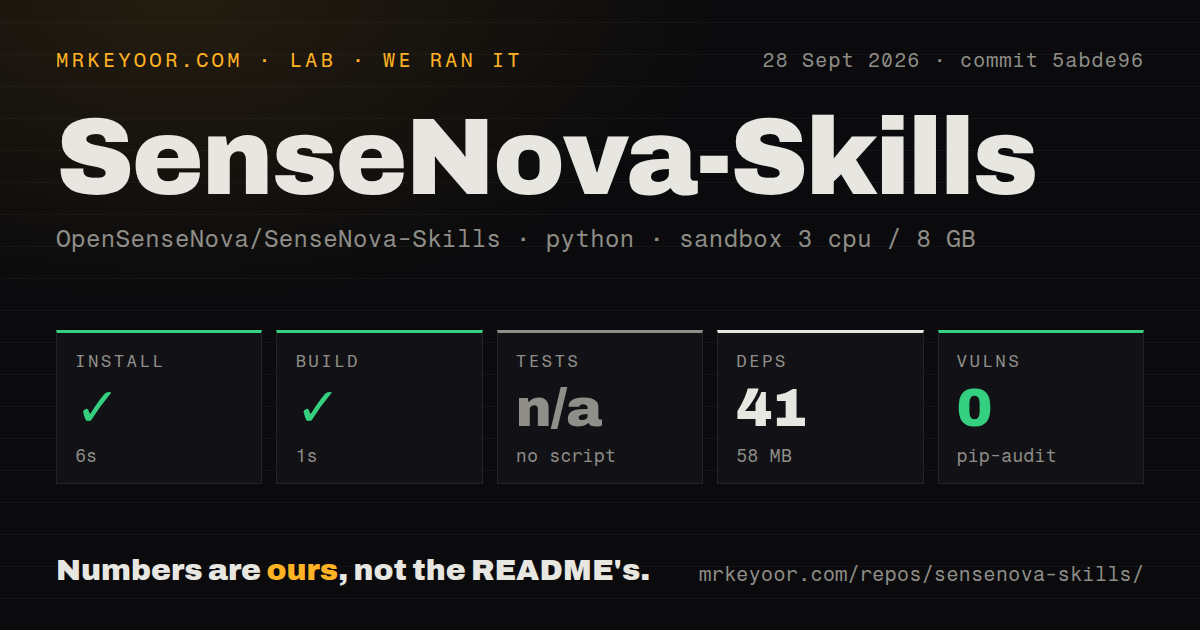
Our sandbox focused on the Python project at skills/sn-image-base in commit 99fdf94. Installation succeeded in 31 seconds, adding 41 packages and occupying 58 MB. The build succeeded in 16 seconds on 3 CPUs with 8 GB of RAM. Pip-audit reported 0 known vulnerabilities in the installed Python dependency set.
Pytest exited with code 5 after 5 seconds and printed no tests ran in 0.00s. That means 0 tests passed and 0 failed out of 0 discovered. The wider checkout contained 586 files, roughly 109,752 source lines, and 52.5 MB, with 1 CI workflow, no Dockerfile, and a tests directory. The directory's existence did not give our selected Python project a runnable test suite.
These measurements cover dependency installation and package building for the base image skill. They do not verify an API call, generated image, spreadsheet transformation, research citation, or PPTX export. No secrets were available in the container. The zero-vulnerability audit is useful for those 41 installed packages, but it says nothing about Node dependencies, an agent runtime, browser components, or the other skill directories that were outside this measured project.
Presentation generation has an open validation gap
The presentation pipeline offers a fast path and a more involved standard path. Standard mode creates style, outline, asset-plan, image, HTML, review, and PPTX artifacts. It can use AI images, web search, charts, or generated infographics. Those stages promise a traceable deck directory, which is preferable to receiving one opaque binary file from an agent.
Open issue 160 identifies a serious contract mismatch. Python writes names such as style_spec.json, asset_plan.json, and outline.json, while JavaScript export guards look for kebab-case names and a storyboard.json file that the pipeline does not produce. Missing reads return null and several guards exit silently. Until that report is resolved and covered by a real cross-language test, inspect visible titles, photo slots, decorative elements, and the final deck yourself.
Issue 145 finds another recovery problem: a presentation caption script can raise an uncaught JSON decoding error when an interrupted run leaves malformed raw_documents.json. That contradicts its documented status-output behavior and can prevent a retry until someone removes or repairs the file. Long agent workflows create intermediate state, so interruption and resume behavior deserve the same testing as the happy path.
Installation is easy to copy and easy to misread
The top-level guide asks users to obtain a region-specific SenseNova key, endpoint, and model name, then install OpenClaw or Hermes. International and mainland China credentials must not be mixed. Windows uses WSL2 for the recommended paths. OpenClaw requires a recent Node.js release, while the Hermes installer brings its own Python, Node, search, and media tools. Additional search providers may need separate keys.
Manual skill installation is a recursive copy into ~/.openclaw/skills or ~/.hermes/skills. Issue 126 points out that the published cp -r command can overwrite a local skill with the same name, and the Hermes variant does not create its destination first. Use a backup, inspect differences, or symlink a checkout if you want updates to remain visible. Asking an agent to install code does not remove that overwrite risk.
Active development has not reached tagged releases
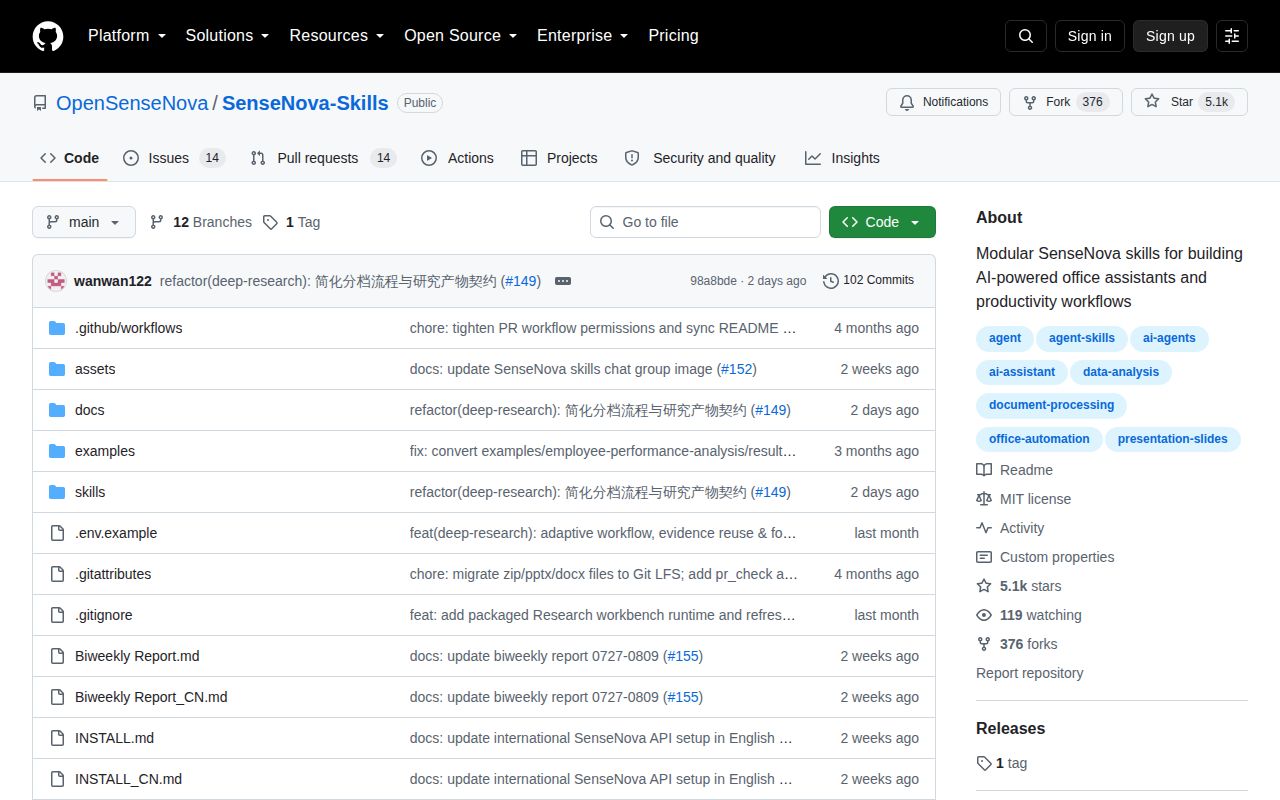
GitHub recorded a last push on August 25, 2026, 5,073 stars, and 28 combined issues and pull requests. There was no latest release object. Issue updates on August 25 covered model selection, while earlier open reports address slide guards, corrupted JSON, academic search parsing, and installation. That activity shows users are reading and exercising the scripts, though there is no tagged package boundary to pin.
SenseNova-Skills is most useful as a set of visible recipes an experienced operator can inspect and adjust. The 31-second base install makes one component cheap to try. The absence of discovered tests and the open cross-stage bugs argue for supervised runs, pinned commits, backed-up skill directories, and artifact checks before a generated report, workbook, image, or deck leaves the team.