RomM manages the collection you already own
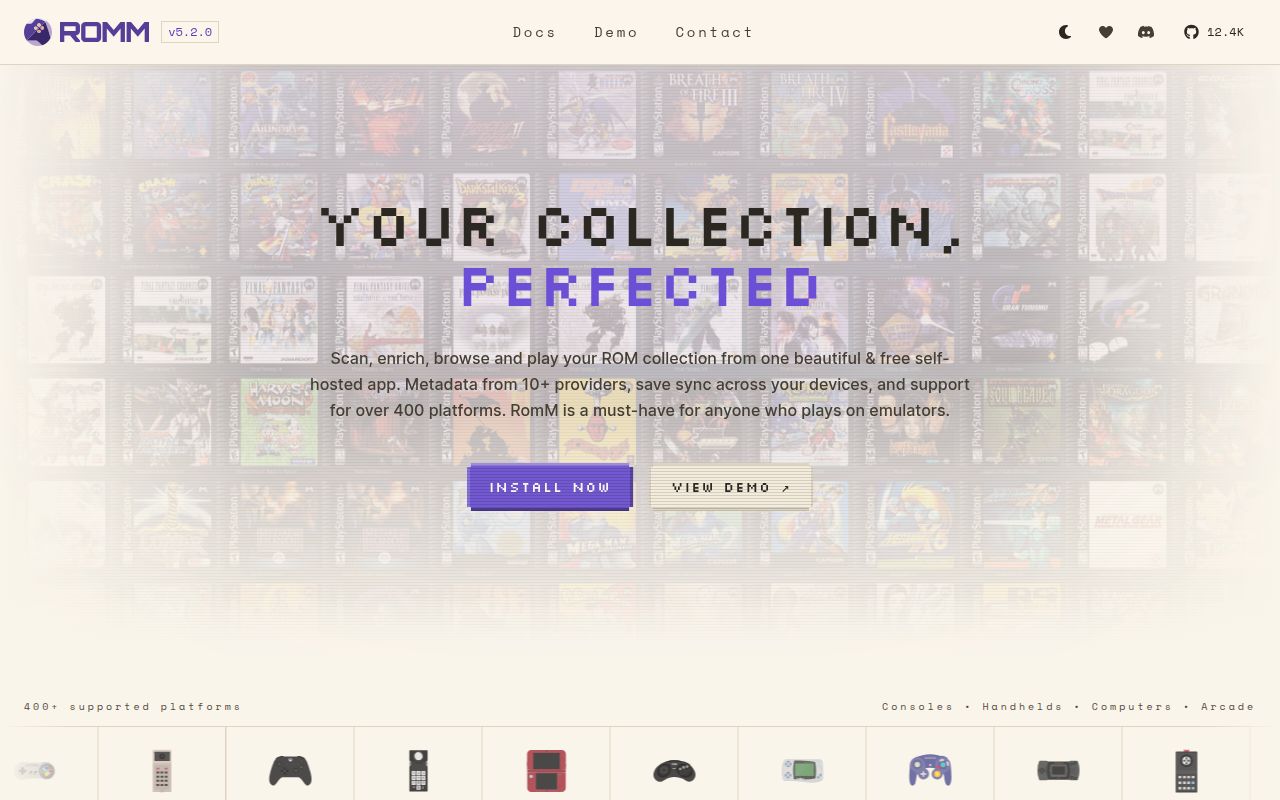
RomM starts with files on your storage. It scans them into a web catalog, matches titles against metadata services, downloads artwork, and adds filters, collections, tags, manuals, achievements, saves, and user access. Compatible games can run in the browser through EmulatorJS, RuffleRS, or js-dos. Other entries can be downloaded or opened through companion software. The project lists official integrations for Playnite, Android, and several Linux-based handheld systems, so the web server can act as the center of a wider personal setup.
Our checkout occupied 157.7 MB and contained 2,819 files with roughly 313,018 source lines. The repository includes a Python backend, a separate frontend, database migrations, background workers, emulation hooks, translations, and 12 CI workflow files. That scale raises the cost of understanding upgrades, permissions, storage changes, and provider behavior.
The default deployment is RomM plus MariaDB and Valkey
The current quick start uses Docker Compose. RomM runs beside MariaDB and Valkey, with persistent volumes for the database, resources, assets, and configuration. A library directory from the host mounts at /romm/library. The first browser visit opens a setup wizard, and the first account becomes an administrator. An authentication secret must be generated before launch. Operators with an existing MariaDB or MySQL server are warned to check a binary-logging prerequisite because migrations can otherwise fail during startup.
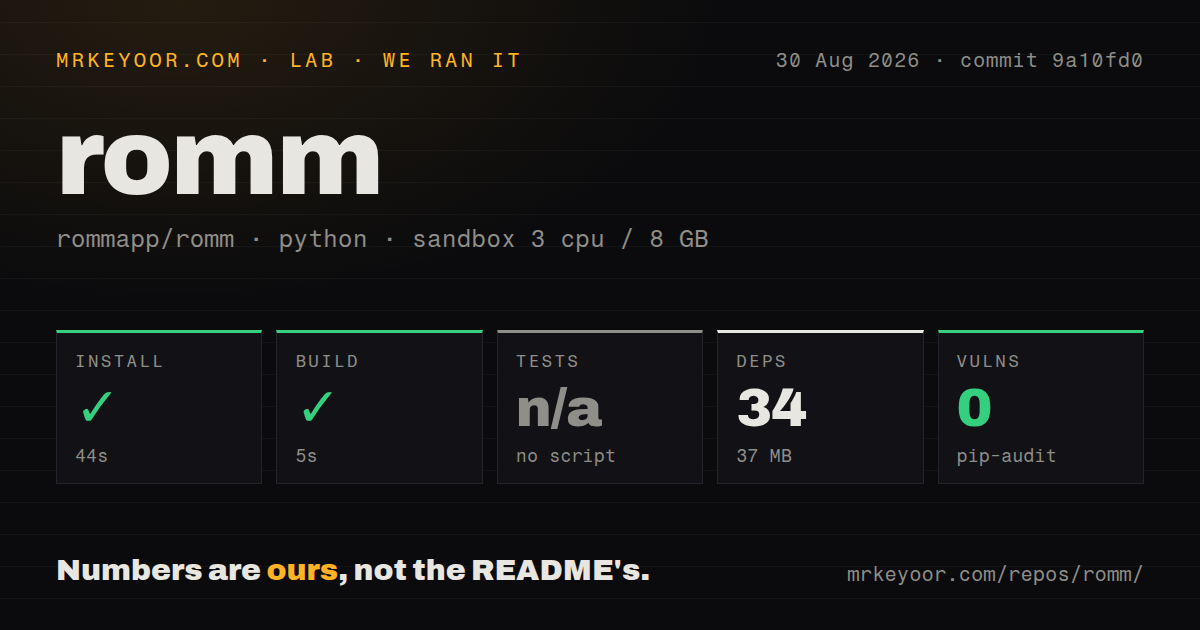
Our lab's dependency step was much smaller than the production stack. It installed 34 Python packages in 44 seconds and used 37 MB on disk. The build succeeded in 5 seconds. Those figures describe commit 9a10fd0 in an unprivileged Debian container with 3 CPUs and 8 GB of RAM. They do not include pulling the application, database, or Valkey images, importing a library, downloading artwork, hashing ROM files, or running database migrations against real data.
What happened when we ran it
Our sandbox completed the 44-second install and 5-second build without an error. Pip-audit found 0 known vulnerabilities among the installed Python dependencies. The lab found no test script or target it could run, so it skipped tests. That is different from a passing suite. The result proves that the measured build path completed; it provides no direct evidence about scanning, matching, permissions, browser emulation, database recovery, or upgrades.
The repository has a Dockerfile, a compose file, and 12 CI workflows. The missing runnable test target in our harness leaves a verification gap for a 313,018-line project. Before migrating a collection, use a disposable instance, copy a representative set of files, test each user role, rehearse an upgrade, and confirm that database plus filesystem backups restore together.
Folder names and metadata credentials determine scan quality
RomM recognizes two library layouts. The recommended form has top-level roms and optional bios directories, with platform folders beneath them. The fallback puts each platform at the top and nests its roms and bios folders. Auto-detection happens per library, so mixing both layouts is a bad idea. Platform folders must use supported slugs, although configuration can map an existing name such as super_nintendo to snes. Multi-file games can use recognized subfolders for DLC, manuals, patches, translations, and related material.
Basic scanning can work without a metadata API, but the quick start recommends configuring at least one provider. IGDB, ScreenScraper, MobyGames, SteamGridDB, RetroAchievements, Hasheous, and other integrations each supply different data. Our 37 MB Python environment did not contact any of them. Matching quality, request limits, credentials, and downloaded media volume therefore remain deployment-specific. For a large library, test one platform first and inspect false matches before a full scan writes thousands of metadata and artwork records.
Browser play is a convenience layer with platform limits
The README says RomM supports metadata for more than 400 platforms, but that does not mean all 400 can run in a browser. EmulatorJS covers supported emulator cores, RuffleRS handles Flash content, and js-dos targets older PC environments. Large or unsupported games still need a download or companion client. Browser performance depends on the client device, emulator, game, network, and save behavior, none of which our 5-second build measured.
Sharing also changes the security stakes. RomM has user roles, kiosk access, invitations, OIDC options, CSRF protection, and authenticated downloads by default. The sample environment lets an operator disable some controls, and secure cookies are a separate setting for HTTPS deployments. Release 5.2.0 included fixes for three permission gaps found while auditing 5.1.0. Keep the service patched when it is reachable outside the home network.
Network storage and custom artwork still have rough edges
Issue 4249 describes an NFS-backed library that stays on a stale file handle after the NFS server returns; restarting the RomM container restores access. That is one reported configuration, not a universal failure. It is relevant because NAS mounts are common. A storage outage during a scan or write deserves a recovery test before scheduled rescans are enabled. Database backups alone will not preserve ROMs, saves, manuals, and downloaded resources.
Issue 4257 says bulk local artwork import currently relies on ES-DE or LaunchBox formats, which can be awkward for hand-curated packs. Issue 4253 reports that a custom platform could not be deleted in version 5.2.0 because the confirmation button stayed inactive. With 2,819 files and many metadata routes, test unusual platforms, multi-disc folders, patches, and custom art before committing the whole library.
v5.2.0 shows active maintenance at substantial scale
GitHub recorded 12,446 stars, 205 open issues and pull requests, and a push on August 30, 2026. Release 5.2.0 arrived on August 20 with metadata, interface, scanning, permission, Docker, hashing, and localization changes. The combined open count is not a count of confirmed bugs. Together with 12 workflow files and frequent fixes, it describes a busy project with a large surface rather than an abandoned one.