Rift mixes six tiling styles with macOS gestures
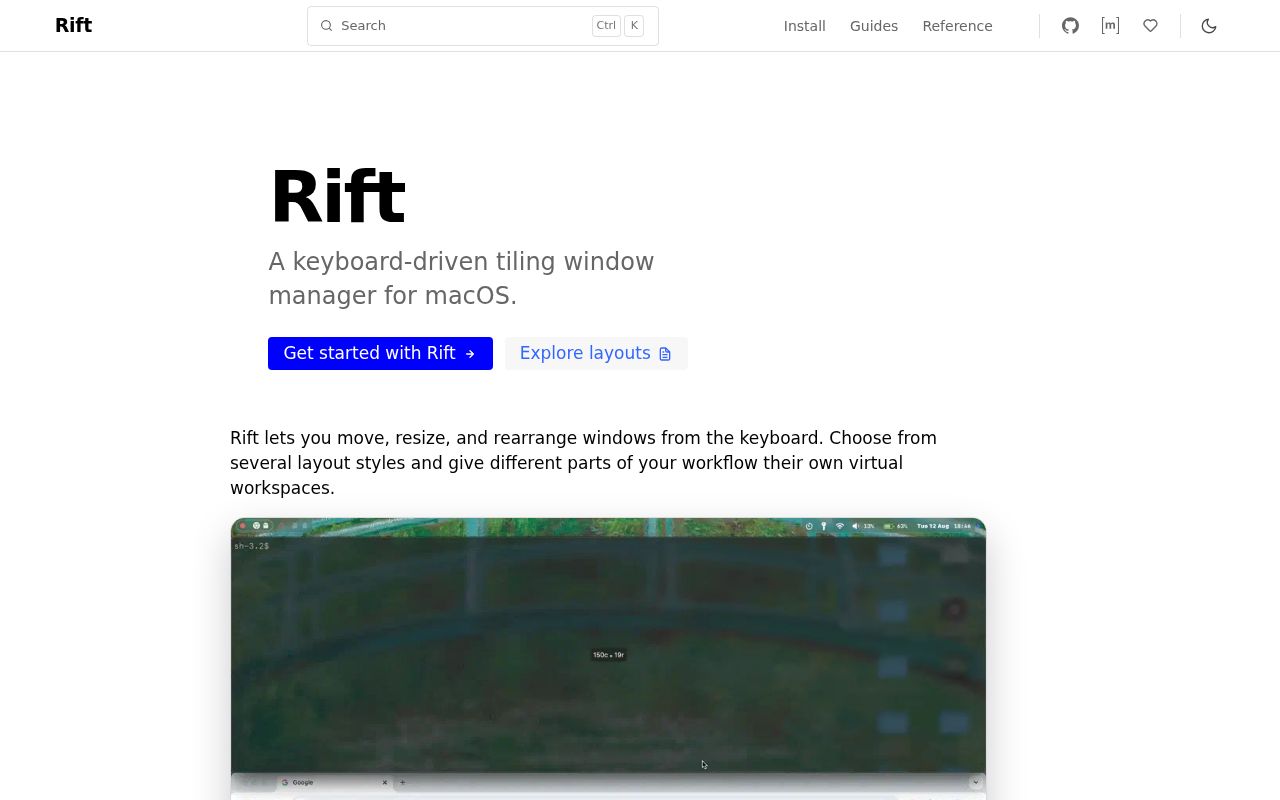
Rift is a macOS window manager for people who want automatic tiling without making every desktop behave the same way. The README lists six styles: traditional i3-like tiling, binary space partitioning, floating, master-stack, scrolling columns, and an accordion stack. A menu-bar control switches workspaces and layouts, while the command-line client can save and restore arrangements. Trackpad gestures move between workspaces, and focus can follow the pointer.
Its most distinctive choice sits below the interface. Rift intentionally uses private and undocumented macOS APIs where the author believes they improve responsiveness and access to system behavior. The project still uses Accessibility APIs for window discovery and control, but it does not require disabling System Integrity Protection. That trade appeals to Mac tinkerers who want animation and control. A company that bans private APIs has its answer before installation.
The supported install is a universal Mac binary
Version 0.6.0 ships as one universal archive for Apple silicon and Intel Macs. Homebrew users can install acsandmann/tap/rift, register the background service, and start it. Archive users put both rift and rift-cli on the executable path. The docs warn against mixing releases of those two binaries, which is easy to avoid if one package manager owns both.
The first launch asks for Accessibility permission and may stop until you grant it. Rift also checks that “Displays have separate Spaces” is enabled in Mission Control settings; it exits with an explanation if the setting is off. After approval, you restart the service and can verify it with rift-cli query displays. A successful response is JSON describing attached displays, a more useful check than merely seeing a process in Activity Monitor.
What happened when we ran it
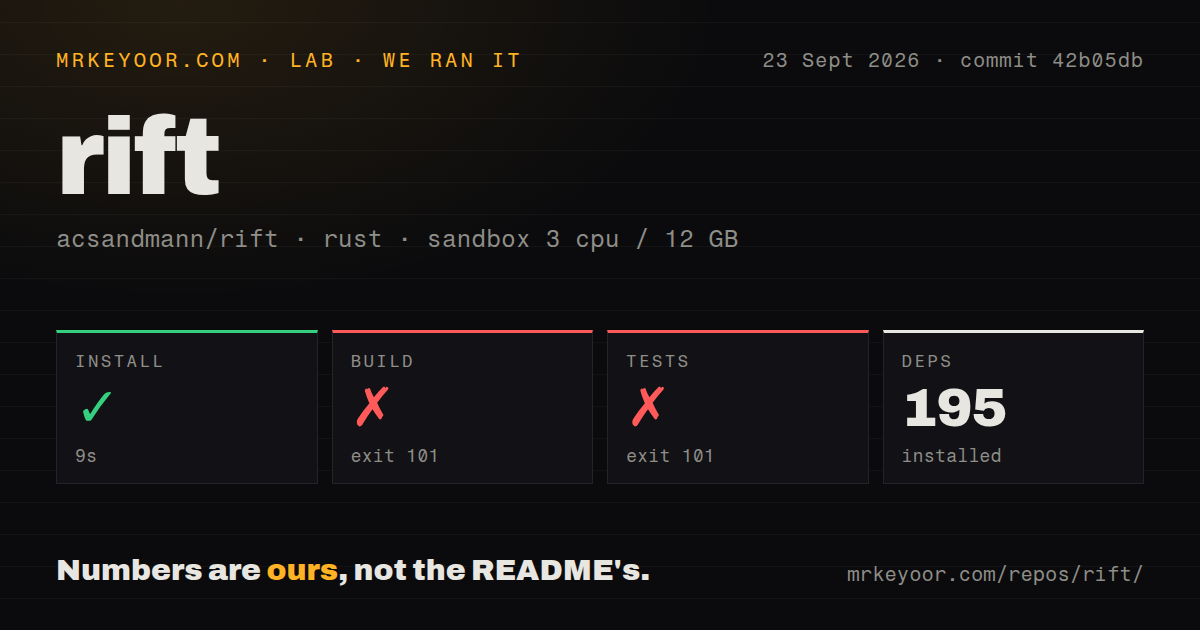
Our fresh Debian sandbox installed 195 packages in 9 seconds. The checkout at commit 42b05db contained 160 files, about 84,885 lines of source, and occupied 10.1 MB. Its build stopped after 7 seconds with exit code 101. The log's concrete failure was cc: fatal error: cannot execute 'cc1obj': execvp: No such file or directory, followed by a cc-rs command failure.
The test command failed with exit 101 after 1 second at the same compiler message. It produced no passing or failing test summary, so there is no test count to report. The log does not establish why cc1obj was absent. Our result says only that this commit did not build or reach its tests in the stated unprivileged Debian environment. Rift's documented user path is macOS, and the release binary is the sensible evaluation route there.
The repository scan found 4 CI workflow files, no Dockerfile, and no tests directory. That matches a native desktop application better than a container service, but it leaves our failed source check unresolved. We did not run the window manager on a Mac, grant Accessibility access, judge animations, or test several displays. Any claim about runtime speed or everyday stability would go beyond this lab run.
A custom keys table replaces every bundled shortcut
Rift works with a default configuration, then reads custom settings from ~/.config/rift/config.toml. The quick start uses Option plus H, J, K, and L for directional focus, with Shift added to move windows. Option plus Z activates tiling on the current Space. New Spaces begin inactive by default, so that activation binding matters if you replace the starter file.
Configuration has one easy trap: a custom [keys] table replaces the bundled map instead of adding to it. An empty table registers zero shortcuts. Most valid edits hot reload, while an invalid field or value leaves the running configuration in place and reports an error. The docs also note that repeated TOML headers are invalid and that some omitted tables behave differently from explicitly supplied empty ones. Start with the bundled config if you want all defaults visible.
Version 0.6.0 is active, while config stability waits for 1.0
Rift's manifesto makes the maturity line unusually clear. The author intends to avoid breaking configuration changes once the project reaches 1.0. The current v0.6.0 release therefore carries no such promise. It arrived on September 23, 2026 with fixes for display focus, duplicate BSP leaves, and the default packaged config, plus scrolling-size preservation and drag-and-drop actions.
Two open reports matter for particular workflows. Issue 36 covers native macOS tabs; the maintainer says Rift has no code that explicitly handles them and does not recommend depending on their behavior. Issue 515 reproduces a startup race where a workspace query returns an empty list from run_on_start before Rift has state. The maintainer proposed a future ready event and suggested a delay in the meantime. These are specific limits, not signs that every window operation is unreliable.
The repository was pushed on September 23, 2026, the same day as v0.6.0. GitHub listed 2,451 stars and 28 combined open issues and pull requests. Several current pull requests address ghost tiles, native tabs, scratchpads, gap overrides, and offline config checks. Recent releases plus live review activity point to active maintenance, though the open queue also shows how much behavior a window manager must reconcile across apps and displays.
Choose Rift when animation and layout choice justify pre-1.0 change
AeroSpace is the obvious comparison for an i3-like Mac workflow. Yabai has a longer-running BSP and scripting ecosystem, while Amethyst packages automatic tiling in a conventional app. Rift earns its own trial through the combination of six layout styles, animated movement, trackpad gestures, and support for separate Spaces without turning off SIP.
Use the release archive or Homebrew formula on a spare Mac session, grant Accessibility access, and keep the default config until the basic shortcuts behave. The failed 7-second build means our lab cannot vouch for source setup, and v0.6.0 is explicit about its pre-1.0 status. Rift makes sense for a user willing to tune a window manager. It is a poor fit for a locked-down fleet that needs public APIs and frozen configuration semantics.