mrkeyoor.com_
Thu 03 Sept 06:54 UTC
Dev Toolsevaluationupdated 03 Sept 2026

refined-github review

Refined GitHub is a browser extension that changes GitHub's web interface to remove annoyances and add shortcuts, context, and safer defaults. It improves repository pages, pull requests, comments, notifications, releases, and other views without asking a team to replace GitHub.

Verdict

Our Refined GitHub run built in 19 seconds and all 564 executed Vitest checks passed, but the full test command exited 1 on one ESLint rule. Install the store version if GitHub is where you spend hours each day and small interface fixes save repeated clicks. Skip it when extension permissions or exact browser parity matter more than convenience, and expect individual features to be hotfixed as GitHub changes.

We ran it

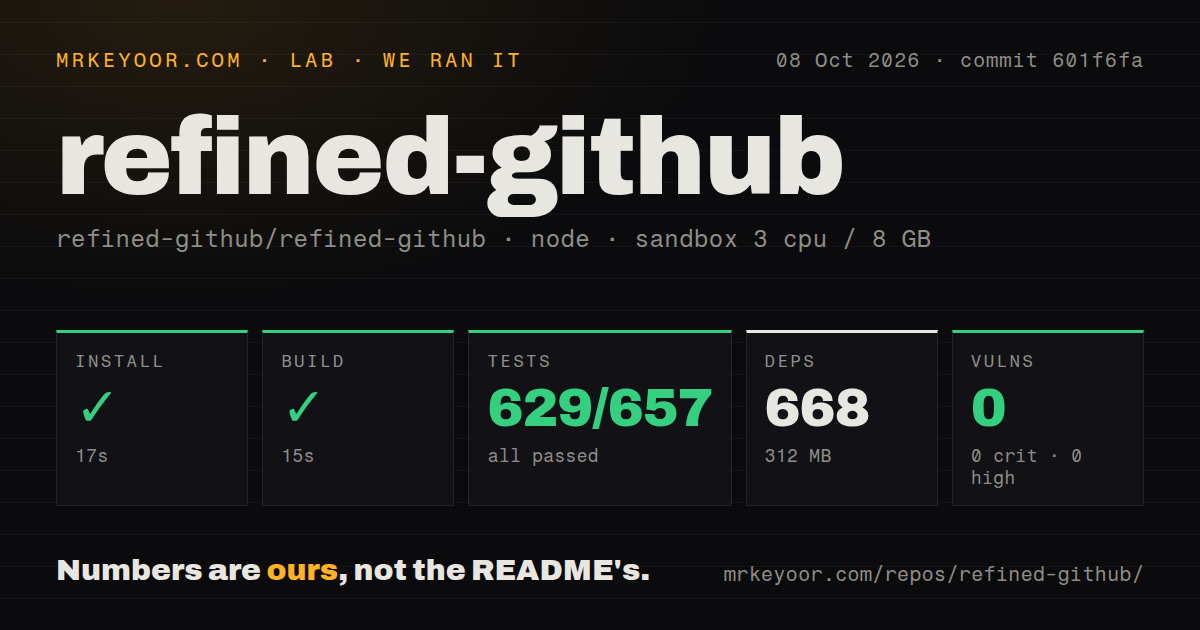
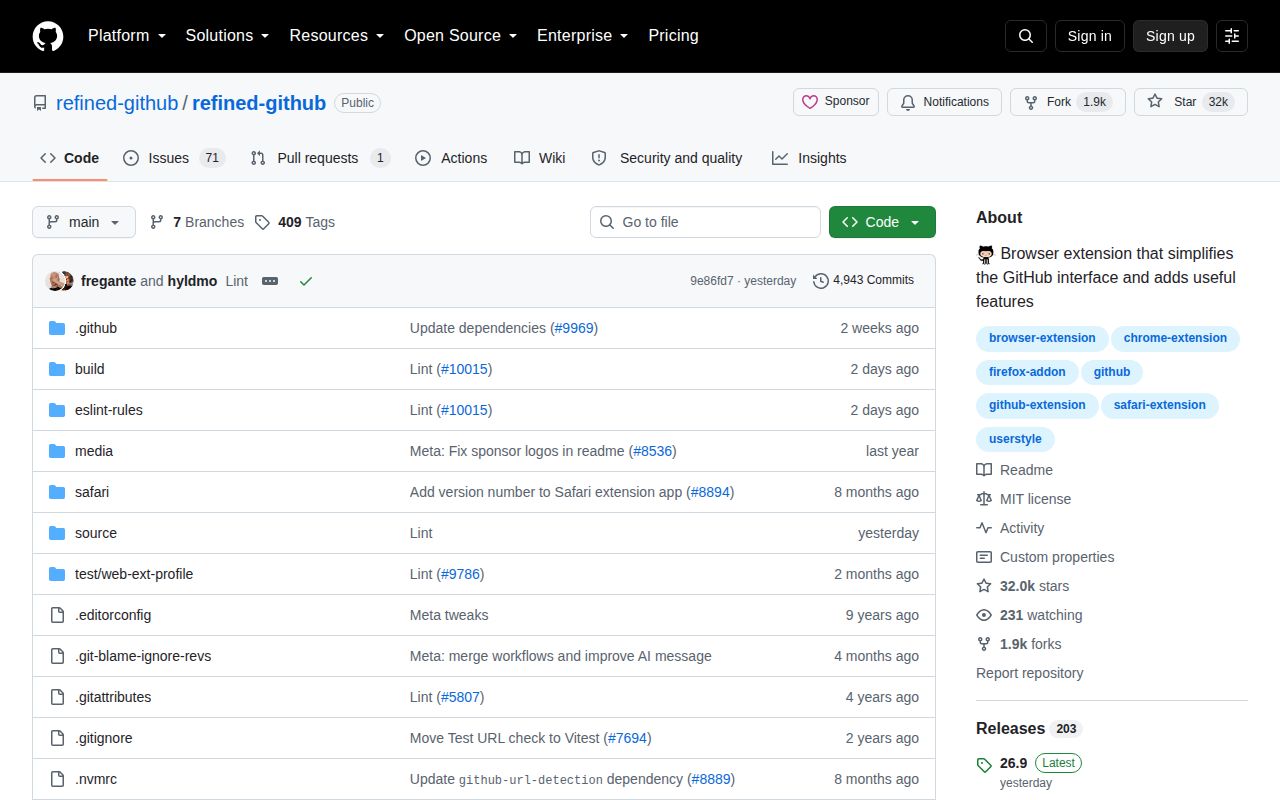
Lab card: what happened when we ran refined-githubScreenshot of refined-github (github.com/refined-github/refined-github)
Install✓ · 24s678 packages · 383 MB
Build✓ · 19s
Tests✗ · 45s564 passed · 0 failed · 28 skipped of 592 (vitest)
Known vulns00 critical · 0 high · 0 moderate · 0 low (npm audit)
Repo565 files~28,385 lines of source · 2.8 MB · 8 CI workflows · tests dir

Answers from our run

Does refined-github build from source?

Dependencies installed in 24 seconds (678 packages), and the build succeeded in 19 seconds. We cloned commit 53186f2 into a clean Debian container with 3 CPUs and no project-specific setup.

Do refined-github's tests pass?

Yes: 564 of 592 passed when we ran the project's own test command (vitest). Some failures need services or credentials a bare container does not have.

Does refined-github have known vulnerabilities in its dependencies?

npm audit found none in the dependency tree at the time of our run.

Who should not use refined-github?

Organizations that prohibit content scripts on source-control pages: the manifest requests access to GitHub, Gist, and the GitHub API, with optional host access for Enterprise.

What are the alternatives to refined-github?

Octotree, GitHub CLI, Violentmonkey. Our Refined GitHub run built in 19 seconds and all 564 executed Vitest checks passed, but the full test command exited 1 on one ESLint rule.

Setup4/5Store install is simple; source setup pulled 678 packages
Docs4/5Feature catalog, screenshots, customization, and Enterprise help
Community5/532,034 stars, release 26.9, and same-day issue activity
Maturity4/5Active cross-browser product, with recurring GitHub UI breakage

Who it’s for

Developers who spend much of the workday reviewing code or managing repositories on GitHub.
Maintainers who want faster access to branch, release, notification, and pull-request actions.
GitHub Enterprise users who are allowed to grant the extension access to their company host.
Browser users willing to disable a feature when GitHub changes the page beneath it.

Who it’s NOT for

Organizations that prohibit content scripts on source-control pages: the manifest requests access to GitHub, Gist, and the GitHub API, with optional host access for Enterprise.
Users who need identical behavior in every browser: release 26.9 disabled sidebar-focus-file on Firefox, and an open Safari report says linkify-code does not work in the newer file viewer.
Teams whose training materials depend on an unchanging GitHub layout: issue 10027 says version 26.9 hid a repository owner's edit control until the feature was disabled by hotfix.
Contributors who require a green full check before starting: our test command exited 1 because ESLint rejected one selector expression.
People who want every visual choice exposed as a switch: the README says most JavaScript features can be disabled, while CSS changes require your own overrides, and feature proposals face a high bar.

Setup reality

Our sandbox installed 678 npm packages in 24 seconds and used 383 MB. The build succeeded in 19 seconds. The test command exited 1 after 45 seconds even though Vitest reported 564 passed, 0 failed, and 28 skipped of 592; ESLint found one byo/selectors-array error in quick-comment-edit.tsx. Npm audit found 0 known vulnerabilities.

Most users install a signed browser-store build for Chrome or another Chromium browser, Firefox, or Safari. No separate service is required. GitHub Enterprise support needs added host permission. Source contributors should note that commit 53186f2 declares Node 24 or newer and npm 12.0.2, while our supplied lab image used Node 22.

The 2.8 MB checkout has a tests directory and 8 CI workflow files, but no Dockerfile. Its content script runs on GitHub and Gist pages, so GitHub interface changes can break individual features between releases. Most JavaScript features are optional, and CSS adjustments can be overridden in the extension settings.

Version 26.9 changes GitHub across desktop and mobile browsers

Refined GitHub 26.9 is a browser extension for Chrome and other Chromium browsers, Firefox including Android, and Safari on macOS, iOS, and iPadOS. It changes the GitHub website in place. Repository headers gain context, pull-request pages get faster actions, comment boxes behave better, notification controls become easier to reach, and small fixes cover gaps in GitHub's own interface. GitHub Enterprise is supported after the user grants access to the additional host.

The extension makes the most sense for people who can name several GitHub irritations before reading the feature list. A shortcut to copy a permalink, a filter for unresolved review comments, or a visible link from a workflow run back to its pull request saves little once and plenty after months. Users who visit GitHub occasionally will gain less, while also having to learn why a page differs from screenshots in GitHub's documentation.

The 2.8 MB source tree hides a much larger contributor setup

Our checkout was only 2.8 MB with 565 files and about 28,385 lines of source. Installing it added 678 npm packages and expanded the environment to 383 MB. That footprint belongs to contributors, not people installing the packaged browser extension. The source combines TypeScript, Svelte checks, Rollup bundling, Vitest, formatting tools, and two linters. Its 8 CI workflow files and tests directory show that interface tweaks receive more engineering structure than a typical userscript collection.

Commit 53186f2 declares Node 24 or newer and npm 12.0.2. Our supplied sandbox used Node 22 and still completed installation and build, but contributors should follow the declared engine rather than infer support from that one result. There is no Dockerfile, which is unsurprising for an extension. The user-facing route is a store package, while source work needs the JavaScript toolchain and a browser profile for interactive checks.

What happened when we ran it

Our sandbox installed 678 packages in 24 seconds and occupied 383 MB on disk. The build succeeded in 19 seconds. We ran commit 53186f2 in an unprivileged Debian container with 3 CPUs, 8 GB of RAM, Node 22, and no secrets. Npm audit reported 0 known vulnerabilities across the installed dependency tree, which is a clean result for the measured snapshot rather than a guarantee about later releases.

The full test command exited 1 after 45 seconds. Vitest reported 564 passed, 0 failed, and 28 skipped out of 592, and Svelte's checker found 0 errors and 0 warnings. The failing step was ESLint: source/features/quick-comment-edit.tsx at line 38:6 passed one selector string where the project's byo/selectors-array rule requires an array with a comment for each selector. The log shows a style-policy failure, not a failed behavior assertion.

One ESLint error blocks a suite with 564 passing checks

The distinction matters if you are judging commit 53186f2. All 564 executed Vitest checks passed, yet the repository's test script intentionally runs tests, linters, and build checks together. One policy violation therefore makes the command fail. That is stricter than projects that report green after unit tests alone. It also means a contributor cannot call the measured commit clean until the selector expression satisfies the rule and the combined command is rerun.

For an extension user, the more relevant checks happen in the browser. Refined GitHub injects a content script at document start on GitHub and Gist, stores preferences, adds context-menu entries, and calls the GitHub API. The manifest asks for those host permissions, plus optional access for other hosts such as an Enterprise domain. Security teams should review that scope as they would any extension that can read and change pages containing private source discussions.

GitHub changes can hide a control before version 26.9 is hotfixed

Issue 10027 reports that version 26.9's clean-repo-sidebar feature removed the About heading and settings control on repositories owned by the viewer. Maintainers labeled the feature "disabled via hotfix," which is a sensible response and a reminder of the maintenance model. Refined GitHub depends on GitHub's live markup. A feature can be correct on Monday and collide with a site rollout on Tuesday.

Browser parity has similar edges. Release 26.9 disabled sidebar-focus-file on Firefox because it was unsupported. Issue 6336 documents linkify-code failing in Safari's newer file viewer. Neither report makes the extension broadly unreliable. They do make it a poor fit for teams that promise the same assisted workflow on every browser or encode extension controls into formal operating instructions.

The September 2026 release and 72 open items show an active feedback loop

GitHub showed 32,034 stars and 72 combined open issues and pull requests when fetched. The repository was pushed on September 2, 2026, and release 26.9 arrived the same day. Issues 10027 and 10028 were also opened that day, with a related repair pull request already present for the missing repository edit control. Push, release, issue, and repair activity together point to an actively maintained project facing an actively changing host site.

The project admits that it is opinionated and sets a high bar for new features. Most JavaScript features can be disabled; CSS changes require custom overrides. That is a fair bargain for individual developers who want the maintainer's choices and can turn off a misfit. A company seeking one approved, frozen GitHub interface should use native GitHub, the official CLI, or a much narrower extension instead.

Alternatives

ProjectWhat it isPick it when
OctotreeA browser extension centered on adding a repository file tree to GitHub.pick this instead when code navigation is the main missing feature and you want a narrower extension.
GitHub CLI gh↗GitHub's official command-line client for issues, pull requests, releases, and workflows.pick this instead when repeatable terminal commands suit your work better than page modifications.
ViolentmonkeyA userscript manager for running your own browser-side modifications.pick this instead when you need a few company-specific GitHub changes and can maintain the scripts.
StylusA user-style manager for changing site appearance through custom CSS.pick this instead when GitHub's behavior is fine and only its visual density or styling bothers you.

What people are saying

  1. [velocity-scout] refined-github/refined-github

Sources

  1. Refined GitHub repository and feature catalog
  2. Refined GitHub 26.9 release
  3. Extension manifest at commit 53186f2
  4. Repository edit control regression
  5. Safari file viewer compatibility report

More dev tools reviews

ImHex · oh-my-posh · coreutils · devdocs · v86 · Magisk · the whole board →