GitHub work belongs beside your checkout
Opening a pull request shouldn't require leaving the branch you're working on. GitHub CLI gives that task its own terminal command, alongside issue management and workflow inspection. The useful distinction is where it stops: gh handles GitHub's service, while Git still handles your commits. For someone who spends the day reviewing changes and checking Actions, that division is easy to learn. You can keep the browser for visual discussion and use the terminal for repeated operations.
The source checkout is substantial: our lab counted 1,493 files, about 303,913 lines of source, and 24.4 MB before installation. Most users should take the packaged binary route documented in the README. Contributing to this tool is a different commitment from using it. Its breadth earns its place when GitHub work repeats throughout your day; occasional repository browsing offers less reason to add another command to your habits.
What happened when we ran it
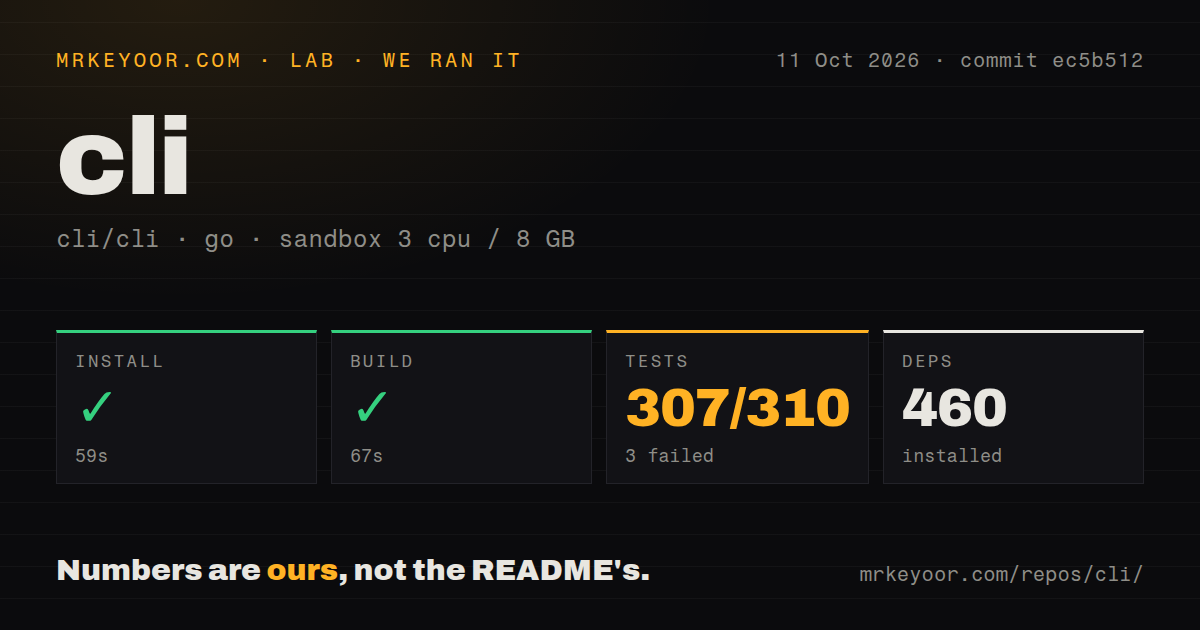
Our run installed GitHub CLI commit ec5b512 in 59 seconds, adding 460 packages, then built successfully in 67 seconds. We used an unprivileged Debian container on October 11, 2026, with 3 CPUs, 8 GB of RAM, no secrets, and the golang:1.24-bookworm image. Those results establish that the measured source snapshot installed and compiled under the lab's conditions. They don't measure API latency or demonstrate an authenticated pull-request workflow.
The test step failed with exit 1 after 381 seconds: the lab's Go summary recorded 307 passes and 3 failures out of 310. The supplied tail shows successful package results for workflow viewing, command utilities, extensions, and other packages, followed by FAIL. It doesn't name the failing packages or show their assertions. A missing system package, network restriction, or code defect would be a guess. Our scan also found 14 CI workflow files and a tests directory, with no Dockerfile.
Authentication can leave a plaintext token behind
The login implementation documents a browser authentication flow and a system credential store. If that store is unavailable or fails, gh falls back to a plaintext file. That deserves attention on shared development machines and headless containers. gh auth status identifies the stored location. For automation, the official environment guide supports tokens supplied through environment variables, including separate settings for Enterprise hosts.
Because our 381-second suite ran without secrets, it gives no evidence that your chosen token can perform your intended operation. Permissions still matter after a successful compile. Select the host deliberately, check the token's resource access, and start with a read operation before granting a script permission to change repositories. The CLI also supports structured JSON output and filtering, documented in its formatting guide, so automation can consume fields rather than parse terminal tables.
Automatic branch cleanup has a specific open report
Issue 14550 reports that closing a pull request by URL with --delete-branch can force-delete a same-named local branch in an unrelated checkout. The reporter identifies the close command's cleanup path and describes a mocked reproduction against a September trunk build. The issue remained open in the October 12 check. This is a user report about that path, not a failure reproduced by our lab, and it warrants avoiding unattended cleanup across repositories until you establish the behavior you need.
The 307 passing results in our lab summary cannot answer that branch-safety question. A separate open report, issue 6448, concerns required checks that are expected but never run: the reporter says gh pr checks and gh pr status don't display that state. If a release script depends on complete branch-protection visibility, validate that scenario directly. Command convenience doesn't make the CLI's view interchangeable with every rule GitHub applies when merging.
Linux packages need the rotated signing key
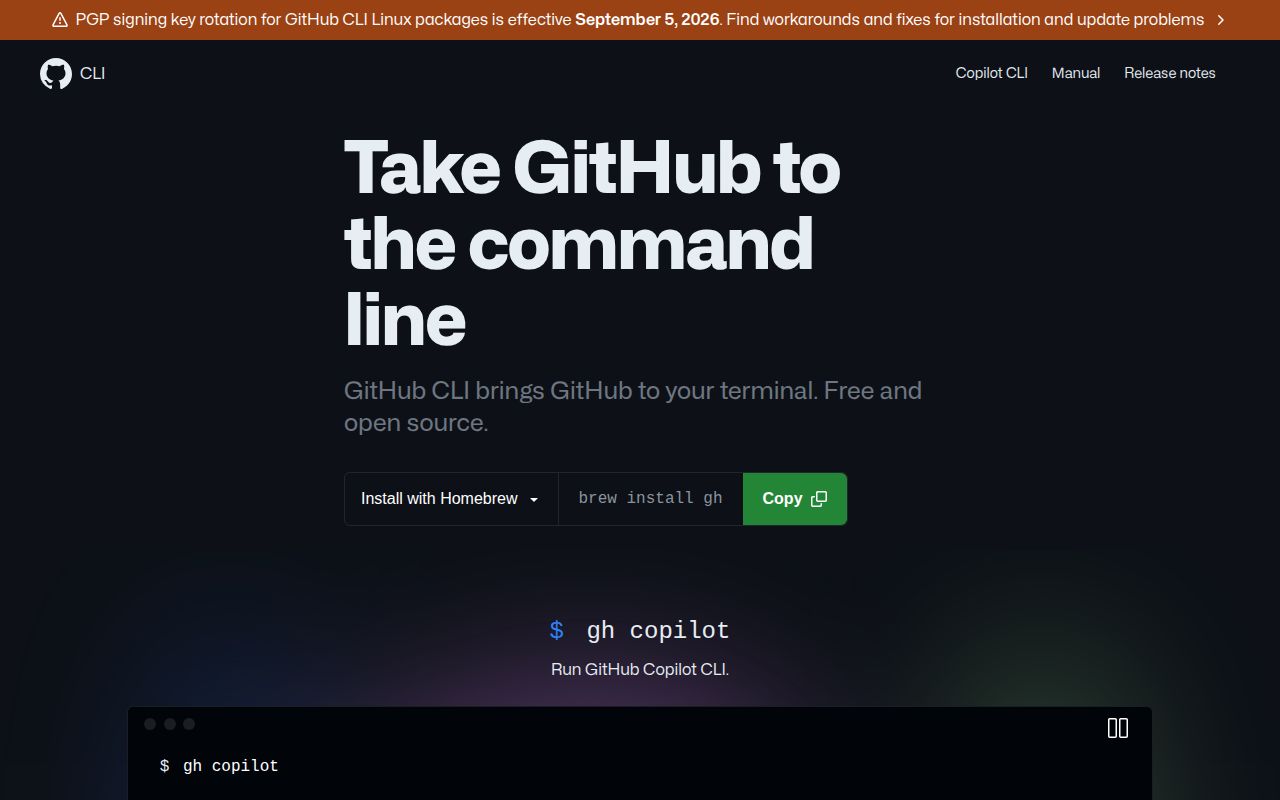
The README puts a September 5, 2026 signing-key rotation warning near the top. Its linked announcement applies to official APT and RPM repositories and explains how existing users should refresh their keyrings. Homebrew and release-binary users follow different paths. This is a concrete maintenance chore for old base images: a package update can fail because the image retains an expired key, even while the project itself remains active.
Our 59-second install measured the source route, so it doesn't establish whether an existing APT image has the correct keyring. The current source guide also requests a newer Go toolchain than the label on our lab image suggests; use the instructions for your selected revision rather than treating an image label as a supported-version promise. GitHub-hosted Actions runners include gh, but the README advises explicit installation when a workflow needs a particular release.
Recent maintenance supports adoption with version discipline
GitHub recorded a last push on October 9, 2026, and 1,110 open issues and PRs. Issue and PR updates continued through October 12, so the queue sits alongside recent activity rather than proving neglect. Release v2.102.0, published September 30, documents fixes for symbolic-link download destinations, attestation-policy matching, and skill-search option injection. Use that release history when choosing a version; our sandbox supplied no vulnerability audit for this project.
For ordinary GitHub development, the successful 67-second build and documented command interfaces justify trying gh, while the 3 failed results keep the contributor experience from earning an unqualified pass. Choose GitLab CLI when your forge is GitLab. Keep hub only if its Git-wrapper design is an existing requirement, a distinction GitHub's own comparison explains. Start with read commands, pin the release used by automation, and leave local branch deletion out of scripts that hop between unrelated checkouts.