It turns repetitive Proxmox setup into a guided choice
Proxmox VE Helper-Scripts addresses a familiar home-lab problem: you want a service, but not an evening spent assembling its container, packages, networking, and first-run configuration. The Shell repository has 29,480 stars and an MIT license. Built on tteck's original work, it is now a community project with a dedicated discovery website.
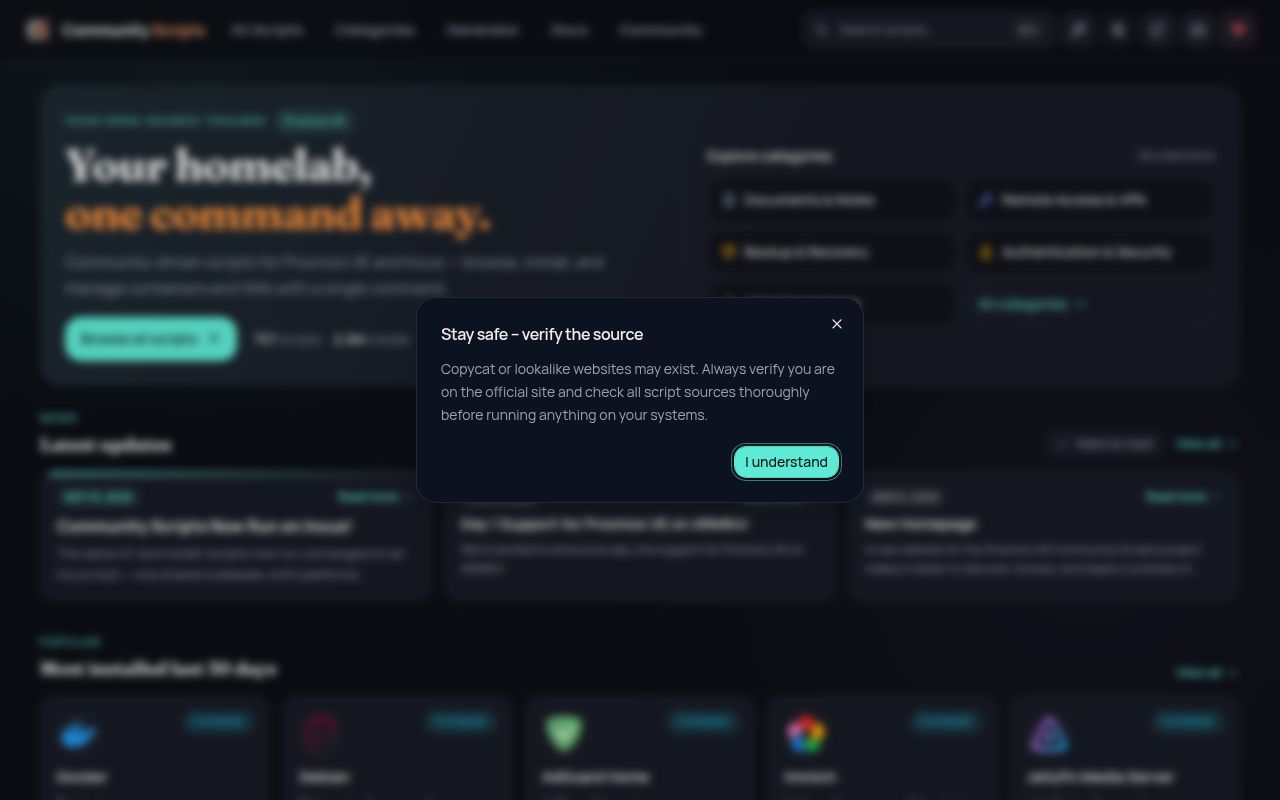
The promise is simple: find a service, copy 1 command into the Proxmox shell, and answer prompts. The README says the collection covers hundreds of services, including Home Assistant, Jellyfin, Grafana, PostgreSQL, Vaultwarden, and n8n. Its value comes from breadth. This is a curated installation shelf for one virtualization platform, not one monolithic application.
We could not run it in our Debian sandbox
We cloned commit ba617b9 and examined it on our box, an unprivileged Debian container with 3 CPUs, 8 GB RAM, and no secrets. We did not run an installer, build, or test suite. Our runner found no supported ecosystem for this Shell repository and no Dockerfile providing an intended environment. Those are the complete measured results, not a hidden failed benchmark.
The documented target is Proxmox VE 8.4, 9.0, 9.1, or 9.2 with root shell access and internet. Generic Debian is not a substitute for that host. We therefore cannot confirm the claim that most default installs finish in under 5 minutes, or provide test counts, timings, or reliability figures. The missing sandbox route does not show that the scripts are broken.
Default and Advanced modes make it approachable
The best design choice is the split between Default and Advanced setup. Default mode chooses CPU, RAM, and storage values while asking fewer questions. Advanced mode exposes container settings, networking, storage backends, and application configuration. That 2-track structure gives newcomers a shorter route without denying experienced operators control, and it is clearer than a pile of unrelated snippets.
The post-install helper is another concrete strength. The README says each container gets a helper for service updates, settings changes, troubleshooting, and log access. Script pages also document included components, resource defaults, and post-install notes. Across 7 example categories, from home automation to security, this creates a shared operating pattern even though the applications differ.
Root access turns convenience into a trust decision
The main weakness is inseparable from the benefit: the instructions ask you to paste a remote community command into a root shell. One command can save work, but it can change host or guest state broadly. A security policy and contribution rules help, yet operators should still read the selected script, understand its downloads, take a snapshot, and test away from important workloads.
Breadth creates unevenness risk. Hundreds of services mean hundreds of upstream release cycles, packaging assumptions, and migration paths. No top-level README can explain every database or identity system. The 16 open issues are encouraging next to adoption, but that count cannot prove every script is equally current or every upgrade safe. Per-script notes and history remain essential.
The activity signals are unusually strong
The repository was pushed on 2026-09-02, the review date, and its latest release was dated 2026-09-01. Combined with 29,480 stars and 16 open issues, that indicates active maintenance rather than an old catalog coasting on popularity. A supplied community item recorded 29,431 stars for a project created on 2024-11-01, so adoption and repository movement point the same way.
New scripts go to the ProxmoxVED repository for testing first, while fixes to existing scripts come here through focused pull requests. The README names a 7-person core team, links a changelog, offers Discord support, and routes requests to Discussions. This structure is healthier than accepting every installer directly into the main collection, though users must still inspect the exact script's history.
It belongs inside a Proxmox operations stack
These scripts fit after the Proxmox host, storage, bridges, backups, and access controls are established. They bootstrap selected LXC containers or VMs. They do not replace the hypervisor, ingress, DNS, TLS management, monitoring, or disaster recovery. For 1-off home-lab services, that narrow role can be ideal because the script absorbs application-specific installation work.
Larger teams should pair the collection with infrastructure automation rather than confuse the 2 jobs. Terraform or Ansible can define repeatable Proxmox resources, while a reviewed helper initializes a service. Record the script revision, chosen resources, and application backups. The built-in helper may simplify recurring updates, but it does not replace change control, testing, or rollback planning.
Use it as an accelerator, not an authority
Start with 1 noncritical service, inspect its script and metadata, choose Advanced mode when storage or networking matters, and keep a recoverable snapshot. If it behaves well through an update, repeat the pattern. This preserves the project's real advantage, a consistent shortcut across many applications, while keeping each root-run script inside an explicit review boundary.
For an active Proxmox home lab, this is a convincing community shortcut based on the supplied evidence. For regulated production, or anywhere every change must be declarative, treat it as a source of installation logic rather than the control plane. Our run could not validate execution, so decide after a disposable Proxmox VE 9.2 trial, not from star count alone.