Editable PowerPoint is the point
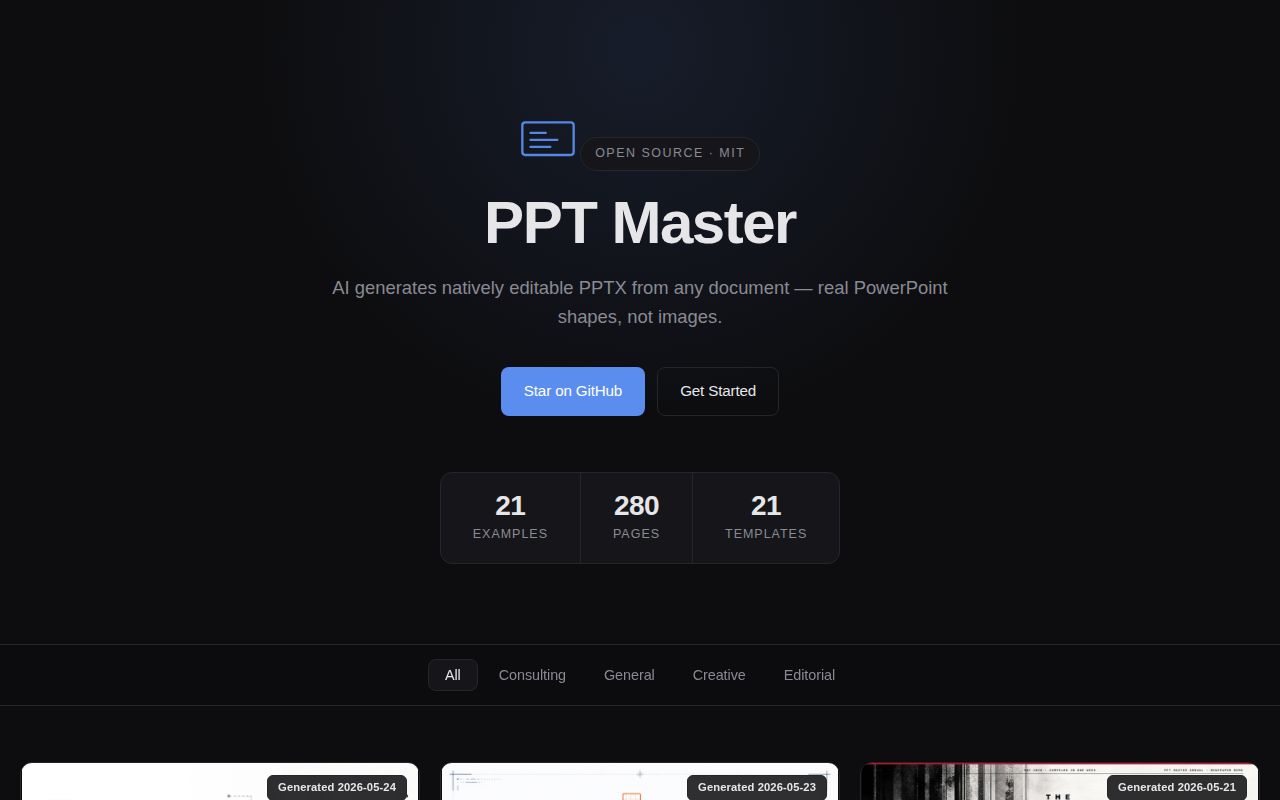
Many AI slide tools produce screenshots with text on top or fill a rigid template. PPT Master aims deeper into the PowerPoint file format. It draws each slide as SVG, then converts that work into editable DrawingML shapes. Text, pictures, fills, effects, connectors, charts, and tables can remain objects a user can select and change. A structured template route can preserve slide masters and layouts from an existing deck.
That choice solves a practical problem. Generated decks are rarely finished. A claim needs correction, a chart needs a new figure, legal wants a footnote, or the chief executive dislikes the cover. Editable objects make those changes possible without sending every revision back through a model. PPT Master explicitly tells users to expect polishing, which is more honest than promising a final presentation from one prompt.
The tradeoff is complexity. Native PowerPoint has many object types and application-specific behaviors. The project deliberately omits SmartArt, and formulas are promised as editable OMML in PowerPoint 2010 or later, not in Keynote, WPS, or LibreOffice. Native charts and tables can render differently across applications. Visual consistency and native data editing sometimes pull in opposite directions, so the exporter offers separate choices.
The agent owns the editorial workflow
PPT Master is installed as a skill for Claude Code, Codex, Cursor, Kimi, and other agents that can work with files and shell commands. A normal run reads source material, confirms a design specification, plans the story, obtains visuals, authors slides, checks them, and exports a PPTX. Files on disk preserve the plan and intermediate SVG previews.
This is a better interaction than asking a general chatbot for ten slide titles, but the model remains the ceiling. The README recommends a large-context model and strong image generation for its best examples. A cheaper model may ignore visual rules, choose weak evidence, or require more correction. Issue 249 reports that a newer workflow produced plainer output than an older version for one user, with the agent itself identifying missing enforcement between specifications and execution.
Quick mode removes the confirmation round trip and several durable planning artifacts. It still converts sources, researches gaps, creates assets, exports, and runs a final check, but it cannot resume after losing context and does not create the normal preview stage. That mode fits a throwaway first draft. A client presentation or board deck deserves the regular path, where story and design decisions can be challenged before rendering.
What happened when we ran it
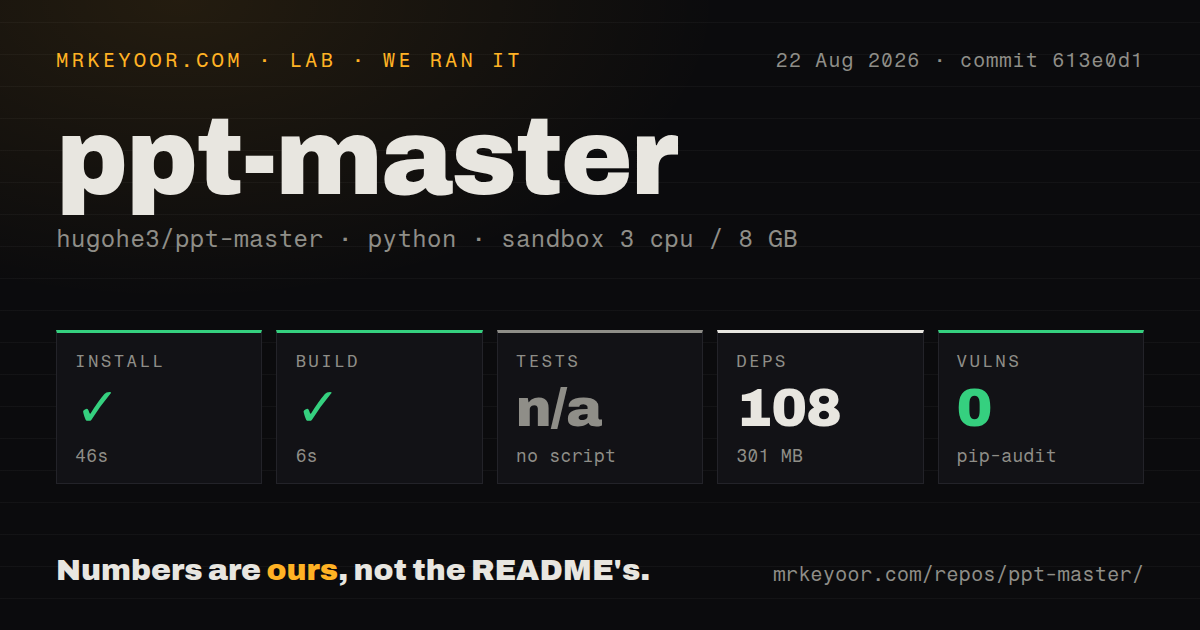
We cloned commit 613e0d1 into a clean, unprivileged Python 3.12 Bookworm container with three CPUs, 8 GB of RAM, and no secrets. The checkout was unusually large at 721.1 MB, with 14,250 files and about 165,217 lines of source. Installation succeeded in 46 seconds, adding 108 packages and using 301 MB. The build completed successfully in 6 seconds. Pip-audit found no known vulnerabilities.
There was no test script or target, and the checkout had no tests directory, so our harness skipped testing. It did contain one CI workflow file. A successful package build proves the Python code can be packaged in that environment; it does not verify SVG conversion, PowerPoint rendering, charts, templates, animations, or an end-to-end agent run. Those paths require sample decks and application-level inspection.
The size result belongs to the measured commit. Release v5.0.0, published on August 24, 2026, says the project moved its examples into a separate repository and rewrote all Git history to reduce clone size. Existing clones and forks cannot fast-forward normally because the histories have no shared ancestor. New users should start from the current repository, while anyone with local changes should preserve them before migration.
Sources and images require editorial judgment
Input can be a PDF, DOCX, web page, existing PPTX, or pasted text. Modern formats are handled through Python, while older document types need Pandoc. When factual gaps remain, the agent can research them. That is useful only if the reviewer checks whether citations support the slide's claim and whether the visual treatment preserves context. A polished chart can still encode a weak comparison.
Images can come from the user's files, the agent host's native generator, configured image APIs, or web search. Zero-key search uses Openverse and Wikimedia Commons. Pexels and Pixabay keys expand stock results. The workflow can add small credits for licenses that require attribution, but the operator still owns brand rights, subject consent, and any restrictions attached to generated media.
An existing corporate deck can serve as a template to fill with new text, charts, and tables. This route is valuable for teams whose brand system already lives in PowerPoint. Test slides with unusual fonts, master inheritance, grouped objects, and animations before using it at scale; preservation promises are only meaningful against the actual templates your organization uses.
Health is strong, validation is still your job
The repository was pushed on August 25, 2026, one day after v5.0.0. GitHub listed seven open issues and pull requests, and recent threads received maintainer replies. Documentation is extensive: separate guides cover getting started, Windows setup, templates, project positioning, technical design, source conversion, image acquisition, and PowerPoint-to-SVG mapping. An English README appears first, with a Chinese translation linked beside it.
The missing test target remains the largest engineering reservation. Presentation software is vulnerable to visual regressions that unit tests alone would not catch, but repeatable fixtures and export checks still matter. Until those are part of the upstream path we measured, keep a reference set of documents and templates, open every generated file in the target PowerPoint version, and inspect text overflow, missing assets, chart data, notes, and animation behavior.
PPT Master is best for users who want an agent to do the first heavy editorial and layout pass while retaining the right to fix every object afterward. It saves labor, not judgment. For fixed weekly reporting, direct PptxGenJS or python-pptx code may be easier to test and reproduce.