One workspace for media preparation, reconstruction and training
OOOSplat's documented workflow takes a video or image folder through COLMAP camera reconstruction and Brush training to a final.ply model. You can then preview, edit and export the scene inside the desktop application. Consider it if you want those stages in one workspace and can meet the platform, graphics and capture requirements below.
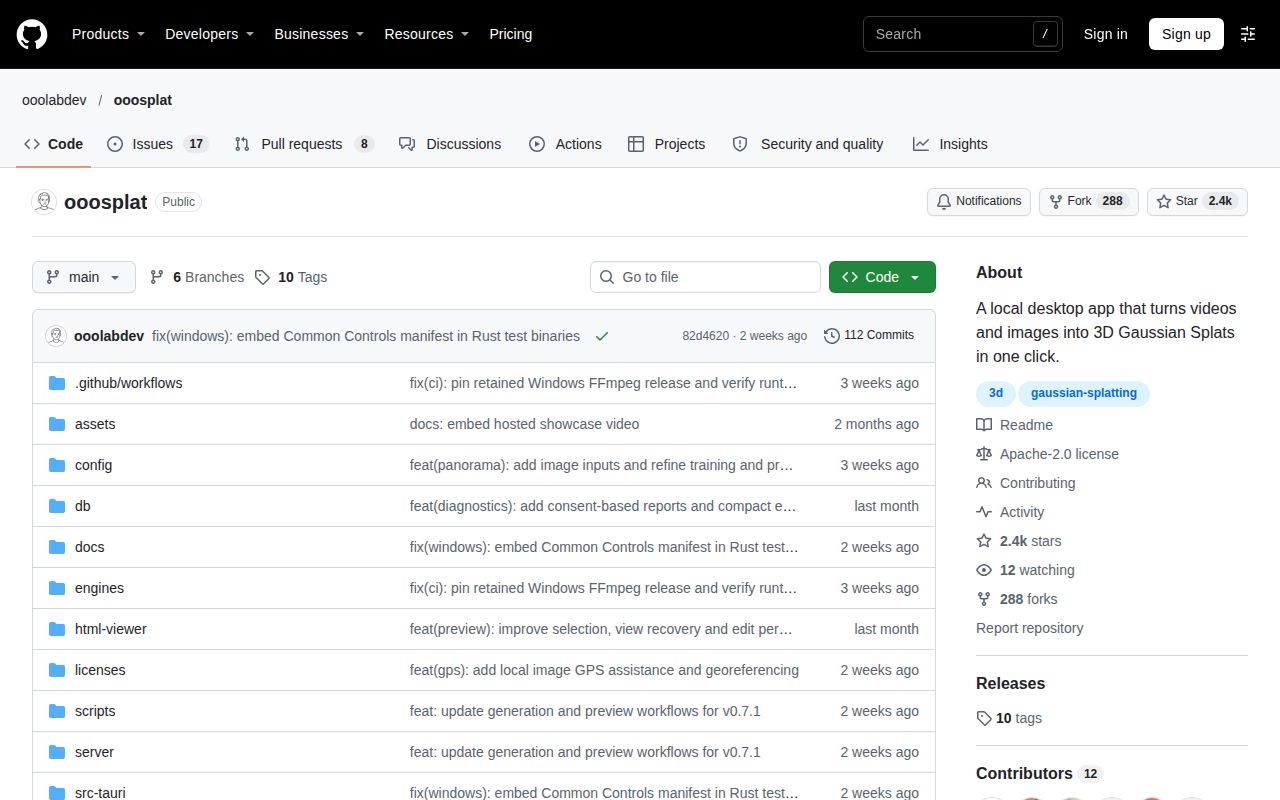
The English README describes the workflow and requirements. An English interface is available, but complete localization is not established: the supplied issue #57 and open PR #84 document Chinese Brush training messages within the English interface. The proposed localization change is not evidence that an installer includes it.
The README says generation and preview call a local Rust backend and do not require a separate HTTP server. Reconstruction and training run locally without requiring media uploads to a cloud reconstruction service. OOOSplat collects anonymous usage statistics by default. Turn them off under Settings > Privacy; the README says no anonymous analytics requests are sent once that setting is off. These documented behaviors have not been independently checked in the recorded sandbox run.
What happened when we ran it
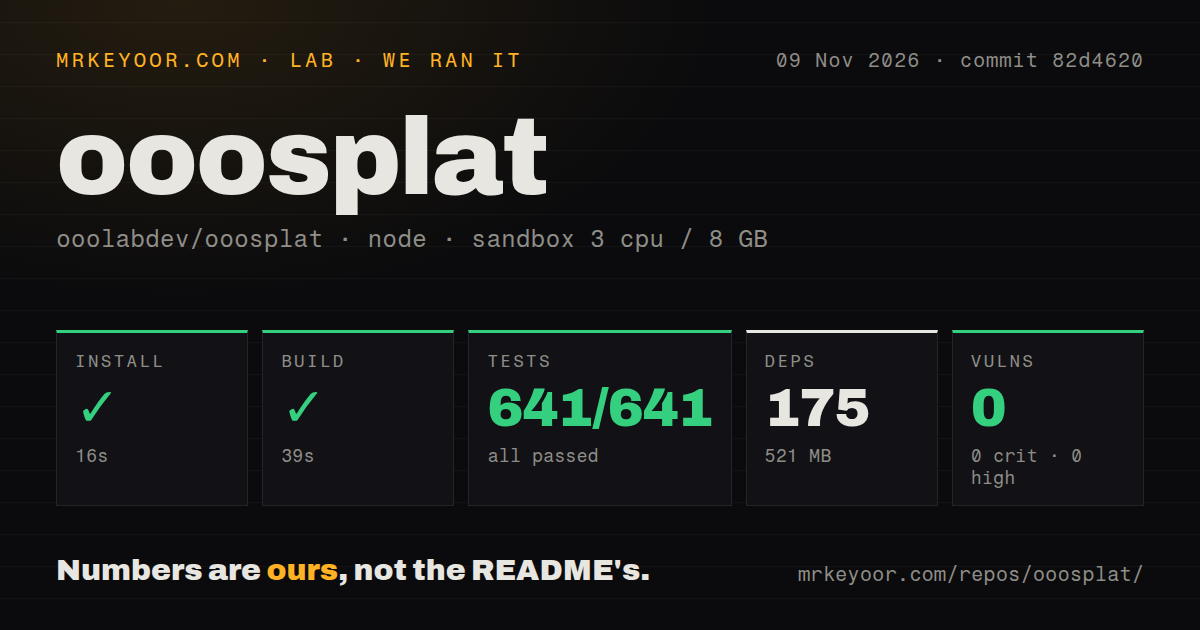
Our OOOSplat run passed 641 Vitest tests. The sandbox install succeeded in 16 seconds, recording 175 dependencies and 521 MB on disk. The build succeeded in 39 seconds. Vitest completed in 41 seconds with 641 passed and 0 failed out of 641 tests. The measured checkout was commit 82d4620, run on November 9, 2026. Npm audit reported 0 known vulnerabilities, with zero critical, high, moderate and low findings.
The recorded Node/npm steps do not establish native desktop packaging, successful COLMAP reconstruction, Brush training, visual quality or export compatibility. The audit result applies to that dependency environment and is not a broader security assessment. The 521 MB footprint describes the measured setup, not an installer or a generated scene's storage needs.
The configured sandbox had 3 CPUs and 8 GB RAM, with image label lab-node:22. Actual runtime versions require the raw toolchain logs. The checkout contained 471 files, roughly 89,391 source lines and 10.9 MB. The scan found 5 CI workflow files, no Dockerfile and no tests directory. An absent tests directory does not contradict the recorded Vitest result, and workflow files do not establish passing upstream CI.
Check Brush separately from COLMAP's CPU fallback
Windows requirements list Windows 11 x64, WebView2 and an available GPU graphics backend for Brush. COLMAP can fall back to CPU when compatible NVIDIA acceleration is unavailable. Brush selects its backend independently. Successful camera reconstruction therefore does not establish that training will work on the same machine.
The macOS Alpha requires macOS 15 or newer on Apple Silicon and is unsigned and unnotarized. Intel Macs are unsupported. COLMAP uses CPU there, while Brush independently selects an available Metal backend. Linux support is explicitly an Ubuntu 24.04 x86_64 Alpha, without declared support for other distributions or production deployment. Fully CPU-only software graphics remain unverified end to end in the documentation.
Windows and Apple Silicon distributions bundle FFmpeg, FFprobe, COLMAP and Brush. Ubuntu uses system FFmpeg/FFprobe with bundled COLMAP and Brush. Source development adds Rust and platform-specific Tauri dependencies. None of these native platform routes was independently exercised by the recorded Node/npm steps.
Check panorama inputs and reshoot boundaries
The panorama path requires stitched, monoscopic, full 360-degree by 180-degree ERP material. Dual-fisheye, stereo, VR180 and cropped panoramas are unsupported. A 2:1 aspect ratio alone does not confirm ERP. Check the projection before choosing OOOSplat for an existing capture library.
Reshoots create a derived project and require new views that overlap the same scene. Reusing a model starts from the unedited generated PLY. Crops and deletions are not inherited, and training does not guarantee that only newly captured regions change. Account for that boundary before using a reshoot to refine an edited scene.
The workspace can save and reorder tasks but runs only one generation task at a time. Projects retain source copies and intermediate data, so storage needs extend beyond the final model. Documented exports include PLY, SPZ, SOG and offline HTML. Actual memory, disk and format constraints still apply; removing an estimated-memory refusal does not guarantee a successful large-model export.
Main-branch documentation does not verify an installer
The supplied evidence contains no verified latest-release response or release notes; the README links to version 0.7.1 and distinguishes main-branch features from installer contents. Check the notes for the package you obtain before relying on a documented feature. The measured commit remains 82d4620; this review does not establish that a version 0.7.1 installer was tested.
Documentation receives 4/5 on this editorial rubric: 1 provides no usable path; 2 provides partial instructions with major requirements unresolved; 3 documents a path with material caveats; 4 describes requirements, workflow and failure boundaries; 5 also has broad independent reproduction. The supplied README supports 4 through its platform requirements, input exclusions, reshoot boundaries and export limits. Native operation was not independently reproduced, so this rating does not assess production reliability.
Choose alternatives by your starting material
Brush accepts COLMAP data or Nerfstudio datasets. Consider it when you already have prepared reconstruction data and want direct access to training, its viewer or CLI.
SuperSplat Editor runs in the browser and supports inspecting, editing, optimizing and publishing Gaussian splats. Consider it when you already have a splat to edit and publish. There is no comparative performance measurement in the supplied record.
For an OOOSplat trial, choose the package for your platform and use a short capture from your own camera. Review Settings > Privacy and retain the project logs. Before adopting it for production, require generation, reopening and export in the format your downstream viewer needs. Those are proposed acceptance checks, not tasks demonstrated by the sandbox record.