PonWrt is for the optical box on your fiber line
PonWrt extends ImmortalWrt for Airoha AN7581 and AN7583 PON devices, the optical network boxes that connect a subscriber to a fiber provider. The README names board profiles and the stock partitions holding calibration or identity data. That's the reason to examine this fork: support for particular hardware and its optical configuration. If you only want different firmware for a conventional home router, start with its existing device support instead.
Our checkout contained 3,419 files and about 139,942 lines of source in 18.9 MB. The size reflects a firmware source tree, even though the sandbox identified a Python ecosystem. The English README has a Simplified Chinese companion, and much of the recent issue discussion is in Chinese. English readers can follow the main build and restoration instructions, but some hardware troubleshooting will require translation and careful attention to the exact device variant.
What happened when we ran it
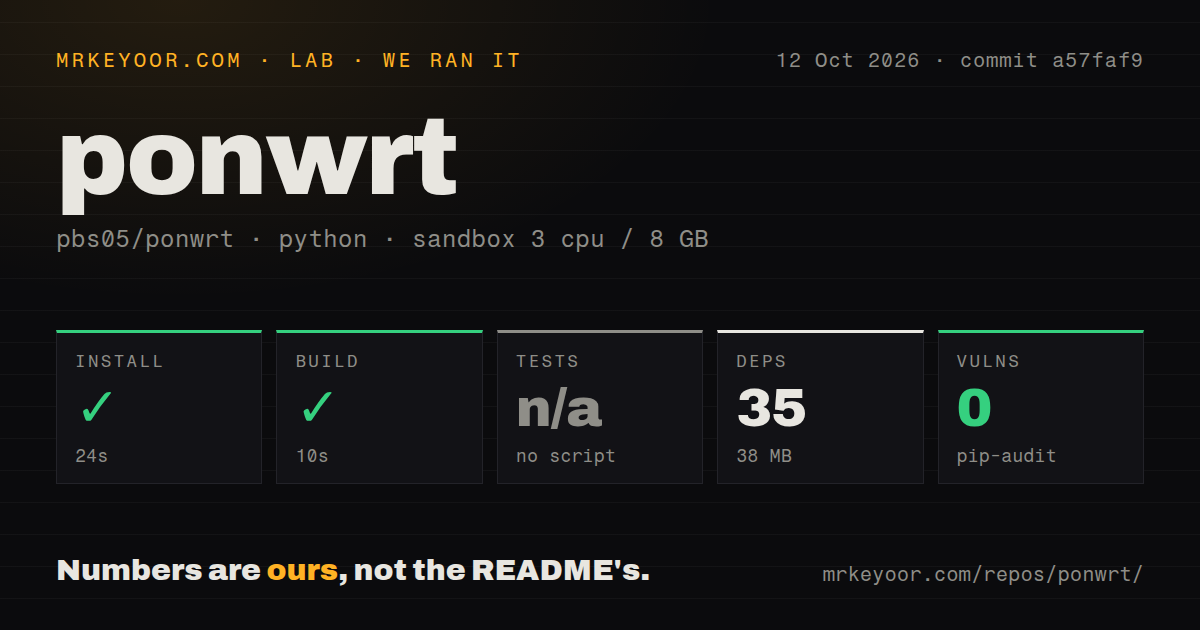
Our run installed 35 Python packages in 24 seconds, occupying 38 MB, and the harness build step succeeded in 10 seconds. We cloned commit a57faf9 on 2026-10-12 in an unprivileged Debian sandbox with 3 CPUs and 8 GB of RAM, using the uv Python 3.12 Bookworm image and no secrets. Those steps passed. The supplied measurement does not identify a completed firmware image or a booted device.
Tests were skipped because the harness found no test script or target, and pip-audit reported 0 known vulnerabilities. The scan found 1 CI workflow file, no Dockerfile, and no tests directory. That audit describes the Python environment it examined. It says nothing about the entire firmware's security, optical compatibility, or behavior under traffic. A successful generic build step cannot replace a hardware check on the selected board.
The documented firmware path includes feeds and a toolchain
The measured 10-second build should not be read as the time needed to produce usable PonWrt firmware. The documented firmware build path installs system tools and libraries, updates and installs package feeds, selects a target configuration, then invokes make. Its destination is a board-family directory under bin/targets/airoha/. Our supplied result doesn't say which artifact, if any, reached that directory.
With 35 packages installed in the sandbox, we have evidence for a Python dependency step, not the cost of the README's full toolchain and feeds. The root Makefile is an OpenWrt-style build entry point covering tools, packages, and the target. Before allocating a build machine, decide which profile you need and retain its configuration and feed revisions. Otherwise, a later source checkout alone won't explain exactly what went into the image you flashed.
Stock board data has to survive the conversion
The supported-device table separates FiberHome factory data from Gemtek dsd, UnionMan and ZNXT reservearea, and Nokia bosa and ri. Those names identify material the installation instructions tell you to preserve. PonWrt directs users to AN758x-Stock2UBI for a stock-flash backup and UBI layout, with boot images and Web recovery supplied by the related AN758x U-Boot project. Installation therefore crosses repository boundaries before your device is ready.
Our 38 MB installed Python environment did not validate that conversion. After installing firmware, the README tells you to restore calibration and identity data through U-Boot Web or LuCI's PON board-data screen. FiberHome backups require conversion through another utility first. I would keep the original backups outside the device and establish the correct restoration destination before changing flash layout. Losing those files can turn a software experiment into a device-specific recovery problem.
Open offload reports matter if you need dependable QoS
Issue 37's packet-marking report concerns a Nokia XG-040G-MD with Airoha flow offload. The reporter says traffic can inherit the opposite direction's DSCP marking, which can put packets in the wrong quality-of-service queue. The report identifies the relevant patches as unchanged in a57faf9. It explicitly avoids claiming general connectivity failure. That scope makes it useful evidence for a QoS decision without turning it into a claim that every supported board is broken.
The 10-second harness build did not exercise that network path. An open pull request proposes learning markings separately in each direction, but a proposal doesn't establish a delivered fix. A separate Gemtek bridge-mode report also describes the forwarding engine failing to take over traffic. If your reason for changing firmware is predictable offload or traffic prioritization, reproduce the relevant behavior on spare hardware before putting the fork on your only internet connection.
October maintenance supports experimentation on a spare device
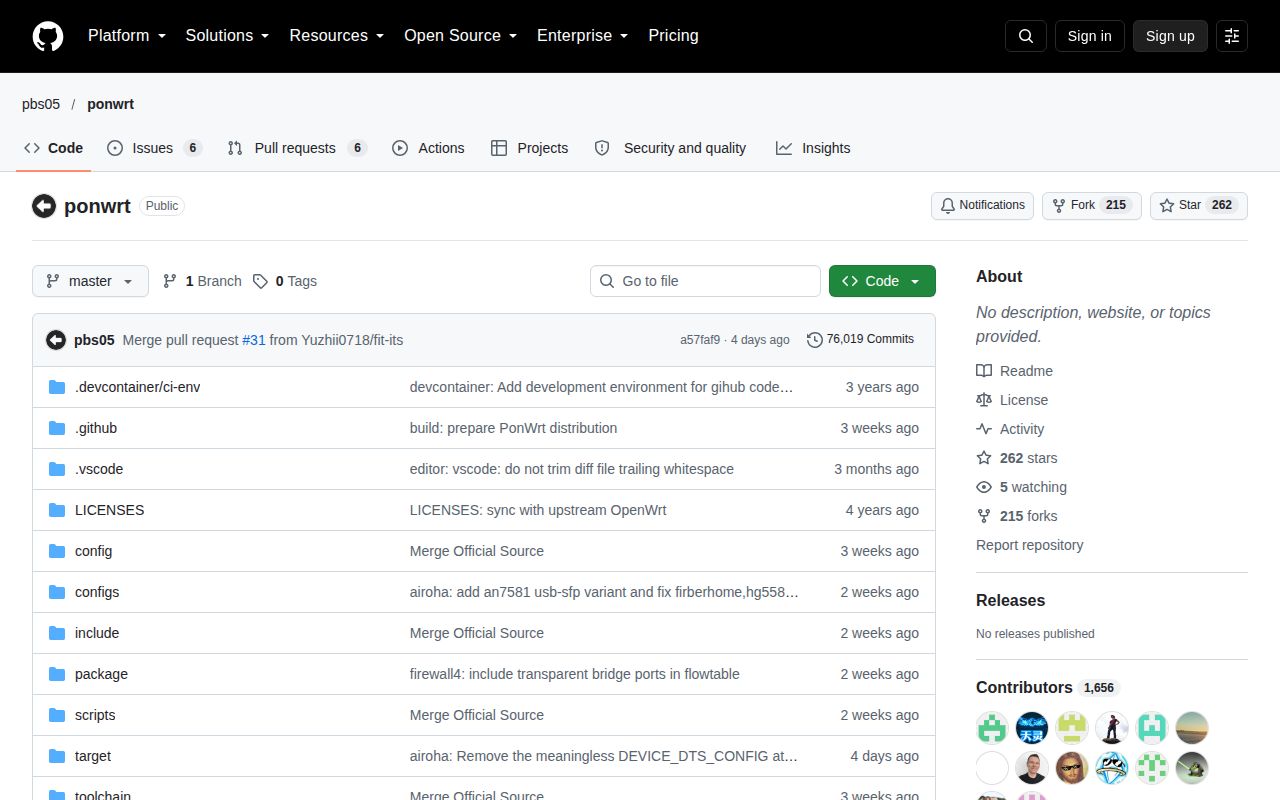
The last push was 2026-10-09, and GitHub returned 262 stars with 12 open issues and PRs. Issue activity continued into October, including board-specific networking reports. The latest-release endpoint returned no latest release, which does not establish abandonment or exclude prereleases. Taken together, the source activity and detailed reports describe an active specialist fork whose users are still working through hardware behavior.
OpenWrt is the better starting point for a conventional device already supported upstream. ImmortalWrt is the relevant parent to compare if its existing support meets your needs without PonWrt's optical additions. Neither is an assurance that your PON box will register with your provider. Choose PonWrt for a listed board you can recover and operate with permission. If you cannot identify and preserve its stock calibration and identity partitions, stop before flashing.