A native interface still depends on LG's playback path
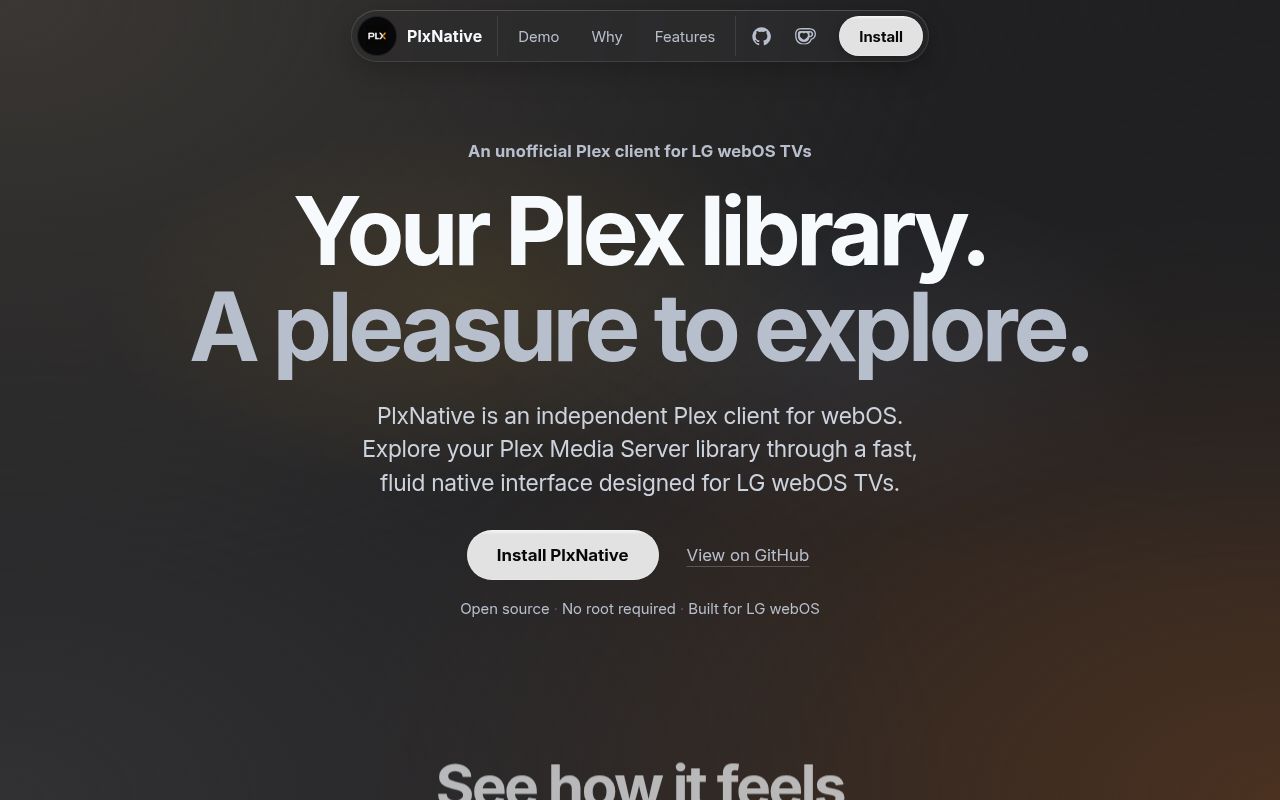
On some LG televisions, PlxNative can sign in and browse a library yet fail to start video. The README specifically flags sets reporting platform release 3.9.3. That is the first detail I'd check before installing this unofficial Plex client. Its appeal is a Rust interface drawn directly on the GPU, with video handed to the television's decoder. Whether that approach suits you depends on your TV and the media in your library.
Our checkout contained 1,556 files, about 627,088 lines of source, and occupied 100 MB. The Rust project lives in rust-modules/, inside a repository that also carries TV integration and tooling. This is a substantial application to maintain if you plan to contribute. For ordinary owners, the installation guide points to packaged releases, so building that source tree is a separate decision from trying the app.
What happened when we ran it
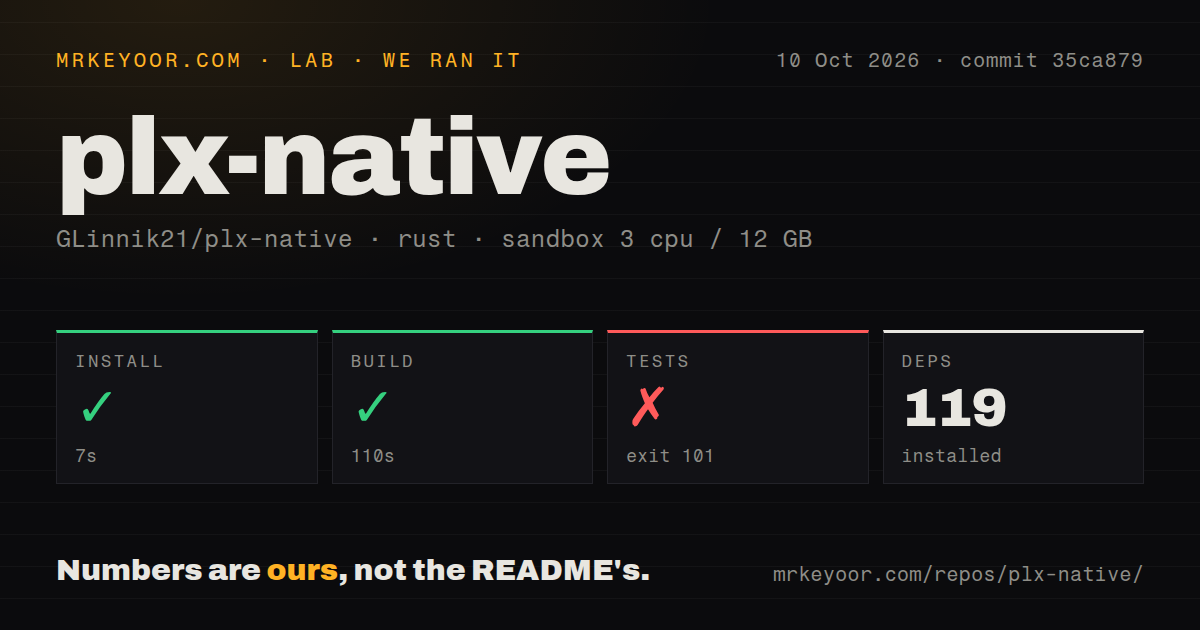
Our sandbox installed commit 35ca879 in 7 seconds, adding 119 packages, and built it successfully in 110 seconds. The test step then failed with exit 101 after 114 seconds. We ran the October 10, 2026 check in an unprivileged lab-rust:1 container with 3 CPUs, 12 GB of RAM, and no secrets. This measurement setup establishes a successful Rust build and an unsuccessful test command on that environment.
The linker repeatedly reported that it could not find -lSDL2 and -lSDL2_ttf. A warning from plxnative-modules@0.8.0 said the host link could not discover SDL2 and SDL2_ttf through the platform package manager and would rely on the default search path. The final error said it could not compile the library test. The log supports a missing host-library link requirement, not a failed playback assertion or a verdict on the television decoder.
The scan found 13 CI workflow files and a tests directory, with no Dockerfile. No test pass count or vulnerability audit result was supplied, so neither belongs in a claim about this run. The important boundary is practical: the available test command couldn't finish linking in our container. A successful build alone gives you no evidence that a movie played, a remote-control action worked, or a subtitle stayed visible on an LG panel.
Developer Mode installs can disappear when the session expires
The owner installation guide requires an LG developer account, a computer on the same network, and a Plex account with access to a server. Enable Developer Mode on the TV and connect using webOS Dev Manager. You can then install PlxNative directly or install Homebrew Channel first. Neither route requires rooting a regular supported television.
The 7-second dependency install we measured does not time those owner steps. Developer Mode needs periodic renewal, and LG removes apps installed through it when the session expires. Installing Homebrew Channel through Developer Mode does not cancel that requirement. A rooted TV's Homebrew Channel route avoids the expiry, but that's a different starting point. If nobody in your household wants to maintain a developer session, the official Plex app is the more sensible choice.
Some chipsets have a playback failure without a rootless fix
The README names a Developer Mode restriction on some k5lp and k3lp sets: the sandbox withholds a device the video path needs. It says there is no fix without root for affected televisions. Other sets on the same chips can play normally, so a chipset label alone isn't a diagnosis. The offered Repair button also lacks confirmed execution on an affected set, according to the README. Don't treat that button as a proven rescue route.
Our 110-second build cannot settle those hardware questions. The developer guide explicitly says the simulator cannot answer questions about LG's decoder, video plane, or television frame pacing. The ARM/webOS product build requires macOS or arm64 Linux because the NDK lacks an x86_64 Linux build. A Linux UI simulator is available separately. Contributors need to choose the appropriate path and eventually check playback on a real set.
Movies and shows are the supported library scope
PlxNative browses your own and shared Plex server libraries, supports Plex Home profiles, and reports progress back to the server. Its scope excludes music, photos, live TV, DVR, Plex's catalogue, and Watchlist. You also can't type a server address into the TV app: servers come from your Plex account. Those are concrete reasons to keep another client if your household uses Plex beyond movies and television shows.
The 119 packages in our run don't buy broader service coverage. Codec decisions use the television's capabilities where available, with the server handling media that needs conversion. Styled ASS and SSA subtitles have a native rendering path, while a server re-encode can burn subtitles into the picture. The v0.8.0 release adds subtitle search, which asks your server to download a subtitle into the library, making it visible to other users of that item.
October fixes are newer than the latest release
GitHub records a push on October 10, 2026. The fetched snapshot lists 520 stars and 8 open issues and PRs combined, while v0.8.0 shipped on October 7. Recent work includes audio-route and subtitle fixes. That is active maintenance, although the README still describes a project built around one person's spare time. A small outstanding queue doesn't establish broad hardware coverage, and the latest release doesn't contain every subsequent merge.
The v0.8.0 notes disclose that answers permitting unencrypted local connections can survive sign-out. PR 589 merged a fix on October 10, closing issue 385 after the release. Keep that version distinction in mind. I'd try PlxNative on a supported TV with representative files and a maintained Developer Mode session. If you move to Jellyfin instead, its webOS client requires a Jellyfin server and wraps the server's web interface. Before making PlxNative the household default, finish a film and check resume, seeking, and your usual subtitle tracks.