Phantomat replaces workspace navigation with a shared canvas
Press the overview shortcut and Phantomat's documented interface pulls your windows into a searchable, zoomed-out canvas. Typing part of an application name takes you toward a matching window. This Hyprland plugin changes how you organize a desktop: windows occupy positions on an endless plane, and adjacent monitors show neighboring parts of it. The attraction is being able to locate work spatially without first remembering which workspace contains it.
Our checkout was 1.1 MB across 80 files, with roughly 23,027 source lines. That small download conceals a substantial change to everyday behavior. The README says ordinary workspace and tiling shortcuts do nothing while the canvas is active, because its windows float. Someone who relies on tiled layouts should treat that as the central tradeoff. A searchable overview is appealing, but adopting this one means deciding whether you want its desktop model too.
What happened when we ran it
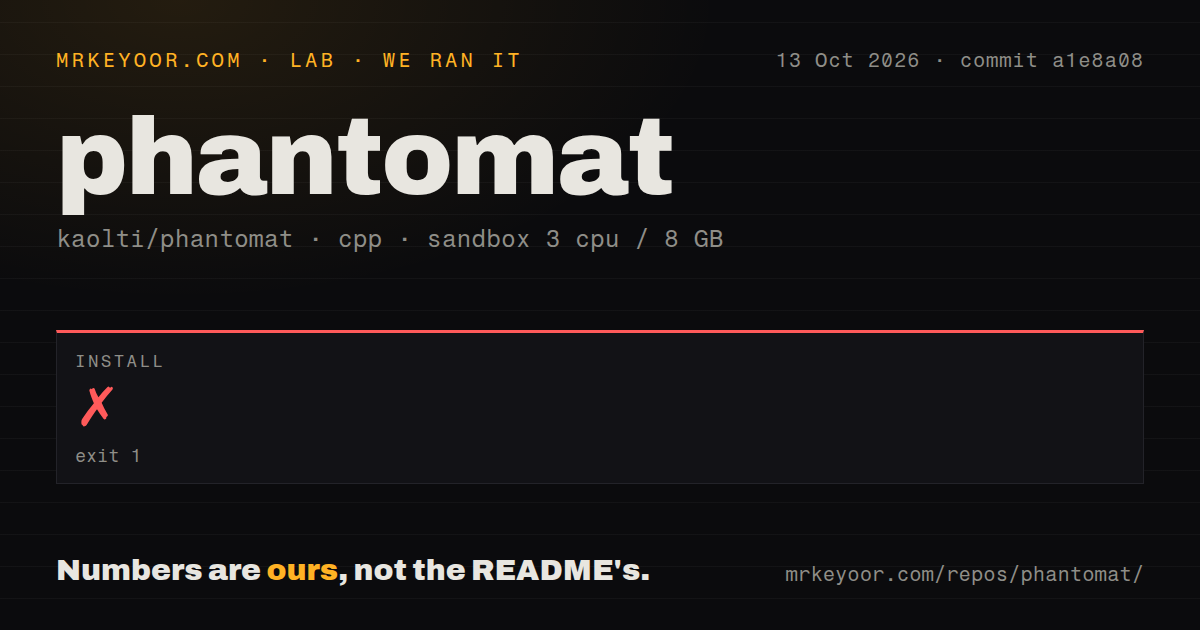
Our run failed the install step after 4 seconds at commit a1e8a08. CMake required version 3.27 or newer, while the container supplied 3.25.1. The October 13, 2026 sandbox had 3 CPUs and 8 GB of RAM, used the lab-cpp:1 image, and ran without secrets or elevated privileges. The log ended with CMake reporting an incomplete configuration. Its repeated error messages identify a tool-version mismatch, not a rendering defect.
The lab found 0 CI workflow files, no Dockerfile, and a tests directory. We have no successful build or test result from that attempt. Raising the CMake version would address the reported configuration blocker, but the log does not establish what would happen next. Our harness followed a CMake path; the README's desktop installer uses its own build route. We cannot turn this failed sandbox step into a claim that the documented installer always fails.
A newer CMake is only the first prerequisite
The README requires a current Hyprland installation with Lua configuration, a recent GCC, and Hyprland development files. Its package command targets Arch or Omarchy. This is a plugin loaded into a running Linux compositor, so a generic headless Debian environment is a poor stand-in for an interactive desktop. No hosted account or API credential is part of the documented local route, but the graphical session and matching development files are.
The CMake 3.27 requirement appears at the start of CMakeLists.txt, yet the README's prerequisite paragraph doesn't name that minimum. Our CMake 3.25.1 environment stopped there. Separately, the installer checks the compiler and development packages, compares running Hyprland against installed headers, and modifies the Lua configuration after backing it up. Review those changes before loading the plugin into a desktop you depend on.
Hyprland updates create a recurring rebuild obligation
Phantomat hooks into compositor internals, and the README explicitly warns that a Hyprland update can break it until the plugin is updated too. Rebuilding after an update is part of owning this setup. The documented installer keeps your settings, which helps preserve preferences but leaves newly added settings absent until you compare them against the example configuration. A routine desktop upgrade therefore brings a plugin compatibility check and potentially some configuration maintenance.
The 80-file checkout includes an uninstall script, and the README says removal returns windows to the normal layout while retaining preferences unless you request a purge. That gives an experiment a documented exit. It doesn't establish recovery from every possible compositor failure, which we didn't exercise. Keep an accessible copy of your configuration and judge the plugin on the applications you use, especially where fullscreen behavior, menus, and monitor boundaries affect your work.
Drag-and-drop has an open report and an open fix
Issue 18 reports that file drops between Nautilus and Vivaldi fail in canvas mode, and browser-tab drags move the camera unexpectedly. The report identifies a different main-branch commit from our sandbox checkout. Its author says both actions work with Phantomat disabled. That's a relevant user report about this canvas implementation, although it is not a result we reproduced or evidence that every configuration behaves the same way.
Our 4-second failure occurred before any desktop interaction, so it says nothing about that report. Pull request 19 proposes canvas-aware drag targeting and changes to camera following; it remained open when checked. Its description also retains a limitation around placing a window created by tearing out a tab. If dragging files or browser tabs is central to your day, verify the merged code and those actions before making Phantomat your default desktop.
The documented daily-use setup is narrow
The author names daily use on Omarchy with Hyprland and NVIDIA graphics across a pair of monitors, then says other configurations are less tested. That's useful candor. The README describes Wayland and X11 application support, Wine and Proton games, persistent window positions, and a live visual tuner. These are project claims rather than independently measured compatibility results. Our review can't endorse their behavior across different graphics drivers, display scaling, or application combinations.
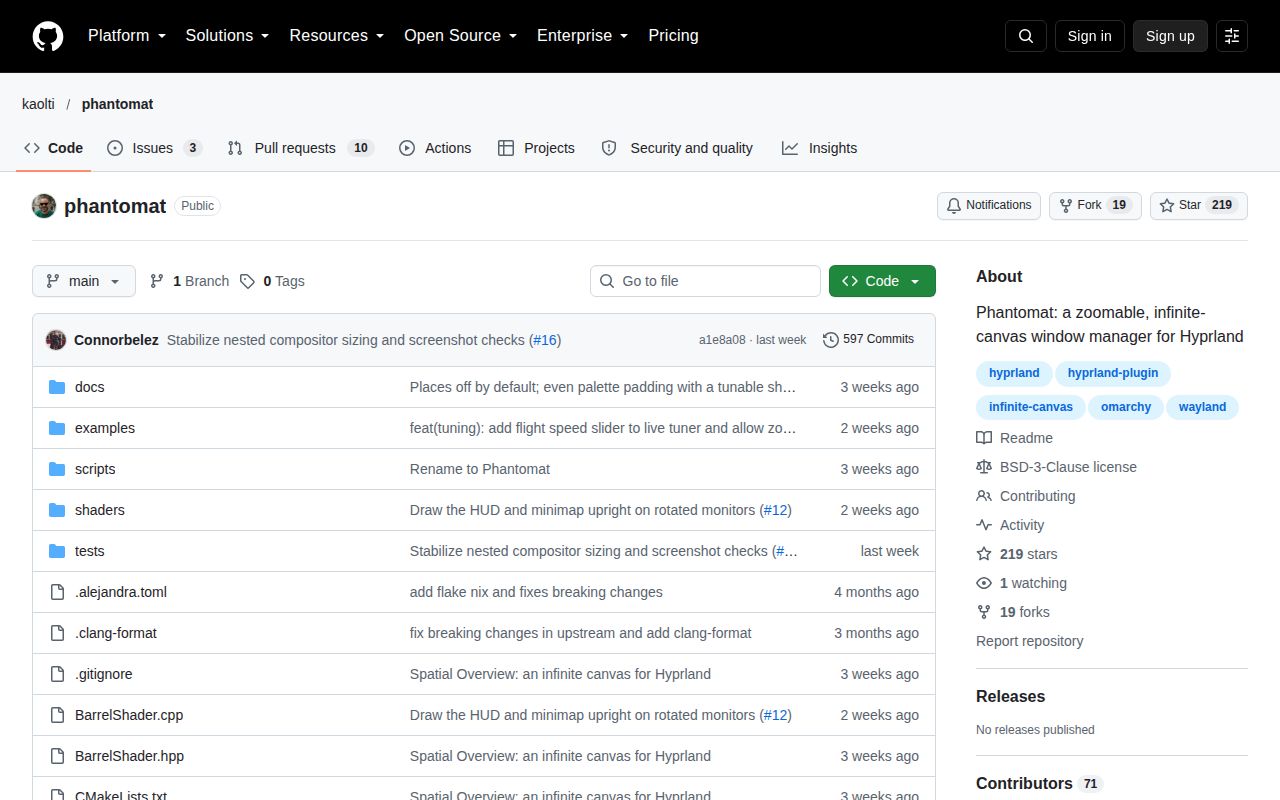
GitHub listed 219 stars and 13 open issues and PRs on October 14, 2026. The last push was October 8, and the drag-and-drop report and proposed fix were active that day. No latest release was returned. The push and issue activity support calling this a maintained experiment. The 0 CI workflows found by our lab and the unsuccessful setup leave us without automated release evidence to recommend it as a low-maintenance default.
Choose ScrollOverview for an overview, niri for scrolling tiles
ScrollOverview, Phantomat's upstream project, supplies a Hyprland overview without asking you to adopt this particular shared-canvas workflow. niri is a separate Wayland compositor organized around scrollable columns and dynamic workspaces, with independent window strips per monitor. Choose according to the navigation model you want. Phantomat earns a trial if floating windows across a spatial canvas solve your actual organization problem, and you can accept plugin rebuilds. Try your usual file-drop and browser-tab actions before moving the rest of your desktop onto it.