One song supplies the timeline and the visual treatment
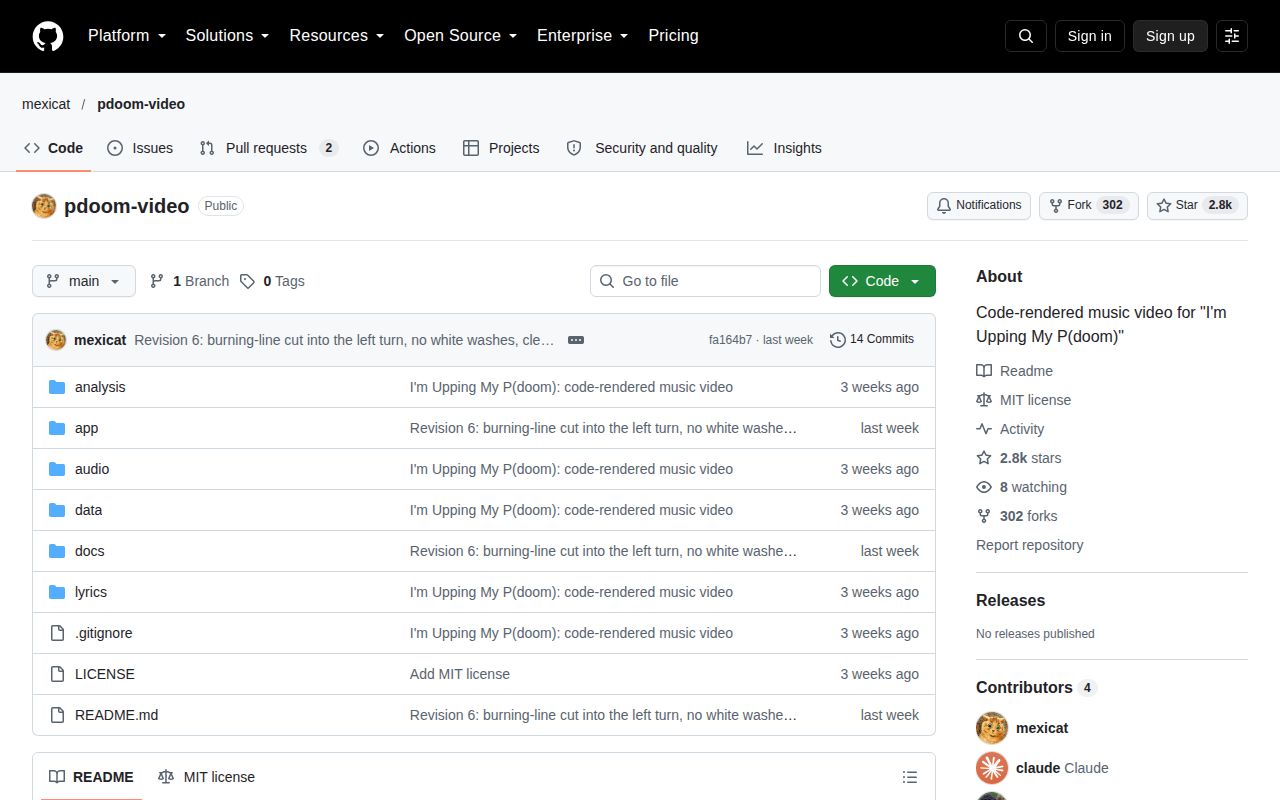
Change a lyric or scene in pdoom-video and you are editing the source of a particular music video. The repository contains its soundtrack, lyric timing data, and TypeScript scenes, plus a browser preview and offline renderer. The engine evaluates a song time to draw the corresponding frame. That makes the project interesting to a developer who wants to understand how code can coordinate typography and visuals with music.
The checkout we measured was 22.4 MB, with 154 files and roughly 24,858 source lines. Much of the value is in those authored scenes and their connection to the song. Reusing the repository for unrelated music means replacing timing data and revising the treatment, not supplying a new audio file to a general-purpose editor. I would approach it as a finished production's source and an engine to learn from.
What happened when we ran it
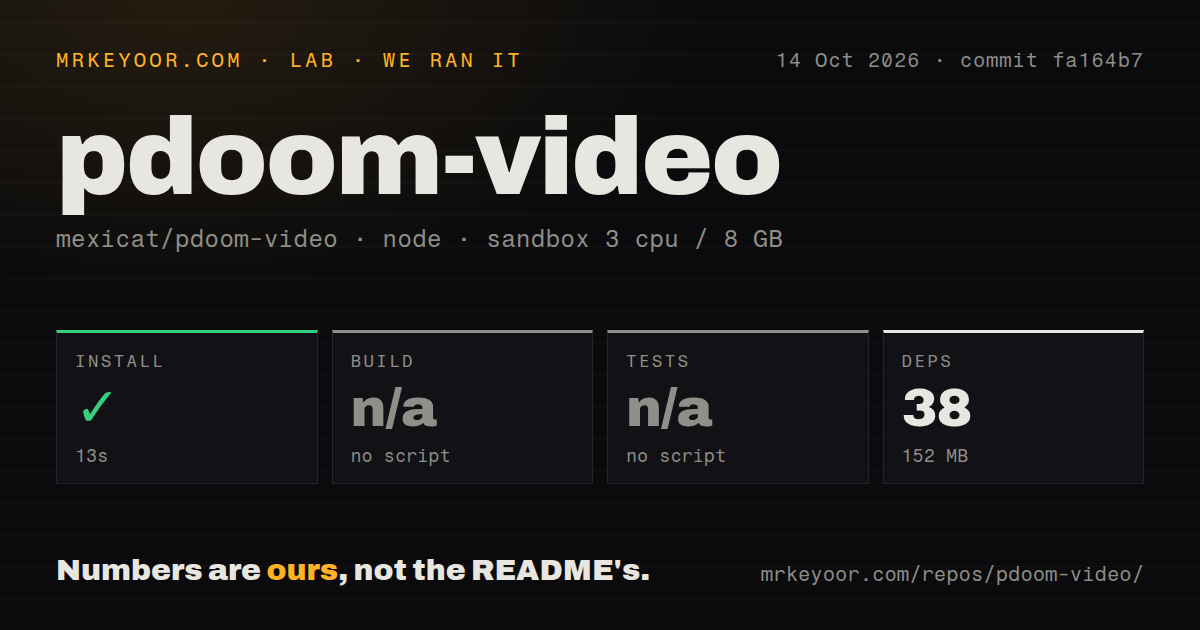
Our sandbox installed pdoom-video commit fa164b7 in 13 seconds, adding 38 packages and occupying 152 MB on disk. The application lives under app/. The build step was skipped because the project had no build script or target, and the test step was skipped for the same reason. There is no passing build or test result to attach to that successful install.
The October 14, 2026 run used an unprivileged Debian container with 3 CPUs, 8 GB of RAM, the lab-node:22 image, and no secrets. The scan found no CI workflow files, Dockerfile, or tests directory. Those absences fit a creative source project more readily than a reusable application platform, but they still matter when you change it. The supplied lab results establish dependency installation, without establishing that the preview or exported movie works.
Exporting requires Chrome and ffmpeg beyond Bun
The README requires Bun, Google Chrome, and ffmpeg with libx264. Vite runs the preview, while the export script drives headless Chrome and streams raw frames to ffmpeg. The engine guide warns that live reload can interrupt a render and documents a mode without it. If your usual workflow ends when a development server opens, this project asks you to own another runtime path before you can deliver a movie.
Our 152 MB installed environment is therefore a limited storage figure. It does not measure Chrome's working memory, export speed, output size, or the cost of rendering a complex scene. The renderer supports stills and contact sheets alongside video, which gives you smaller artifacts to inspect while changing code. Use those modes to check composition, then verify motion and audio in an actual short export before committing to a complete render.
The scene API rewards time-based animation
The engine guide requires adaptive-sampled scenes to depend on song time rather than counting render calls. Subframes can arrive out of order, so a scene that mutates its state each time it draws can produce the wrong result. Lyrics and audio analysis provide timing helpers, and the scene code can anchor actions to words or beats. This is useful design material for anyone who has struggled to keep animation aligned after changing an edit.
Across about 24,858 source lines, that flexibility also creates a substantial body of song-specific code to understand. The documentation covers font measurement and kerning as well as shared visual motifs. Those are practical concerns for lyrics that reveal a word at a time: measuring fragments separately can lose the spacing between adjacent glyphs. Adapting the engine means preserving such details while deciding which visual conventions belong to your own piece.
The MIT license excludes the song and lyrics
The README separates code rights from the soundtrack and lyric rights. Fonts retain their own licenses too. That makes the repository useful for learning the renderer without granting blanket permission to reuse every asset in a commercial project. Before distributing an adaptation, identify what you are keeping from the original and obtain whatever permissions those assets require. Swapping out only the title does not resolve that distinction.
The 38-package install also leaves the analysis workflow outside the result we can vouch for. Existing timing JSON is committed, so rendering the supplied piece does not require recreating its alignment. Regenerating timing uses separate Python tools with stems and intermediate files that are not included. For a different song, decide whether to prepare timing manually or operate that workflow. We have no lab measurement for either route.
October contributions include an unresolved export report
GitHub recorded the last push on October 5, 2026, with two open issues and PRs when checked. The latest-release endpoint returned no published release. Open PR 10, updated on October 13, reports that video rendering loses its browser connection under the contributor's Bun and Chrome setup. It proposes changes to browser handling and frame transport. That is an upstream report, not a failure observed in our installation-only run.
I would borrow pdoom-video's scene and typography ideas before adopting its complete export path for deadline work. Motion Canvas is a clearer choice for reusable explanatory animation, while Remotion suits a React-based video workflow. The successful 13-second install makes source exploration approachable. Your next useful proof is a short exported clip with the audio present and the assets you have permission to distribute.