Paperless-GPT can change the archive, not merely describe it
At commit 55ca4aa, Paperless-GPT could write seven classes of suggested metadata back to Paperless-ngx: titles, tags, correspondents, document types, dates, custom fields, and links between related records. A manual queue lets you edit them first, while trigger tags can run the same work automatically. It can also turn OCR output into a searchable PDF and return that file to the archive.
That breadth explains why this small-looking add-on needs careful placement. Our pinned checkout had 210 files, about 34,579 lines of source, and occupied 24.1 MB. It is a separate service with its own web interface, SQLite-backed history, prompt files, job state, and access to the Paperless-ngx API. Treating it as a disposable tagging script understates what its token can do.
Port 8080 is an administrative surface
Port 8080 accepts the default UI and /api/* traffic without built-in authentication. The listener uses all interfaces, and anyone who reaches it can change settings, trigger model calls, and rewrite documents through the connected Paperless-ngx account. Publishing the example port directly to the internet would expose an administrative tool without a login.
Put it behind a VPN or a reverse proxy that enforces authentication, and give its Paperless token only the permissions the workflow needs. Our lab used an unprivileged container with no secrets, 3 CPUs, and 8 GB of RAM, so it never exercised that live trust path. A successful 2-second compile says nothing about proxy rules, token scope, or whether a model provider retains submitted pages.
What happened when we ran it
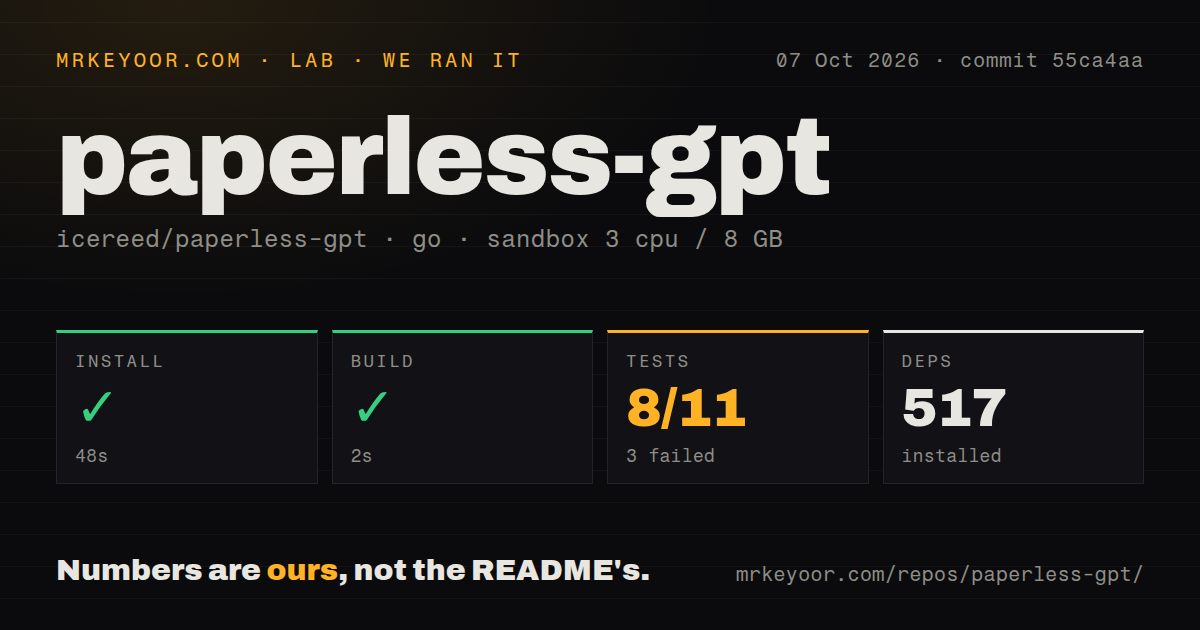
Our sandbox installed 517 packages in 48 seconds and built commit 55ca4aa in 2 seconds. The test command then ran for 55 seconds and exited with code 1. Go reported 8 passing packages and 3 failing packages out of 11. The visible tail showed successful results for internal/pdfrender, internal/textsanitize, ocr, and sanitize.
The same tail labeled the root paperless-gpt package as setup failed, but it did not include the exception or prerequisite that caused the failure. Naming Docker, a missing credential, or a code defect as the cause would be speculation. The useful result is narrower: the project compiled quickly in golang:1.24-bookworm, while its supplied test command did not complete cleanly in our fresh Debian container.
Provider choice decides where each document goes
The README lists six metadata routes: OpenAI, Ollama, Google AI, Mistral, Anthropic, and an OpenAI-compatible service. OCR has a different matrix: vision models accept image mode, while Google Document AI, Mistral OCR, and Docling also handle PDF modes. Google alone supplies the hOCR path used for positioned text layers. A local Ollama setup keeps model traffic on your network but adds model storage, memory use, and another server to operate.
A hosted route is easier to start, though every processed page or extracted text becomes provider input and may incur usage charges. Paperless-GPT exposes request limits and retry settings, but configuration still needs the correct keys, endpoints, model names, and mounted directories. The 517 packages from our run cover the repository build. They do not include Paperless-ngx, Ollama models, Docling, or a cloud OCR account.
PDF output has safer modes and a current image-mode bug
On Paperless-ngx 3.0 or newer, PDF_UPLOAD_MODE=version adds the searchable result as a new version of the same document and keeps the original. The older new mode creates another document and can delete the original when PDF_REPLACE=true. The README tells users to start without replacement and keep backups because some metadata cannot be copied to a newly created record.
Open issue 1144 reports that v0.29.0 never generates an uploaded PDF after image-mode OCR, even when every page was processed. The report traces the behavior to a shadowed imagePaths variable and says the guard later sees 0 processed pages. Our 55-second test run did not exercise a live Paperless server or provider, so it neither confirms nor clears that workflow bug.
The v0.29.0 release also replaced MuPDF with PDFium. Its notes warn that PDFium can omit text drawn with certain embedded fonts, which matters when the rendered page becomes the model's OCR input. PDF_SKIP_EXISTING_OCR=true can bypass born-digital PDFs that already contain text. Scanned archives should still compare the returned text and PDF against representative invoices, forms, handwriting, and unusual fonts before automatic upload.
October maintenance is fast, and so is the change rate
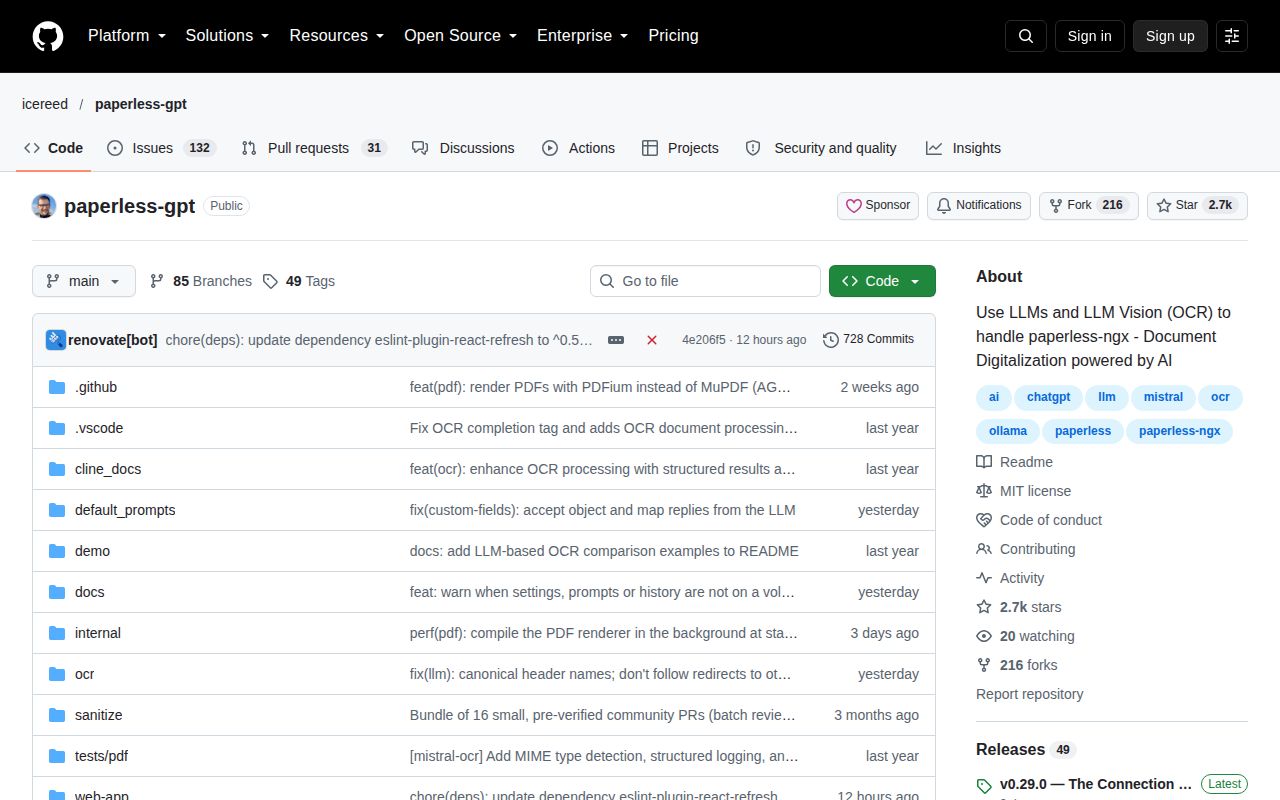
GitHub showed 2,742 stars, 163 open issues and pull requests, and a last push on October 7, 2026. Release v0.29.0 arrived two days earlier with document linking, a renderer change, and fixes for tag, custom-field, and history data loss. Issue 1144 appeared after that release, and open pull requests on October 7 addressed review state, tag behavior, and rate-limit delays. This is active maintenance around code that can alter an archive.
Use the review screen first, persist the three application directories, and keep the service off an open port. The fast 2-second build makes a trial cheap, while 3 failed test packages and a fresh PDF bug argue against unattended rollout. Paperless-GPT earns its place when it removes repetitive metadata work without becoming the only record of what changed.